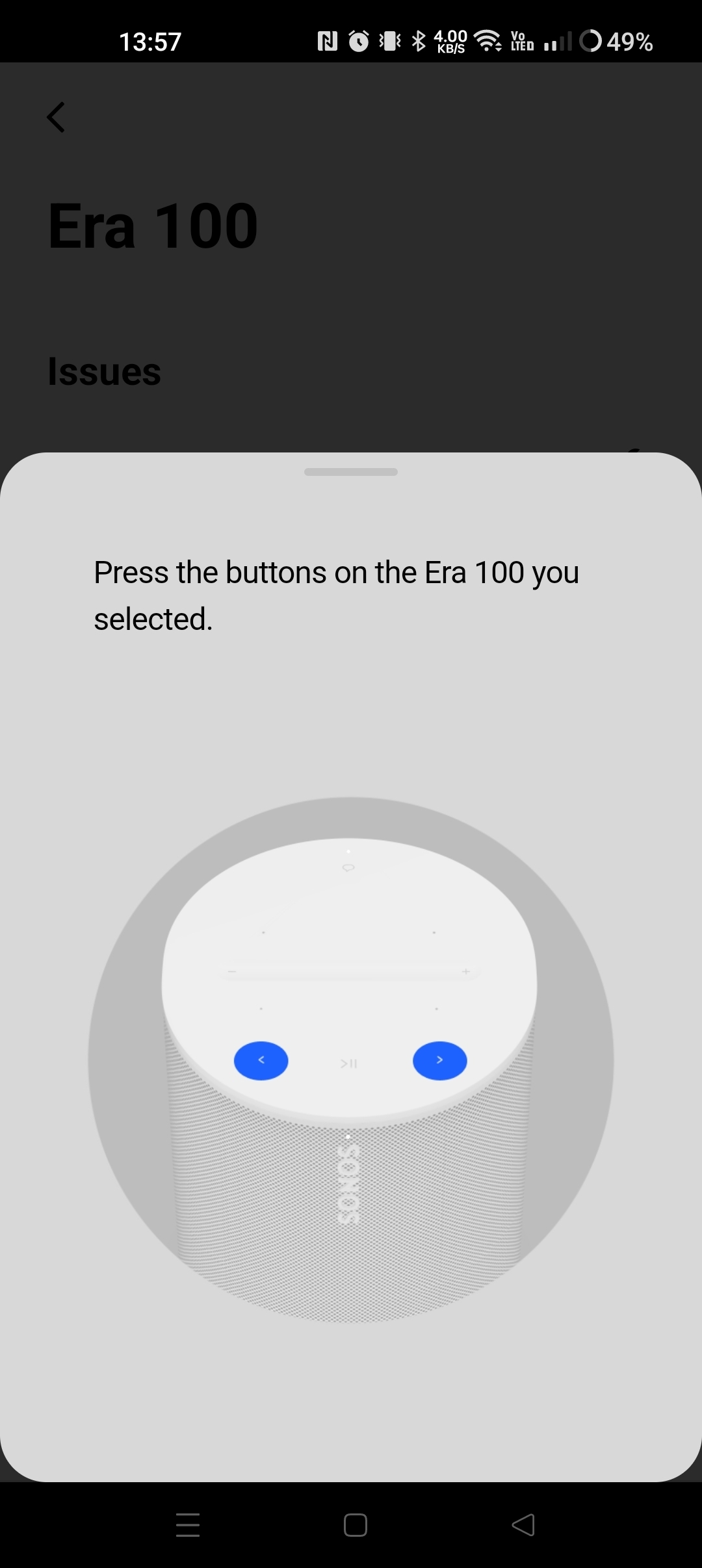
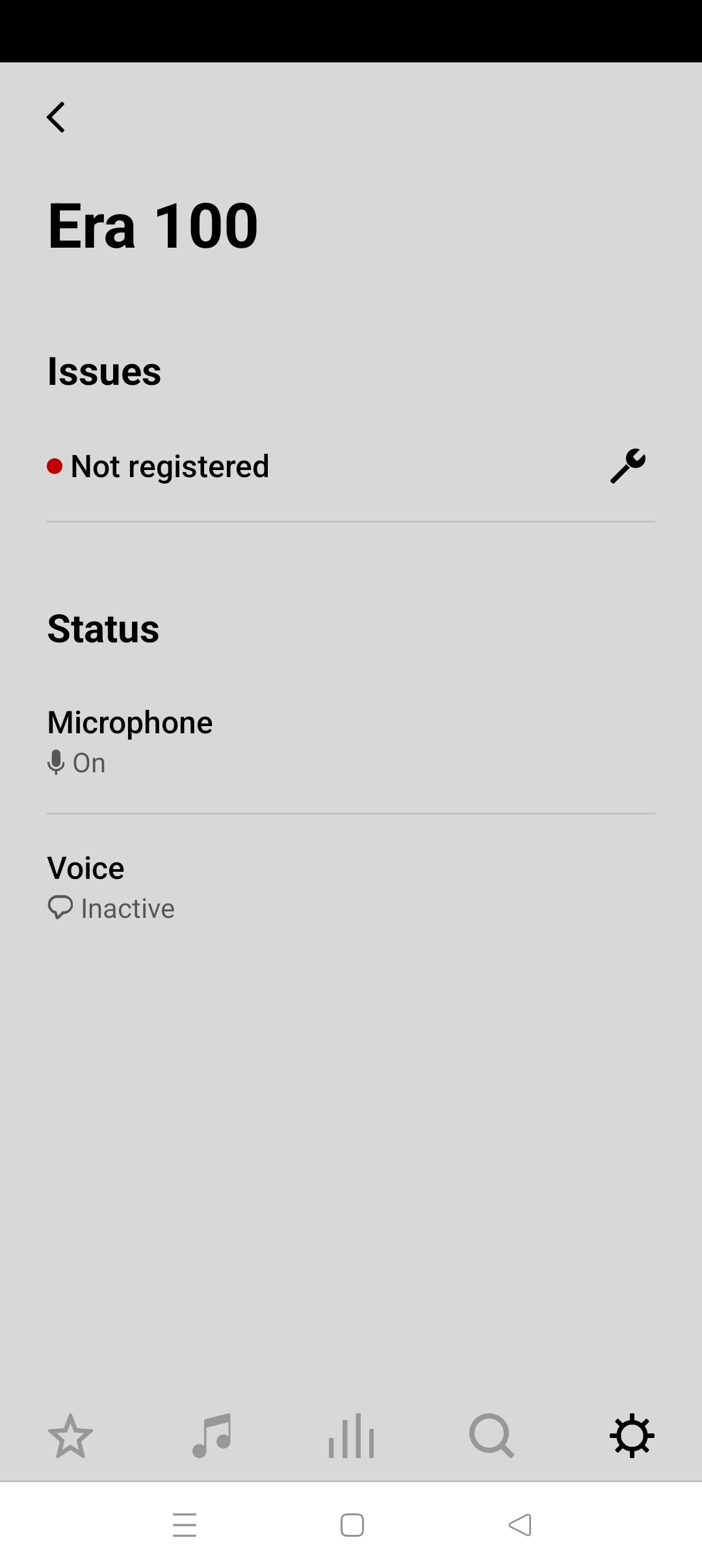
This topic has been closed for further comments. You can use the search bar to find a similar topic, or create a new one by clicking Create Topic at the top of the page.
Jamie A
Jamie AAnswer
Sonos Staff
April 10, 2023

Hi @Masterson's, welcome to the Sonos Community!

I’d recommend rebooting your router and your phone by powering them off for around 30 seconds to a minute. This will refresh the connection between these devices and can help with the issue you’re experiencing.

After you’re performed a reboot, please attempt to setup your Era 100 again. 

I hope this helps!

13 replies

Airgetlam
November 29, 2023

You may want to call Sonos Support directly to discuss it. It’s liable to be something simple.

When you speak directly to the phone folks, they have tools at their disposal that will allow them to give you advice specific to your network and Sonos system.

Bruce
Lyricist I
November 29, 2023

I figured out that the app wasn’t connecting because I had a VPN on my phone.  Shut that off and was able to do setup.  Maybe add a note about VPN in the app error message?  Would have saved me a couple of hours...

Lyricist I
December 9, 2023

I can confirm that when i turned off VPN on my phone, i was able to install the speakers with minimal issues. Thank you.