This topic has been closed for further comments. You can use the search bar to find a similar topic, or create a new one by clicking Create Topic at the top of the page.
Jamie A
Jamie AAnswer
Sonos Staff
April 10, 2023

Hi @Masterson's, welcome to the Sonos Community!

I’d recommend rebooting your router and your phone by powering them off for around 30 seconds to a minute. This will refresh the connection between these devices and can help with the issue you’re experiencing.

After you’re performed a reboot, please attempt to setup your Era 100 again. 

I hope this helps!

13 replies

Jamie A
Jamie AAnswer
Sonos Staff
April 10, 2023

Hi @Masterson's, welcome to the Sonos Community!

I’d recommend rebooting your router and your phone by powering them off for around 30 seconds to a minute. This will refresh the connection between these devices and can help with the issue you’re experiencing.

After you’re performed a reboot, please attempt to setup your Era 100 again. 

I hope this helps!

Lyricist I
May 4, 2023

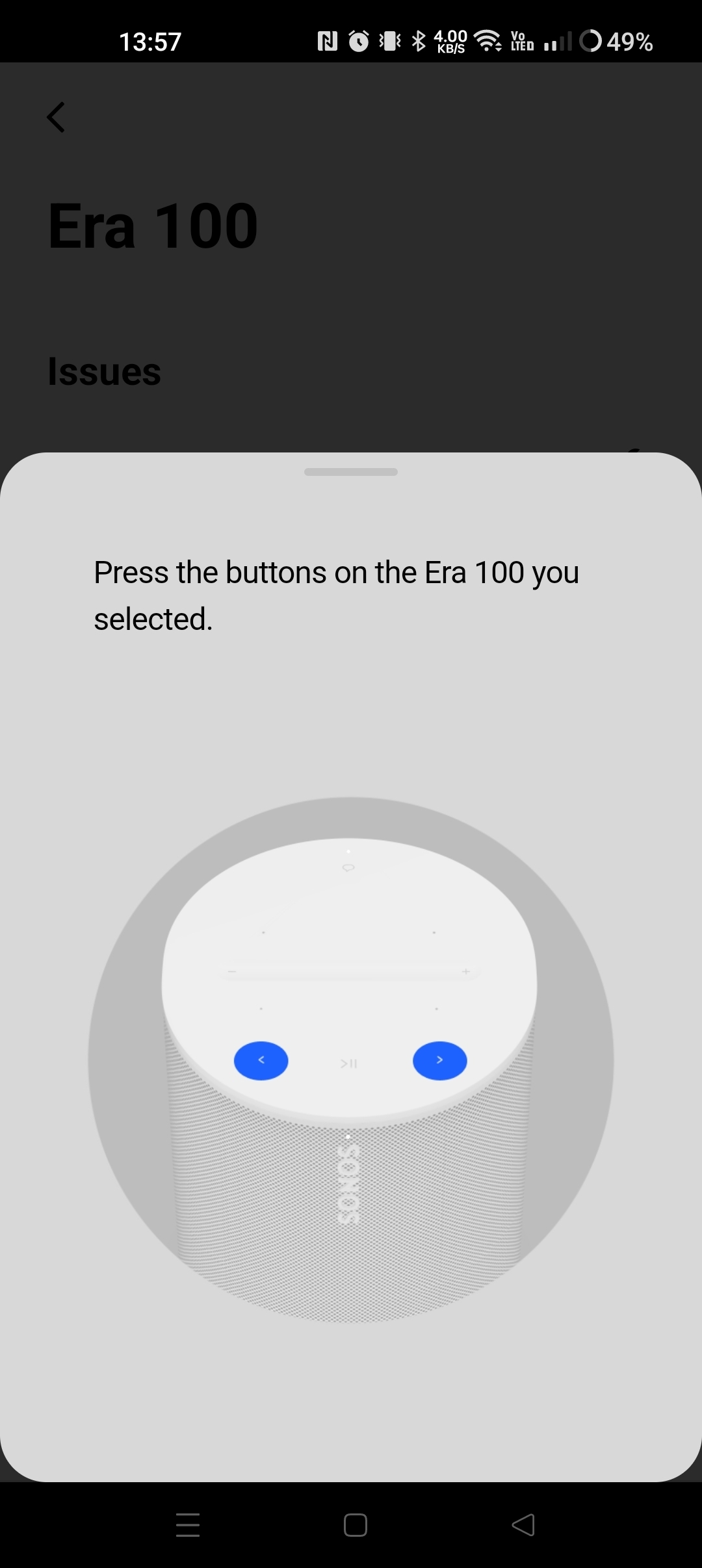
Hello @Jamie A I seem to have the same problem.  I’ve done what you suggested above.  It feels like those two buttons are not working, so at the moment I cannot register my new Era 100.  I get to the exact same point as the user who noted this issue.  please can you help?  Thanks Palls

Jamie A
Sonos Staff
May 5, 2023

Hi @Palls,

If the steps in my previous post aren’t working for you, I’d suggest reaching out to our support team to troubleshoot the issue with them.

I hope this information helps!

Lyricist I
May 17, 2023

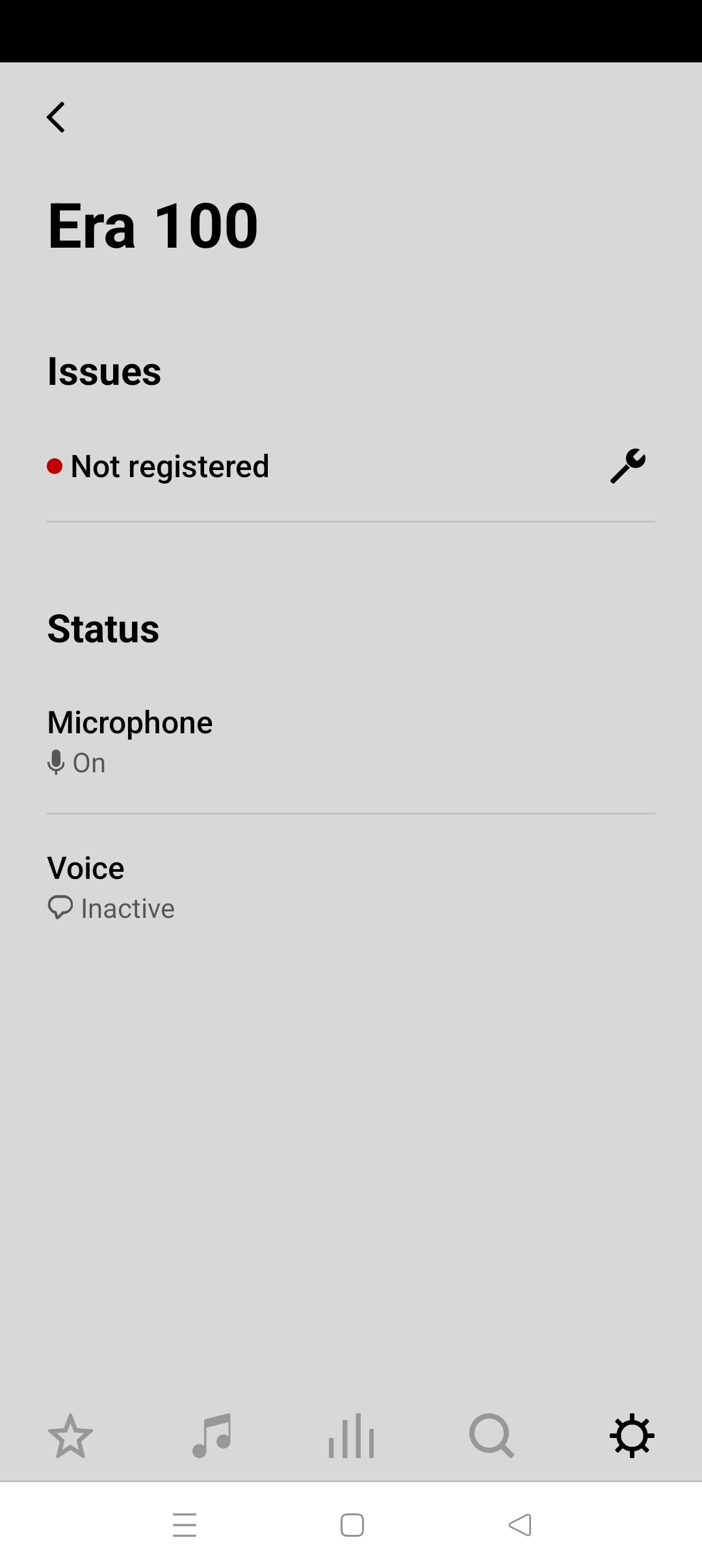
I am stuck on this as well the era won’t do anything even after resets. Is this a hardware issue? What is the fix?

Airgetlam
May 18, 2023

What did Sonos support say, when you reached out to them? 

Bruce
Lyricist I
June 30, 2023

Same exact problem. Brand new speakers that don’t work. My app says to press the >|| button. It acts like the button is dead. “ we did not detect a button press” VERY FRUSTRATING.

I figured it out. I was connected to my guest network which doesn’t allow devices to talk to each other over wifi. I rebooted and deleted and reinstalled the app and switched to the regular network and everything works! Sounds great!


Lyricist I
July 25, 2023

I am having the same problem with a new Era 100. It will not join my WIFI.

Contributor I
August 13, 2023

I’m having the same issue with both of my Era 100 speakers.  Once they finally connect you can not move them at all.  It’s a nightmare to get them to reconnect with the Sonos App.  

106rallye
August 14, 2023

@JonK9 You posted twice and already got some answers here: 


Lyricist I
November 29, 2023

I have resisted buying Sonos for years.  I finally succumbed.   Out of the box, my Era 100s don’t connect to the system.  I got stuck on the system not registered error others reported.  After multiple attempts, giving up.  Will try one more time tomorrow, and if that is unsuccessful, will return the speakers.