
Contributor I
March 23, 2024
Answered

Sonos product can't connect to a 2.4 GHz network

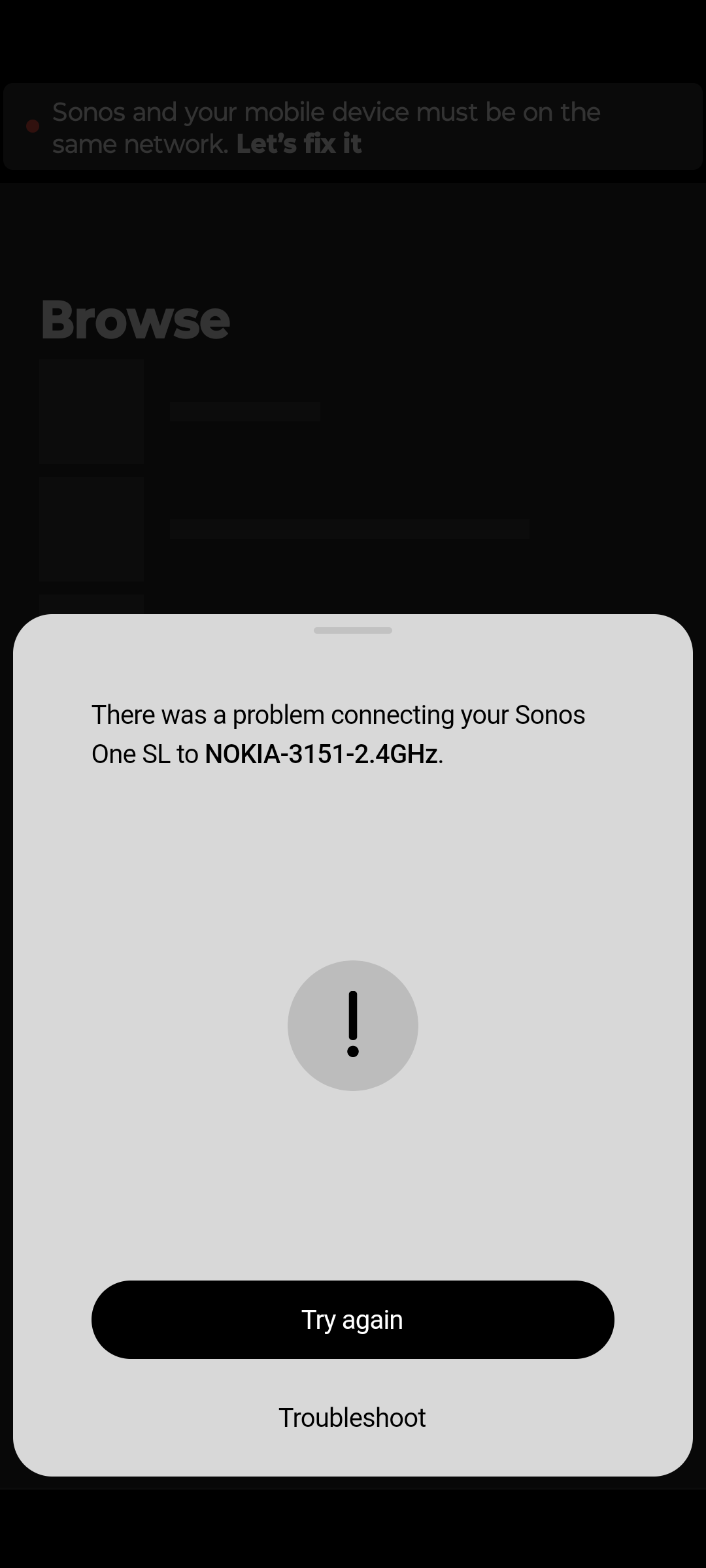
 

Pics related.

I kept having trouble connecting to my One SL, and after talking to Sonos technical support and my internet provider, it turned out that the problem was (at the time) related to the internet frequencies. My phone insisted on using 5.0 GHz, and the One SL only does 2.4.

My internet provider then sent me the equipment needed to split up my internet in two separate networks; one 5.0 and one 2.4 ghz. I thought it would work.

I was wrong.

Now my One SL just… won't connect to the 2.4ghz network at all? I've restarted and rebooted the router, the One SL, the app, the new signal boosters - everything. More than once. And it just. won't. work. My phone and PC connects to it fine, though.

Of course, Sonos support isn't available over the weekend, so I figured that I would ask you guys. Any ideas as to what could be wrong?


This topic has been closed for further comments. You can use the search bar to find a similar topic, or create a new one by clicking Create Topic at the top of the page.
L.L.RyeAnswer
Contributor I
March 25, 2024

At the top of the screenshot in very faint text it says “Sonos and your mobile device must be on the same network”. So whatever this Beacon thing is, it is creating multiple networks, which is not going to work with Sonos. Everything needs to be on the same subnet, and every device needs to be able to communicate with every other device.

Regarding Ethernet, based only on this screenshot, you have hard-wired it into a different network that the one your phone is connected to.


I FINALLY SOLVED THE ISSUE!!!

I use a VPN for security and privacy issues (and highly recommend everyone do the same), and the Sonos app needed a special permission in the VPN app. That’s all that was needed.

I’ve been fighting this product for over a week, trying to get it to work, and it was that easy. If anyone encounters the same issue as me, and you’re still on here giving advice, I thought I’d let you know. I learned something new today, and I wanted to share it.

Thanks for the attempts to help me, and have a great day :)

15 replies

L.L.RyeAuthor
Contributor I
March 24, 2024

As for the faint text at the top of the screen in the first screenshots, you're right - the phone and the One SL were indeed not on the same network. Because I'd had to set up these new two networks, with new names and passwords, it wasn't on the internet at all. The screenshot is of what happened when I tried to connect it. Sorry if that wasn't clear

L.L.RyeAuthorAnswer
Contributor I
March 25, 2024

At the top of the screenshot in very faint text it says “Sonos and your mobile device must be on the same network”. So whatever this Beacon thing is, it is creating multiple networks, which is not going to work with Sonos. Everything needs to be on the same subnet, and every device needs to be able to communicate with every other device.

Regarding Ethernet, based only on this screenshot, you have hard-wired it into a different network that the one your phone is connected to.


I FINALLY SOLVED THE ISSUE!!!

I use a VPN for security and privacy issues (and highly recommend everyone do the same), and the Sonos app needed a special permission in the VPN app. That’s all that was needed.

I’ve been fighting this product for over a week, trying to get it to work, and it was that easy. If anyone encounters the same issue as me, and you’re still on here giving advice, I thought I’d let you know. I learned something new today, and I wanted to share it.

Thanks for the attempts to help me, and have a great day :)

Airgetlam
March 25, 2024

That’s probably why the network requirements page says 

Unsupported network setups and devices

….

  • VPNs blocking access to local network resources
Bruce
L.L.RyeAuthor
Contributor I
March 26, 2024

That’s probably why the network requirements page says 

Unsupported network setups and devices

….

  • VPNs blocking access to local network resources

I'm sorry to be a bit rude here, but that's really not a big help.

I really wish the two separate hour-long sessions with the Sonos technical support could have helped me find a detailed list of known issues to go through.

Or if the app could point me in the right direction, where to find answers to why it's not working, rather than ‘It didn't work, try again.’

If the app simply doesn't work, and the only solution it suggests is to call customer support, and the customer support are dead certain they know what the problem is, except it doesn't work either - I'm going to struggle.

And hey, if questions like this got those kinds of answers - here are a detailed list of network requirements, look through them and see if you can spot a potential issue, that would be amazing too.


I tried looking, and yeah, I have ADHD and I sometimes miss things. But I can't help but feel that if your best contribution to this question is a snide remark after the fact, I really think you can do better. I'm sorry if this sucks to hear, but it kind of upset me. I hope you can understand.

controlav
Lead Maestro
March 26, 2024

The Sonos apps do not do a great job of detecting common issues that block device discovery, and this causes customer frustration and unnecessary Support calls, viz:

  • VPN usage - easily detectable on iOS
  • Non-Private Wifi networks (on Windows) - easily detectable, my app detects this and gives a specific error

Sorry @L.L.Rye I would have suggested VPN earlier, but your original post had the actual error in such faint text it wasn’t obvious that this could be the VPN problem.


Author of the leading independent Sonos apps for Android, MacOS, iOS, Windows and Xbox.