Sonos One SL not responding, not broadcasting any audio
.: Hello, I have a Sonos Arc soundbar and 2 Sonos One SL speakers in my living room. They can receive sound from my OLED flatscreen tv. I’ve had the One SL speakers for >1 year, and have never had a problem with them until now. Simply put, they will not broadcast any sound.
I’ve tried all the “solutions” found on various Sonos Help Pages, and nothing has worked, I have rebooted my router, I have unplugged and plugged in each SL speakers, and I have deleted the speakers from my Sonos App and then reintroduced them, complete with having to walk around my living room, moving my arm up and down, as the speakers played the repeating pulsing sound until the growing circular line on the app was complete. The SL speakers were working and wereloud during the setup with that repeating pulsing sound, but haven’t made any noise since.
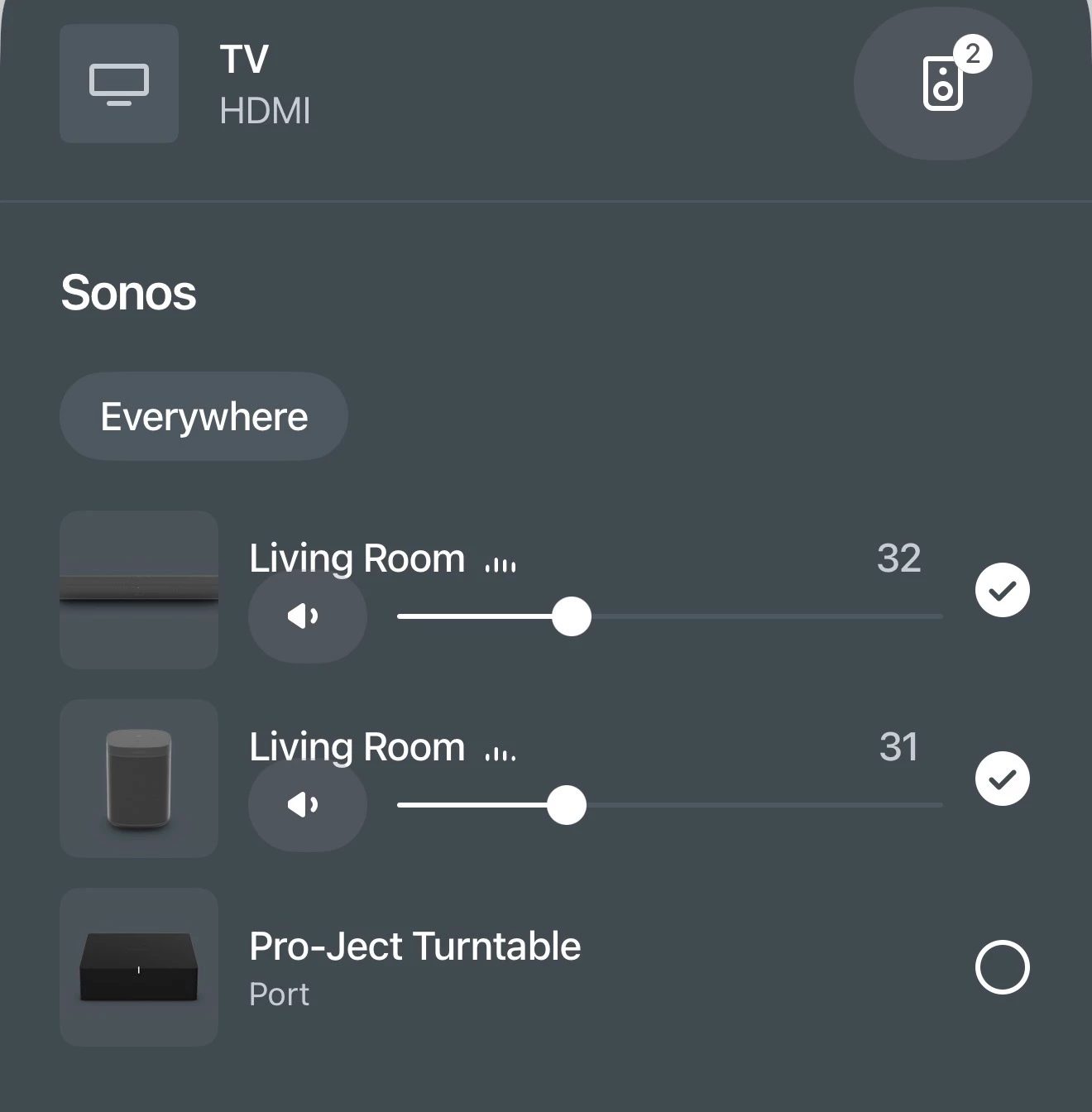
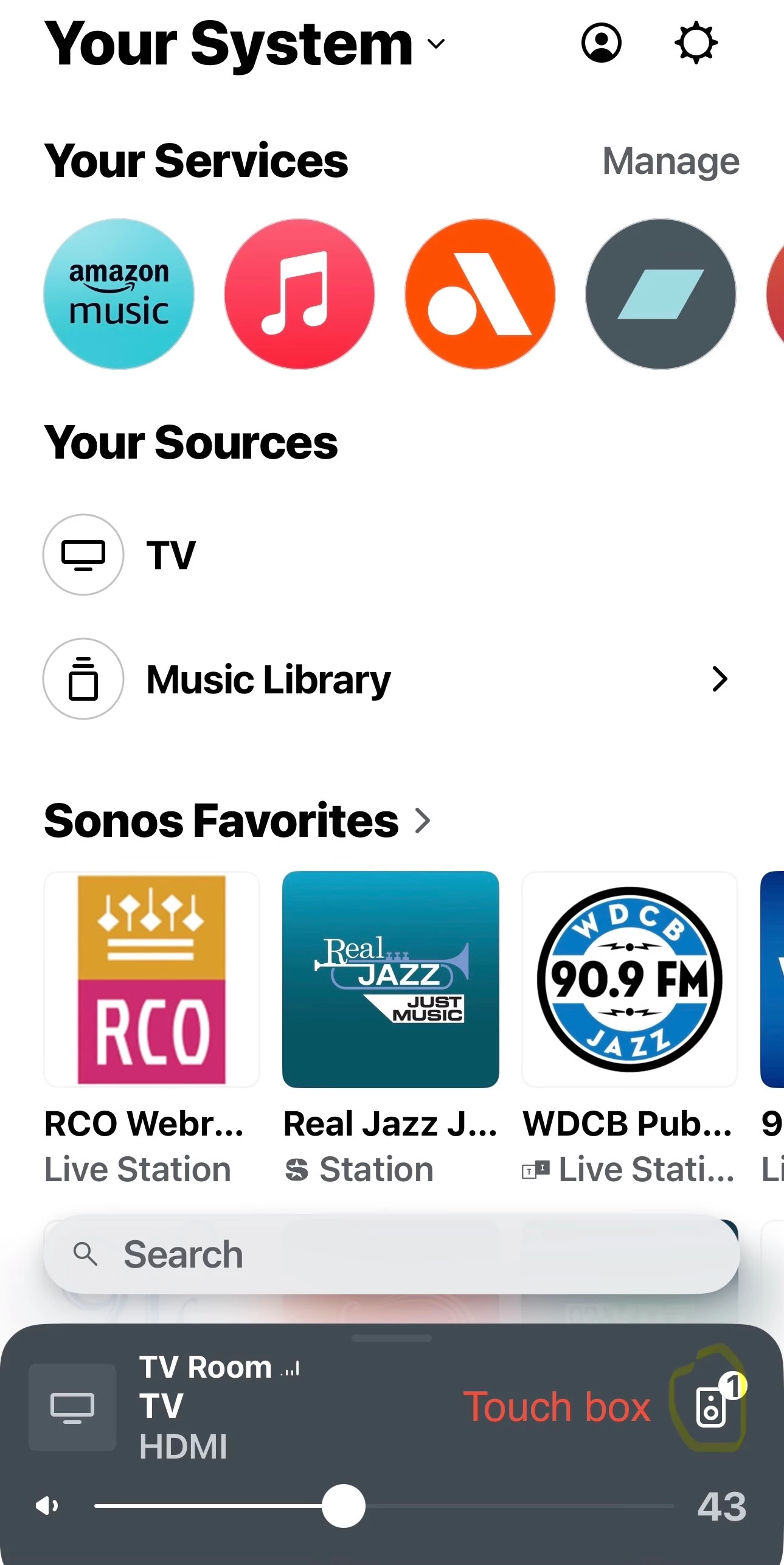
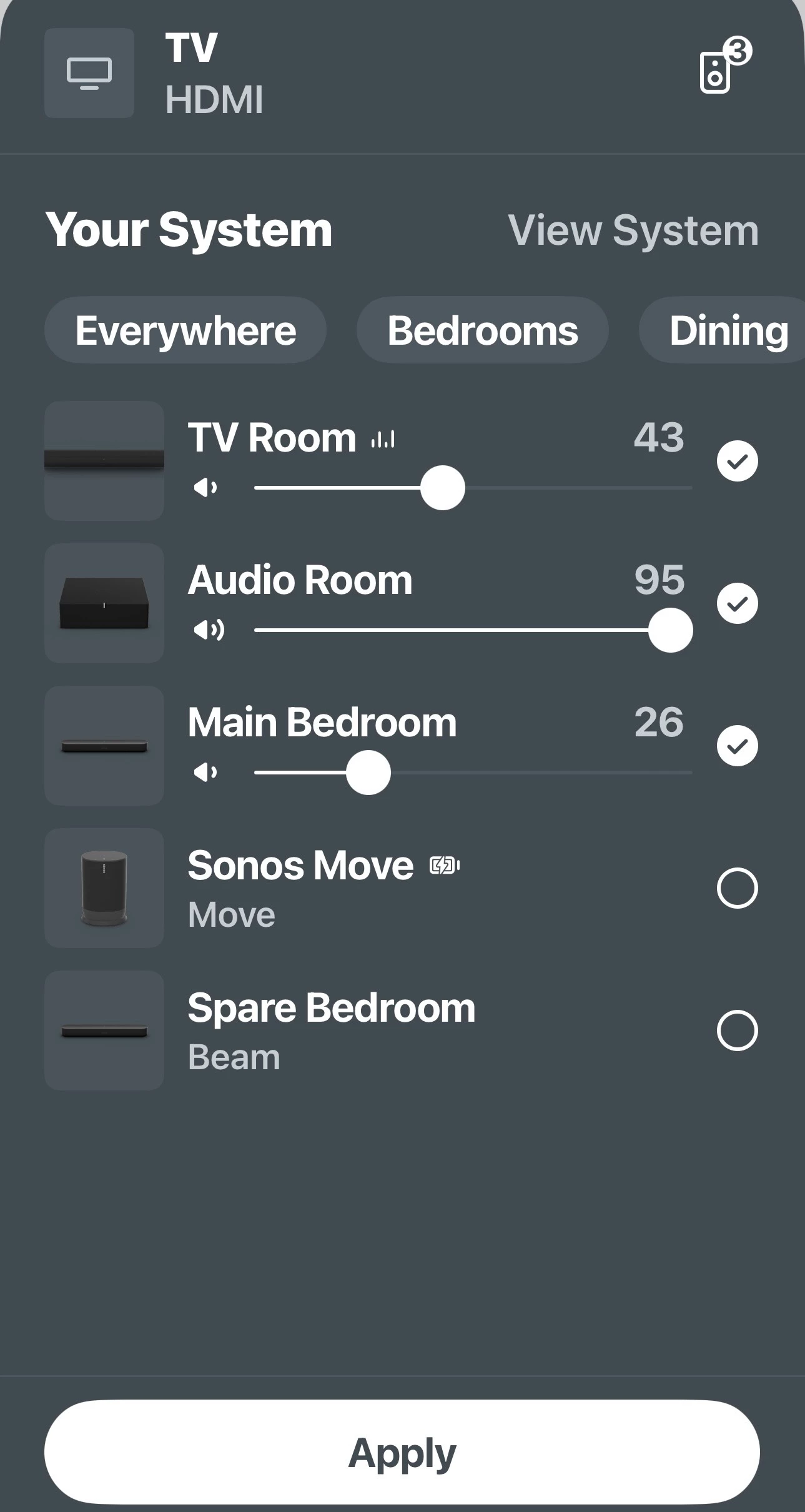
On the app page that shows my “rooms,” there are three llisted: Living Room (TV), Living Room (Line In - Audio Component,) and Pro-Ject Turntable (No Content. See attached images.
Notice that the sound bars for Living Room (Line In - Audio Componenet) are fluctuating in tandem with the sound bars on Living Room (TV), suggesting that the SL’s should be working, but no sound is emitted from the SLs. If I press MUTE on either of my remote controls for my TV, the LED’s on the SL’s go green. If I disable MUTE, they go white.
I sm at a loss and very frustrated. Any thoughts, ideas, suggestions, etc., will be absolutely welcome with infinite gratitude and respect.