I upgraded my Internet speed all five, but then they send me a new router.
I haven't been able to install my beam 2.
I tied reset reinstall the app
When it chines it says it doesn't recognise it.
There is NO sticker on the back/ base they're never was.
Purchased 2-3 ago from reputable dealer..
I swapped back to old router,TV etc all fine just beam won't install.
I spent hours going crazy and getting frustrated..
I still have the box etc but they're was no code that they tell you to put in if Chinese won't work.
I was probably an idiot uninstall the app as settings are grey with only add new speaker or join system.
I tried with the router it used to work with but no says can't find beam on that IP.
Anybody thoughts thanks Richard.
Best answer by Airgetlam
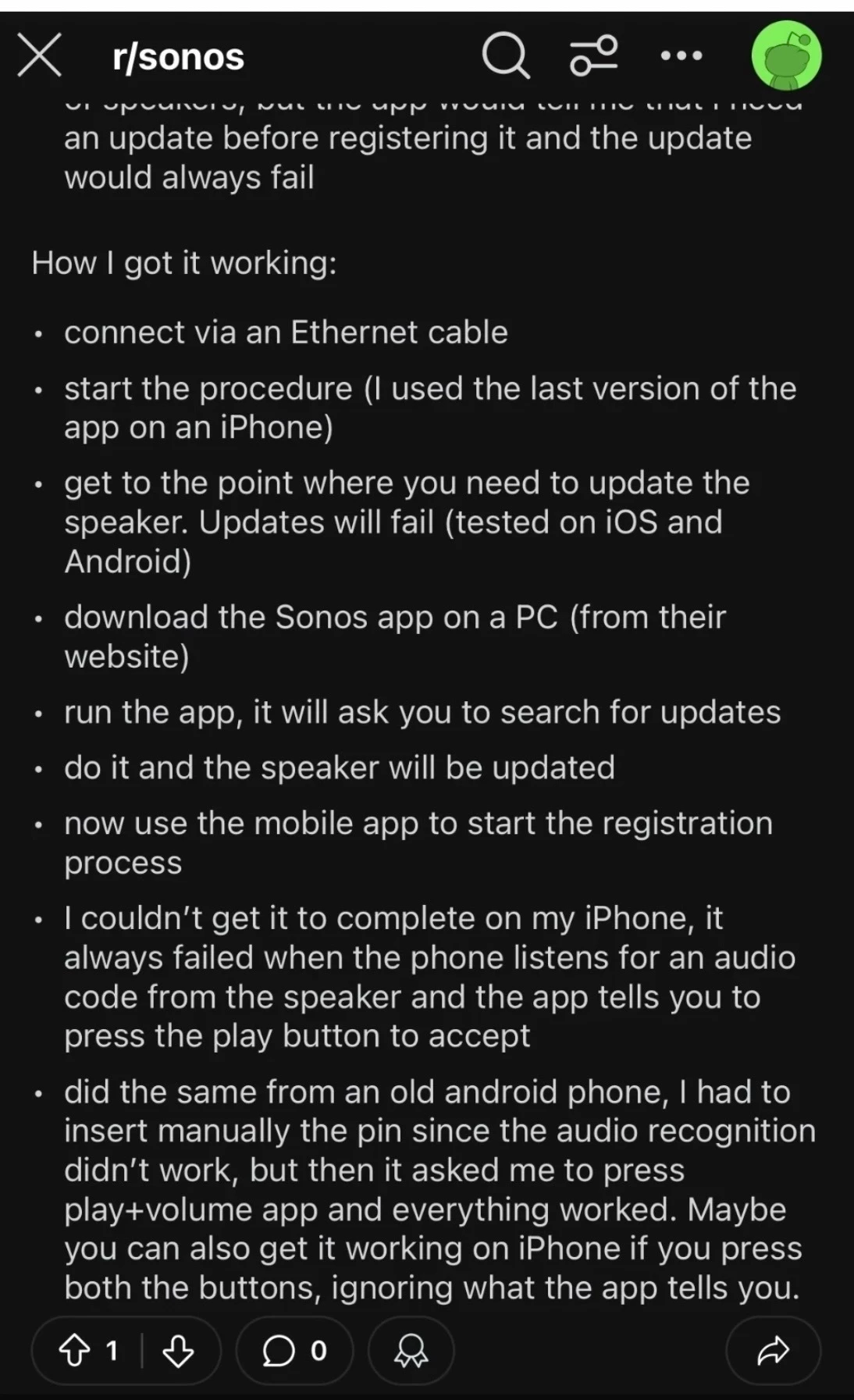
Hey, Richard. It’s unfortunate you did a factory reset, that erases all error logs the device generates. You should have followed the instructions at the new router - installation instructions FAQ. At this point, I’m betting the signal created by your router doesn’t match the Sonos Network Requirements FAQ, but it may be easiest, at least to get it set up, to wire the Beam temporarily directly to your new router, and mess with the router’s WiFi settings afterwards, depending on if you have a long enough cable.
Alternately, you could call Sonos Support to discuss it.
When you speak directly to the Support staff, they have tools at their disposal that will allow them to give you advice specific to your network and Sonos system.
Hey, Richard. It’s unfortunate you did a factory reset, that erases all error logs the device generates. You should have followed the instructions at the new router - installation instructions FAQ. At this point, I’m betting the signal created by your router doesn’t match the Sonos Network Requirements FAQ, but it may be easiest, at least to get it set up, to wire the Beam temporarily directly to your new router, and mess with the router’s WiFi settings afterwards, depending on if you have a long enough cable.
Alternately, you could call Sonos Support to discuss it.
When you speak directly to the Support staff, they have tools at their disposal that will allow them to give you advice specific to your network and Sonos system.
I needed the pin number and some not very bright individual thought " I know I will stencil it IN GREY on BLACK on the back of the beam…
Tpok me a spotlight taken from downstairs, a magnifying glass and about 15 pictures taken from my phone before I got the right angle and light to read it.
Once I had it things were fine..
But I've read endless accounts of people struggling with magnifying glass and touches along with phone cameras..
It's remarkable that someone came up with grey on black 😂😂..
Pity as I love my beam, for its size and price it has remarkable sound.
Been a while but I took pictures of the shipping box label information as well as the data-plate info when I unboxed my Sonos. Silly but sure beats having to try and read the info once the speaker is installed.
Writing the PIN and the MAC address on the tiny flyer enclosed wouldn't be bad if you could finding when needed.