
Answered

Play 3 won't connect

  • March 24, 2025
  • 3 replies
  • 118 views

Forum|alt.badge.img+1

I have two Play 3 speakers that used to play fine, then they started disappearing from the network and neither Spotify nor the Sonos app could find them. In the end I factory reset them.

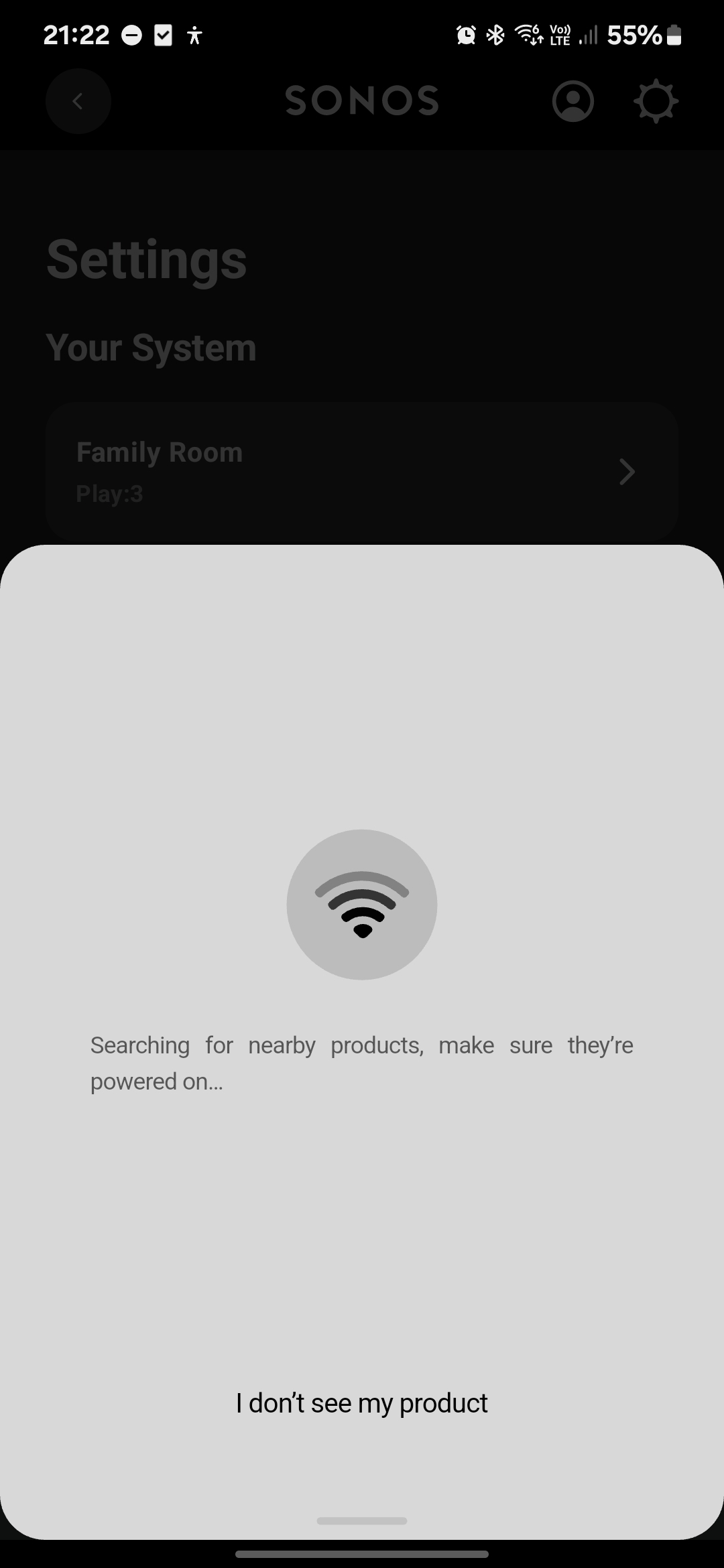
Both played nice during the reset, and the app found them no problem.. I went through the process where they play some bell sounds and the app declared they had been added. But there was still no sign of them. So I rebooted them, rebooted my phone, took them to another room, and eventually gave up and went to bed. 

Next night I tried again. Still nothing. Then suddenly, one of them started flashing green, and the app added it. Yay, one speaker works. However the second still refuses to connect.The mute light is solid white.

Both speakers are on the network with IP addresses - the same network as my phone - and both are sending low levels of network traffic, and have been the whole time.

What is going on here? How do I fix it?
 

Best answer by Airgetlam

Odd. 

I would recommend that you submit a system diagnostic, probably while it isn’t showing in your controller, and then again when it is, and call Sonos Support to discuss it. But don’t post the resulting diagnostic number here, they get sensitive about GDPR.

There may be information included in the diagnostic that will help Sonos pinpoint the issue and help you find a solution.

When you speak directly to the Support staff, they have tools at their disposal that will allow them to give you advice specific to your network and Sonos system.

This topic has been closed for further comments. You can use the search bar to find a similar topic, or create a new one by clicking Create Topic at the top of the page.

3 replies

Forum|alt.badge.img+1
  • Author
  • Avid Contributor I
  • March 24, 2025

Nope. Spoke too soon. The one speaker I added has disappeared from the app again. What's weird is as far as the router is concerned, it's still connected. But the app can't find it.


Airgetlam
  • Answer
  • March 24, 2025

Odd. 

I would recommend that you submit a system diagnostic, probably while it isn’t showing in your controller, and then again when it is, and call Sonos Support to discuss it. But don’t post the resulting diagnostic number here, they get sensitive about GDPR.

There may be information included in the diagnostic that will help Sonos pinpoint the issue and help you find a solution.

When you speak directly to the Support staff, they have tools at their disposal that will allow them to give you advice specific to your network and Sonos system.


Forum|alt.badge.img+1
  • Author
  • Avid Contributor I
  • March 24, 2025