
Contributor I
April 11, 2020
Answered

Unable to do a Trueplay tune - network problem error message

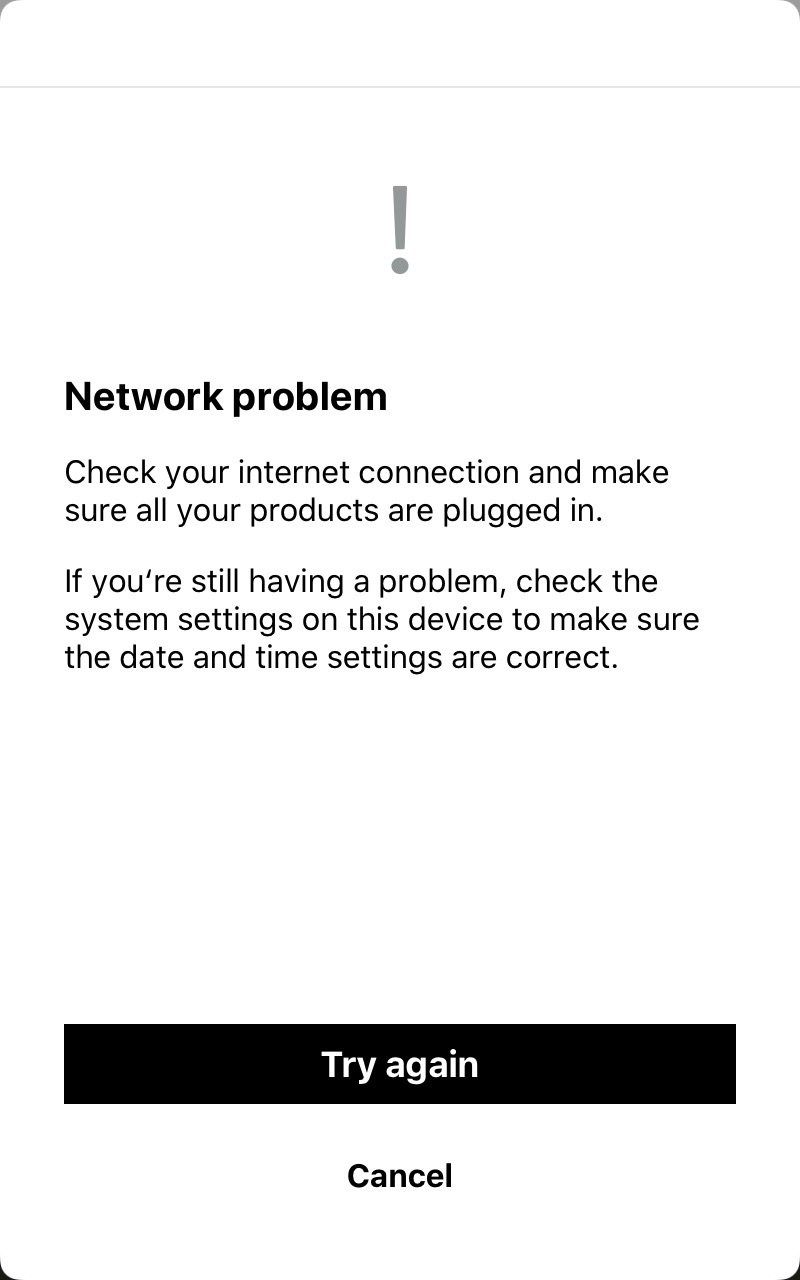
I am getting a “network problem” error message when I try to do a Trueplay tune on any of the Sonos devices on my system.  I’ve submitted a diagnostic - the number is: 961276926

Here is the error messge:

Any ideas what the problem is?

Thanks.
 

    This topic has been closed for further comments. You can use the search bar to find a similar topic, or create a new one by clicking Create Topic at the top of the page.
    AjTrek1
    AjTrek1Answer
    April 11, 2020

    Hi @msboon1967 

    The problem is your network as the message says. Some steps you can take:

    1. Unplug all Sonos
    2. Unplug all wifi and wired clients
    3. Unplug any range extenders or acces points (if being used)
    4. Check your routers admin page for updates and install if available
    5. Reboot your router and let it come back
    6. Power Cycle your iOS or Android device and connect to wi-fi
    7. Make sure your device is up to date
    8. Make sure the Sonos app is up to date
    9. Plug in your Sonos 1x1 and let each come back B4 moving to the next (if using a speaker or Boost for wired mode plug it in first)
    10. Plug in other wi-fi and wired components 1x1 and let each come back B4 moving to the next
    11. Plug in range extedner or access point and make sure they have same SSID and Passphrase of main router. Disable DHCP for those devices.
    12. Test your Sonos for normal use
    13. Run TruPlay 

    Let us know the outcome. Note: If you perform any of the above you must submit another diagnostic if the problem is not resolved.

    Cheers!

    Together Everyone Achieves More = T.E.A.M.

    16 replies

    Contributor I
    April 23, 2020

    I’ve now also been told by support that there is an issue with the 2020 iPad Pros. I was using one of those.  Hopefully there will be a fix at some point.

    Airgetlam
    April 23, 2020

    There’s always been a few month delay between Apple releasing a new product and the Sonos software to be able to do TruePlay with that new product. Have patience. 

    Bruce
    Lyricist I
    April 28, 2020

    I’m having the same issue. Trueplay reports that I have no network connection BUT I am using the Sonos 1SL to play music from Spotify. The issue started when I tried to do the setup. It kept failing but finally did connect with no indication of success. I’m using an iPhone SE (the new one that just came out) for the app.

    I’d show a diagnostic code but there is no advanced setting in the menu - so I can’t.

    Thanks

    Airgetlam
    April 28, 2020

    I don’t think the new Apple devices are yet capable of doing TruePlay, it usually takes Sonos several months after Apple’s release to update their software.

    But more troubling is your claim that Settings > Help & Tips > Submit System Diagnostics doesn’t exist. This is most frequently due to a mismatch between the controller version running on the iPhone, and the version of the software running on your speakers. You may want to go to Settings > System >  System updates and make sure you update both sides of the equation. 

    Bruce
    Lyricist I
    April 28, 2020

    I had googled how to run diagnostics and it always pointed to Settings>advanced settings. Which isn’t available- I did find it by going to Help & tips - thanks

    Airgetlam
    April 28, 2020

    It changed location in 11, as I recall.

    Bruce
