
Contributor I
April 11, 2020
Answered

Unable to do a Trueplay tune - network problem error message

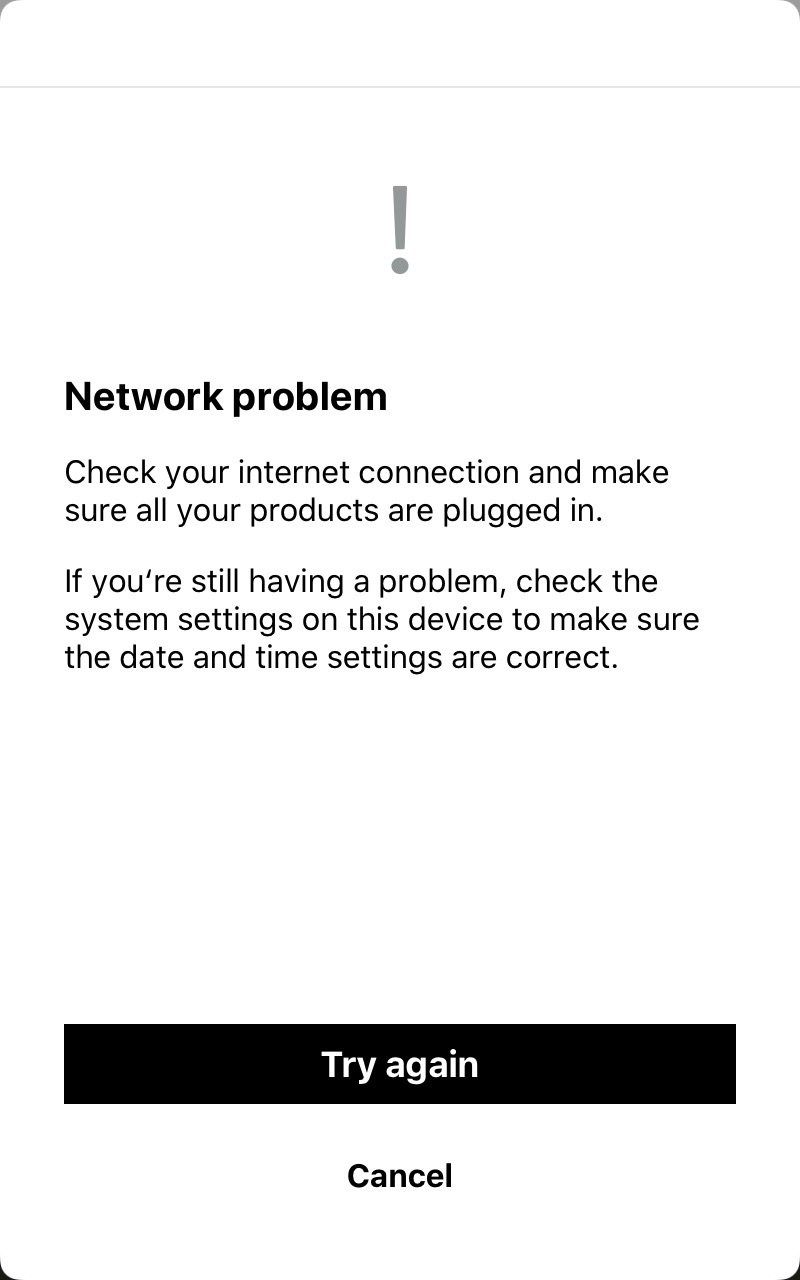
I am getting a “network problem” error message when I try to do a Trueplay tune on any of the Sonos devices on my system.  I’ve submitted a diagnostic - the number is: 961276926

Here is the error messge:

Any ideas what the problem is?

Thanks.
 

    This topic has been closed for further comments. You can use the search bar to find a similar topic, or create a new one by clicking Create Topic at the top of the page.
    AjTrek1
    AjTrek1Answer
    April 11, 2020

    Hi @msboon1967 

    The problem is your network as the message says. Some steps you can take:

    1. Unplug all Sonos
    2. Unplug all wifi and wired clients
    3. Unplug any range extenders or acces points (if being used)
    4. Check your routers admin page for updates and install if available
    5. Reboot your router and let it come back
    6. Power Cycle your iOS or Android device and connect to wi-fi
    7. Make sure your device is up to date
    8. Make sure the Sonos app is up to date
    9. Plug in your Sonos 1x1 and let each come back B4 moving to the next (if using a speaker or Boost for wired mode plug it in first)
    10. Plug in other wi-fi and wired components 1x1 and let each come back B4 moving to the next
    11. Plug in range extedner or access point and make sure they have same SSID and Passphrase of main router. Disable DHCP for those devices.
    12. Test your Sonos for normal use
    13. Run TruPlay 

    Let us know the outcome. Note: If you perform any of the above you must submit another diagnostic if the problem is not resolved.

    Cheers!

    Together Everyone Achieves More = T.E.A.M.

    16 replies

    AjTrek1
    AjTrek1Answer
    April 11, 2020

    Hi @msboon1967 

    The problem is your network as the message says. Some steps you can take:

    1. Unplug all Sonos
    2. Unplug all wifi and wired clients
    3. Unplug any range extenders or acces points (if being used)
    4. Check your routers admin page for updates and install if available
    5. Reboot your router and let it come back
    6. Power Cycle your iOS or Android device and connect to wi-fi
    7. Make sure your device is up to date
    8. Make sure the Sonos app is up to date
    9. Plug in your Sonos 1x1 and let each come back B4 moving to the next (if using a speaker or Boost for wired mode plug it in first)
    10. Plug in other wi-fi and wired components 1x1 and let each come back B4 moving to the next
    11. Plug in range extedner or access point and make sure they have same SSID and Passphrase of main router. Disable DHCP for those devices.
    12. Test your Sonos for normal use
    13. Run TruPlay 

    Let us know the outcome. Note: If you perform any of the above you must submit another diagnostic if the problem is not resolved.

    Cheers!

    Together Everyone Achieves More = T.E.A.M.
    Contributor I
    April 12, 2020

    Thanks for the prompt reply.  I’ve carried out the above sequence but still get the same error.  I’ve also done a factory reset on the Sonos One where I first noticed the problem but still get the error message.


    The new diagnostic code is 305338324.


    Should I be reporting this separately to Sonos support?

    Lyricist II
    April 12, 2020

    I have same issue. Spent an hour doing above. No help. Network in house is fine. Sonos is able to stream from any source. Everything works except Trueplay. 

    Contributor I
    April 12, 2020

    Yes my system works absolutely fine otherwise, but not able to do Trueplay tune on any of my devices.

    Lyricist II
    April 12, 2020

    I have a support request in also, I will post if there is any resolution. 

    Contributor I
    April 14, 2020

    I’ve also just submitted a support request.

    Avid Contributor I
    April 18, 2020

    Same issue. Brand new SL fresh out of the box. 
     

    Diagnostic confirm: 1521603577

    Airgetlam
    April 18, 2020

    Given it is Friday night, and the phone support folks are probably off for the weekend, I’d certainly recommend that you reach out via Twitter, or wait till tomorrow for a moderator has time to look at your diagnostic. 

    Bruce
    AjTrek1
    April 18, 2020

    Hello

    @Fitnessmentor @msboon1967 @bgraham5 

    I just ran TruePlay on one of my HT setups (Playbar, Sub and One’s x 2) with no problem. Might I suggest you go to: Settings > Sonos > Location and set it to While Using App then in same area make sure Microphone is set to On.

    Together Everyone Achieves More = T.E.A.M.
    Contributor I
    April 18, 2020

    Support suggested I use a different device to do the Trueplay tune so I tried using my iphone and it worked.  Obviously I’d still like to know why it doesn’t work on my iPad but so far Sonos support haven’t come up with an answer to that.
