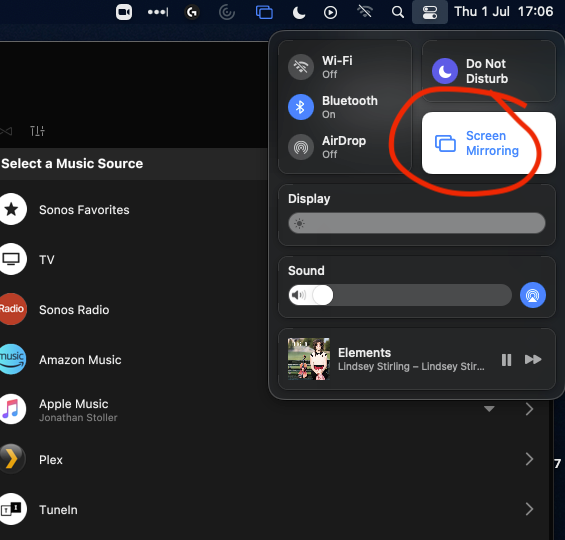
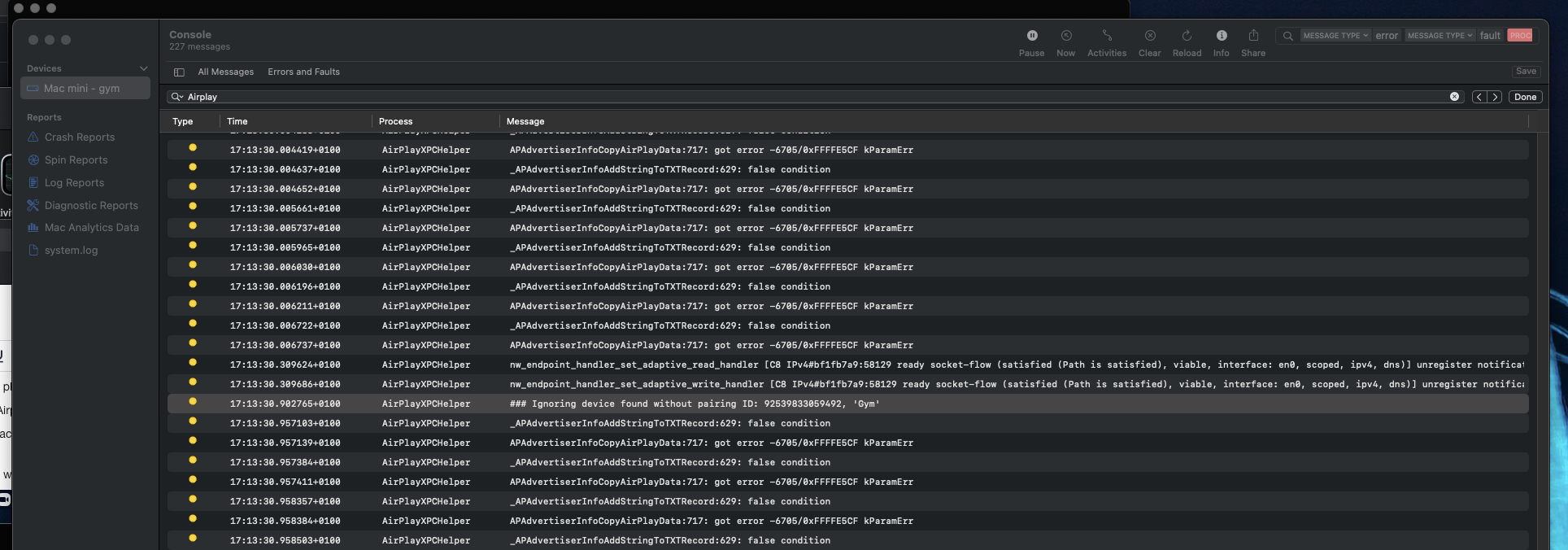
When connected to Sonos One using Airplay (via system sound setting), there is no sound at all.
this works: Intel Macbook pro
does not work: m1 Mac mini
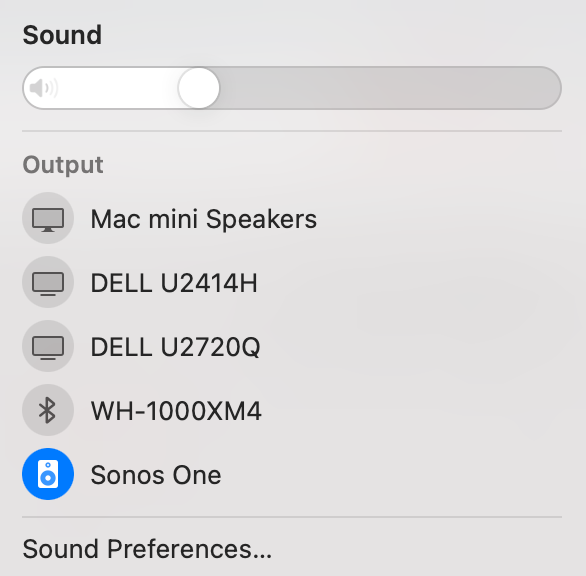

When connected to Sonos One using Airplay (via system sound setting), there is no sound at all.
this works: Intel Macbook pro
does not work: m1 Mac mini
Best answer by jstol
Ok so after much testing I finally found my issue. Looks like my Mac mini ethernet port was causing the issue.
Even if I had enabled WIFI, and set the ordering it would not work. It would also not work if I set the ethernet service to inactive after it had been active and got a DHCP ip.
The only way I got it to work was to also go to advance on the ethernet service (once set to inactive) and then renew the DHCP setting so the adapter would loose the information it had. I would then be able to airplay to all my devices.
I then tested with a USB ethernet adapter, and disabled both WIFI and built in ethernet service and airplay worked fine! So something is very dodgy with my Mac M1 ethernet port.
Both my M1 and Intel based Mac minis have 10Gb ports. The intel Mac mini still works fine and can airplay. So I'm not sure if it is a 10Gb only port issue, or just some base software issue in general for M1 Mac mini built in ethernet ports.
Also on the M1 Mac mini the ethernet port (bar airplay) works fine, and I get 10Gb/s down from my servers etc.
The chances of apple actually resolving this I feel are very low.
Enter your E-mail address. We'll send you an e-mail with instructions to reset your password.