
Ditte
March 13, 2023

Sonos introduces New Search
Related content:Software
Sonos introduces New Search

 Hi all,

Last week we started rolling out New Search, a new feature that will make it easier to find content in the Sonos app.

What’s New Search?

We’re introducing a new single search box that searches across all categories (Artists, Songs, Albums, Playlists etc), to improve your overall search experience. This means that you no longer need to select a category to search in ahead of time. Instead, the search results will be broken down by category, and aggregated across all your content services, which you can easily switch between at the top of the search menu. 

When performing a search, you will be able to narrow your search results by content service, rather than by category.
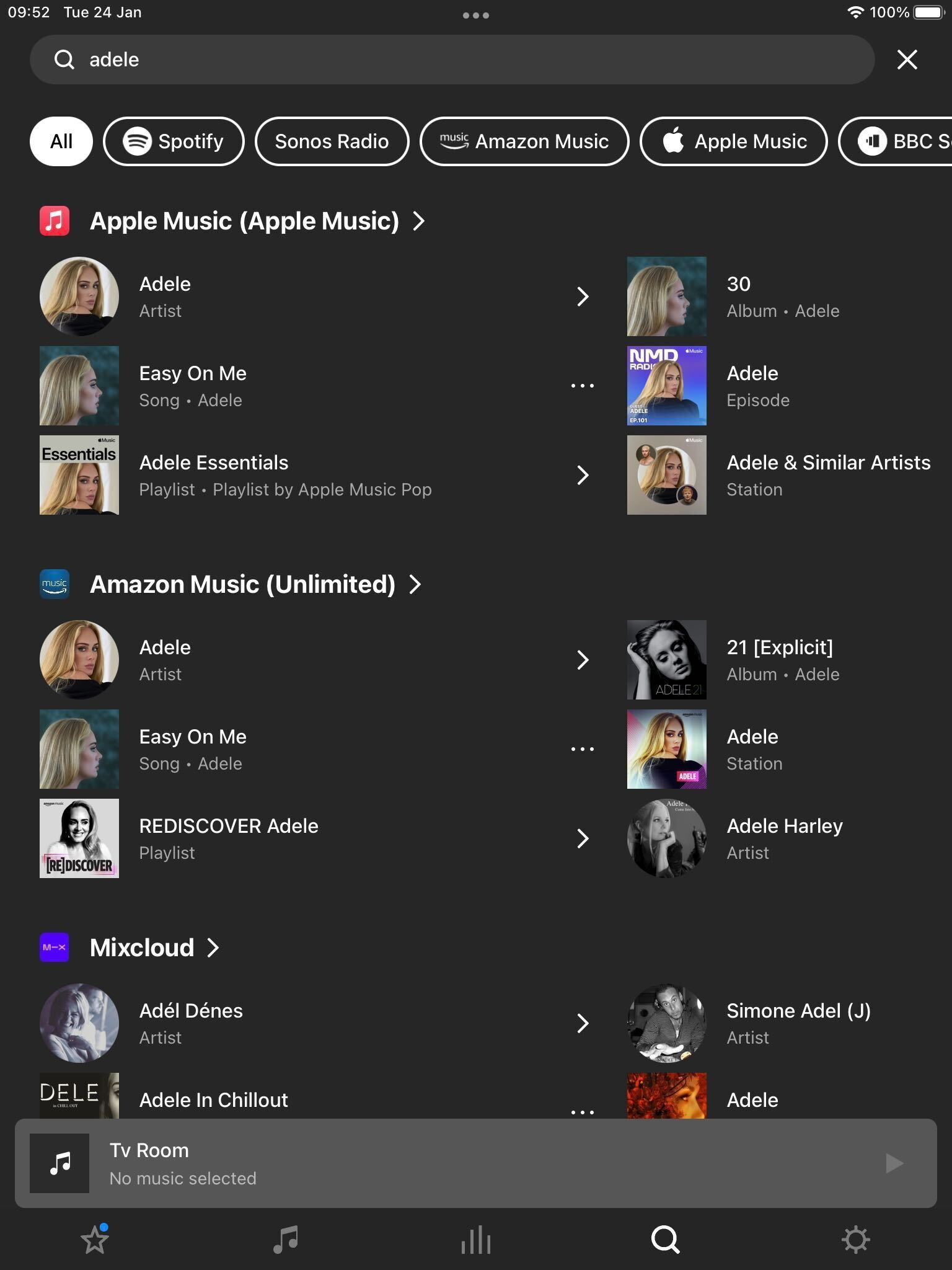
 

New Search on Sonos

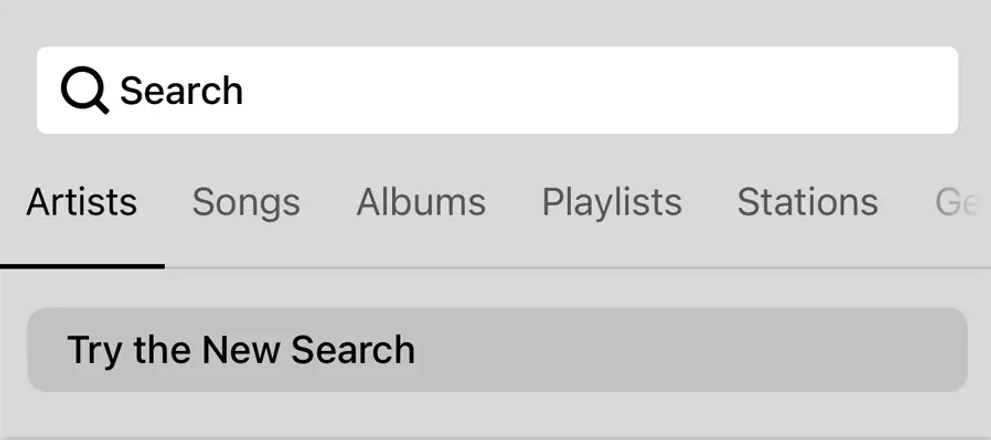
To try New Search, tap on “Try the New Search” in the search menu.

New Search will be rolling out to all users over the coming weeks, with all users receiving the feature by 25th April [edited from 18th April].

This means that not all of you will have access to New Search right away, but you can expect it soon. 

Will New Search look through all of my audio sources?

New Search does not currently support searching through personal music libraries, “On this Device” (Android) content, or music services with library functionalities.


Why is my specific music service not being searched?

While the vast majority of content services on Sonos are available in New Search, there are some that are not yet compatible. We’re working with our partners to add more music services to New Search and look forward to rolling these out over time. In the meantime, all music services continue to be compatible with classic search.


I liked the classic search option, can I use that instead?

You can switch between Classic Search and New Search by navigating to the search menu and tapping the buttons labeled “Switch to Classic Search” and “Try the New Search” respectively.


Is Classic Search going away? 
No, users will continue to have the option to use classic search .

 Please note: We can’t grant you access to New Search prior to it being available to you.


For further information, please see how to switch between New Search and Classic Search.

129 replies

Contributor I
December 24, 2023

Great - will be even better when it includes my music library. I trust my system will know that that is what we listen to most?

Stanley_4
Grand Maestro
December 25, 2023

Sadly Sonos knows that most folks don’t use local music libraries so it is a low priority.

Lyricist II
May 18, 2024

Why doesn't the new search show results from my music library on my nas drive. 

Ken_Griffiths
May 18, 2024

Why doesn't the new search show results from my music library on my nas drive. 

That feature is coming soon, as announced and also mentioned here…

https://support.sonos.com/en-gb/article/the-new-sonos-app-and-future-feature-updates

Bumper
May 18, 2024

Why doesn't the new search show results from my music library on my nas drive. 

They removed it on purpose, probably to push a beta app, because they want to  sell headphones more than they care that users have a working system. 

Lyricist III
June 11, 2024

After the last update broke SMB access to my NAS I purchased a new NAS and copied my music to it, only to discover the search feature does not search my music library - WHY!!!!
The work-around in this forum suggests switching to “Classic Search” but there’s no option to do that.
What is wrong with SONOS, totally unusable.

jgatie
June 11, 2024

After the last update broke SMB access to my NAS I purchased a new NAS and copied my music to it, only to discover the search feature does not search my music library - WHY!!!!
The work-around in this forum suggests switching to “Classic Search” but there’s no option to do that.
What is wrong with SONOS, totally unusable.


https://support.sonos.com/en-us/article/the-new-sonos-app-and-future-feature-update

Coming soon

  • Continued improvements to navigation for visually-impaired customers: mid-June
  • Playback controls including mute and volume numbers: June
  • Local music library search and playback: mid-June
  • Improved playback settings including Play Now: July
  • Create and edit local music library: July
  • Improved Autoplay settings: July
  • Improved Sub audio settings with Amp: July
  • Snooze alarms: TBD
Lyricist III
June 11, 2024

It worked perfectly till the last “update”, why can’t we have the option to rollback updates until you actually test your work?

jgatie
June 11, 2024

It worked perfectly till the last “update”, why can’t we have the option to rollback updates until you actually test your work?


I’m pretty sure the answer to hat is plastered all over the Sonos home page:

https://www.sonos.com/en-us/home

Multiculti
Avid Contributor I
July 18, 2024

Where on Earth is SEARCH on Sonos Controller for Mac 16.3?!!?!
What happened?
No search and no choice to make background a different color? Black only?
Do you think we all have X-Ray vision?