
News

Lossless is here. Included in Spotify Premium

Related content:Software NewsPartner News
  • October 23, 2025
  • 46 replies
  • 2602 views

Show first post

46 replies

Forum|alt.badge.img+12
  • Enthusiast II
  • October 24, 2025

Spotify is for 99,9 percent only 16-bit. Sad. More here: https://community.spotify.com/t5/Content-Questions/24bit-44-1khz-tracks/td-p/7147582


Corry P
Forum|alt.badge.img+19
  • Sonos Staff
  • October 27, 2025

Hi ​@Woody78, ​@Schlumpf et al

My apologies. My previous post was inaccurate. Since making it, some of the documentation I was referencing has been made clearer.

The better-defined restrictions are as thus:

  • Spotify Lossless playback on Sonos requires the Sonos app for iOS or Android, updated to version 80.30.31 or greater. Sonos products must be updated to version 91.0-70011 or greater.
  • Spotify Lossless is not available on S1 systems.
  • Connect (Gen 1), Connect:Amp (Gen 1), Play:5 (Gen 1), and ZonePlayer products do not support the Sonos app (S2), and thus cannot support Spotify Lossless.

To be clear, Spotify Lossless cannot be played on S1 systems, from either the S1 Sonos app, or from the Spotify app.

I hope this helps.


  • Lyricist II
  • October 27, 2025

Thank you Corry for the answer.


Forum|alt.badge.img+12
  • Enthusiast II
  • October 27, 2025

Hi ​@Woody78, ​@Schlumpf et al

My apologies. My previous post was inaccurate. Since making it, some of the documentation I was referencing has been made clearer.

The better-defined restrictions are as thus:

  • Spotify Lossless playback on Sonos requires the Sonos app for iOS or Android, updated to version 80.30.31 or greater. Sonos products must be updated to version 91.0-70011 or greater.
  • Spotify Lossless is not available on S1 systems.
  • Connect (Gen 1), Connect:Amp (Gen 1), Play:5 (Gen 1), and ZonePlayer products do not support the Sonos app (S2), and thus cannot support Spotify Lossless.

To be clear, Spotify Lossless cannot be played on S1 systems, from either the S1 Sonos app, or from the Spotify app.

I hope this helps.

Thanks, ​@Corry P. It’s still a bit unclear, when reading different posts, whether Sonos devices (apart from maybe the Era models?) can actually play 24-bit/44–48 kHz audio. Spotify Connect might show that it’s streaming in 24-bit, but Sonos might downconvert it to 16-bit during playback. Can you clarify?


Smilja
  • October 27, 2025

@Corry P, much appreciated. Could the support article be amended accordingly?

https://support.sonos.com/en-us/article/playing-spotify-lossless-audio-on-sonos


Corry P
Forum|alt.badge.img+19
  • Sonos Staff
  • October 27, 2025

Hi ​@Kos 

I found the following: “Most compatible players connected to the Sonos App support 24-bit audio. Sub (Gen 1), Play:5 (Gen 1), Play:3, Play:1, Connect (Gen1), and Connect:Amp will automatically downmix any 24 bit audio to 16 bit when streaming from Music Library, a NAS share, or from your Android phone or tablet.” I presume this also applies to streaming services such as Spotify, but please don’t take it as “Gospel” quite yet. Note that some of the devices listed are not S2 compatible anyway. All unlisted S2-compatible devices will play 24-bit. 

Really, I am not sure what the Spotify app specifically would show in that circumstance.

I have asked for some of the related documentation (regarding 24-bit playback) to be updated in reference to Spotify Lossless - I’ll try to keep you informed of what I find out.

I hope this helps.


Corry P
Forum|alt.badge.img+19
  • Sonos Staff
  • October 27, 2025

Hi ​@Smilja

@Corry P, much appreciated. Could the support article be amended accordingly?

https://support.sonos.com/en-us/article/playing-spotify-lossless-audio-on-sonos

I am not sure it needs adjusted - the page states that “Sonos products must be updated to version 91.0-70011 or greater” - this eliminates S1 systems as an option.


Forum|alt.badge.img+12
  • Enthusiast II
  • October 27, 2025

Hi ​@Kos 

I found the following: “Most compatible players connected to the Sonos App support 24-bit audio. Sub (Gen 1), Play:5 (Gen 1), Play:3, Play:1, Connect (Gen1), and Connect:Amp will automatically downmix any 24 bit audio to 16 bit when streaming from Music Library, a NAS share, or from your Android phone or tablet.” I presume this also applies to streaming services such as Spotify, but please don’t take it as “Gospel” quite yet. Note that some of the devices listed are not S2 compatible anyway. All unlisted S2-compatible devices will play 24-bit. 

Really, I am not sure what the Spotify app specifically would show in that circumstance.

I have asked for some of the related documentation (regarding 24-bit playback) to be updated in reference to Spotify Lossless - I’ll try to keep you informed of what I find out.

I hope this helps.


Thanks a lot, ​@Corry P — that really helps clarify things.

Just to make sure I understand correctly: when you say that “all unlisted S2-compatible devices will play 24-bit,” do you mean these products (my Port and Amp for instance) actually output 24-bit audio (at 44.1–48 kHz) through their DACs, or simply that they accept a 24-bit input stream but may internally down-convert it to 16-bit during playback?

It would be super helpful to know where the 24-bit path truly ends — especially now that Spotify Lossless is rolling out. THANKS!


Corry P
Forum|alt.badge.img+19
  • Sonos Staff
  • October 27, 2025

Hi ​@Kos 

Port and Amp will output 24-bit audio (at up to 48KHz sampling rate), yes.

I think it is a bit difficult to claim 24-bit playback if it’s not 24-bit all the way!


Forum|alt.badge.img+12
  • Enthusiast II
  • October 27, 2025

Hi ​@Kos 

Port and Amp will output 24-bit audio (at up to 48KHz sampling rate), yes.

I think it is a bit difficult to claim 24-bit playback if it’s not 24-bit all the way!

Perfect, that clears it up — thanks for confirming it’s true 24-bit end-to-end on Port and Amp. Now we just need Spotify to deliver a lot more music in 24-bit — most of it is still 16-bit anyway, but that’s hardly Sonos’ fault :)


Schlumpf
Forum|alt.badge.img+18
  • Virtuoso
  • October 28, 2025

What about S2 legacy products like P5 Gen2, that don’t have the same latest firmware as the newer S2 products? Imo they should support Spotify lossless at least at 16bit 44,1kHz cd quality like they also do with other services like Deezer. 
Can someone report about using P5 Gen2, Play1, Play3, Playbase on S2 with Spotify lossless?


Corry P
Forum|alt.badge.img+19
  • Sonos Staff
  • October 29, 2025

Hi ​@Schlumpf 

What about S2 legacy products like P5 Gen2, that don’t have the same latest firmware as the newer S2 products? Imo they should support Spotify lossless at least at 16bit 44,1kHz cd quality like they also do with other services like Deezer. 
Can someone report about using P5 Gen2, Play1, Play3, Playbase on S2 with Spotify lossless?

Sub (Gen 1), Play:5 (Gen 1), Play:3, Play:1, Connect (Gen1), and Connect:Amp will automatically downmix any 24 bit audio to 16 bit when streaming from Music Library, a NAS share, or from your Android phone or tablet.” 

 All unlisted S2-compatible devices will play 24-bit. 

I hope this helps.


Mr. T
  • October 29, 2025

What about S2 legacy products like P5 Gen2, that don’t have the same latest firmware as the newer S2 products? Imo they should support Spotify lossless at least at 16bit 44,1kHz cd quality like they also do with other services like Deezer. 
Can someone report about using P5 Gen2, Play1, Play3, Playbase on S2 with Spotify lossless?
 

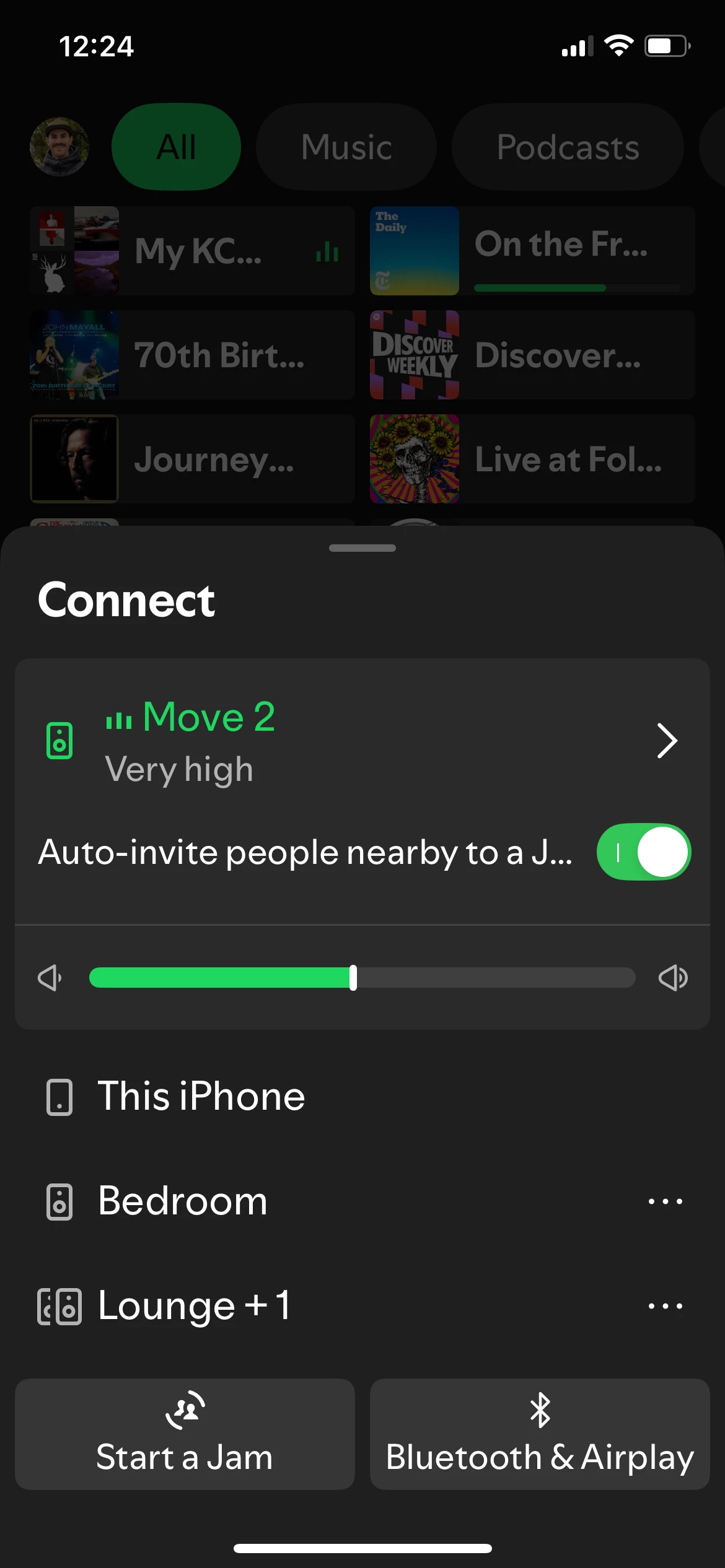
Using Spotify Connect to stream 24-bit lossless on an Era 100, I can group a Playbar and separate Play:3s.

Spotify Connect still shows the lossless stream as 24-bit with grouped speakers included.

Edit: Even using Spotify Connect directly to the Playbar or a Play:3 shows the stream as 24-bit.


Forum|alt.badge.img+18
  • Prodigy II
  • October 29, 2025

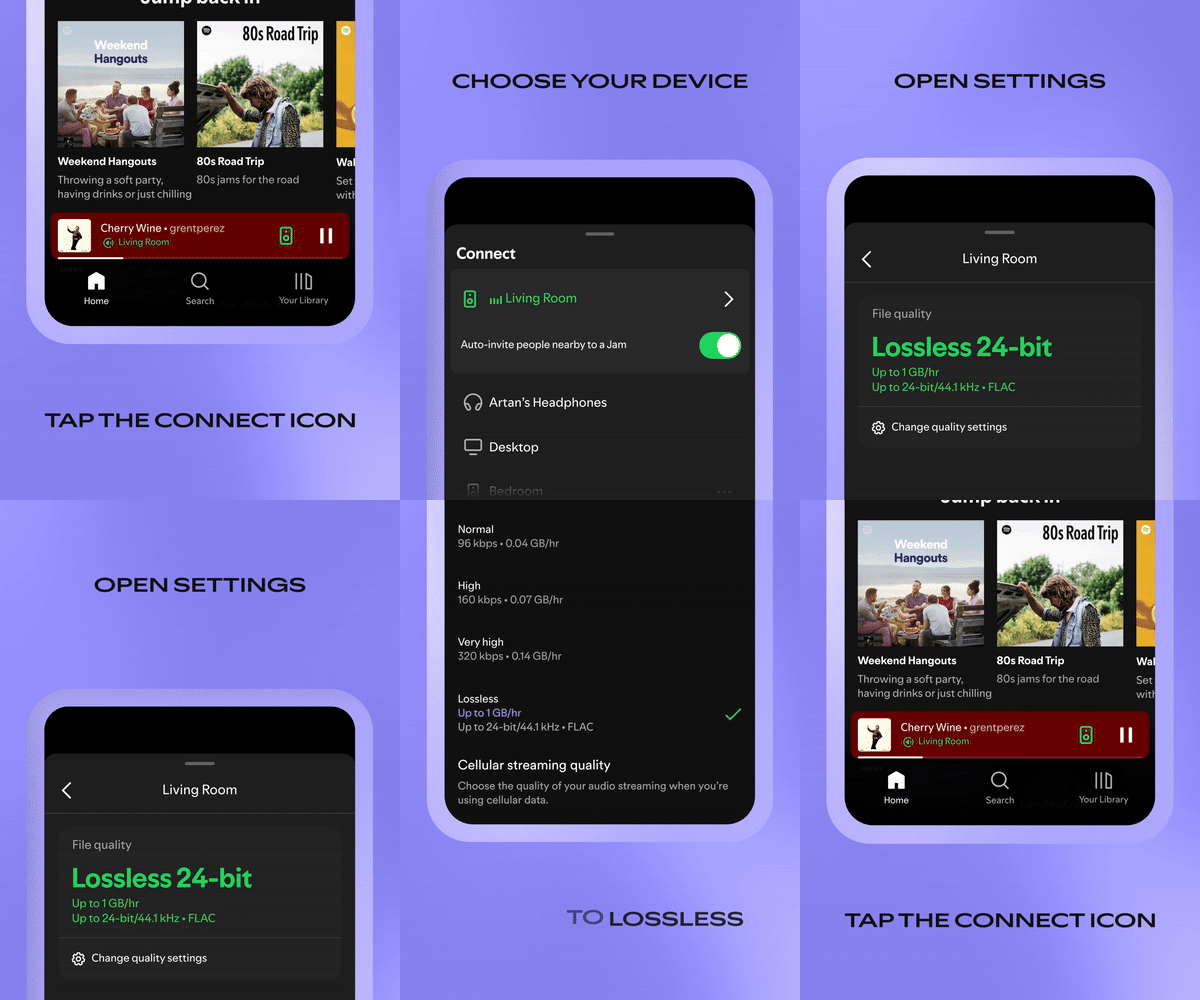
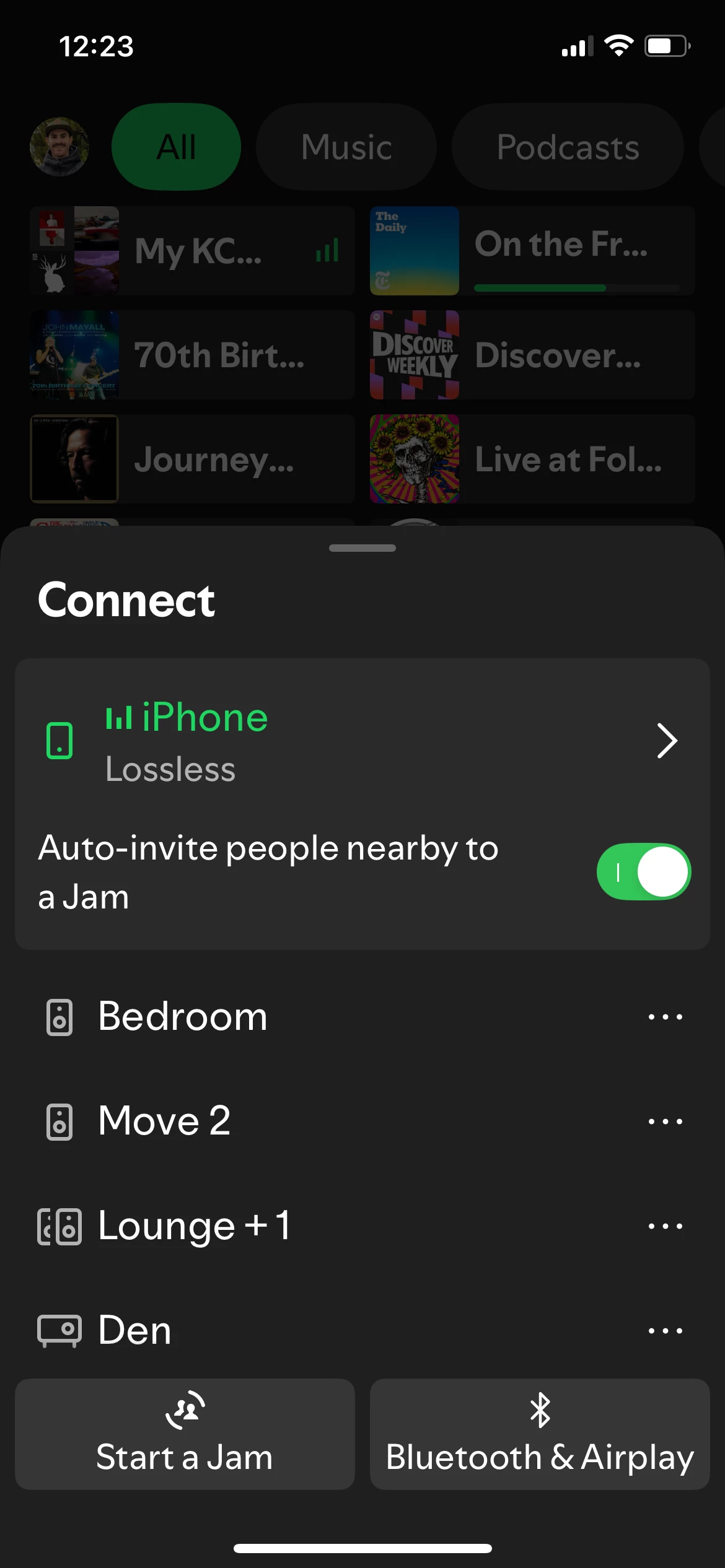
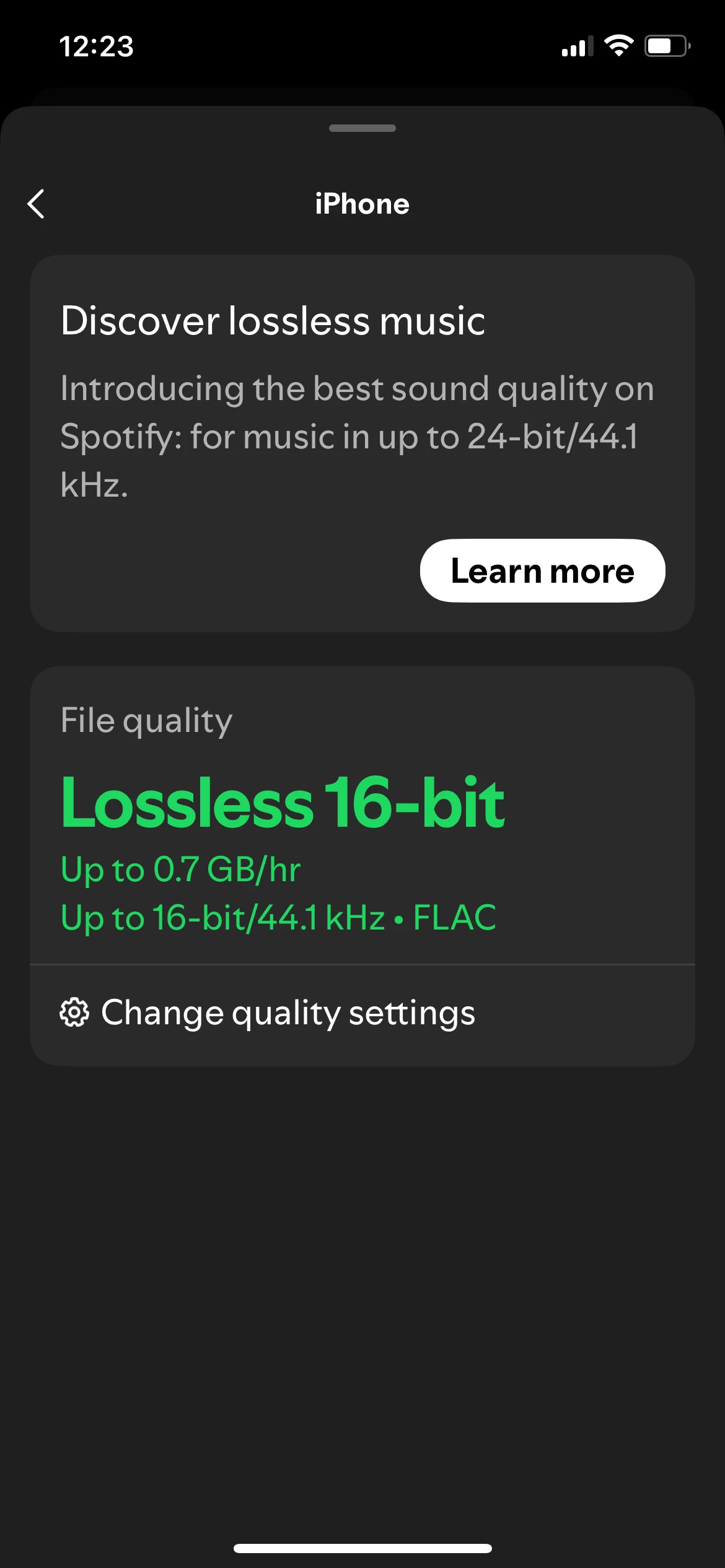
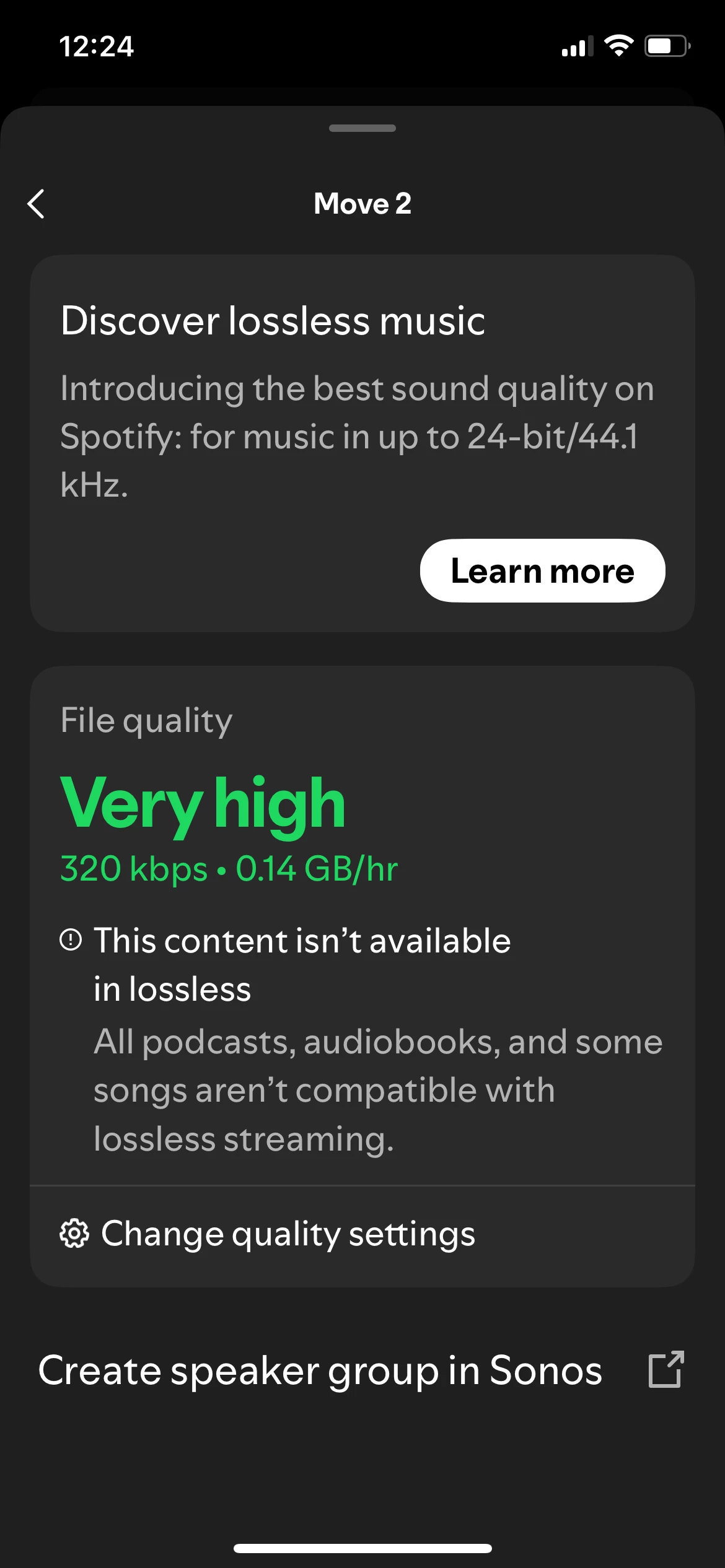
Can anyone help? I have followed the instructions for activating Lossless in the Spotify app, and when I play it via the Spotify app to my Sonos speakers, the Sonos app’s Now Playing screen shows the Lossless tag. All good.

BUT when I select a Spotify track via the Sonos app, I no longer get any indication that it’s Lossless. 

All my speakers and app are fully updated, and all meet the requirements to receive/stream Spotify Lossless. An earlier post confirmed that it is possible to get Spotify Lossless via just the Sonos app, so I believe it should be working fine.

Am I misunderstanding, or doing something wrong? I’m in the UK - does that currently make any difference?


Corry P
Forum|alt.badge.img+19
  • Sonos Staff
  • October 29, 2025

Hi ​@Rhonny 

Sorry to hear you are having trouble playing Spotify Lossless from within the Sonos app - as far as I understand it, you absolutely should be able to, using the steps you are using.

Please try the usual steps - reboot the controller, the speaker(s) and the router. Test playback afterwards, and remove and add the Spotify service should things still not have improved.

Finally, if you still don’t see the lossless badge in the Sonos app when initiating playback from within the Sonos app, please submit a diagnostic while playing and let me know here when you have done so, but without sharing the given number. Thanks.

Remove a content service account from Sonos

Add a content service to Sonos

I hope this helps.


Forum|alt.badge.img+18
  • Prodigy II
  • October 29, 2025

Many thanks, ​@Corry P !

Your mention of removing and re-adding Spotify to my account has solved it for me!! It reminded me that I use a dedicated ‘Home’ account for Spotify on my Sonos system (as one of my Spotify membership slots), not my own ‘personal’ one which my Spotify app is logged into. 

SO I logged into the Spotify app with the Home account, changed to Lossless, and that then generated the Lossless tag when selecting music via the Sonos app.

Eureka. Thank you! (Maybe this will help others who have multiple Spotify accounts connected to their Sonos app that they need to activate Lossless on every account.)


Corry P
Forum|alt.badge.img+19
  • Sonos Staff
  • October 29, 2025

Glad to hear it, ​@Rhonny!

Thanks for updating the thread!


Forum|alt.badge.img+3
  • Avid Contributor I
  • November 7, 2025

Is the only way to get lossless Spotify on Sonos to play via the Spotify app? If I play Spotify from the Sonos app will that also get lossless audio? 

Thanks


106rallye
Forum|alt.badge.img+18
  • November 8, 2025

Once you set up lossless in the Spotify app it will work when using the Sonos app too……


Forum|alt.badge.img+3
  • Avid Contributor I
  • November 11, 2025

Ah, ok, thank you, I hadn’t realised that, so playing from Spotify in an app with the audio set to lossless to your Sonos system kind of activates lossless for the Sonos system? Cool, thanks


106rallye
Forum|alt.badge.img+18
  • November 11, 2025

You set it in the Spotify app first .