

Sotiris C.
Sonos Staff
October 8, 2025
News

Latest Software Update - Early October '25
Related content:Software

Hello everyone!


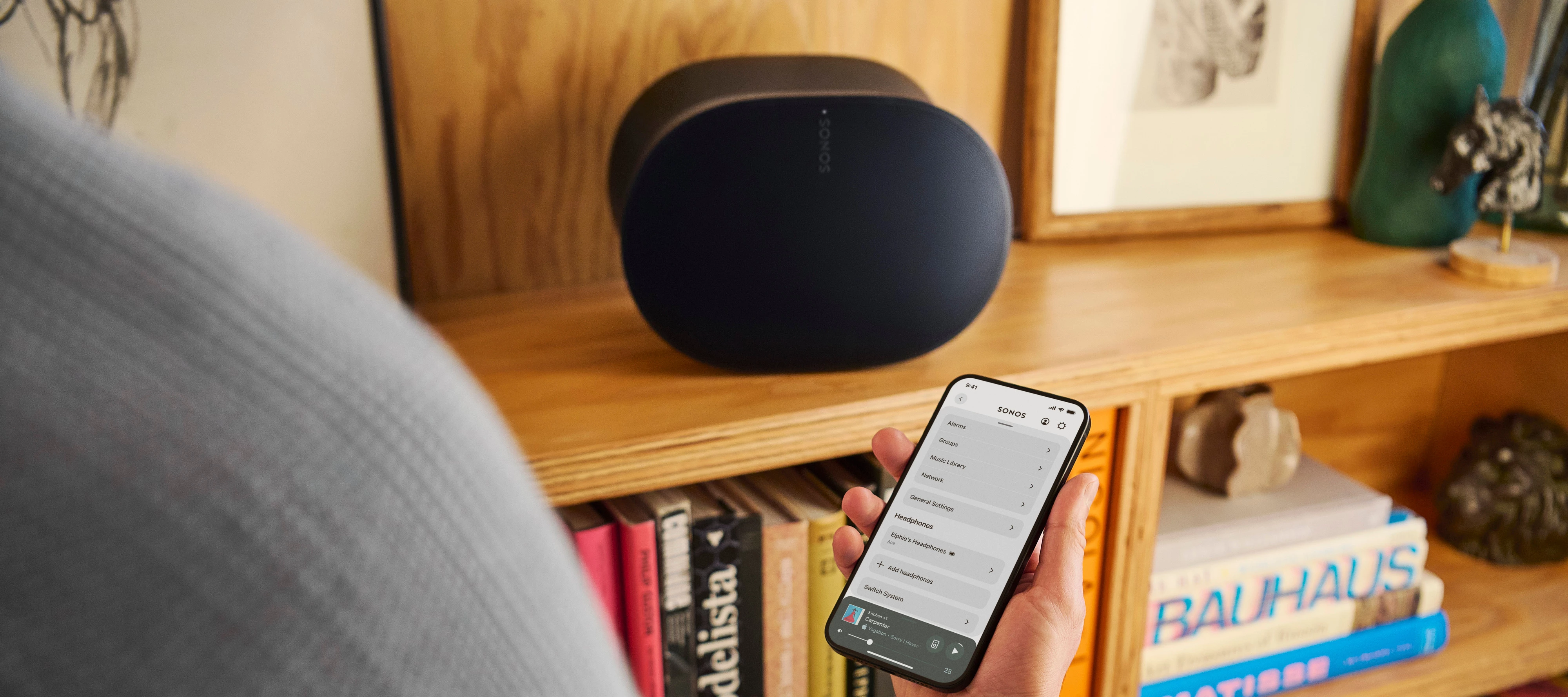
Earlier today we deployed an update on iOS and Android for the Sonos App and also an update to our firmware (Player). Have a quick look at what's changed below. If you are interested to know what has changed over the last few months, check out our App Release Notes here, as well as our System (Player) Release Notes here.


Once again, this will be a Phased Rollout. You might have the update ready and waiting for you within the App store or you will need to be patient until it becomes available to you.


In the App update:


iOS - 80.30.35

Android - 80.30.31


Fast Scroll in Queue for Android

Queue Improvements: You can now jump to the currently playing song in a queue and scroll through long queues faster.

Android 8 & 9 no longer supported

For Android 8 and 9 users: The Sonos app will now operate in an unsupported mode, meaning it will no longer receive updates, and will be limited to music playback controls. To access all system configuration options, update to Android 10 or higher.


Additional changes:

  • Minor UI improvements (Android).
  • Swipe-to-dismiss usability improvements on iOS.
  • Improved performance for playlist editing on iOS.


In the Player update:


New Firmware version - 91.0-70011


Fix for some issues that may result in popping artifacts on Arc Ultra


This update addresses some of the reported popping artifacts on Arc Ultra. Please keep in mind that these sounds can also result from cables or other peripherals/software affecting the signal. If you continue to experience this issue, contact our support team if you haven’t already.


Feel free to share your feedback, it is much appreciated as always!


Sotiris C


👻 = O


This topic has been closed for further comments. You can use the search bar to find a similar topic, or create a new one by clicking Create Topic at the top of the page.

69 replies

Prodigy II
October 8, 2025

Would be nice with a little more info. Are there any changes to the sound or just "improvements" as you call it. (I mean bass, treble, etc.)


Current system version 91.0-70011 Release date: 10/8/2025 In this update: Bug fixes and improved performance.

AjTrek1
October 8, 2025

The information above talks about sound with the Arc Ultra in relationship to a “poping” noise. I wouldn’t expect there to be other improvements in sound unless there has been an identified deficiency in a particular area. The last update gave improved low-end performance.

Also, sound is a very subjective experience. Sonos tries to balance the sound characteristics for the general audience knowing that some may feel it inadequate. Constant tweaking the sound to satisfy some will inevitably dissatisfy others.

That said there has to be a stopping point unless an overall sound deficiency is brought to light that affects more than just a niche population of units; in short an identifiable “bug”.

Together Everyone Achieves More = T.E.A.M.
Prodigy II
October 8, 2025

The information above talks about sound with the Arc Ultra in relationship to a “poping” noise. I wouldn’t expect there to be other improvements in sound unless there has been an identified deficiency in a particular area. The last update gave improved low-end performance.

Also, sound is a very subjective experience. Sonos tries to balance the sound characteristics for the general audience knowing that some may feel it inadequate. Constant tweaking the sound to satisfy some will inevitably dissatisfy others.

That said there has to be a stopping point unless an overall sound deficiency is brought to light that affects more than just a niche population of units; in short an identifiable “bug”.


Last time they changed the sound on SUB, which was significant, after that they fixed the "error" so you never know.

I'm well aware that they don't write or can't write all corrections after that most of us probably won't understand. However, a little more info would be in order, they don't even write what you write in the actual update, just on this page which probably won't be seen by everyone.

AjTrek1
October 8, 2025

The information above talks about sound with the Arc Ultra in relationship to a “poping” noise. I wouldn’t expect there to be other improvements in sound unless there has been an identified deficiency in a particular area. The last update gave improved low-end performance.

Also, sound is a very subjective experience. Sonos tries to balance the sound characteristics for the general audience knowing that some may feel it inadequate. Constant tweaking the sound to satisfy some will inevitably dissatisfy others.

That said there has to be a stopping point unless an overall sound deficiency is brought to light that affects more than just a niche population of units; in short an identifiable “bug”.


Last time they changed the sound on SUB, which was significant, after that they fixed the "error" so you never know.

I'm well aware that they don't write or can't write all corrections after that most of us probably won't understand. However, a little more info would be in order, they don't even write what you write in the actual update, just on this page which probably won't be seen by everyone.

Not to be antagonistic and I get your point; but by your last statement how many people actually take the time to read the release notes. I’m just saying… 😂

Have a great day!

Together Everyone Achieves More = T.E.A.M.
Lyricist III
October 8, 2025

Hi,

I would like to “congratulate” you on this update! Before the update I was able to access my Sonos system, now I have completely lost connection! And before the “answer” was that the problem was with my network, all other devices / ring cam, hue bulbs, smart devices / can be seen and controlled on the network with the product app, but not Sonos! Oh and my phone and Sonos system are on the same network, I have restarted the phone, the app, the Sonos speakers several times. Same error!

AjTrek1
October 9, 2025

​@Benezo 

Not to antagonize you but I have to ask…. 

  • Is your network a single router and modem or a mesh network with satellites?
  • Are you using your network hardware in conjunction with hardware provided by your ISP (i.e. router and modem)? 

Regarding restarts...this is the sequence:

  1. Unplug All Sonos
  2. Unplug router for 30 seconds then plug-it back in and let it come back (if you can...check it for updates)
  3. Delete the Sonos app from your device
  4. Re-connect your device to your network and check it for updates
  5. Plug-in your Sonos 1 x 1 and let them come back
  6. Re-install the Sonos app
  7. Select join an existing system *
  8. Accept all prompts
  9. Sign-in with your credentials

 * If you don’t see your system then your device and Sonos are not on the same Wi-Fi or Wi-Fi has been disabled on your Sonos devices or if you have a mesh network the satellites may be assigning IP Addresses.

Together Everyone Achieves More = T.E.A.M.
Lyricist III
October 9, 2025

Hi,

Thanks for your advice… I have experience building networks, so I understand what you are trying to advise. And I would be right if there had been a problem before the update or if I had changed any network settings. But there wasn't. I opened the application, saw the system, closed it, updated it. Then when I opened it again, the system was no longer visible. In my experience, after every update there is some problem with the application that is only solved in the next update or the one after that. It seems as if there was not enough or proper beta testing. See when trueplay didn't work for weeks and Sonos didn't say anything, there was silence…. they didn't even apologize for their mistake…

Stanley_4
Grand Maestro
October 9, 2025

That is exactly what others have seen, the only known fix is to assign addresses.

If you won't do that there is nothing we users can do to help you.

You can join me in waiting for a fix from Sonos, I'm not first in line and I've been waiting since 2007 or so.

Local Superstar
October 9, 2025

But there wasn't. I opened the application, saw the system, closed it, updated it. Then when I opened it again, the system was no longer visible. In my experience, after every update there is some problem with the application that is only solved in the next update or the one after that. It seems as if there was not enough or proper beta testing. 

I expect the issue is when your Sonos devices restart after apply update, rather than the actual system update itself. From your screenshot, it looks like you are using UniFi iOS Network App. Have you followed the UI best practice for Sonos?

https://github.com/IngmarStein/unifi-sonos-doc

There may be a small configuration tweak in the UI Network App that needs to be addressed to enable a more stable discovery of your Sonos System from your iPhone after the devices have restarted.

If you are using UniFi DHCP (or most modern routers), there is no need to reserve IP address for Sonos, as they use a mathematical hash from MAC address and ensure it gets a consistent IP address, even after a power failure etc

Stanley_4
Grand Maestro
October 9, 2025

I too was sure my router, pfSense on a Netgate device was doing DHCP right and static assignments were unnecessary. I resisted suggestions here to set them and see if it helped as they were easy to set and if not helping remove.

I haven't tried running without them for a few years now so I can't confirm the issue still exists with my setups latest versions. Removing them would be easy, testing would require flipping several of the incoming circuit breakers to simulate a power failure, multiple times, and I'm just not willing to do that again.

I'll stick to my "try it and delete if not helping" suggestion as it takes a few minutes and takes a vexing issue off the table.