

Caroline V.
Retired Community Manager
May 11, 2022

Introducing Sonos Voice Control

Related content:Software
Introducing Sonos Voice Control

Hi Sonos Community members!

Today, we introduce the first voice experience created purely for listening on Sonos. Designed with privacy at its core, Sonos Voice Control is the simplest way to control your music, offering complete command of your Sonos system using only your voice. 
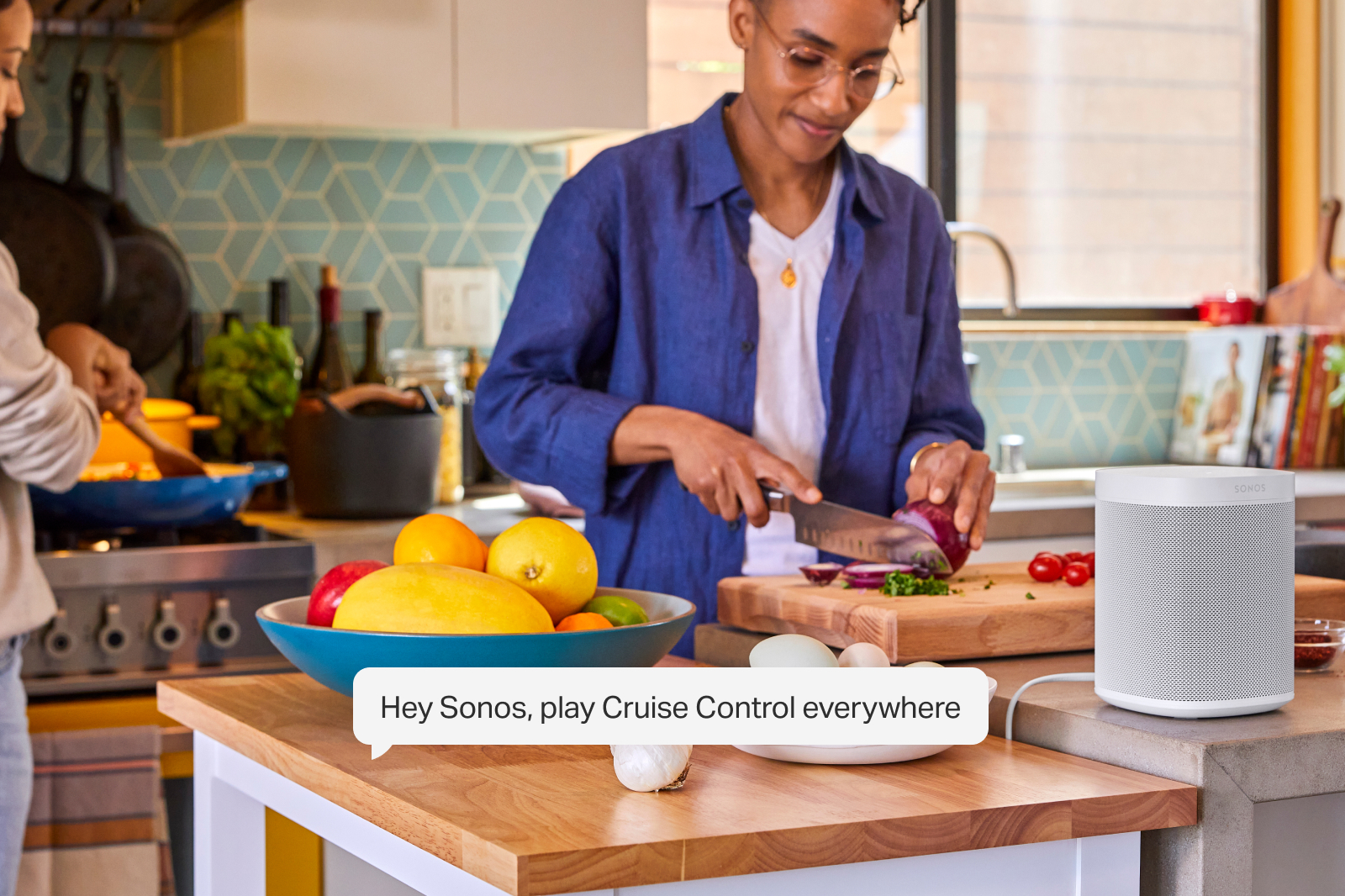
Sonos Voice Control works on every voice-capable Sonos speaker, processing requests entirely on the device. 

No audio or transcript is sent to the cloud, stored, listened to or read by anyone.

Available on new voice capable products and as a free update for existing customers, Sonos Voice Control is compatible with Sonos Radio, Apple Music, Amazon Music, Deezer, and Pandora at launch. More services and markets will follow. 


Fast, accurate control of your music and your Sonos System 

Sonos Voice Control finds the music you want to listen to, processing requests entirely on the device. Local processing delivers faster response times, and effortless follow-ups. 

All you need is one “Hey Sonos” and you can follow up without the need for additional wake-words.

Just like the Sonos app, you can control music and speakers in any room, easily move music around the home, save and like your favorite songs to your personal music library and more.
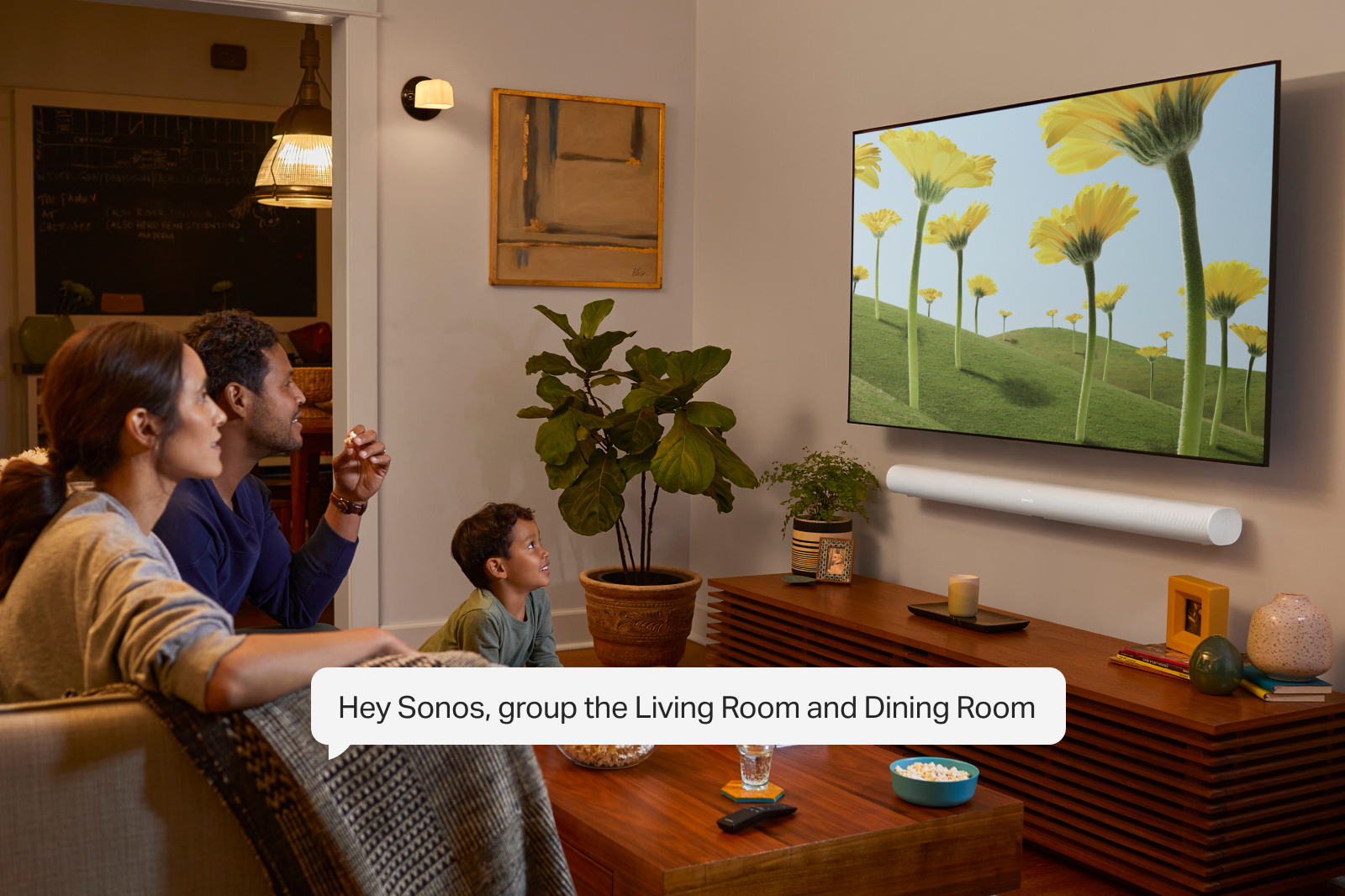
 

Natural conversation with Giancarlo Esposito

Sonos Voice Control understands the nuance of human communication and will respond to natural commands like “turn it up!”. After a careful search, Sonos chose award-winning actor Giancarlo Esposito - best known for his roles in Breaking Bad, Better Call Saul and The Mandalorian - to deliver a familiar voice for US customers. With careful recording, advanced processing and mastering, the voice is natural, unobtrusive, yet confident and engaging. 

Sonos’ first voice will be joined by others over time as Sonos continues to expand the experience to new people and places.

 Sonos Voice Control is available in the US starting June 1 and in France later this year, with additional markets to follow. 

Read the full press release on Sonos Voice Control here.

This topic has been closed for further comments. You can use the search bar to find a similar topic, or create a new one by clicking Create Topic at the top of the page.

150 replies

SarahN
Local Superstar
June 1, 2022

@melvimbe -  yeah so I basically added SVC to my kitchen roams (and bare in mind I also have 2 One SLs in my kitchen), and then I asked SVC to play a particular album on the One SLs by using their ‘room’ name, but it said for me to check the room name in the app. I was saying the One SL room name exactly as it appears in the app. My rooms are a little complex as I name them the speaker name, with a hyphen, then the actual room, for example my kitchen One SLs are called ‘Sonos One SL - Kitchen’. Not sure if that is what is confusing it but I would not have thought so lol.

Can you have too many Sonos speakers? 🤔 😆
Jeffrey_35
Headliner III
June 1, 2022

One other thing is with more music services the more precise you need to be. I called for playing “Main Stream” from Sonos Radio HD and it instead played a Mainstream station from Apple Music (my default music service). A quick specification of saying Play Main Stream from Sonos Radio HD fixed it, but you will just have to learn your stations, etc..

Wonder if it would be possible to create specific default stations for each unit. For us, we use Sonos Radio HD (Bedroom, Bathroom & Kitchen) but for my daughter the default on her Roam would be Apple Music. Probably too much but just a thought.

“The true sign of intelligence is not knowledge but imagination.”
Jeffrey_35
Headliner III
June 1, 2022

My rooms are a little complex as I name them the speaker name, with a hyphen, then the actual room, for example my kitchen One SLs are called ‘Sonos One SL - Kitchen’. Not sure if that is what is confusing it but I would not have thought so lol.

Yeah, I started that way as well but have learned to simplify it solely on the room. In the case of my Kitchen I have a Move as well as two Play 1s (no SVC) and so I have those as just Kitchen and my Move as Kitchen Move. It seems to work pretty well.

“The true sign of intelligence is not knowledge but imagination.”
SarahN
Local Superstar
June 1, 2022

I do wonder if my ‘room’ names are a little complex as I don’t just have say ‘kitchen’ or ‘lounge’ 

Maybe I need to re-name them to try that way? But then how does it work if you have a Roam in your actual kitchen plus 2 stereo One SLs? Would one be in Kitchen and the other in say Kitchen 2?

Sorry if I sound silly but I have all my sonos speakers in rooms with their own actual name…… I may need to have a play around with my room names

Can you have too many Sonos speakers? 🤔 😆
melvimbe
June 1, 2022

@melvimbe -  yeah so I basically added SVC to my kitchen roams (and bare in mind I also have 2 One SLs in my kitchen), and then I asked SVC to play a particular album on the One SLs by using their ‘room’ name, but it said for me to check the room name in the app. I was saying the One SL room name exactly as it appears in the app. My rooms are a little complex as I name them the speaker name, with a hyphen, then the actual room, for example my kitchen One SLs are called ‘Sonos One SL - Kitchen’. Not sure if that is what is confusing it but I would not have thought so lol.


I would not be surprised if that tripped it up.   I noticed in the list of commands, they had an example where the use the speaker name rather than the room name...’Stop on Roam only’.  They don’t talk about it, and Roam may just happen to be the room name if it was never changed from default, but I got the impression you’re allowed to reference the speaker name in some situations.  That would fit with the attempt to use more natural language perhaps.

I was going to suggest going with Kitchen One and Kitchen Two, but those may be problematic.  I have some named like that, so will have to see if it causes issues.  Also curious to see if it handles named groups well.

Danny
Ken_Griffiths
June 1, 2022

I suspect your room names are the issue @SarahN, maybe it’s the hyphen character, you need to include it when you say the name, perhaps?

melvimbe
June 1, 2022

One other thing is with more music services the more precise you need to be. I called for playing “Main Stream” from Sonos Radio HD and it instead played a Mainstream station from Apple Music (my default music service). A quick specification of saying Play Main Stream from Sonos Radio HD fixed it, but you will just have to learn your stations, etc..

Wonder if it would be possible to create specific default stations for each unit. For us, we use Sonos Radio HD (Bedroom, Bathroom & Kitchen) but for my daughter the default on her Roam would be Apple Music. Probably too much but just a thought.


James talked about this back on page one, and it did work for the Cruise Control station in his test.  I tried it myself and it started playing something from Amazon.  However, when I asked it to play Cruise Control radio, it worked, even though Amazon is my default service.  

As far as having different default stations, seems like it would be do-able since the commands are processed locally on each speaker.  I’m not sure I would want that as it would be confusing to remember the default of which room your in, but it does make sense for kids room.  If you never group your daughters room with other speakers in the home, you could just setup her room as a separate household, with a different default service.  That would cause problems if you’re using Alexa with SVC though, as Alexa can only connect to one Sonos household.

Danny
SarahN
Local Superstar
June 1, 2022

@Ken_Griffiths and @melvimbe - think I found a workaround. So I made a group called Kitchen and just put the One SL pair in it. Just asked sonos (via the roam of course), to play music in the kitchen, and it resumed the queued Amazon music I have on the One SLs, so happy days! 

Can you have too many Sonos speakers? 🤔 😆
melvimbe
June 1, 2022

I do wonder if my ‘room’ names are a little complex as I don’t just have say ‘kitchen’ or ‘lounge’ 

Maybe I need to re-name them to try that way? But then how does it work if you have a Roam in your actual kitchen plus 2 stereo One SLs? Would one be in Kitchen and the other in say Kitchen 2?

Sorry if I sound silly but I have all my sonos speakers in rooms with their own actual name…… I may need to have a play around with my room names


It’s actually a good naming convention typically, IMO.  If you were building out a smart home, with several different types of smart devices in each room, you have often have to specify the device type/brand in the name to avoid confusion.  For Alexa, I used to name all my speakers with ‘Sonos’ in it, but they changed the icons around, and I know that any name without the device type in it is the Sonos room/speaker by default.

Danny
SarahN
Local Superstar
June 1, 2022

Just tried it also in my lounge which has the Beam home theatre plus a pair of Fives attached to my turntable. Made a group called Lounge, and asked SVC (via the Beam) to play music in the lounge and my Fives started playing their queued music so that is good to know.


I don’t need to re-name my actual ‘room’, just create these groups lol

Can you have too many Sonos speakers? 🤔 😆