

Caroline V.
Retired Community Manager
May 11, 2022

Introducing Sonos Voice Control

Related content:Software
Introducing Sonos Voice Control

Hi Sonos Community members!

Today, we introduce the first voice experience created purely for listening on Sonos. Designed with privacy at its core, Sonos Voice Control is the simplest way to control your music, offering complete command of your Sonos system using only your voice. 
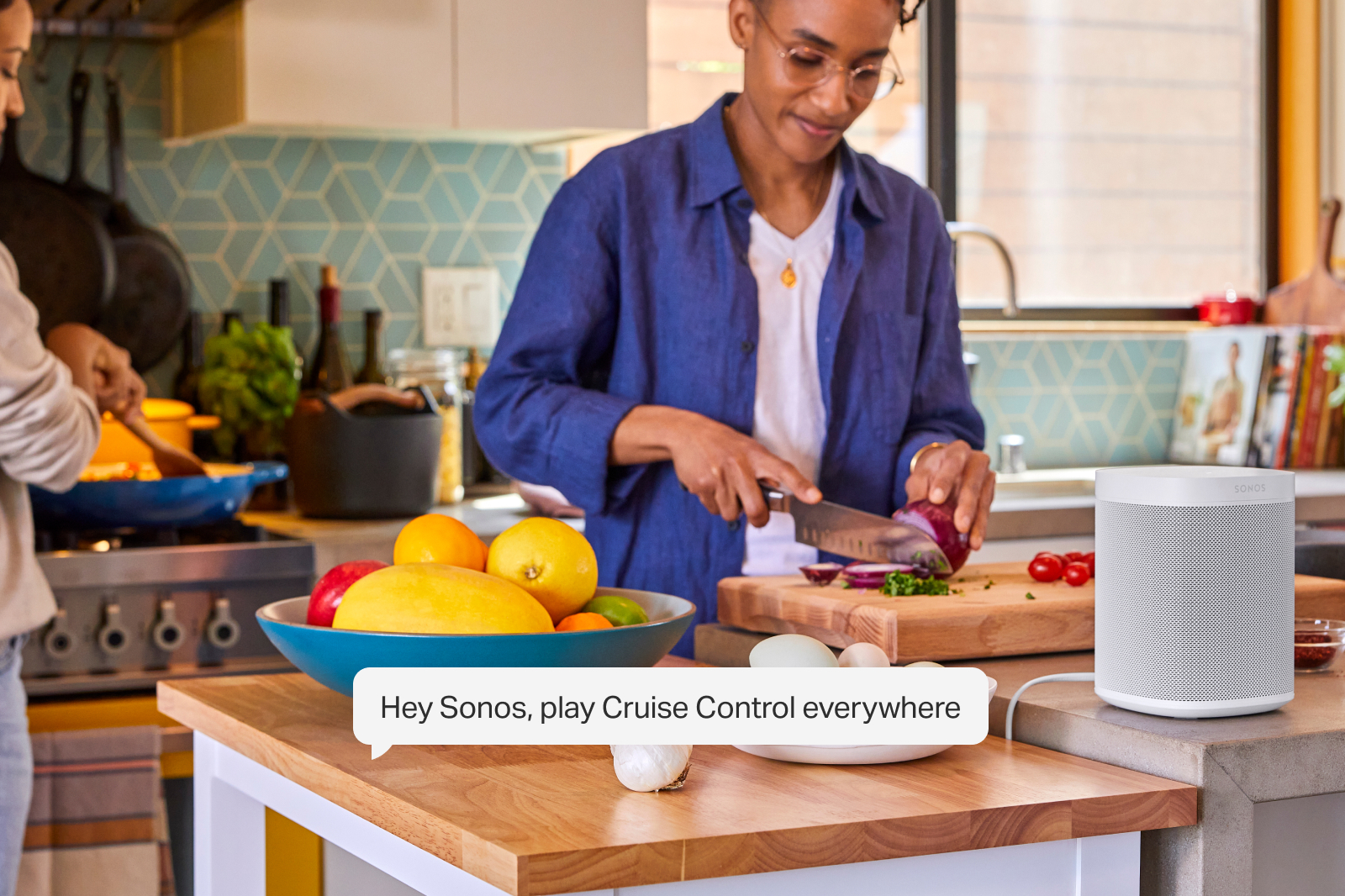
Sonos Voice Control works on every voice-capable Sonos speaker, processing requests entirely on the device. 

No audio or transcript is sent to the cloud, stored, listened to or read by anyone.

Available on new voice capable products and as a free update for existing customers, Sonos Voice Control is compatible with Sonos Radio, Apple Music, Amazon Music, Deezer, and Pandora at launch. More services and markets will follow. 


Fast, accurate control of your music and your Sonos System 

Sonos Voice Control finds the music you want to listen to, processing requests entirely on the device. Local processing delivers faster response times, and effortless follow-ups. 

All you need is one “Hey Sonos” and you can follow up without the need for additional wake-words.

Just like the Sonos app, you can control music and speakers in any room, easily move music around the home, save and like your favorite songs to your personal music library and more.
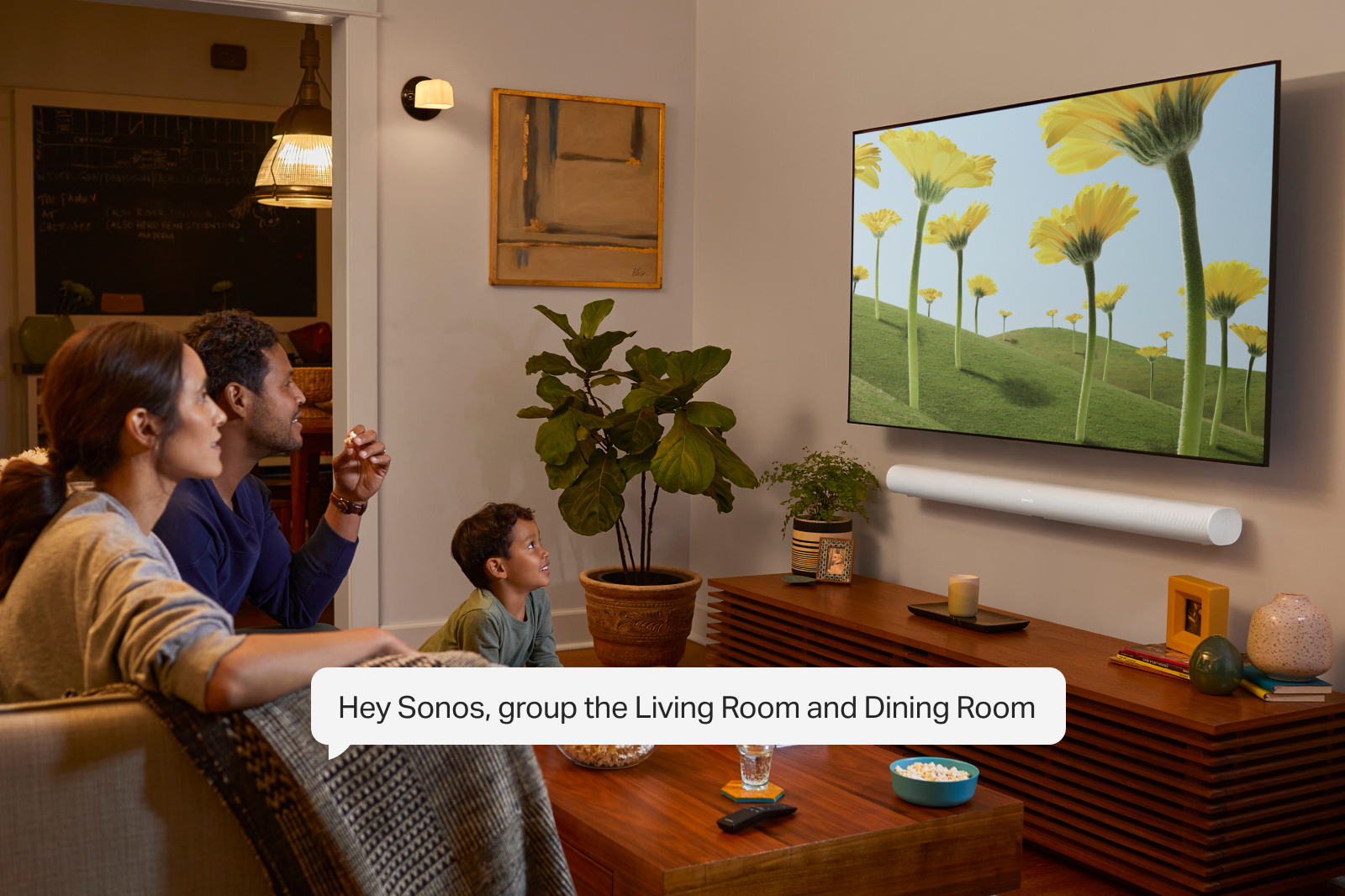
 

Natural conversation with Giancarlo Esposito

Sonos Voice Control understands the nuance of human communication and will respond to natural commands like “turn it up!”. After a careful search, Sonos chose award-winning actor Giancarlo Esposito - best known for his roles in Breaking Bad, Better Call Saul and The Mandalorian - to deliver a familiar voice for US customers. With careful recording, advanced processing and mastering, the voice is natural, unobtrusive, yet confident and engaging. 

Sonos’ first voice will be joined by others over time as Sonos continues to expand the experience to new people and places.

 Sonos Voice Control is available in the US starting June 1 and in France later this year, with additional markets to follow. 

Read the full press release on Sonos Voice Control here.

This topic has been closed for further comments. You can use the search bar to find a similar topic, or create a new one by clicking Create Topic at the top of the page.

150 replies

melvimbe
June 1, 2022

Played around with it a bit this morning.  Not enough to really get anything close to a full impression.  Being able to group rooms by voice is probably going to be my favorite feature.  It also does seem like it understand natural language a bit better.

It’s going to take a little mental training to get used to a new voice assistance.  At least twice, I said ‘Hey Google’ instead of ‘Hey Sonos’.

Danny
Renowned Enthusiast II
June 1, 2022

@James L. Just to confirm can you have Alexa and sonos Voice enabled at the same time? I use Alexa to control my lights etc, so wouldnt want to lost that function

James L.
Retired Community Staff
June 1, 2022

@James L. Just to confirm can you have Alexa and sonos Voice enabled at the same time? I use Alexa to control my lights etc, so wouldnt want to lost that function

Yes, absolutely 😊

Mark good posts by pressing the like button, and select the best answer on questions you've asked to help others find solutions.
Belly M
June 1, 2022

@James L.

When using SVC with a streaming service are the played tracks fed back to the streaming service so it updates its recommendations?

James L.
Retired Community Staff
June 1, 2022

@James L.

When using SVC with a streaming service are the played tracks fed back to the streaming service so it updates its recommendations?

Each music service handles playback on external platforms, such as Sonos, in their own way.

But, yes, the service will know the tracks that have been played via Sonos Voice Control in the same way they’ll know if a track has been played through the Sonos app.

Mark good posts by pressing the like button, and select the best answer on questions you've asked to help others find solutions.
Belly M
June 1, 2022

@James L.

When using SVC with a streaming service are the played tracks fed back to the streaming service so it updates its recommendations?

Each music service handles playback on external platforms, such as Sonos, in their own way.

But, yes, the service will know the tracks that have been played via Sonos Voice Control in the same way they’ll know if a track has been played through the Sonos app.

Many thanks

SarahN
Local Superstar
June 1, 2022

So a few thoughts - 

I like it overall.

It turns on the TV and turns it back off again via the Beam Gen 2 (Google assistant would only ever turn the TV off, never on).

It plays or pauses bluetooth streams on my 2 grouped Roams.

It will resume playing my Audible book which I have always queued on my Move.

It works nice and quickly.

Things it does not seem to do (unless I’m doing something wrong) =

Does not seem able to pause my Audible book on my Move (says nothing is playing?)

Cannot see a way of using a voice enabled speaker to play music on a non voice enabled speaker. for example I have my Roams in the kitchen which are used a lot for bluetoothing in a group as one is one end of the dining kitchen and the other is the other end. I also have 2 One SLs stereo paired but if I try to ask a Roam to play music on the One SLs it does not work (maybe that’s something it’s unable to do right now?)

Any thoughts?


Can you have too many Sonos speakers? 🤔 😆
melvimbe
June 1, 2022

Cannot see a way of using a voice enabled speaker to play music on a non voice enabled speaker. for example I have my Roams in the kitchen which are used a lot for bluetoothing in a group as one is one end of the dining kitchen and the other is the other end. I also have 2 One SLs stereo paired but if I try to ask a Roam to play music on the One SLs it does not work (maybe that’s something it’s unable to do right now?)

Any thoughts?


I only played with this briefly before heading out to work this morning, but I was able to use the Roams mic to command a room that had no mics in it.  Of course, I did have to name the room in my command.  Also, I just raised the volume, didn’t initiate playback, so maybe that makes a difference.

It would be really nice if you could tie a Roam, or any speaker really to default to playback in a different room, so you wouldn’t have to add the room name.   It’s not as ideal as an echo dot or echo show, primarily due to cost, but it would make it easier to add voice to those rooms that have no mic’d speakers.  You could even still make SVC commands to the Roam/speaker itself by adding the ‘here’.

Either way, I plan on using a Roam outside near the pool where outdoor speakers are powered by Amp.  It won’t matter if the Roam gets splashed or even falls in.


Danny
Ken_Griffiths
June 1, 2022

So a few thoughts - 

I like it overall.

It turns on the TV and turns it back off again via the Beam Gen 2 (Google assistant would only ever turn the TV off, never on).

It plays or pauses bluetooth streams on my 2 grouped Roams.

It will resume playing my Audible book which I have always queued on my Move.

It works nice and quickly.

Things it does not seem to do (unless I’m doing something wrong) =

Does not seem able to pause my Audible book on my Move (says nothing is playing?)

Cannot see a way of using a voice enabled speaker to play music on a non voice enabled speaker. for example I have my Roams in the kitchen which are used a lot for bluetoothing in a group as one is one end of the dining kitchen and the other is the other end. I also have 2 One SLs stereo paired but if I try to ask a Roam to play music on the One SLs it does not work (maybe that’s something it’s unable to do right now?)

Any thoughts?

Are you including the One SLs ‘Room’ name in your instruction and are all devices in the same Household on the same subnet. Example:

"Hey Sonos, play music in/on Kitchen” ..  (instruction given to a Sonos Roam here called ‘Vortex’)

The above example is working for me - ‘Kitchen’ is a stereo pair of One SL’s and begins playing music. I was also able to stop the music in the Kitchen from the Roam too. 


Jeffrey_35
Headliner III
June 1, 2022

Cannot see a way of using a voice enabled speaker to play music on a non voice enabled speaker. for example I have my Roams in the kitchen which are used a lot for bluetoothing in a group as one is one end of the dining kitchen and the other is the other end. I also have 2 One SLs stereo paired but if I try to ask a Roam to play music on the One SLs it does not work (maybe that’s something it’s unable to do right now?)

Any thoughts?


Here’s what’s kind of slick for non compatible speakers; I just asked it to move my music to those speakers. Was listening on my Beam (gen 1) in the BR and was going to the office. Just said “Hey Sonos, move music to Office” and Giancarlo said, “Moving music to the Office” and there it was. That’s odd that it doesn’t work for you; I just tested it cold by going in the BR and asking it to play in the Office and it worked. Also, heads up be careful because when I did that I started with Hey, Sonos Move instead of Play and it transferred the show my daughter was watching in the basement Arc to my BR Beam.

“The true sign of intelligence is not knowledge but imagination.”