Contributor I
September 19, 2026
Answered

Offline Portable Speaker as surrounds…
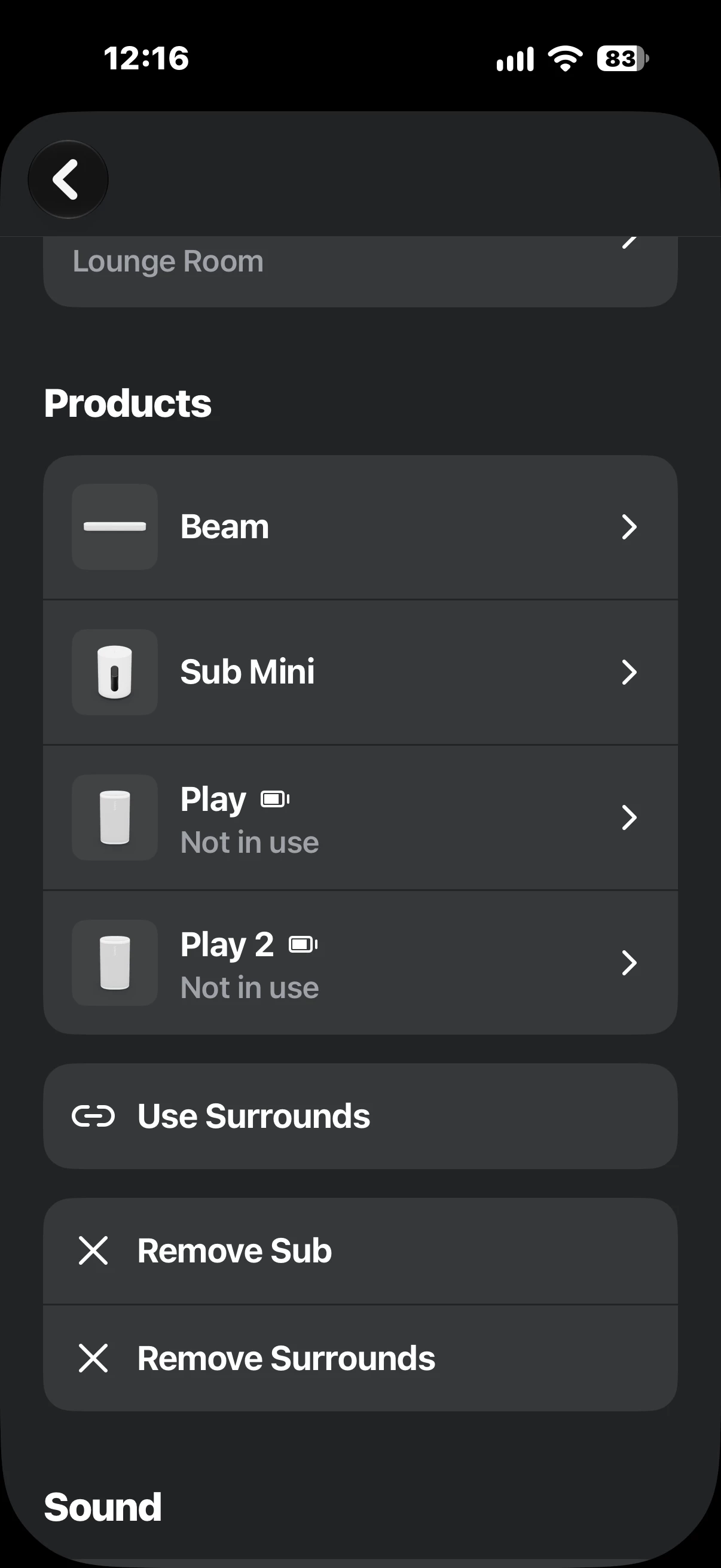
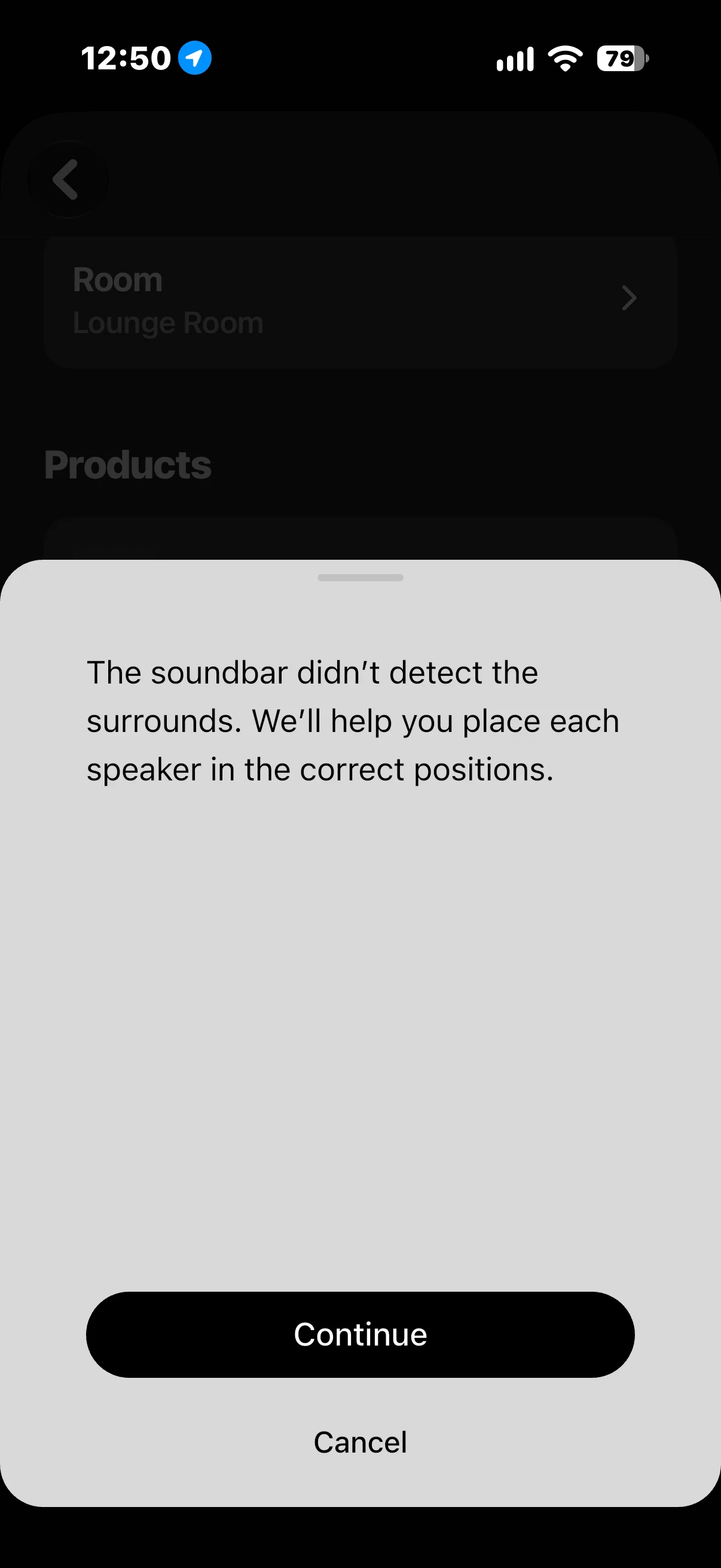
Having all sorts of bizarre issues with portables as rears all of a sudden. Anyone else had this in the past few days? Was working sweet when the update came out… is it a ios27 thing?


Speakers are showing, they’re optioned to be used as surrounds, but now they’re immediately going offline. Is this a known issue?

Palco
PalcoAnswer
Prominent Collaborator I
September 19, 2026

1/ Remove the surround speakers

2/ Move the Sonos Play to another room and perform a factory reset

3/ Add it back to the system (a matter of a few seconds for portable units)

4/ Set it up as a surround speaker again and add it to the Beam 2.

This should work...

5 replies

buzz
Grand Maestro
September 19, 2026

Are you sure that they are awake?

AdamP43Author
Contributor I
September 19, 2026

Yeah def sure. Was working perfectly first few days of the update and sporadically last night and now straight from setting to of going not in use/offline. Weird behaviour. 

Palco
PalcoAnswer
Prominent Collaborator I
September 19, 2026

1/ Remove the surround speakers

2/ Move the Sonos Play to another room and perform a factory reset

3/ Add it back to the system (a matter of a few seconds for portable units)

4/ Set it up as a surround speaker again and add it to the Beam 2.

This should work...

AdamP43Author
Contributor I
September 19, 2026

Ok will try that, and report back 💪

AdamP43Author
Contributor I
September 19, 2026

1/ Remove the surround speakers

2/ Move the Sonos Play to another room and perform a factory reset

3/ Add it back to the system (a matter of a few seconds for portable units)

4/ Set it up as a surround speaker again and add it to the Beam 2.

This should work...

That has appeared to work! Not sure why I had to reset, but once completed this process seamlessly connected again. 
 

Will keep in mind as first step if I have issues again! Thanks Palco!