This topic has been closed for further comments. You can use the search bar to find a similar topic, or create a new one by clicking Create Topic at the top of the page.
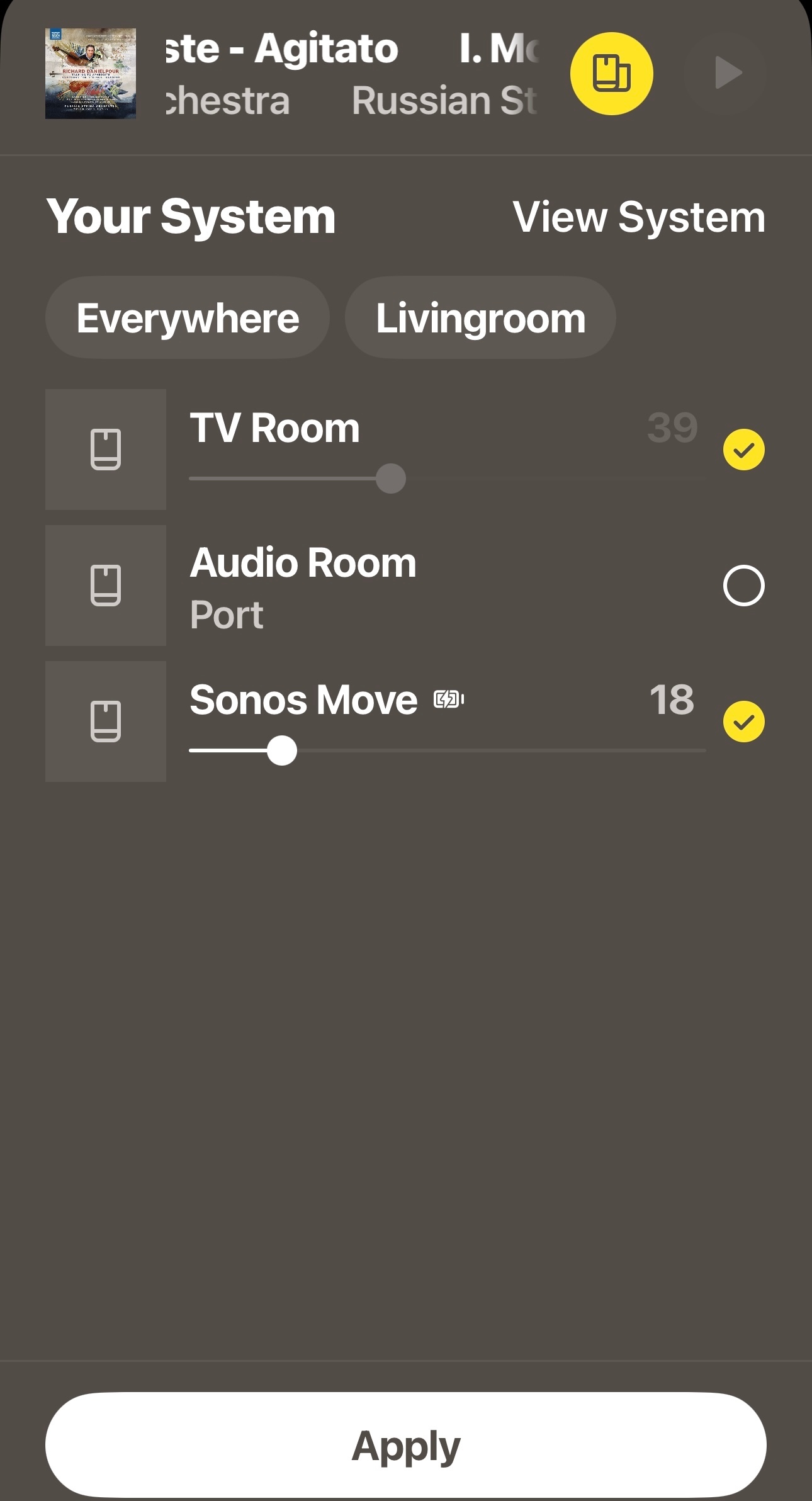
Note, this will ‘sync’ for streamed content only, there will always be a slight delay when playing the TV’s input to the Beam, as has been discussed before in many threads.
Doesn’t work without my rebooting the Beam each time
I am also disturbed by your comment that the TV as a source will be delayed. I haven’t had a chance to watch TV using it yet, but if the lip sync is off, that is a horrible and unacceptable defect. If that is true, I will return the Beam and find a better designed sound bar.
That’s the nature of the software, not the Beam itself. Any ‘other’ room, when grouped with the Home Theater ‘room which contains the device that is connected to the TV. Sonos doesn’t offer any solution in which non surround speakers can be in sync with the Home Theater speaker. That’s due to the way that Sonos delays all inputs so that they can play in any and all ‘rooms’ in sync. Home theater speakers play in sync because they’re all supposed to be local, and as such, are bonded on a 5Ghz (hidden) channel, all other rooms are presumed by the software to be connected by the higher latency 2.4Ghz channel.
There is no Sonos solution that will play the TV’s center channel in sync, much to thenchagrin of many folks who are looking for a ‘hard of hearing’ solution.