Trending Lyricist I
May 26, 2024
Answered

Unable to remove surround speakers

How to remove two ERA 100’s as the surround speakers and change them with two ERA 300’s? 
 

Currently I am getting an error message- and I am unable to remove the ERA 100’s as the surround speakers?!

My ARC/ system is up 2 date.
This topic has been closed for further comments. You can use the search bar to find a similar topic, or create a new one by clicking Create Topic at the top of the page.
Trending Lyricist I
May 26, 2024

Ok!! I solved the problem! 💪🏻💪🏻


  1. I removed the SUB.
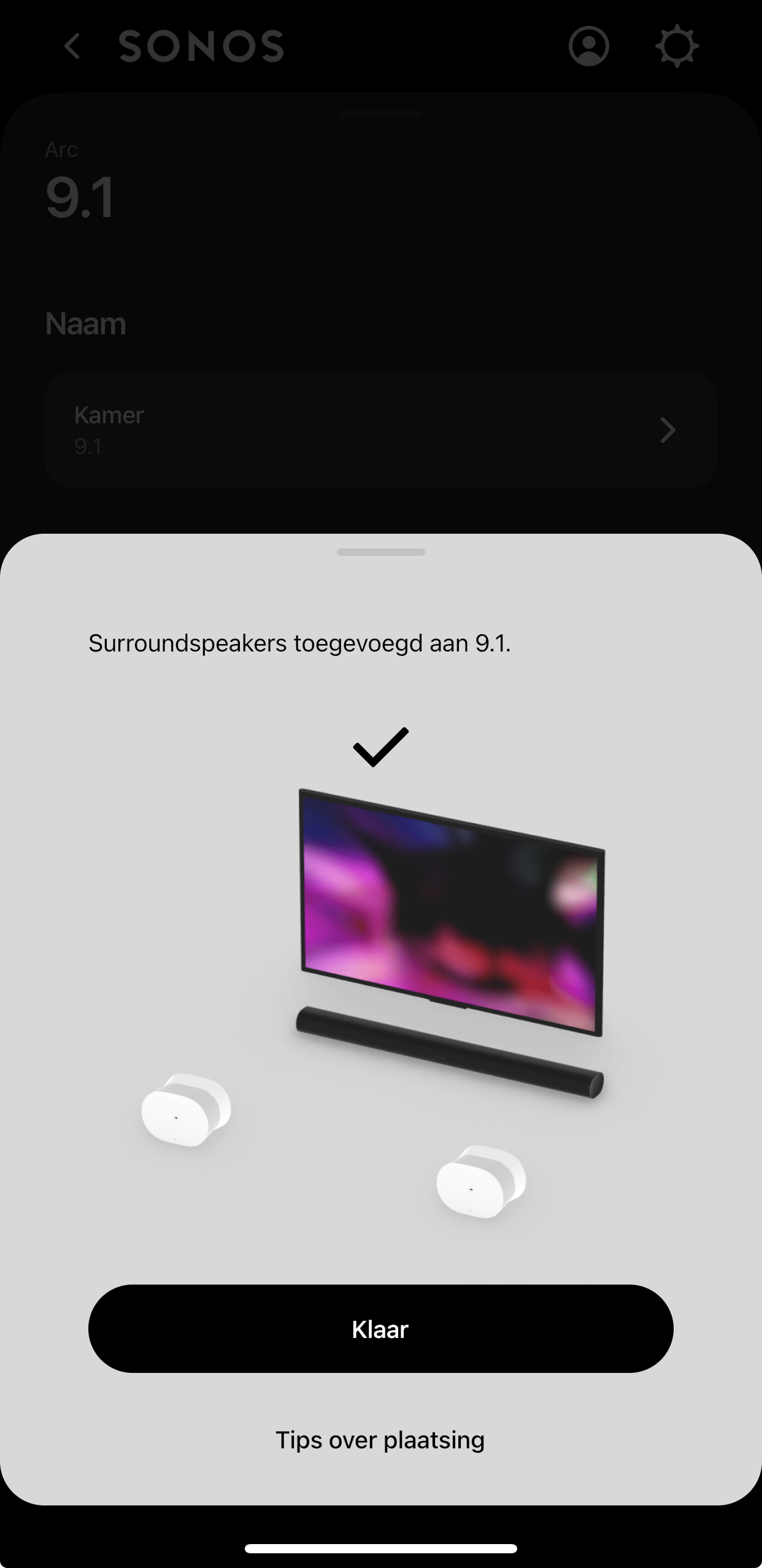
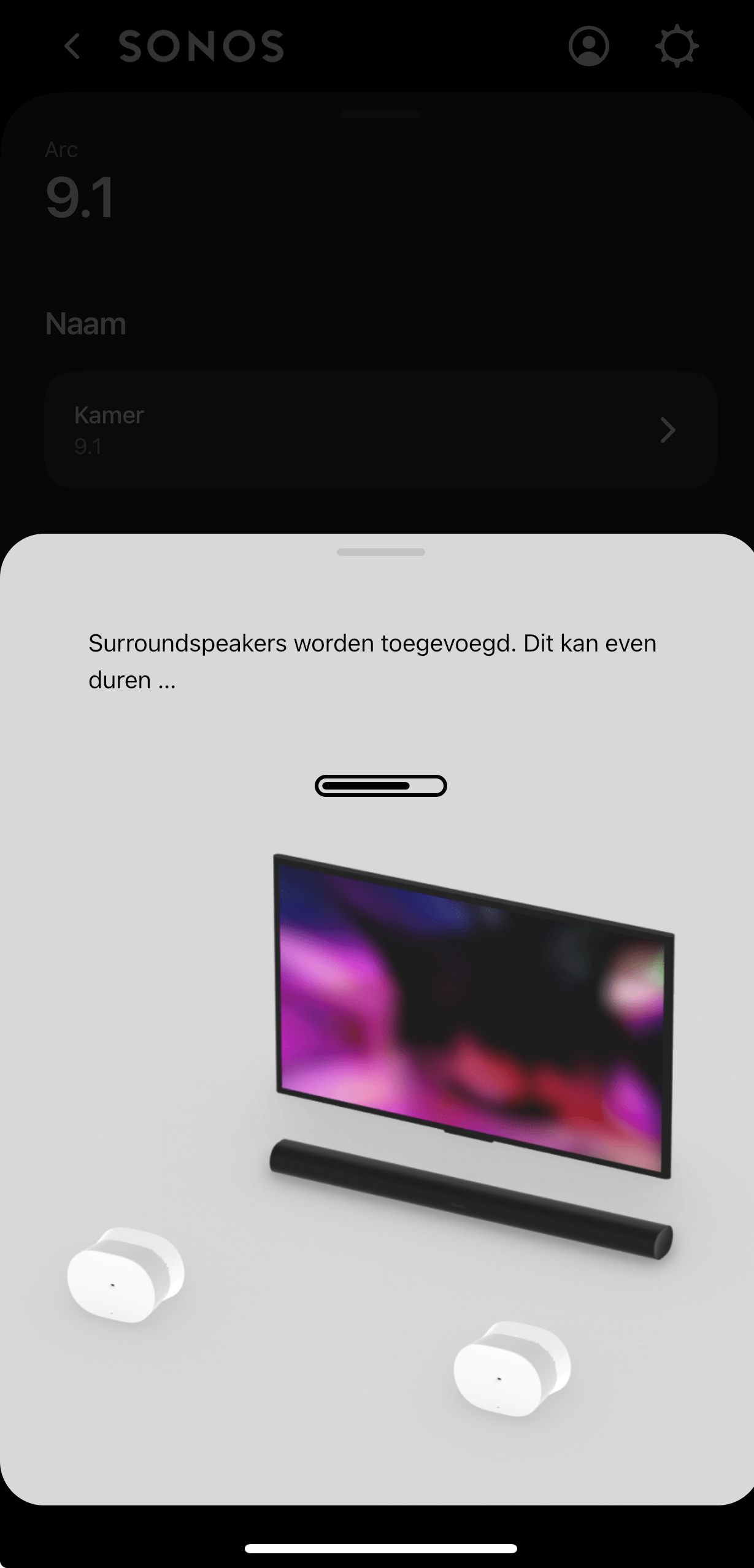
  2. Added the ERA 300’s as surroundspeakers.
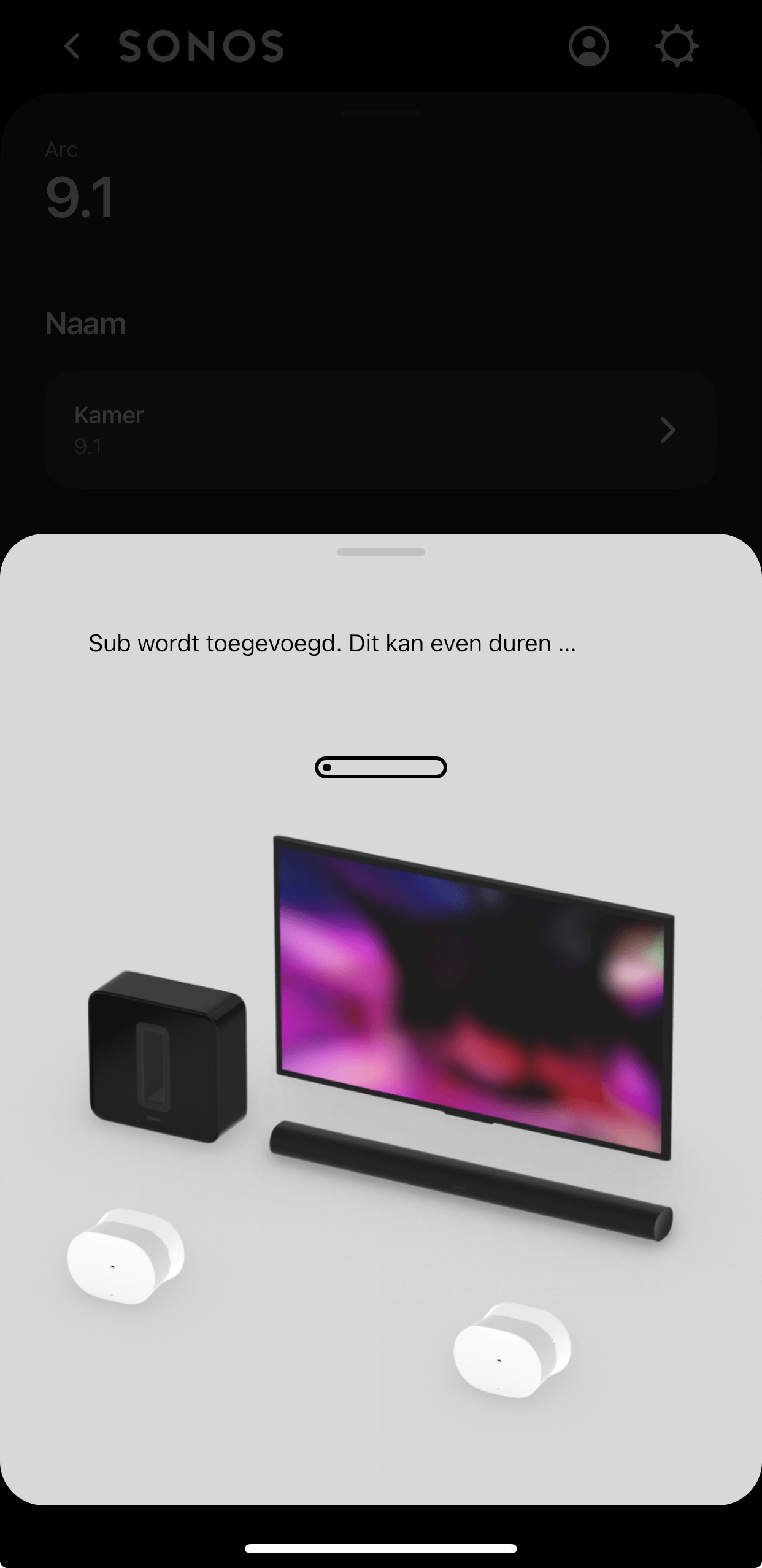
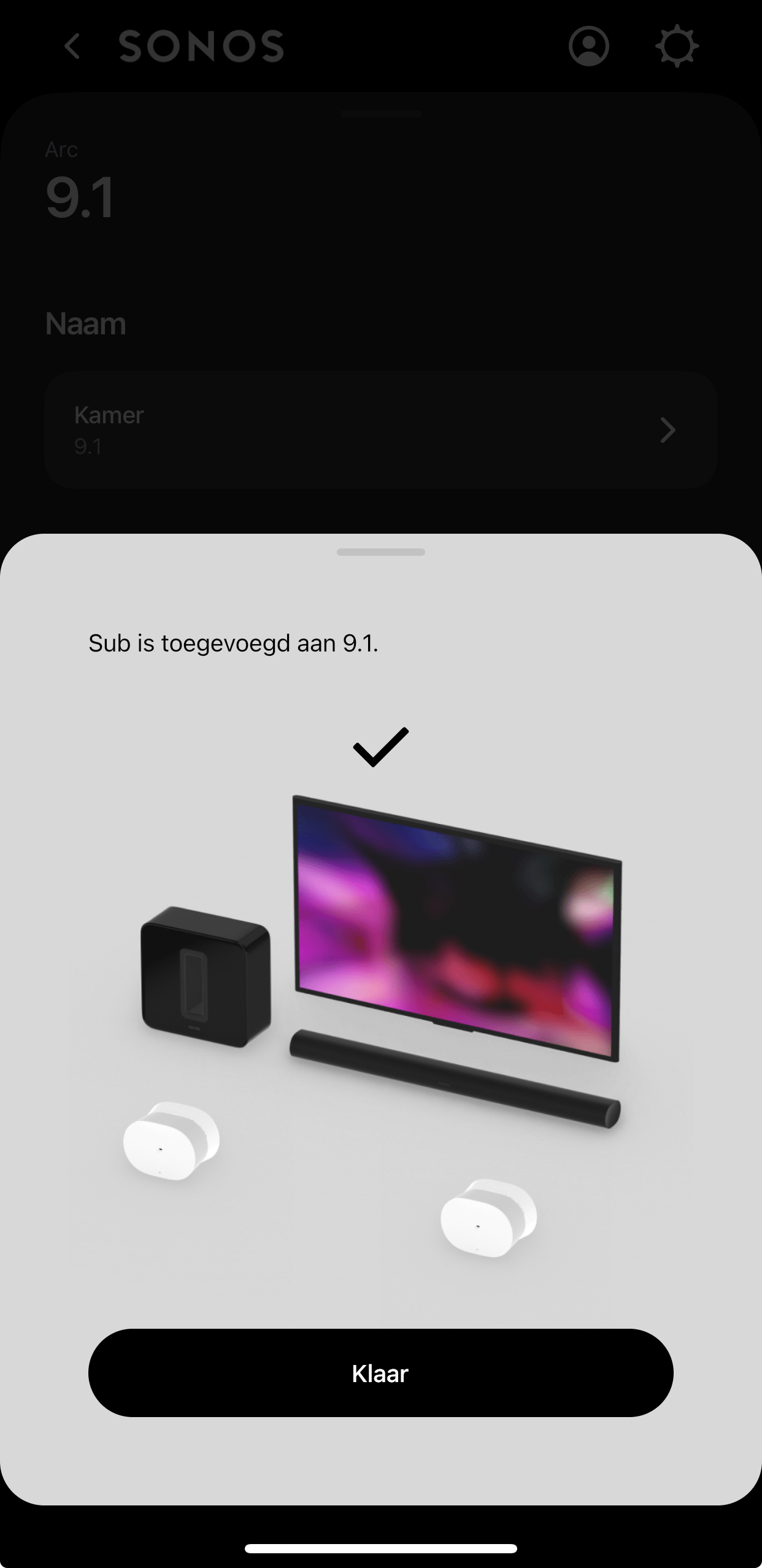
  3. Added the SUB.
  4.  

24 replies

Contributor I
June 7, 2024

Hey all, just wanted to circle back for anyone else who is having this issue to let you know how I was able to solve things, following @Stephen_70 steps above. As I said I am on the iOS app version 80.02.04 (most recent as of today) and was up to date on firmware with all my devices. With the current known bug, I was able to remove the old Play 1 speakers and replace them with the new Era 300s in my family room surround locations by:

  1. First I made sure to add the new Era 300 speakers to my Sonos system and placed them into a random room, that was not the family room.
  2. I then made sure the Era 300s updated to the latest firmware version.
  3. Then I performed a factory reset of my Arc in the family room.
  4. Then I performed a factory reset of my Sub Gen3 in the family room.
    1. I did not bother with the Play 1s for now, as I was planning on just removing them from my Sonos network due to overall system responsiveness concerns (too many devices,15 and poor overall grouping, multiple speaker management performance).
  5. Then I setup the Era 300s as surround speakers for the Arc in the family room. 
  6. Then I added the Sub to the Arc surrounds setup.
  7. Then I ran Trueplay to tune the space, and tweaks EQ and other settings to make sure the Arc was connected and talking with my TV.

Thankfully this all worked without further upset or failures but overall what a PITA to have to go through this. Hope this helps though for anyone else who is struggling while Sonos gets their sh*t together.


Contributor I
June 21, 2024

Have been a Sonos customer for a long time now, but won’t purchase another product until this is all resolved.  Add and delete used to be a very simple process that could be done at will. Now, the steps are ridiculous and failure is the norm.
 

My sub mini says 0 degrees when you drill down and it says 180 degrees on the main screen. Have spent weeks trying to remove and add to another room.  Always error messages and check my network connection when I am 5 feet from the router and have gigabit Ethernet. 

Contributor II
June 23, 2024

@The Riddler

coming from living room:

Arc + Sub G3 + 2x Ones as surround sound. 
To living room:

Arc + Sub G3 + 2x Eras 300 as surround sound. 

*Sonos app (newest version) 

*all connected to the same WiFi connection including the phone I’m using!


My mistake was Or App is bugged? 

I immediately connected the Eras 300 on the same room (living room) thinking it would be easy to switch from 2x Ones as surround sound to 2x Eras 300 as surround sound. It was a struggle!


  • couldn’t remove the 2x Ones surround sound (kept getting error message) 

A) So I had to factory reset the 2x Ones just to have them removed from surround sound on the app!

B) ​​​​​after factory resetting the 2x Ones; ​​they were gone from the surround sound on the app; however the app didn’t give the option anymore to add surround sound even though the 2x Ones were gone!​​​​​ kept showing remove surround! And when you press it; shows again error message that the speakers are not powered on or connected to the Internet!  


C) set each Era 300 in a different room not in (the same room) where Arc + Sub G3 are in (E.g.: Den/ family room).

D) on the app - Arc kept showing (remove surround option) even though there were no speakers selected as surround sound since I did factory reset to the 2x Ones. and when you press remove surround; it shows error message.😫 Don’t worry!😤

E) on the app Added the 2x Ones again (like new speakers after factory resetting them) each in a separate room! 
 

F) On the app. Selected the room where the Arc + Sub G3 are in. now I get the option to add surround sound to Arc & Sub G3. Tried to Add the surround sound (Selecting Eras 300 not the Ones) and during the process of setting the surround there is an Error message! Again!!! 😡
 

G) Removed Sub G3 from Arc. Then finally added surround sound selecting Eras 300 not the Ones. It was successful 🥳🥳
 

H) add the sub back to Arc! 


 Problem solved! 😎😇
Thanks to The Riddler for mentioning his experience first! 


This is exactly what I did to solve the problem - after days of frustration these steps did the trick. Only issue left is that I can’t seem to get  trueplay completely working - lots of waiving my arms around with an eventual error message. 
 

anyone find a way past this final hurdle ? 

Contributor I
July 6, 2024

I’m having similar problems to this.  After a factory reset, I can add the Arc and my Ones, but if I try to add the Ones as Surrounds, they are not added and show up as “not available”

When I do the same with the Sub, everything else disappears.

I did have one weird error message where when I tried to move the Sub into the same room as the others, it said it couldn’t because it was already in room <blank space before period>

Very frustrated right now.