Trending Lyricist I
May 26, 2024
Answered

Unable to remove surround speakers

How to remove two ERA 100’s as the surround speakers and change them with two ERA 300’s? 
 

Currently I am getting an error message- and I am unable to remove the ERA 100’s as the surround speakers?!

My ARC/ system is up 2 date.
This topic has been closed for further comments. You can use the search bar to find a similar topic, or create a new one by clicking Create Topic at the top of the page.
Trending Lyricist I
May 26, 2024

Ok!! I solved the problem! 💪🏻💪🏻


  1. I removed the SUB.
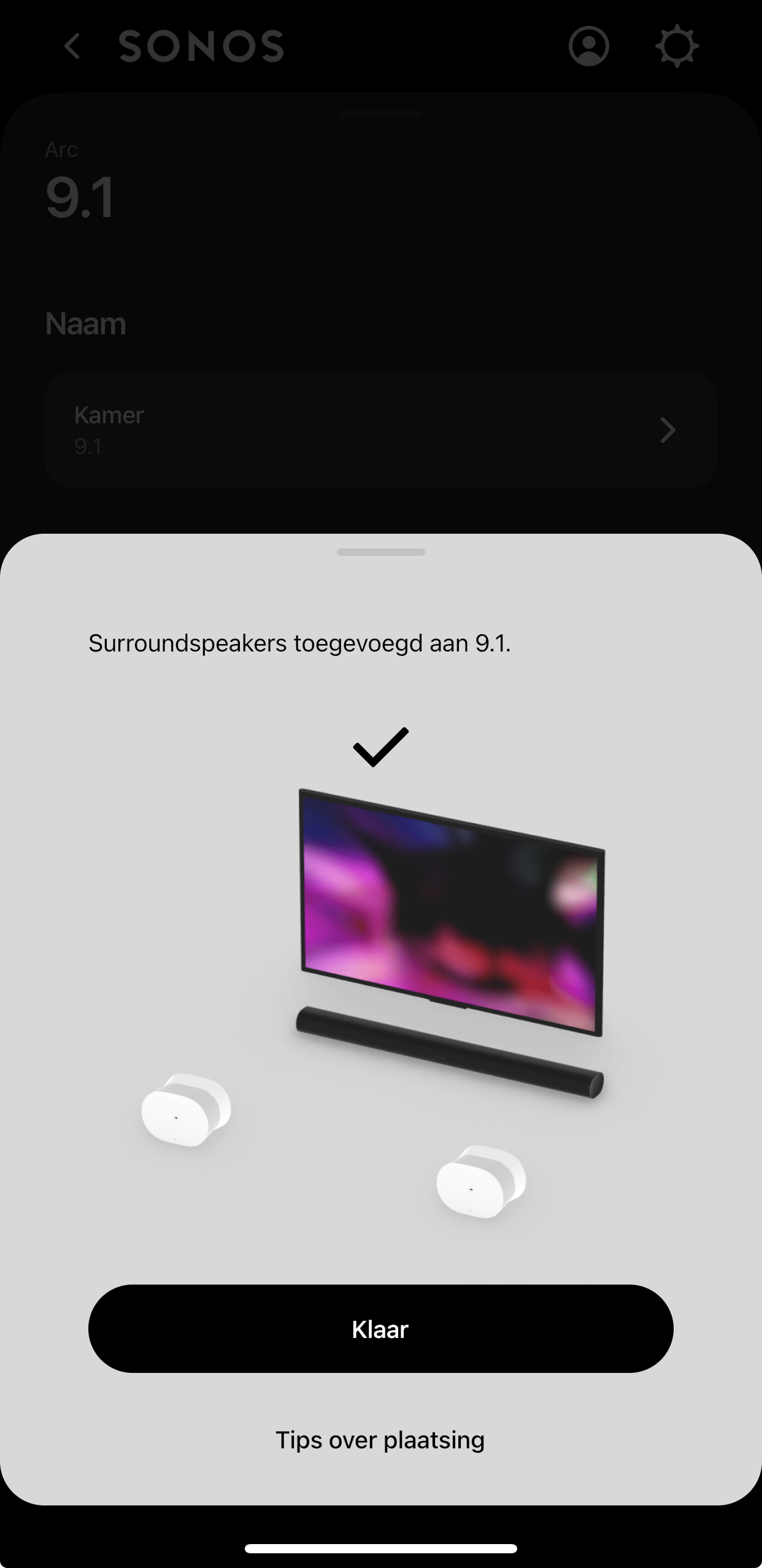
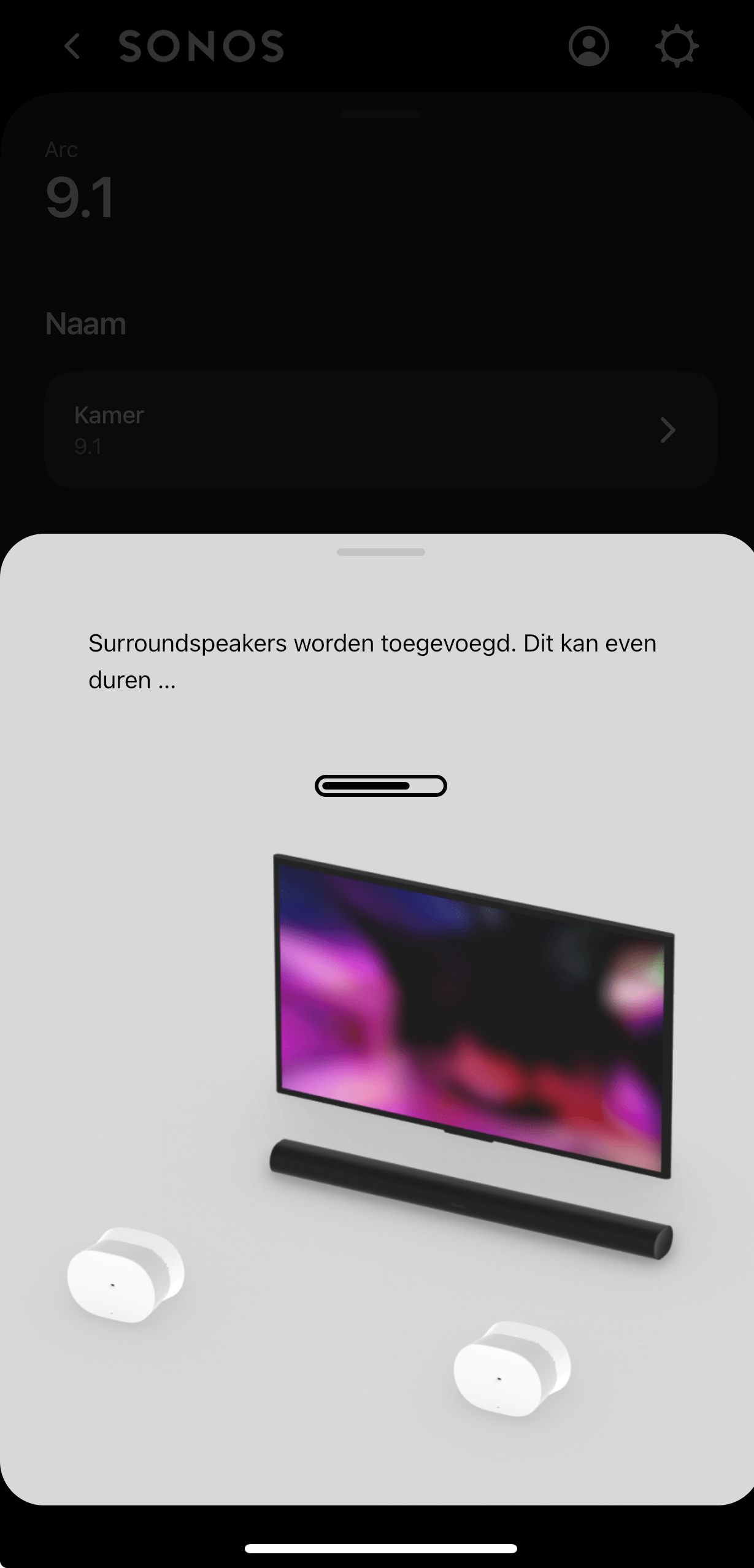
  2. Added the ERA 300’s as surroundspeakers.
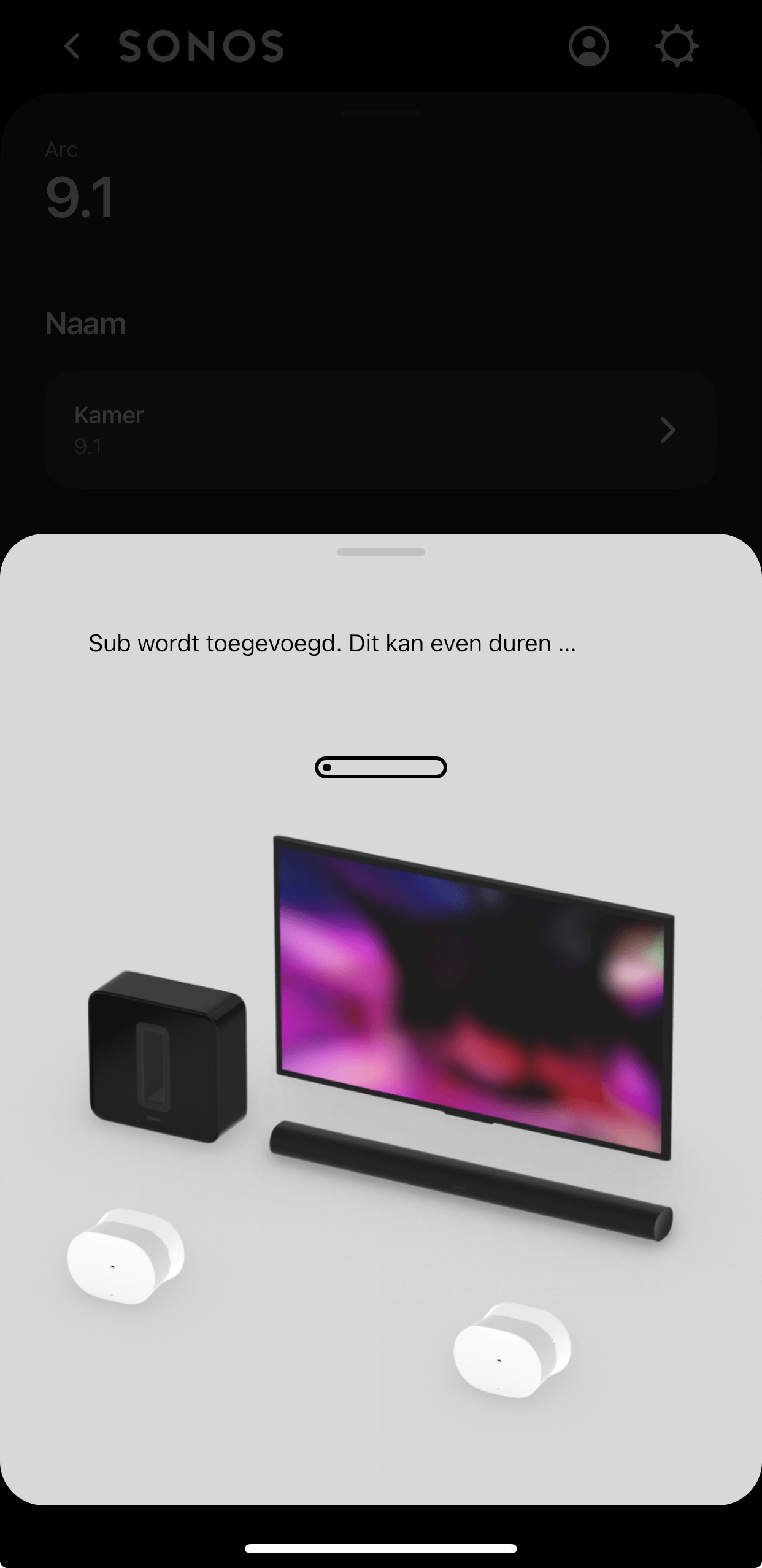
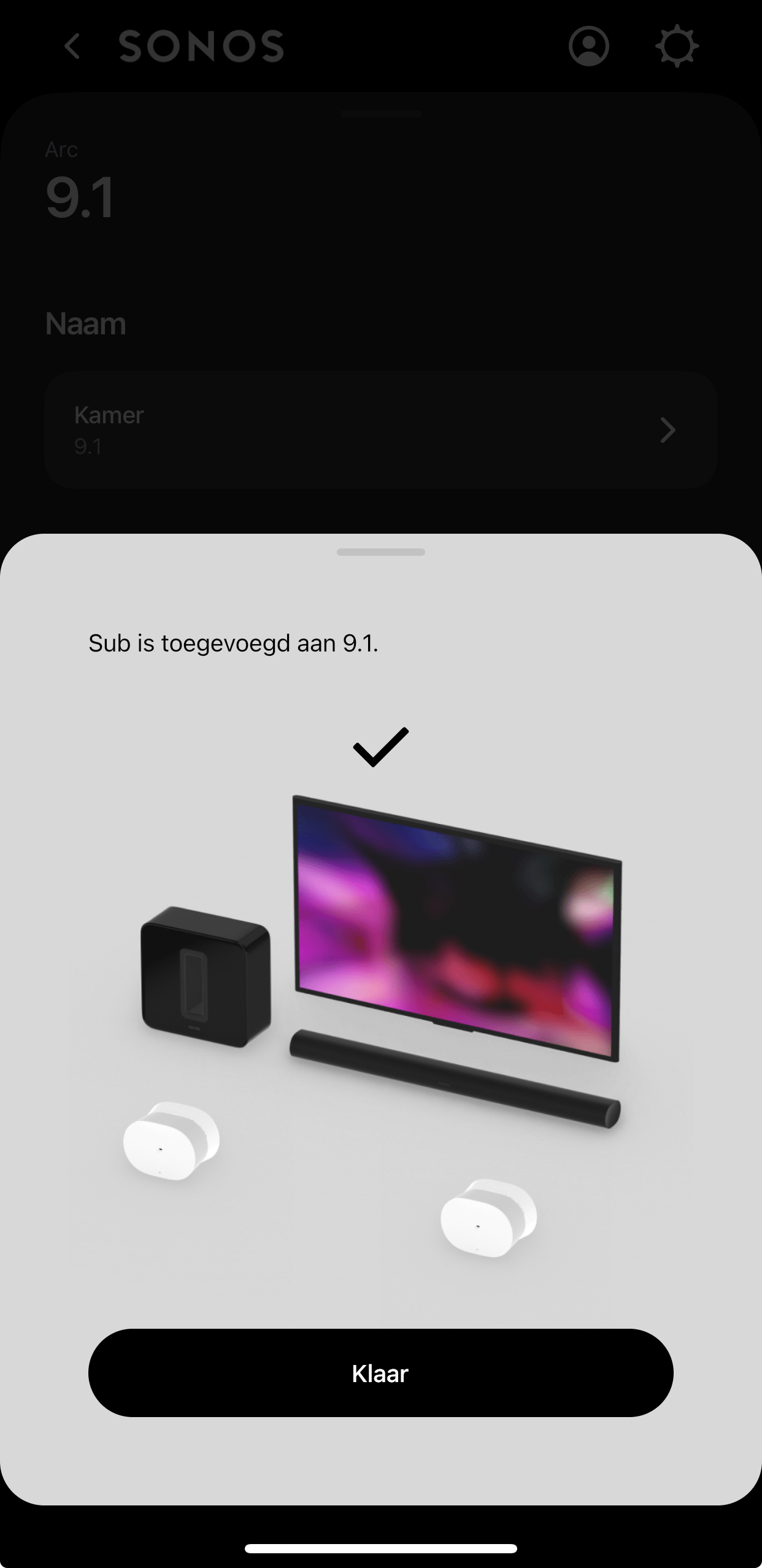
  3. Added the SUB.
  4.  

24 replies

Trending Lyricist I
May 27, 2024

Ok!! I solved the problem! 💪🏻💪🏻


  1. I removed the SUB.
  2. Added the ERA 300’s as surroundspeakers.
  3. Added the SUB.

Similar issue here. So, once you removed the Sub, you were able to remove the original surrounds and then replace them with the 300s and reconnect the Sub?


Without hard resetting the ARC, I was not able to remove the era100 surrounds- or the sub.


  1. Hard reset the Arc
  2. Add the era300 surrounds 
  3. Add the sub

If you first add the sub, than the surrounds somehow can not be added.

Lyricist I
May 27, 2024

@The Riddler 

coming from living room:

Arc + Sub G3 + 2x Ones as surround sound. 
To living room:

Arc + Sub G3 + 2x Eras 300 as surround sound. 

*Sonos app (newest version) 

*all connected to the same WiFi connection including the phone I’m using!


My mistake was Or App is bugged? 

I immediately connected the Eras 300 on the same room (living room) thinking it would be easy to switch from 2x Ones as surround sound to 2x Eras 300 as surround sound. It was a struggle!


  • couldn’t remove the 2x Ones surround sound (kept getting error message) 

A) So I had to factory reset the 2x Ones just to have them removed from surround sound on the app!

B) ​​​​​after factory resetting the 2x Ones; ​​they were gone from the surround sound on the app; however the app didn’t give the option anymore to add surround sound even though the 2x Ones were gone!​​​​​ kept showing remove surround! And when you press it; shows again error message that the speakers are not powered on or connected to the Internet!  


C) set each Era 300 in a different room not in (the same room) where Arc + Sub G3 are in (E.g.: Den/ family room).

D) on the app - Arc kept showing (remove surround option) even though there were no speakers selected as surround sound since I did factory reset to the 2x Ones. and when you press remove surround; it shows error message.😫 Don’t worry!😤

E) on the app Added the 2x Ones again (like new speakers after factory resetting them) each in a separate room! 
 

F) On the app. Selected the room where the Arc + Sub G3 are in. now I get the option to add surround sound to Arc & Sub G3. Tried to Add the surround sound (Selecting Eras 300 not the Ones) and during the process of setting the surround there is an Error message! Again!!! 😡
 

G) Removed Sub G3 from Arc. Then finally added surround sound selecting Eras 300 not the Ones. It was successful 🥳🥳
 

H) add the sub back to Arc! 


​​​​​​​ Problem solved! 😎😇
Thanks to The Riddler for mentioning his experience first! 


Trending Lyricist I
May 27, 2024

@AntiMatter 

Great to see 👍🏻we’re here to help each other.


Lyricist I
May 28, 2024

Thanks for the tip

Spent days trying to get my new 300s added as surrounds with no luck until I found your post. It’s worked a treat.


Many thanks to The Riddler 🤘👍😊

Trending Lyricist I
May 28, 2024

Thanks for the tip

Spent days trying to get my new 300s added as surrounds with no luck until I found your post. It’s worked a treat.


Many thanks to The Riddler 🤘👍😊

Great 👍🏻

are you able to perform a Trueplay tuning- and does it get saved? Because so far that’s the only thing I’m not able to do- and haven’t found a work around myself so far. 😔

Lyricist I
May 28, 2024

Hi Mate

Trueplay seemed to run ok initially, but after 2 minutes of waving my arm around the app froze before saving.

Contributor I
May 29, 2024

I finally got through to Sonos support on this issue. They are aware of the problem and are working on it. In the meantime the work round is to factory reset the arc, the sub and surrounds and then recreate the room from scratch (which I did without much drama). Btw I was also told that the inability to connect to one's own local music library will be fixed by end June.

WokingWounded
Lyricist I
June 2, 2024

This doesn’t work anymore. Removing the sub crashes the app. What a disaster! Who ever green lighted this disaster of an app needs to face some serious consequences. To add insult to injury, you can roll back to the older app, but if you need to change any configuration then you have to update to the new useless piece of cr*p app! I paid a lot of money for this not to work!

Contributor I
June 7, 2024

I am on the iOS app version 80.02.04 and just purchased a pair of Era 300s That I wanted to use to replace my old Play 1s in my family room surround setup. Despite unplugging and plugging back in all the speakers, rebooting my router and my phone I am still getting an error when I try to remove my old surround speakers. I also tried the suggestion above by removing the Gen 3 sub that caused the app to crash as others have mentioned.
 

It seems like the only course of action until they fix this bug is to factory reset the arc, my sub and then add the new Era 300s. 
 

Just curious, what do you lose by going through this factory reset?

Also, can others confirm that this works with the current app version I listed above? I really don’t wanna make a bad situation worse and I would be fine. Just waiting a few more weeks until I fix is rolled out rather than getting stuck and not having any surround or sub audio in my Family Room set up.

Contributor II
June 7, 2024

Yikes!  I wanted to remove my ERA 100s as surrounds  and try them out as a stereo pair in a different room.  The app wont allow me to remove them - same error message as the original post above.  Not going to do factory reset or unpair other things as i have zero confidence now that i can get the system back up and running again if I do- especially given some of the experiences in the thread above.  Adding and removing from your system should be a really basic function.  In fact it is the main thing you HAVE TO use the app for.  First world problems but this really is a backwards step by SONOS.