
Contributor I
November 27, 2022
Answered

Unable to connect / group One SL to existing HT

I have recently bought a pair of One SL. 

Trying to connect it to my exisiting Home Theatre system.

Current set up for HT is 1 x Playbar, 1 x Sub, 1x Amp.

Amp is connected to 2 x in-ceiling speakers as surrounds.


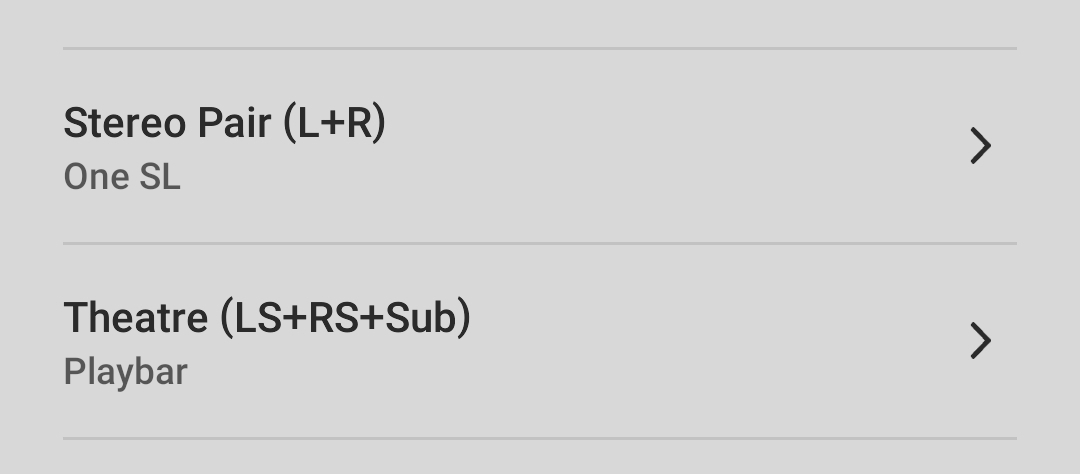
When I try to group the new speakers (tried both as Stereo Pair and individually) with the existing HT system, i can not do so.

Get error message saying Unable to Connect Device. Try again.. 

Of note, no issues with internet connection. Have tried by turning off and on (both speakers and router) - but no success.


Much appreciate any ideas/ suggestions.
    This topic has been closed for further comments. You can use the search bar to find a similar topic, or create a new one by clicking Create Topic at the top of the page.
    Dip3nAnswer
    Contributor I
    November 27, 2022

    Yes.. not looking to add them as surrounds.

    These are set up as stereo pair. Currently kept in the same room but is set as a separate group on Sonos App.

    And yes, i cam stream music to them independently. But can not stream music from One SL to HT and vise versa..


    12 replies

    Airgetlam
    November 27, 2022

    That means SonosNet is in use. 

    The last potential solution I can think of is a reboot of your router, but that’s really grasping at straws.

    Oh, wait. You haven’t turned off the radio on any of these devices, have you? I’d double check, and make sure they’re all turned on. 

    And if neither of those fix the problem, perhaps someone else has a good idea ;)

    At the least, I’d recommend that you submit a system diagnostic within 10 minutes of experiencing this problem, and call Sonos Support to discuss it.

    There may be information included in the diagnostic that will help Sonos pinpoint the issue and help you find a solution.

    When you speak directly to the phone folks, they have tools at their disposal that will allow them to give you advice specific to your Sonos system and network.

    Bruce
    Dip3nAuthor
    Contributor I
    November 27, 2022

    Thanks so much mate..

    I will try this as last ditch effort.


    Thanks again 🙏