This topic has been closed for further comments. You can use the search bar to find a similar topic, or create a new one by clicking Create Topic at the top of the page.
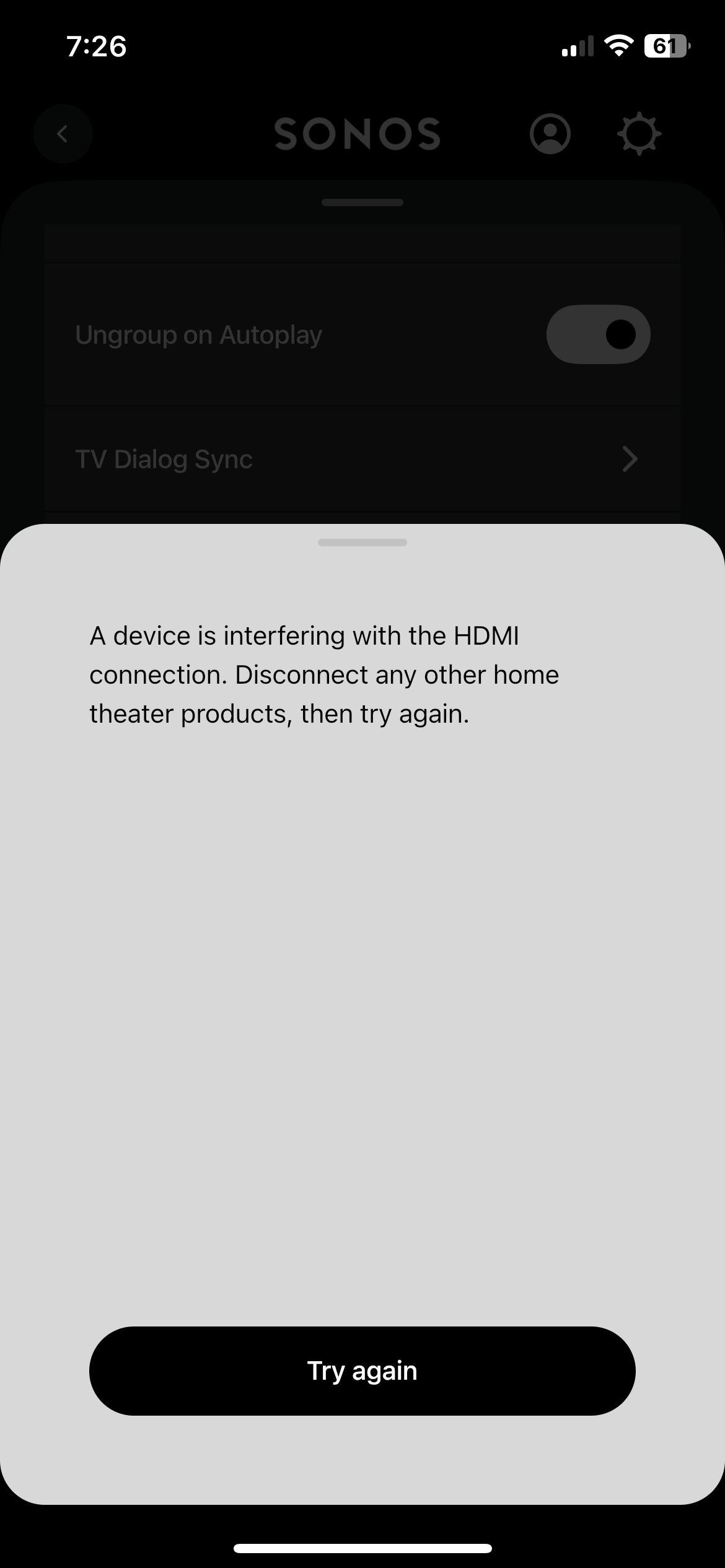
I suggest that you power down the TV and sound bar, disconnect all HDMI cables and wait at least two minutes. Next connect the HDMI cable between the TV’s HDMI-eARC or HDMI-ARC connector. Make sure that CEC (or whatever it’s called on your TV) is enabled. SONOS and the TV will adopt reach other.
I suspect, without any real definition of which speaker/TV you’re using, it may be that CEC (which some TV manufacturers have different names for) may not be turned on. Or, the cable between the Sonos device and the TV isn’t the Sonos cable. Without any real information, it’s pretty hard to tell.
I suggest that you power down the TV and sound bar, disconnect all HDMI cables and wait at least two minutes. Next connect the HDMI cable between the TV’s HDMI-eARC or HDMI-ARC connector. Make sure that CEC (or whatever it’s called on your TV) is enabled. SONOS and the TV will adopt reach other.