Sonos Arc audio keeps cutting out.

  • June 28, 2020
  • 205 replies
  • 27996 views

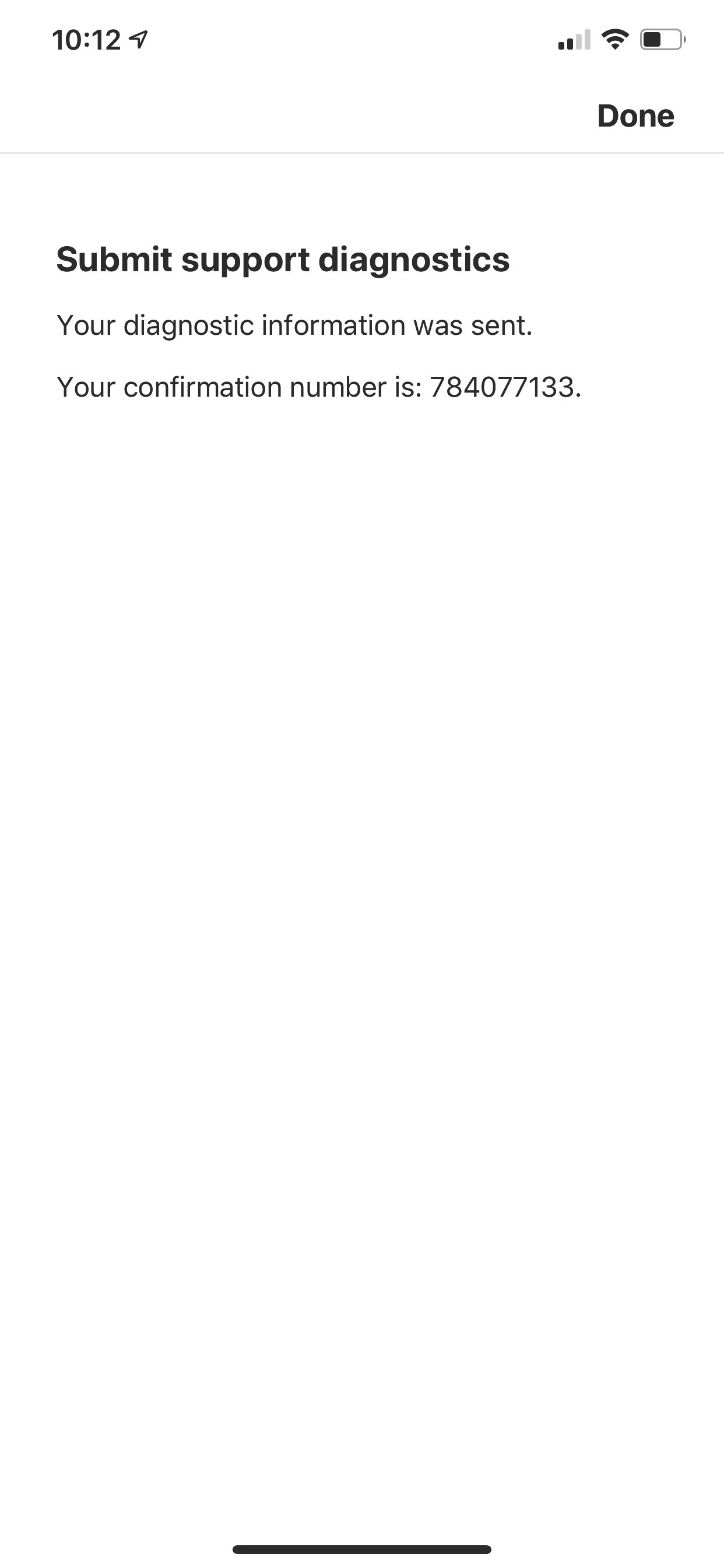
I have a sonos ARC and sound keeps cutting out for 1-2 seconds and then picks back up. My sonos was fine for about 1 week after purchasing but now the sound will cut out periodically. Here is my diagnostics number 103248445. How can I fix this issue?

August 27, 2022

Same here. Very aggravating. Diagnostic report 490235596. 

This used to be an issue with some TV’s, particularly with Samsung and connected sound systems using HDMI-ARC/eARC, where other connected peripherals like Apple TV (as an example) tried to steal the CEC focus.

So maybe try disabling CEC on any other connected devices and then power off all for a few minutes to setup the handshake again and see if that perhaps solves the matter.

This topic has been closed for further comments. You can use the search bar to find a similar topic, or create a new one by clicking Create Topic at the top of the page.


205 replies

Forum|alt.badge.img+2
  • Avid Contributor I
  • June 28, 2020

I had this problem yesterday and this morning. I had to power cycle the Arc to overcome. There was a Sonos update yesterday, not sure if that was related. 1590010709 is my diagnostic number.


Simon B
Forum|alt.badge.img+16
  • Retired Sonos Staff
  • June 30, 2020

Hi @andrew richards, Thanks for reaching out and welcome to the community. thanks for taking the time to send a diagnostic report, Upon checking on it. it shows that the Arc status of the Arc is disabled. You can try to unplug and re-plug it on the Sonos Arc and the TV.

Hi  @Kamenrider, Thanks for reaching out, and thanks for taking the time to send a diagnostic report. Upon checking on it, the diagnostic shows everything is normal in your Sonos Arc. Kindly contact our phone support team for further assistance so we can further check what could be causing the issue. 

Let us know how you get on with the advice above.

We're here to answer any further questions you have.


Forum|alt.badge.img+2
  • Avid Contributor I
  • June 30, 2020

It’s encouraging to see a response from the staff.  I’ve not had a reoccurrence of the problem and will leave it at that for now especially given your findings. Your support staff can deal with people with more important issues.


Simon B
Forum|alt.badge.img+16
  • Retired Sonos Staff
  • June 30, 2020

Hi @Kamenrider, thanks for the update. I’m hoping it will not cause any other issues in the future.

If you need help with any other information, Please be sure to let us know.

The Sonos Community is always here to help.


  • Lyricist I
  • June 30, 2020

I have a sonos ARC and sound keeps cutting out for 1-2 seconds and then picks back up. My sonos was fine for about 1 week after purchasing but now the sound will cut out periodically. Here is my diagnostics number 103248445. How can I fix this issue?

I have the same issue. My diagnostic number is 1533580006.


Simon B
Forum|alt.badge.img+16
  • Retired Sonos Staff
  • June 30, 2020

Hi @D Thall, Thanks for reaching out and welcome to the community. Thanks for taking the time to submit a diagnostic report. Upon checking the diagnostic, I saw that the Arc status is disabled. You may check the HDMI Arc or E-ARC cable if it is connected to the correct port. Also, try to unplug and re-plug the HDMI ARC/ E-ARC cable on the Arc and the TV.

Let us know how you get on with the advice above.

We're here to answer any further questions you have.


  • Lyricist II
  • July 5, 2020

Hi,  I have the same issue.  A couple of days after installing the arc is cuts out every few seconds.   The hdmi used is the one that came with the unit and my tv has earc (Samsung 90t).  The only way to fix is to pull the unit off the wall and unplug and replug the power.  This can’t be the solution and I need a fix that’s permanent.  After day or so it repeats.


Simon B
Forum|alt.badge.img+16
  • Retired Sonos Staff
  • July 7, 2020

Hi @Ugotsurbed, Thanks for reaching out and welcome to the community. I appreciate you taking the time to do some basic troubleshooting to resolve the issue. I’ll ask you to submit a diagnostic report for us to further investigate what could be causing this issue. You may reply to the thread with the confirmation number to assist you with this issue. 

Let us know how you get on with the advice above.

We're here to answer any further questions you have.


  • Lyricist II
  • July 7, 2020


Simon B
Forum|alt.badge.img+16
  • Retired Sonos Staff
  • July 7, 2020

Hi @Ugotsurbed, thanks for the update. I appreciate you taking the time to submit the diagnostic report. Upon checking on the diagnostic report, I saw that the Arc status is on error timeout. you may try to unplug and replug the HDMI Arc cable from both ends and replug it back in, and check if there are any improvements on the sound.

Let us know how you get on with the advice above.

We're here to answer any further questions you have.


Forum|alt.badge.img+4
  • Avid Contributor III
  • July 7, 2020

As someone who is also experiencing this issue, unplugging the Arc, and plugging back in has been able to fix the issue for a little while (usually about a week).  This cannot be the fix we are expected to continue to utilize for years to come.


  • Lyricist II
  • July 7, 2020

I agree, this cannot be the fix.  My cables are buried in a wall.  No way I should pay $800 for something that requires me to unplug and plug back in.   Please provide a software fix.


Simon B
Forum|alt.badge.img+16
  • Retired Sonos Staff
  • July 7, 2020

Hi @Ugotsurbed, thanks for the update, Regarding your concern. I'll ask you to kindly contact our phone support team for further assistance and to investigate on this issue.


They’re open Monday to Friday, from 9 am to 10 pm EST. Our phone support number: 1-800-680-2345


Forum|alt.badge.img+2
  • Avid Contributor I
  • July 23, 2020

I’m now getting this 2-3 times a week and its becoming annoying.


@Simon B How can I get assistance with this please?


Simon B
Forum|alt.badge.img+16
  • Retired Sonos Staff
  • July 23, 2020

Hi @Kamenrider, thanks for the update, Regarding this issue, after doing and suggesting some troubleshooting steps and the issue still persists, I'll ask you to kindly contact our phone support team for further assistance and for more in-depth troubleshooting steps.

Let us know how you get on with the advice above.

We're here to answer any further questions you have.


  • Contributor I
  • July 25, 2020

Same issue, any solutions?


Simon B
Forum|alt.badge.img+16
  • Retired Sonos Staff
  • July 25, 2020

Hi @Evanvar, thanks for reaching out. Regarding the same issue. I’ll ask you to submit a diagnostic report for us to further investigate what could be causing this issue. You may reply to the thread with the confirmation number to assist you with this concern.

Let us know how you get on with the advice above.

We're here to answer any further questions you have.


  • Lyricist II
  • July 25, 2020

I’m having the same issue with the arc. Keeps cutting in and out and I have taken the HDMI cable as suggested above. Never had this issue with the old playbar. Hopefully a firmware update will fix this issue. Most frustrating. 


Simon B
Forum|alt.badge.img+16
  • Retired Sonos Staff
  • July 25, 2020

Hi @Ben4550, thanks for reaching out. Thanks for bringing this up and we understand where you're coming from. Regarding your concern about the Sonso Arc, I’ll ask you to submit a diagnostic report for us to further investigate what could be causing this issue. You may reply to the thread with the confirmation number to assist you with this concern.

Let us know how you get on with the advice above.

We're here to answer any further questions you have.


  • Lyricist II
  • July 25, 2020

Thanks. Diagnostic report no. 226069333


Simon B
Forum|alt.badge.img+16
  • Retired Sonos Staff
  • July 25, 2020

Hi @Ben4550, thanks for the update. I appreciate you taking the time to submit the diagnostic report, Upon checking on the diagnostics report that you’ve sent, I can only see the Sonos Boost that is online, Kindly unplug for at least a minute, and replug it back in for all other Sonos products that you have so we can check if that will work. 

Let us know how you get on with the advice above.

We're here to answer any further questions you have.


  • Contributor I
  • July 26, 2020

Hi @Evanvar, thanks for reaching out. Regarding the same issue. I’ll ask you to submit a diagnostic report for us to further investigate what could be causing this issue. You may reply to the thread with the confirmation number to assist you with this concern.

Let us know how you get on with the advice above.

We're here to answer any further questions you have.

Already done that, no updates yet ……..


Simon B
Forum|alt.badge.img+16
  • Retired Sonos Staff
  • July 28, 2020

Hi @Evanvar, thanks for the update, May I ask for the confirmation number for the Diagnostic report, So I can assist you further on this concern.

Let us know how you get on with the advice above.

We're here to answer any further questions you have.


  • Lyricist II
  • August 13, 2020

I’m having this issue too. I pretty much have to power cycle the speaker every time i want to use it with my TV (the sounds works fine when just playing music). Has anyone been able to resolve this issue?


Simon B
Forum|alt.badge.img+16
  • Retired Sonos Staff
  • August 13, 2020

Hi @redel, thanks for reaching out. Thanks for bringing this up and we understand where you're coming from. Regarding this issue. I’ll ask you to submit a diagnostic report for us to investigate further what could be causing this issue. You may reply to the thread with the confirmation number to assist you with this issue.

Let us know how you get on with the advice above.

We're here to answer any further questions you have.