
Contributor I
December 4, 2020

Sonos Arc added but wont show up in system tab

So I just bought the ARC and it is something I’ve wanted for a while. I go through the Sonos app set up process and after adding my WiFi password I get the following message:
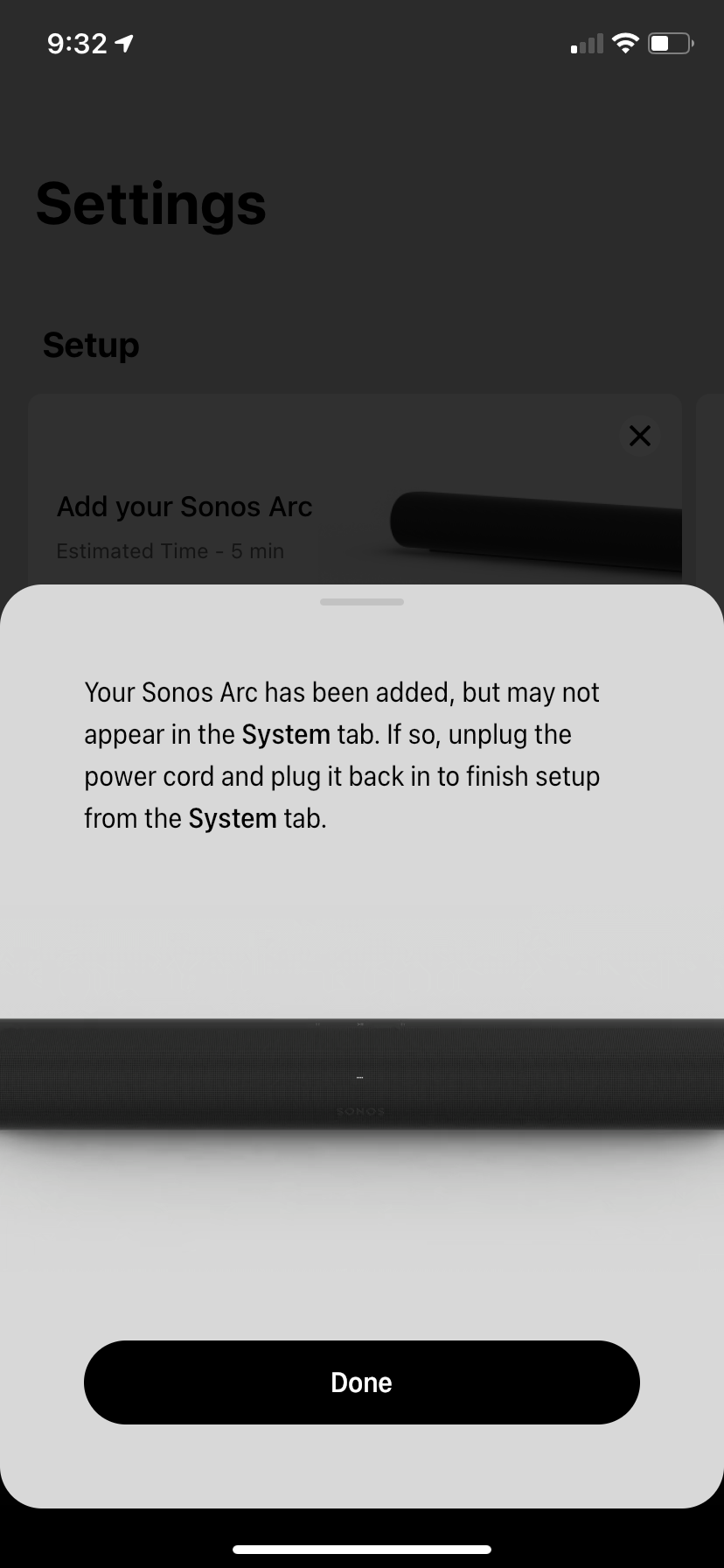


I am at a loss that it won’t come up and I can’t play music etc with the arc. I have a another Sonos device that works just fine no problems at all. I have followed the prompts per the app but still the same issue.

This topic has been closed for further comments. You can use the search bar to find a similar topic, or create a new one by clicking Create Topic at the top of the page.

14 replies

Mark P
Retired Sonos Staff
December 4, 2020

Hi @Delorean937.

Welcome, thank you for reaching out to Sonos Community since you already tried some troubleshooting steps let me try to assist you.

Can you try to factory data reset the arc and connect the ethernet cable from the arc to the router.

Once you're able to see the arc in the Sonos app. You need to set up the speaker wirelessly again Go to Settings » System » Network » Wireless Setup.

Let us know if it works. If you need help with any other information, please be sure to let us know.

Help others find useful content by clicking the like button and selecting the best answer to your question
December 4, 2020

@Delorean937 .  You already have a Sonos system?  You aren’t trying to do this as a system setup are you?  If you are simply adding the Arc to an existing system you should just go into System, Add Product.  Is that what you are doing?

Lyricist I
December 5, 2020

i’ve been experiencing the same issue for a few days now. i have all of the latest devices from sonos. it’s driving me nuts to the point where i’m literally losing sleep over it. please, fix this issue immediately sonos!

Contributor I
December 5, 2020

I will try the Ethernet set up today but I think it’s a lot to go through to set up a speaker system since my router is in the ceiling.  I will report if it works or not. 

Contributor I
December 6, 2020

Ok so to report back after 5 times connecting it to my router and unplugging it and setting it back downstairs the system works for now. I got it all set up earlier today and then walked away for while and then I couldn’t find it in the app so I had to do it all over again. Now I’m having this message because my subwoofer won’t stay connected with WiFi. I tried resetting back to factory and reconnecting. No sound. The only way this works is with a Ethernet cable connected. This has got to be the most inconvenient set up process I have ever gone through.  


Mark P
Retired Sonos Staff
December 7, 2020

Hi @Delorean937.

Welcome, thank you for reaching back to Sonos Community.

While the ethernet cable is connected to the missing speaker, You need to set up the speaker wirelessly just go to Settings » System » Network » Wireless Setup.

Here are also the router settings that need to be verified. You can contact your ISP or the manufacturer of the router for assistance.

a. Auto channel must be set to Off

b. Choose best non-overlapping channel (1,6,11)

c. Set channel bandwidth to 20MHz

d. Both 2.4GHz and 5GHz should be enabled

e. 802.11 band should be set to b/g/n

f. Airtime Fairness should be disabled

Let us know if it works. If you need help with any other information, please be sure to let us know.


Help others find useful content by clicking the like button and selecting the best answer to your question
Contributor I
December 8, 2020

The subwoofer will only work with an Ethernet cable connected I followed all of your steps and nothing. I activate WiFi and then I loose the subwoofer all together never shows back up. What can I do next I mean I spent $600 on this subwoofer and would like to use it 


Contributor I
December 9, 2020

Update: So I am am still at square one. Arc is connected and no subwoofer connected. I have tried to set this subwoofer up wirelessly and with the Ethernet cable. No luck with WiFi. Can only be used with an Ethernet cable plugged in which is not even to the system. $300 systems don’t have this problem I know because I had one and wanted something nice for myself. Can someone from Sonos recommend what to do. I’m extremely upset that I have a $700 paperweight. Please assist 

Lyricist I
December 9, 2020

I had a similar problem with a One SL. I have an Arc, Gen 3 Sub and two One SLs.

One of the One SLs refused to stay connected to the network. I called Sonos and went through all the troubleshooting steps, changing network parameters, direct connections. Nothing worked, I even bought a boost.

After 3 days and 7 hours worth of phone calls I demanded an RMA. On the 4th day they agreed and sent me a new One SL. This works perfectly. The WiFi module must have been defective.

If I were in your position I would give Sonos a call requesting an RMA.

Contributor I
December 9, 2020

That’s awesome thank you for the response. I’m wasting a lot to time after work trying to get this system to work and it’s very upsetting. I will give them a ring to see what I can do and I will report back. Thank you again