

AjTrek1
November 19, 2021

Don't Blame Sonos for DTS Issues

OK...this may read like a Fanboy post. Well...it’s not. However, I’ll leave that to your own interpretation :wink: . 

As you know the Sonos update to v13.4 brought DTS 5.1 Surround to Sonos home theaters speakers Arc and Beam Gen2.  Since the update there have been posts complaining about DTS not being processed to the Arc. BTW the Beam Gen2 will process DTS as well; but the Arc seems to be the “whipping (boy) speaker”.

Fact of the matter is in addition to having a disc player that can decode the DTS signal and/or process DTS:HD to DTS your TV must be cable of “Pass-Through” audio to the Arc or Beam Gen2. If not you must consider using a HD Fury Acrana between your TV and Sonos speaker. To do so you split the incoming HDMI source signal to the FD Fury Acrana via HDMI-Out 1 to HDMI-In on the Arc or Beam; and HDMI-Out 2 to HDMI-In on the TV (*).

The point being is that Sonos delivered on their promise to bring DTS to the Arc and Beam. Albeit not DTS:HD or DTS:X. But nevertheless...DTS. If you are having difficulty getting DTS to Sonos the weak link is either the TV (i.e. no “Pass-Through” audio) and/or the inability of the disc player to process the DTS codec or downgrade DTS:HD to DTS. 

(*) Use of HDMI 1 and 2 used only for visualization

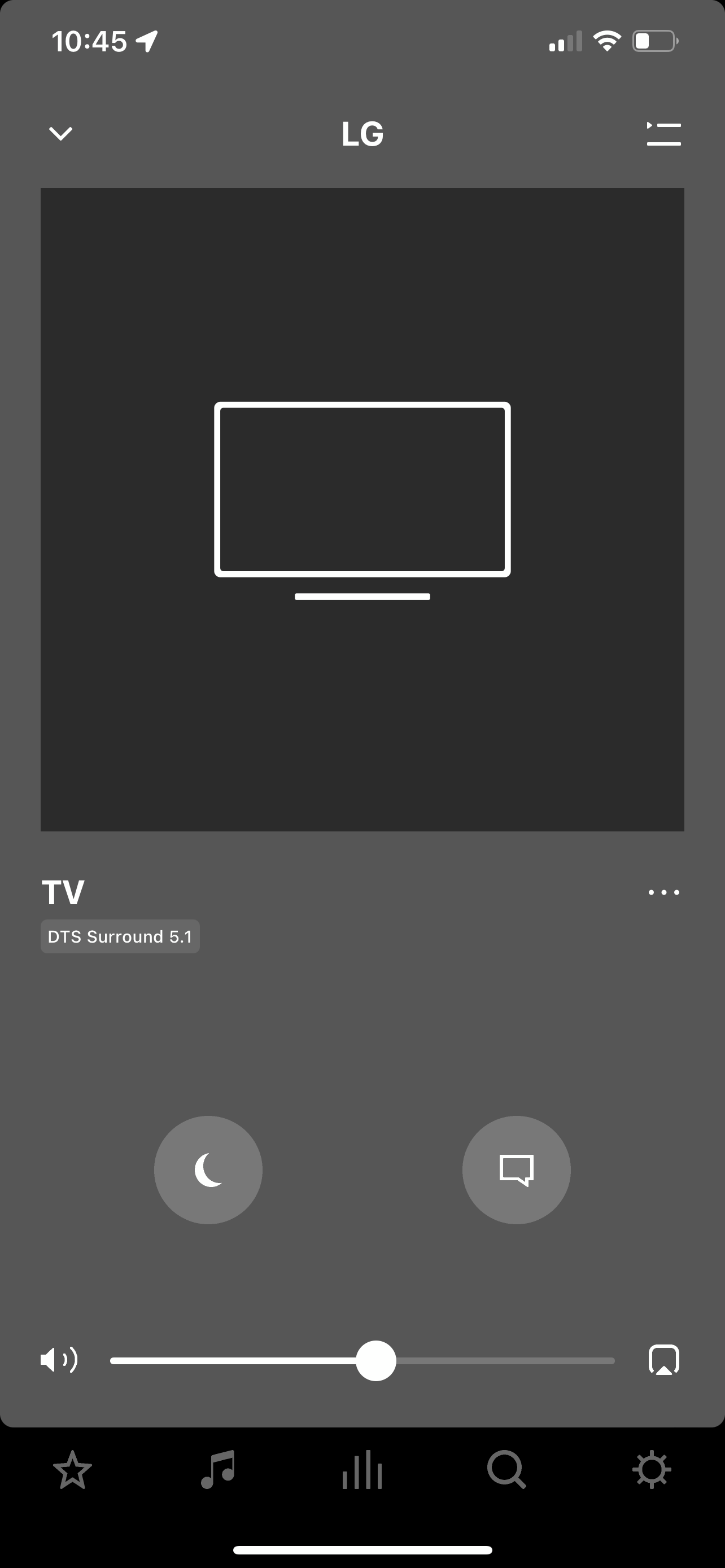
For reference I’ve included how I was able to get DTS to the Arc and Beam Gen2. Also included are pics of the DTS signal being sent to both.

Disc: Alien 40 Anniversary / 4K Ultra HD Video / DTS:HD Audio

Sonos Equipment: Arc/Beam Gen2 with Sub x 2 and Sonos One x 2 /  Sonos S2 app v13.4.

Transport: Panasonic DP-UB9000 Ultra 4K Blu-Ray Player > Audio Settings: DTS HD to DTS

Monitor: LG OLED 65 inch C9PUA > Audio settings: HDMI eArc / Pass-Through


This topic has been closed for further comments. You can use the search bar to find a similar topic, or create a new one by clicking Create Topic at the top of the page.

27 replies

AdamWillis
Lyricist III
January 1, 2022

I have the Beam gen1 so no luck with DD+. I’ll have to give those PS4 options another try. I was excited to see DTS finally work but had no luck trying before. I tried setting the priority to DTS before but the titles had the upgraded versions that would default me to 2 channel audio.  

Lead Maestro
January 1, 2022

I have the Beam gen1 so no luck with DD+. I’ll have to give those PS4 options another try. I was excited to see DTS finally work but had no luck trying before. I tried setting the priority to DTS before but the titles had the upgraded versions that would default me to 2 channel audio.  

Set the PS4’s Audio Format (Priority) setting to Bitstream (DTS). Then while the movie is playing, press the Options button on the controller and set Audio Format to Bitstream (Direct).

"Receive with simplicity everything that happens to you." - Rashi
OuttaTime
Contributor I
November 26, 2023

OK...this may read like a Fanboy post. Well...it’s not. However, I’ll leave that to your own interpretation :wink: . 

As you know the Sonos update to v13.4 brought DTS 5.1 Surround to Sonos home theaters speakers Arc and Beam Gen2.  Since the update there have been posts complaining about DTS not being processed to the Arc. BTW the Beam Gen2 will process DTS as well; but the Arc seems to be the “whipping (boy) speaker”.

Fact of the matter is in addition to having a disc player that can decode the DTS signal and/or process DTS:HD to DTS your TV must be cable of “Pass-Through” audio to the Arc or Beam Gen2. If not you must consider using a HD Fury Acrana between your TV and Sonos speaker. To do so you split the incoming HDMI source signal to the FD Fury Acrana via HDMI-Out 1 to HDMI-In on the Arc or Beam; and HDMI-Out 2 to HDMI-In on the TV (*).

The point being is that Sonos delivered on their promise to bring DTS to the Arc and Beam. Albeit not DTS:HD or DTS:X. But nevertheless...DTS. If you are having difficulty getting DTS to Sonos the weak link is either the TV (i.e. no “Pass-Through” audio) and/or the inability of the disc player to process the DTS codec or downgrade DTS:HD to DTS. 

(*) Use of HDMI 1 and 2 used only for visualization

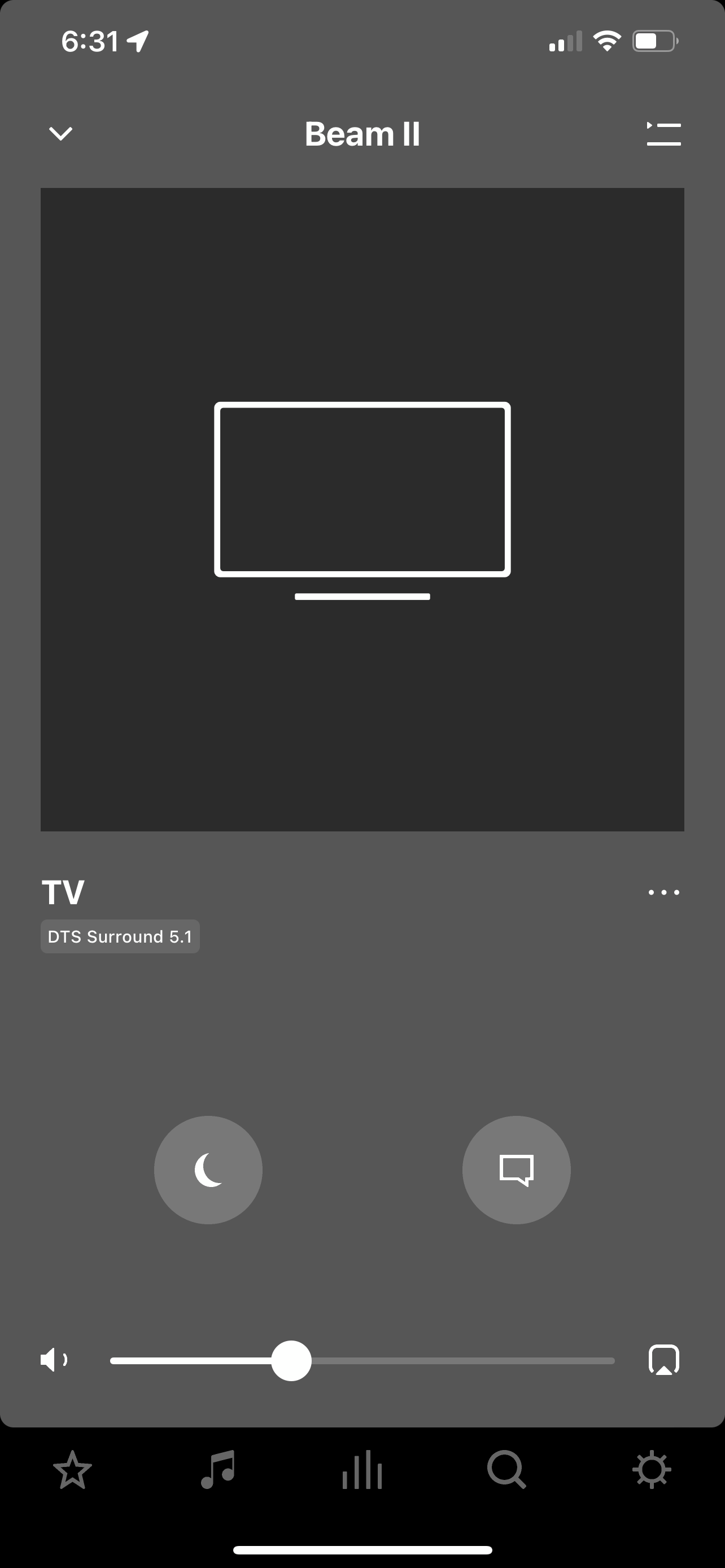
For reference I’ve included how I was able to get DTS to the Arc and Beam Gen2. Also included are pics of the DTS signal being sent to both.

Disc: Alien 40 Anniversary / 4K Ultra HD Video / DTS:HD Audio

Sonos Equipment: Arc/Beam Gen2 with Sub x 2 and Sonos One x 2 /  Sonos S2 app v13.4.

Transport: Panasonic DP-UB9000 Ultra 4K Blu-Ray Player > Audio Settings: DTS HD to DTS

Monitor: LG OLED 65 inch C9PUA > Audio settings: HDMI eArc / Pass-Through


Hi, I have a Sonos Arc soundbar with Gen 3 Sub. I am trying to get DTS to displays on the app when I am watching a movie that has DTS 5.1 the app will display Stereo PCM 2.0 and not DTS.

But when I play movies that are in Dolby Digital 5.1 or Dolby Atmos the app will display audio as listed.

I have a Samsung 4K OLED S95C I have changed the audio on the TV from Auto to Pass-through but it didn’t seem to change anything.

I am on latest firmware and from what I have read is that Sonos added the DTS audio to the latest firmware.

I would really like to get DTS Surround 5.1 to display on the audio like you have above.

if you cold help me with this would be much appreciated.

Thanks

Ken_Griffiths
November 26, 2023

@OuttaTime,

It looks like that TV does not support DTS pass-through see this link and the attached:

https://www.rtings.com/tv/reviews/samsung/s95c-oled

Perhaps use Multichannel-LPCM audio instead (HDMI-eARC needs to be enabled to play this uncompressed codec).

OuttaTime
Contributor I
November 27, 2023

@OuttaTime,

It looks like that TV does not support DTS pass-through see this link and the attached:

https://www.rtings.com/tv/reviews/samsung/s95c-oled

Perhaps use Multichannel-LPCM audio instead (HDMI-eARC needs to be enabled to play this uncompressed codec).

So does this mean they’re phasing out DTS, DTS:X and DTS-MA surround sound out? this kind of sucks

Ken_Griffiths
November 27, 2023

@OuttaTime,

It looks like that TV does not support DTS pass-through see this link and the attached:

https://www.rtings.com/tv/reviews/samsung/s95c-oled

Perhaps use Multichannel-LPCM audio instead (HDMI-eARC needs to be enabled to play this uncompressed codec).

So does this mean they’re phasing out DTS, DTS:X and DTS-MA surround sound out? this kind of sucks

No, of course not, it’s just not a codec that your TV supports - it’s working on my LG C9 TV for example. A way around it is to send the audio from the sending device as McPCM, as mentioned earlier, but it’s uncompressed, so you need to enable the eARC port to play that codec on an attached Soundbar. The Arc and Beam (gen2) both support that audio format and your TV will pass that audio through its ports from what I read in that rtings review.

Contributor I
February 5, 2024

I have a Samsung TV. If you have Xbox series x passthrough works fine. I got two 4k players and passthrough didn't work on either, all DTS movies played 2 channel so annoying, returned both. Xbox series x can take DTS and transfer it to Dolby. But series x has ton more audio options than a standard 4k player.   Also I have Beam gen 1, I believe gen 2 can do DTS.