
Contributor II
September 21, 2019
Question

Unable to set up google assistant

  • September 21, 2019
  • 33 replies
  • 10784 views
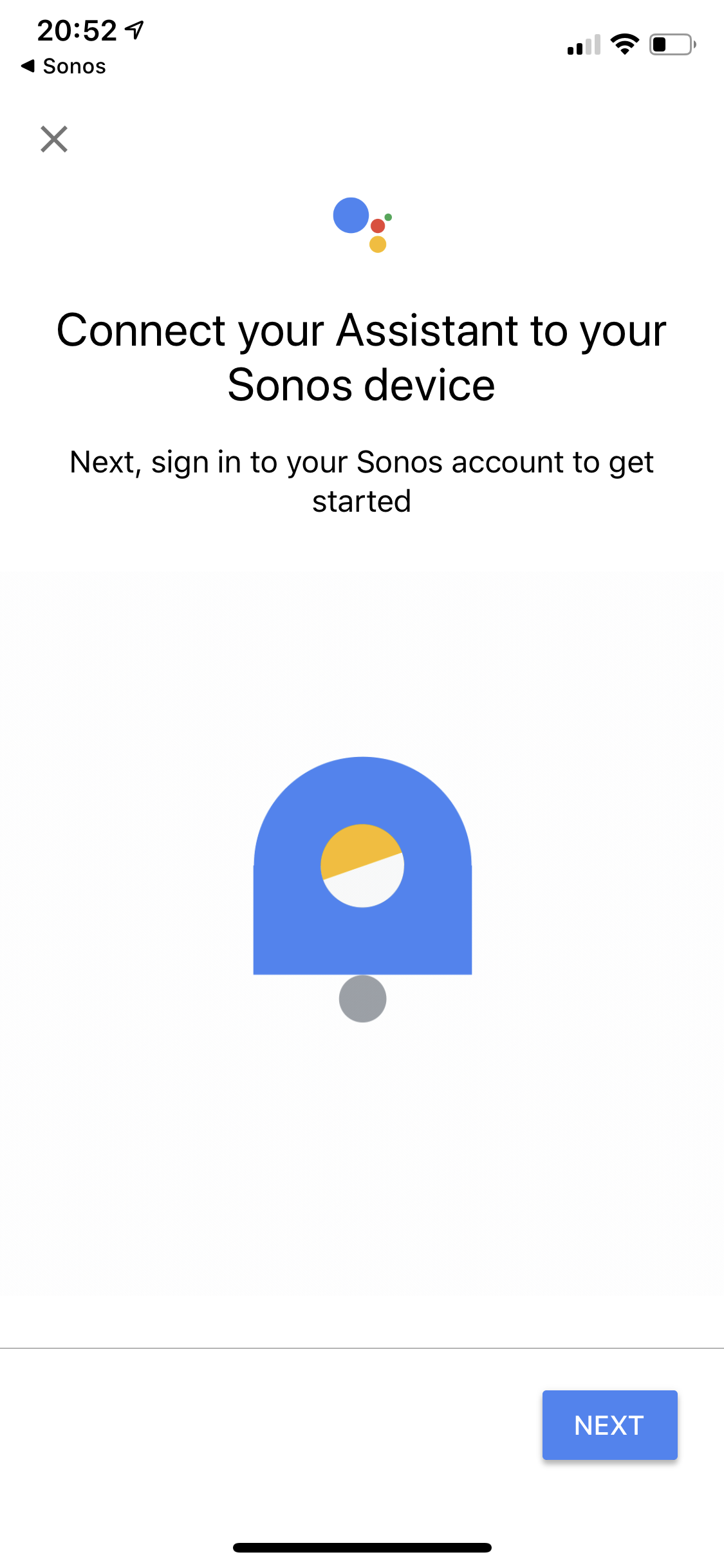
Trying to set up Google Assistant and I am getting an endless loop trying to authenticate.

I’ve reviewed all the related topics, the only answer I’ve seen relating to my issue is a service outage, which there isn’t anything noted on the status page.

running iOS 13
updated app versions
cleared all browser history and cache
removed all music services from sonos
removed all but my primary google accounts
deleted both sonos and GA and reinstalled
rebooted

pretty frustrated, just had set up issues with Spotify just two days ago and was beyond straight forward. Setting up services shouldn’t take hours.

any suggestions?
This topic has been closed for further comments. You can use the search bar to find a similar topic, or create a new one by clicking Create Topic at the top of the page.

33 replies

Lyricist I
September 21, 2019
I have had the same issue and support told me that it was related to iphone and ipad. They could not tell me when it would be fixed, but i don`t think it will be resolved dyring the weekend 😞
Enthusiast I
September 22, 2019
I have exactly this issue as well, it's been going on all weekend.
Lyricist III
September 23, 2019
Exactly the same issue here. iOS 13, Sonos 10.4. Cant set up Google Assistant and stuck in an endless loop
Lyricist I
September 23, 2019
Same issue all weekend for me also.
Lyricist III
September 24, 2019
I have submitted a diagnostics report with Sonos on this one. I will update this thread with any progress.
Ken_Griffiths
September 24, 2019
CRC77,

I haven’t tested this myself recently, so can’t say if it might be a temporary service outage, but did you perhaps try rebooting both the local router and the speaker that you’re trying to add the GA to? Sometimes a reboot will resolve such issues, but it’s worth rebooting both the router and the speaker.
Ken_Griffiths
September 24, 2019
Also if you have any other WiFi access points, it’s worth switching those off temporarily, so that the mobile controller and speaker are both connected via the main router.
Lyricist III
September 24, 2019
Thanks Ken. I factory reset the beam as part of the retesting of this bug and have no additional wi fi access points. Unsure about what rebooting the router would do? Are you suggesting the Beam doesn’t have internet access? All other wi fi appliances on the same network have access, and after the factory reset the Beam connected to the network OK and did TruePlay etc without problems (also added Apple Music as a service).
Ken_Griffiths
September 24, 2019
Communication between devices occurs using mDNS protocol and a router reboot can often resolve issues around that type of communication problem. That’s why I suggest rebooting the router aswell.
Kristensen
Lyricist I
September 24, 2019
I'm pretty sure the issue isn't with the speakers but with the OAuth between Sonos and Google.
Because this happens when you try to connect Google to your Sonos Account.