
Your app is useless even after a hard reset from your roadmap.

  • September 20, 2026
  • 4 replies
  • 26 views

Why do you make it so hard?

With two taps I should be able to change the input of a specific group of speakers. 
With three taps I should be able to add/remove speakers from a group.

Instead I find myself using OTHER APPS to control media and absolutely ignoring the Sonos app because I can’t figure out how the f&@ck it’s supposed to work. I’m paying a premium to buy your speakers and honestly using the hardware buttons over the software to control most aspects. 
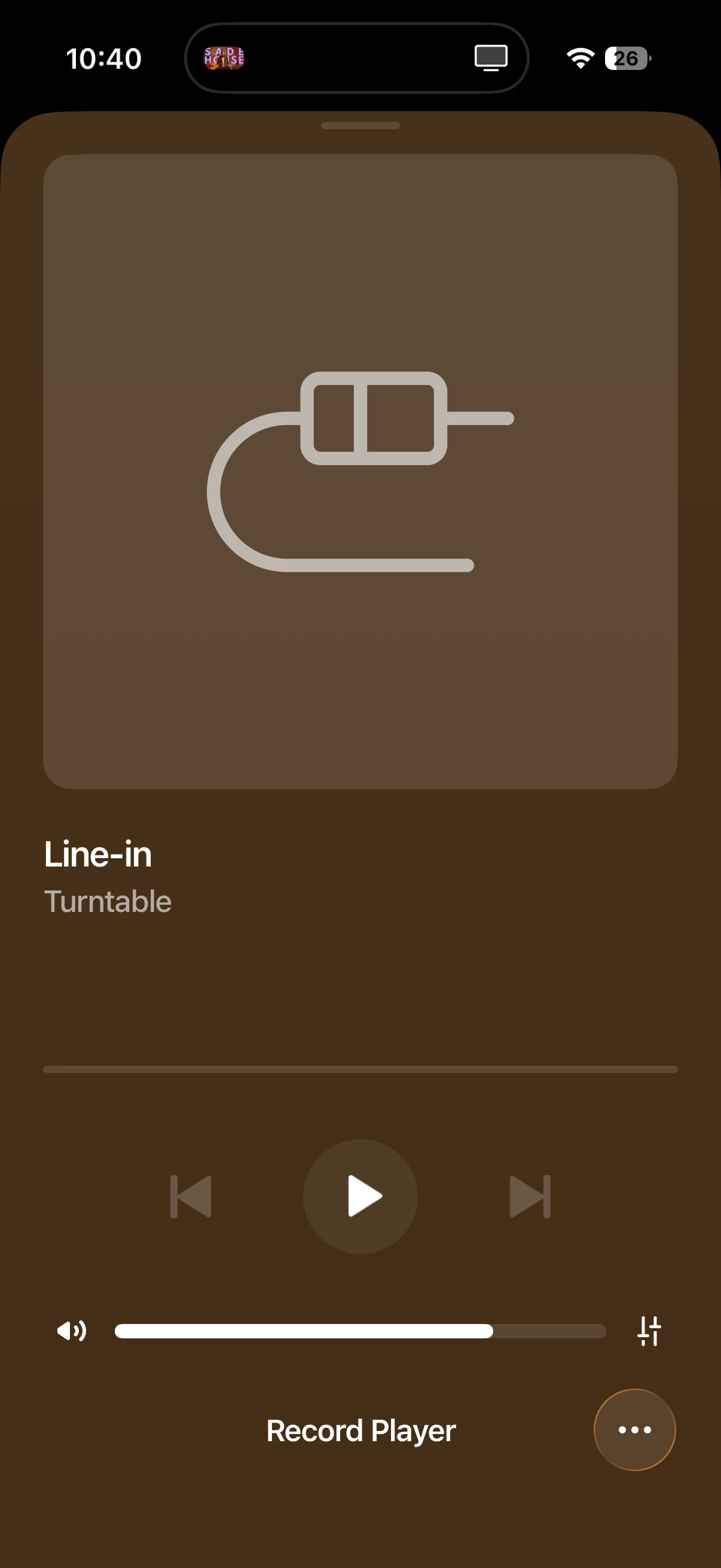
 

What speakers even is this group?
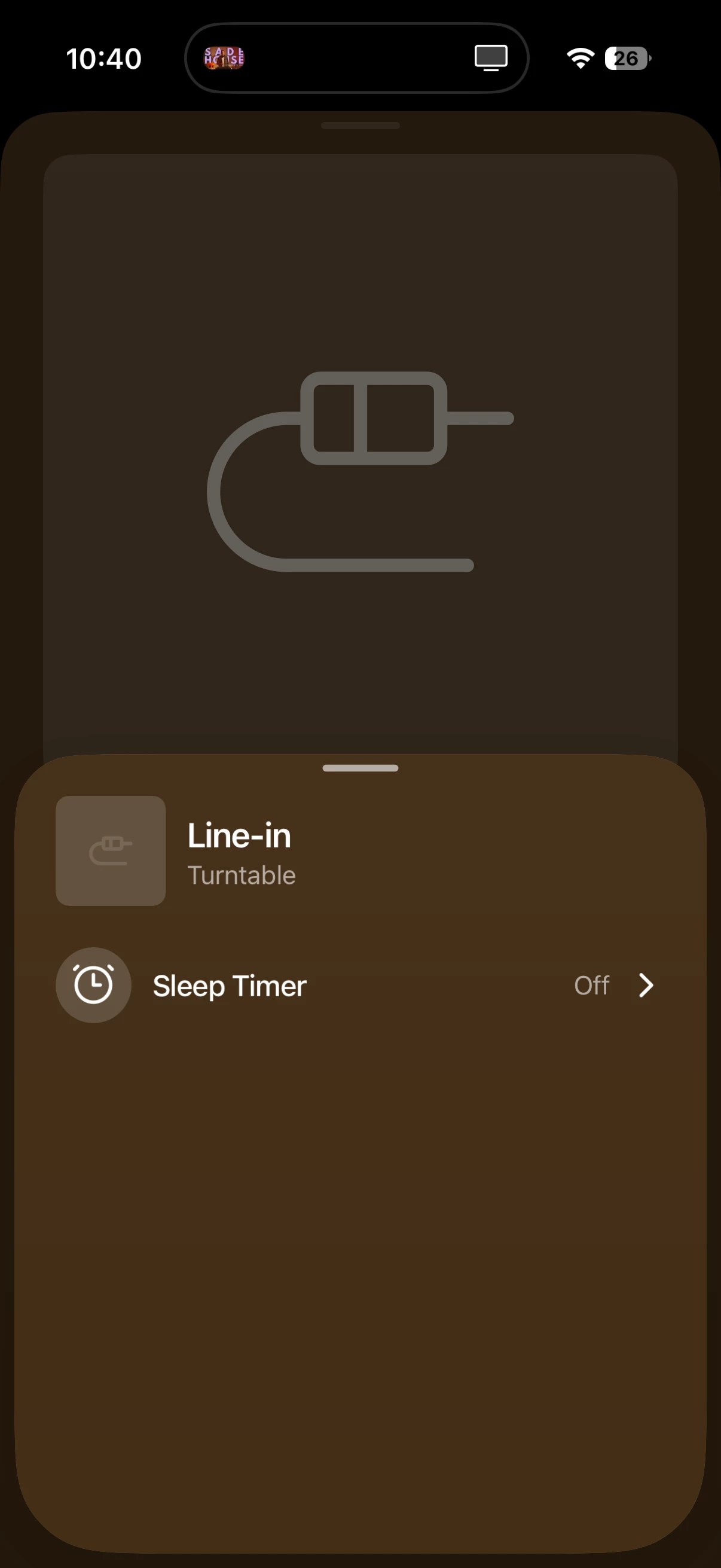
 

How am I supposed to be able to change what speakers this input is connected to?? This is useless. 

4 replies

  • September 20, 2026

I think the easiest way to do this is to first select the room/group where you want to play. Then go back to the home screen and select Line-In as the source.

This describes the process: Use Line-In on Sonos

I have my turntable as line-in on a Port and have it set to auto play to the family room stereo pair of Ones. I really don’t think about selecting line-in anymore. It is kinda confusing, I agree.


Stanley_4
  • Grand Maestro
  • September 20, 2026

Using the factory reset to cure almost any problem is counterproductive and causes nothing but unnecessary work and accomplishes nothing but erasing valuable diagnostic data Sonos support could use to help solve issues.

If you are frustrated with Sonos you should contact them directly, this is a user to user forum with limited official presence.


  • Contributor I
  • September 20, 2026

They need to get WIIM to write a new interface for them… 


User117655
Forum|alt.badge.img+10
  • Prodigy II
  • September 20, 2026

Those screenshots don't look eight - no speaker icon for grouping for a start, you using the current app or does iOS exclude this feature: