
Enthusiast I
Jul 17, 2024 9:19 AM UTC
Question

Forced APP update following latest Desktop Controller update (Build 80155014)...

What on earth have you done now? My Windows Desktop Controller indicated an update and I carried this out and assume it’s made some firmware changes to my speakers and now I can no longer use S2 16.3 app as it just states this with no functionality: 
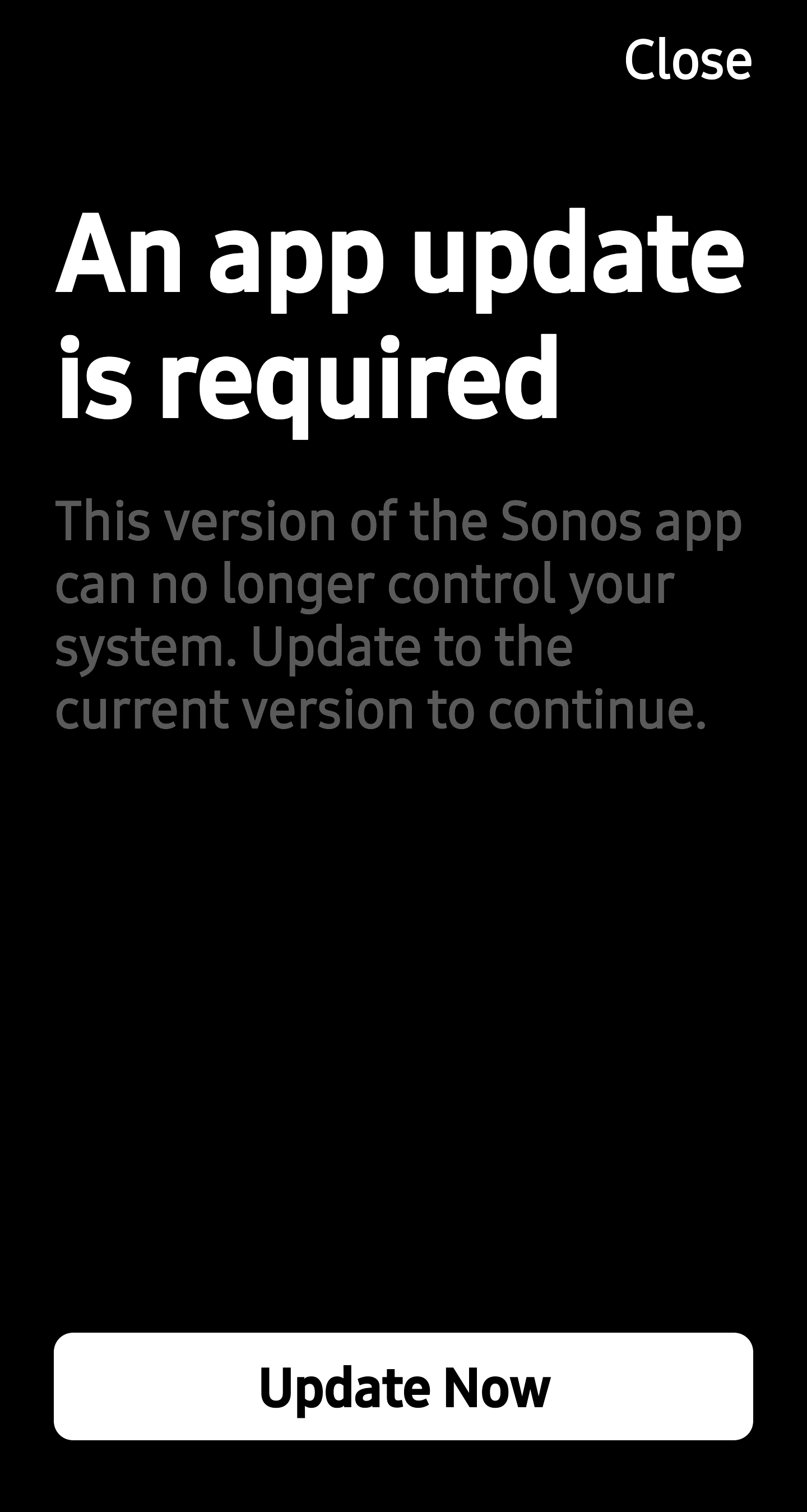
I have retained using the old app as IT ACTUALLY WORKED unlike your failed new 80 version.

HOW DO I CONTINUE USING MY SYSTEM AS I WANT TO WITHOUT LOSING ALL FUNCTIONALITY???

This topic has been closed for further comments. You can use the search bar to find a similar topic, or create a new one by clicking Create Topic at the top of the page.

72 replies

Prodigy I
Jul 17, 2024 3:40 PM UTC

I would guess that the OP, like others of us, has been using the Windows PC App to manage things. There have been a few firmware updates since 7th May but until this one they did not break the 16.1 Android and IOS Apps.

Precisely, this...

Precisely what? A message came up and said an update was available so you went ahead even though everything was already working? Or you had a problem that you anticipated would be fixed by updating?

Translate
Renowned Enthusiast I
Jul 17, 2024 4:29 PM UTC

I was interested to find a new (to me anyway) and rather threatening message on my screen today, shown on this screenshot


I had seen the post from @Thomass  and backed straight out of there.

My concern is that there is clearly a new level of pressure coming on from Sonos to install a firmware "upgrade" and that people may be pushed into doing so. My only advice is DON'T DO IT, at least until the implications of the "upgrade" are clarified. Oh, and make sure the auto upgrade option for the firmware is toggled off.

Incidentally, my system is running firmware 16.2 build 79154060 and, on my two Android controllers, 16.1 build 78151030 and 80.04.05 release 20240702. I'm happy to say that the whole setup is - leaving aside the widely known limitations of V80.. of the app - working perfectly and is perhaps getting a little faster over time. 

I intend to keep it that way by NOT installing the firmware update for now.

Translate
buzz
Grand Maestro
Jul 17, 2024 5:24 PM UTC

Be sure to also block automatic updates to the phone/pad from the App Store. The option in the SONOS controller is relevant only to the SONOS hardware, not the controller and will not prevent controller updates pushed by the App Store.

Translate
press250
Prodigy III
Jul 17, 2024 6:00 PM UTC

I was interested to find a new (to me anyway) and rather threatening message on my screen today, shown on this screenshot


I intend to keep it that way by NOT installing the firmware update for now.

Hi @jreddaway you are clever than me! Curiosity got the better of me and in a moment of sheer stupidity I installed the v16.3 firmware released yesterday. It immediately killed the beloved v16.1 Android app, requiring an app update by blocking all functionality.

DO NOT install a firmware (aka system) update if you are running the v16.1 Android app.

Translate
Renowned Enthusiast I
Jul 17, 2024 9:52 PM UTC

Oh dear, @press250 , that is a great big OUCH!

I hope that your experience, and that of @Thomass whose original post alerted me to this latest atrocity, will serve as a warning to all our Sonos friends who are hanging in there through it all. 

At least we now know for sure that the Sonos Master Plan is to render V16.1 unusable; I guess they will succeed in doing that eventually, but in the meantime I for one will NOT be installing any new firmware!

If it's any consolation now that V16.1 is lost to you, I am finding V80.x increasingly useable and I am sure you will now that you have no option. My big beefs revolve around the management of my local library, which is clearly a very low priority for the unfortunate developers. Lack of search, no real queue/playlist management and - my biggest beef - their complete failure to pull my carefully curated album art to populate all the placeholders they have built into the UI is just pathetic.

I guess it all revolves around their decision to make their lives easier by moving to the cloud-based architecture for the new firmware. I hope it does make their lives easier, because it's costing them heaps in terms of their reputation and their customers' satisfaction and support. 

I continue to hope that all will come good eventually. Eventually never seems to come any closer though. 

Rant over, at least for now. 

And for anybody reading this who's still on V16.1 and values it, DONT INSTALL THE FIRMWARE "UPGRADE"!

Translate
press250
Prodigy III
Jul 17, 2024 10:03 PM UTC

If it's any consolation now that V16.1 is lost to you, I am finding V80.x increasingly useable and I am sure you will now that you have no option.

Hi @jreddaway, check out what many of us are experiencing with the latest Android app …


Translate
Renowned Enthusiast I
Jul 17, 2024 10:58 PM UTC

If it's any consolation now that V16.1 is lost to you, I am finding V80.x increasingly useable and I am sure you will now that you have no option.

Hi @jreddaway, check out what many of us are experiencing with the latest Android app …


Well, @press250 , that is just about the perfect definition of a "weak" workaround. It's all fine as long as you have nothing to do with your local Music Library.  WHAT???

Call me a conspiracy theorist, but it's yet another pointer to Sonos' Big Plan being to go to a streaming-only model. How long do you reckon it will take them to get there? End of the year?

Translate
Airgetlam
Jul 17, 2024 11:14 PM UTC

…which is clearly a very low priority for the unfortunate developers.


@jreddaway I’m curious as to what knowledge you have to support this statement? I’d assumed it was a difficult challenge to rewrite the code necessary. I was not assuming it wasn’t a priority or them, but I don’t have access to the PMs or developers working (or not) on the issue. If you have internal sources/intelligence, I’d be fascinated if you could share it. 

Translate
Bruce
sigh
Prodigy II
Jul 17, 2024 11:16 PM UTC

Moderator note: No updates are ever forced. If you disable system updates in settings and app updates in app store, you will not get updates. If you do update one, however, you may need to update the other before you can use your system.
 

While technically you can prevent automatic updates, you don’t retain all functionality of that version and some things aren’t possible until performing an update.

I am on 16.1 app and 16.1.1 firmware. I don’t have automatic app or firmware updates enabled, but when trying to perform some things that used to work with that version of app and firmware it is not possible without performing a firmware and app update.

I got tired of the ‘new firmware notifications’ so blocked the update servers which removed the notification in app about a new firmware.

For example, I cannot add/update a WiFi connection in manage networks even though it always used to be possible using the app and firmware versions I have. Any attempt causes a firmware update check to be performed, which fails, so the app then refuses to allow access to the settings. If I allow access to the update servers, then it finds a newer firmware is available and requires me to install it to be able to change the settings.

So settings I used to be able to change with the app+firmware I have is no longer possible unless I perform a firmware update. While I can choose to allow it or not, I am effectively “forced” to accept a firmware update to change a local device setting that I previously could change.

From a support perspective it makes complete sense wanting your users on the latest versions. Unfortunately the release of the new major app version with missing functionality, withdrawal of services and magic eight ball style will it improve if I install this has removed the confidence and trust people previously had that meant they’d never previously noticed the automatic firmware updates defaulted to on because everything just carried on working after an update.

Translate
sigh
Prodigy II
Jul 17, 2024 11:40 PM UTC

…which is clearly a very low priority for the unfortunate developers.


@jreddaway I’m curious as to what knowledge you have to support this statement? I’d assumed it was a difficult challenge to rewrite the code necessary. I was not assuming it wasn’t a priority or them, but I don’t have access to the PMs or developers working (or not) on the issue. If you have internal sources/intelligence, I’d be fascinated if you could share it. 

From a relative perspective, the ever changing delivery projections that get published and updated here gave an idea of project priorities.

Individual owners may have a different view on whether they agree with those priorities, usually based on what they consider important to themselves rather than what is affecting the wider group of owners.

Even internally individuals may not agree with priorities, but unfortunately when major incidents like this occur priorities often shift and get tainted with what gives good PR not just what impacts the most people.

Rewriting code is usually liberating and less difficult than having to maintain or extend years of old organically grown spaghetti. When it usually becomes a difficult challenge is if you are given unrealistic deadlines and overloaded with other work.

Translate