Contributor I
July 23, 2025
Answered

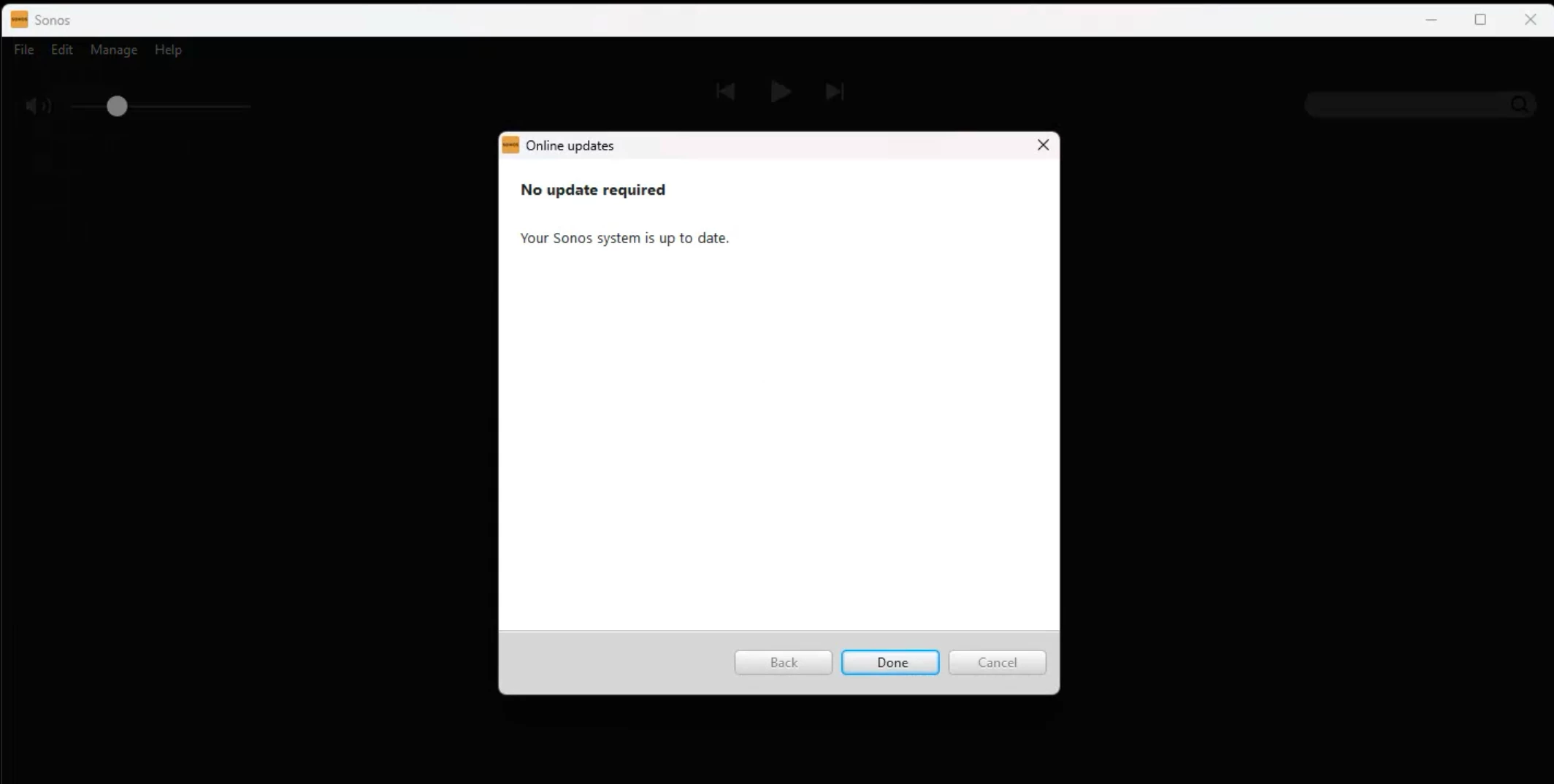
Windows PC Sonos App keep asking to check for update, even it is already up to date

  • July 23, 2025
  • 17 replies
  • 1043 views

Hi everyone,

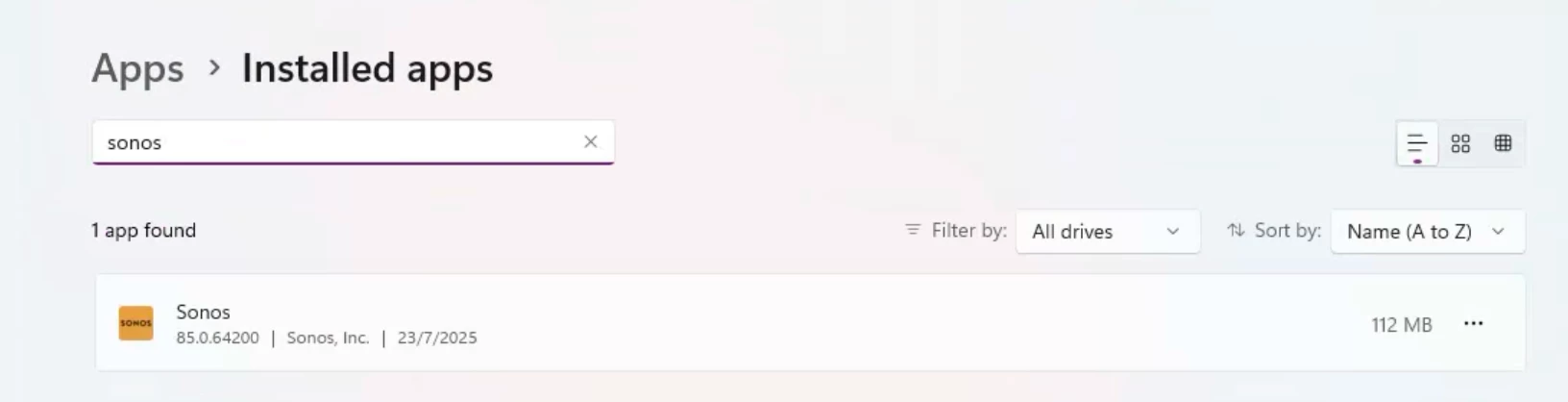
I am new with Sonos One speaker, recently I have connect the speaker to my office network and I can see it has taken an IP. From my Windows PC I want to use one of the speakers to play music, but after installing the Sonos App, the App cannot operate well, keep asking me to check for update, even it is already up to date.

Mush appreciated if anyone of you experienced this issue before and had the solution, thanks!

It is a fresh install and I even tried to clean uninstall and reinstall, but no help.

Best regards,

Werner
 

This topic has been closed for further comments. You can use the search bar to find a similar topic, or create a new one by clicking Create Topic at the top of the page.
Best answer by controlav

Your corporate network firewall is likely confusing the Desktop app.

Try either of my Windows apps (see profile), they use the Windows sandbox firewall which is a lot simpler than the regular firewall.


17 replies

Airgetlam
November 12, 2025

Just a thought, but I’d also make sure there is no port blocking software on this PC. Which could range from work profiles, VPNs, virus protection applications, etc. They could be blocking the app’s ability to reach the Sonos update servers. 

Bruce
Avid Contributor III
November 12, 2025

Just a thought, but I’d also make sure there is no port blocking software on this PC. Which could range from work profiles, VPNs, virus protection applications, etc. They could be blocking the app’s ability to reach the Sonos update servers. 

Thanks - I tried multiple machines (some had the VPN on, some had it off, some had no corporate pieces i.e. built as a personal machine),

Avid Contributor III
November 12, 2025

Try a reboot of your entire system. The Sonos devices, your router, and your PC. 

If you continue to have issues, I would recommend that you submit a system diagnostic from the PC, not the mobile phone, within 10 minutes of experiencing this problem, and call Sonos Support to discuss it. Don’t post the resulting diagnostic number here, they get sensitive about GDPR.

There may be information included in the diagnostic that will help Sonos pinpoint the issue and help you find a solution.

When you speak directly to the Support staff, they have tools at their disposal that will allow them to give you advice specific to your network and Sonos system.

Thanks - since this is not happening on my mobile devices, it doesn’t seem like it is the cause. I will ping support as per your suggestion.

Avid Contributor III
November 12, 2025

Spoke to Support


ISSUE: one speaker had lost its registration

Support was able to see this, there was nothing in the UI (phone app) that would have helped me find this. However, I had noticed lately that this particular speaker was often not playing (it would start playing it if I unplugged it from power and plugged it back in, but then it would lose its ability to play - although pressing the play button would start play in the group it was connected to).


The fix, for those who might hit this in the future, was to do a factory reset on the speaker. That involved:

  • unplug speaker from electricity
  • press and hold play button
  • plug in speaker while still holding play button
  • once the light is blinking orange and white choose to add the speaker through the mobile app (under settings > Add Speaker or component
  • since this was part of a paired set in a group with a sound bar (the surround component), I will need to remove the working part of that pair from the soundbar group, re-pair these two, and then re-add to the soundbar group.

CAUSE: from everything the support engineer saw on their end, it appears that this speaker had failed one of its updates (again, not visible in the desktop app as it showed the speaker with the same version and build as all the other speakers) - he ran diagnostics on his end, so it might be in the diagnostic report


Thanks again for everyone’s help and pointers.

Jan_19
Contributor I
December 30, 2025

​@DavidPelton 
that seems possible for me as well. Did you only find out which speaker is the problem-child by sending diagnostics and calling Support? i have several speakers, that don’t want to play music periodically and i have to group them multiple times until it works. So before i factory reset all of them, i wanted to check, as that’s quite the hassle with 4-5 speakers.
Thanks in advance! crazy, that this issue is not adressable from the mobile app :/

Pools-3015
Prodigy I
December 30, 2025

​@DavidPelton 
that seems possible for me as well. Did you only find out which speaker is the problem-child by sending diagnostics and calling Support? i have several speakers, that don’t want to play music periodically and i have to group them multiple times until it works. So before i factory reset all of them, i wanted to check, as that’s quite the hassle with 4-5 speakers.
Thanks in advance! crazy, that this issue is not adressable from the mobile app :/

Why not simply call support and submit your own diagnostics so that they can see if there is an issue with your speakers or your network? 
 

Do Not reset your speakers until you contact support. Reset them only if they ask you to.

Stanley_4
Grand Maestro
December 30, 2025

As said many, many times Factory Reset does not solve issues outside of a small set of well documented ones.

It does remove important diagnostic data and if you set things back up slightly differently it may avoid the original problem, one that remains unsolved.

Sending diagnostics and working with support isn't the most convenient thing but it is usually the most effective if the user to user assistance here doesn't help.