Contributor I
July 23, 2025
Answered

Windows PC Sonos App keep asking to check for update, even it is already up to date

  • July 23, 2025
  • 17 replies
  • 1043 views

Hi everyone,

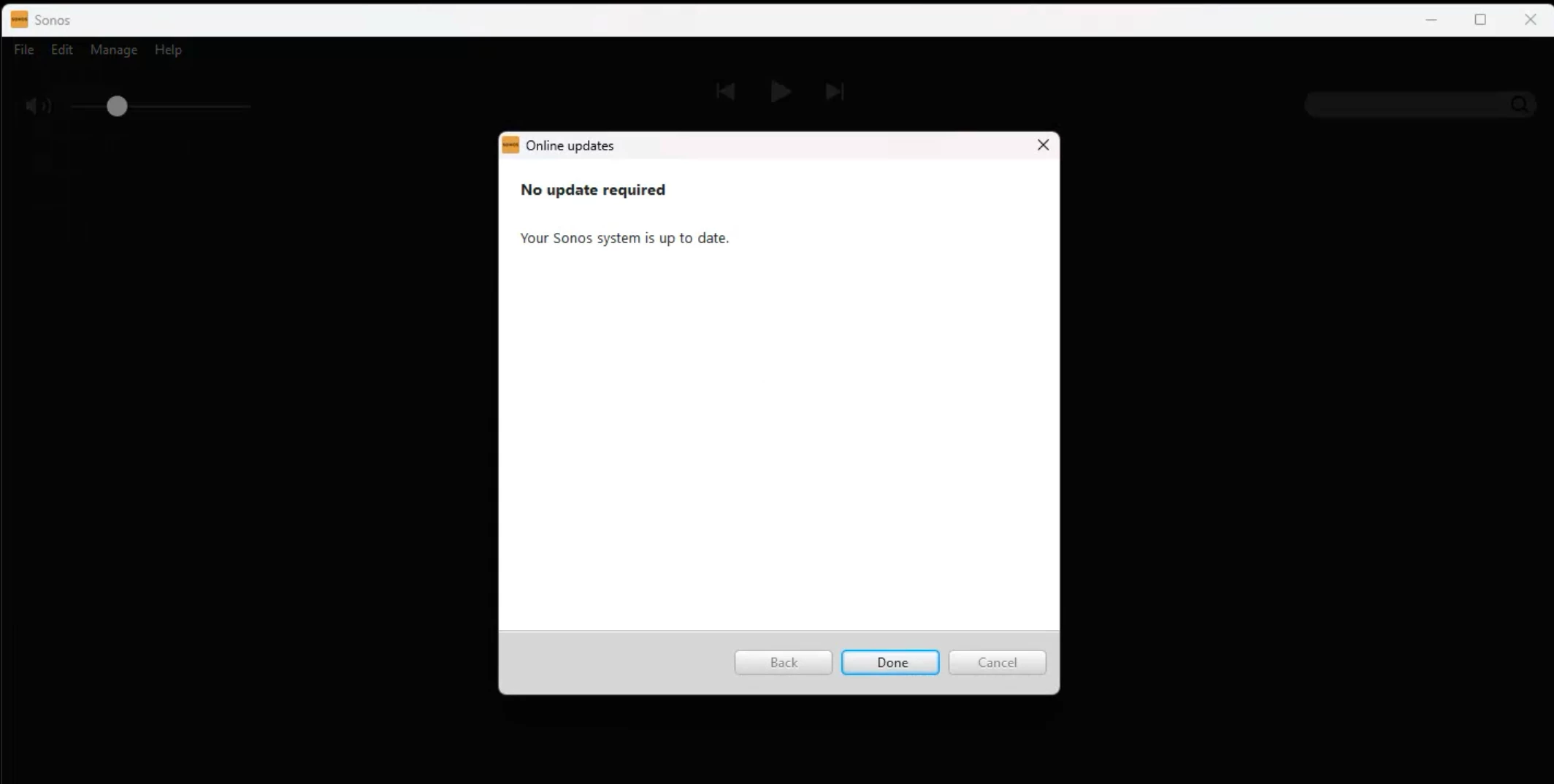
I am new with Sonos One speaker, recently I have connect the speaker to my office network and I can see it has taken an IP. From my Windows PC I want to use one of the speakers to play music, but after installing the Sonos App, the App cannot operate well, keep asking me to check for update, even it is already up to date.

Mush appreciated if anyone of you experienced this issue before and had the solution, thanks!

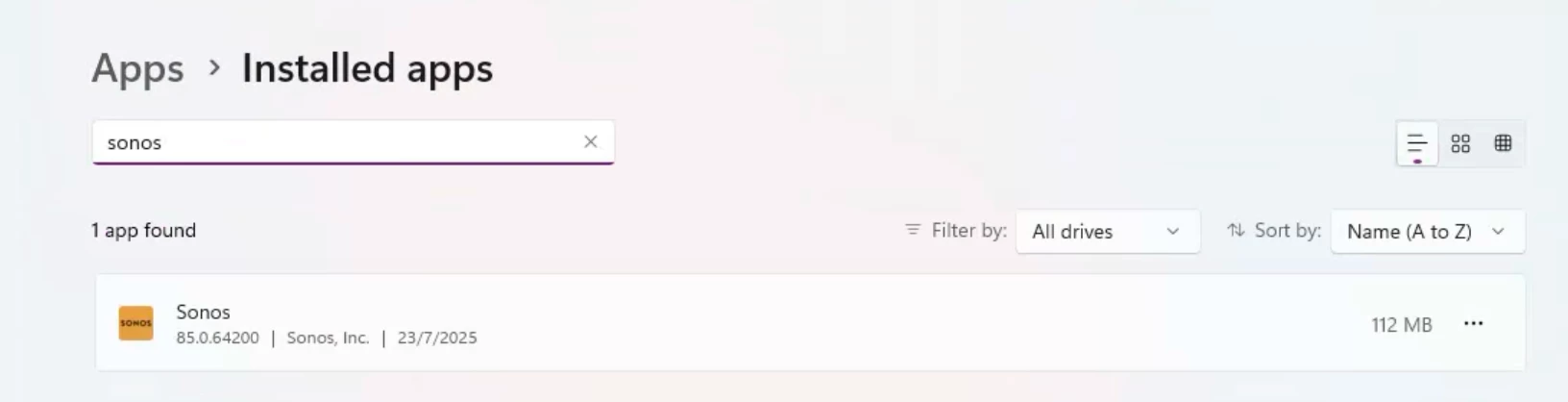
It is a fresh install and I even tried to clean uninstall and reinstall, but no help.

Best regards,

Werner
 

This topic has been closed for further comments. You can use the search bar to find a similar topic, or create a new one by clicking Create Topic at the top of the page.
Best answer by controlav

Your corporate network firewall is likely confusing the Desktop app.

Try either of my Windows apps (see profile), they use the Windows sandbox firewall which is a lot simpler than the regular firewall.


17 replies

Senior Virtuoso
July 23, 2025

Is your app up-to-date as well as the speaker? 
 

Have you powered down your speaker and restarted it? If not, it may be worth doing so to your router too. Wait till it’s fully restarted and wifi is running before restarting your One. Sometimes the update process can lead to ip address conflicts if you’ve not set an allocated ip address for your speakers. 

WernerYueAuthor
Contributor I
July 24, 2025

Good day Nik9669a,


Thanks for your reply and advise, yes I have already tried to restart the Sonos speaker few times, even factory reset it 2 times already. The speaker with IP actually connected to the office internet by my mobile Sonos App (joined to the office Wi-Fi, same network with my PC). But since I want to play music from my PC, I install the Sonos App on my Windows machine and now stuck on the message keep asking to check update on that Windows Sonos Desktop App.

Main goal is to get the Sonos speaker nearby my seat (which taking 192.168.1.90 IP) be selectable from my PC so I can play music on it.

I checked on the DHCP table and don’t think it has IP conflict as all laptops/iMac/Sonos are set with DHCP.

It is the message keep showing in my Windows Sonos desktop app, after clicking “Check for Updates” it just goes to the “Your Sonos is up to date” window which I posted before.


Best regards,

Werner

controlav
controlavAnswer
Lead Maestro
July 24, 2025

Your corporate network firewall is likely confusing the Desktop app.

Try either of my Windows apps (see profile), they use the Windows sandbox firewall which is a lot simpler than the regular firewall.


Author of the leading independent Sonos apps for Android, MacOS, iOS, Windows and Xbox.
WernerYueAuthor
Contributor I
July 25, 2025

Good day ​@controlav ,

Thanks for advise, hasn’t think about Firewall blocking, I will check with infra team if any logs showing.

Best regards,

Werner

WernerYueAuthor
Contributor I
July 29, 2025

Hi Everyone,

Just wanna to share the case update here for reference. We have checked on Infra side, there has no blocking logs in Firewall related with Sonos App. Interestingly today when we check on the PC again, Sonos App prompts with 1 update available and after the installation, it can be running normally without looping on check for update message.

So…. Conclusion I can make for is it is Sonos App problem..? :)

Best regards,

Werner

Avid Contributor I
August 9, 2025

I have exactly the same issue

full SONOS system amp/S1/S5 etc 

All up to date 9/8/25 software. On PC when opening SONOS 50% of the time it comes up with 


Switching out then in of SONOS sometimes is ok and normal start sometimes it doesn't work 

Nightmare

Lyricist I
October 1, 2025

Was there ever a resolution for this? i’m having the same issue. i can access the system from my android app but the windows pc desktop sonos app is in this never ending update loop. the system works, the phone app works -- so other community comments about resetting devices (which i tried yesterday) don’t seem to apply. it seems like there’s something with the desktop app specifically that’s a problem. i’ve reinstalled the app after redownloading from the sonos site and i’ve looked at the windows defender firewall settings...everything seems ok. but the loop can’t be broken.

since this thread is specific to the windows desktop app, was wondering if there was ever a resolution.

Enthusiast I
October 29, 2025

Same with my system, just goes to open screen, checks for updates and goes no further.

Moderator edit: Removed picture with Sonos ID.

Connect Amp x 3, Connect x 1, Sub x 2, Playbar x 2, Beam x 1, Play 1 x 4, Play 3 x 2, Play 5 x 2, Boost x 1, Amp, Arc, 2 x Era 100, 2 x Era 300, Symfonisk x 2, Roam
Avid Contributor III
November 12, 2025

I am on 17.2.2 and this is happening on multiple devices. Like others mentioned, the phone works fine and sometimes I can get in. But, currently, none of my Sonos Windows Desktop applications will get beyond the Check for updates.


To reiterate, 

  1. Launch App - receive a check for updates alert 
    1. click check for updates - told no update required 
      1. Click done, and returned to the screen in step 1
      2. Click on “More Options” and chose “Continue using the Sonos App” 
      3. Told some products are not registered to your Sonos account (FYI - they are), but click “Register your products”
      4. asked to sign in to access more features (no screenshot since it has personal information)
      5. Returned to the dialog from step 2 


I really want to use the desktop - I can see more, like it rather than using my phone. I have reinstalled the app a couple of times from new downloads and it still fails.

Airgetlam
November 12, 2025

Try a reboot of your entire system. The Sonos devices, your router, and your PC. 

If you continue to have issues, I would recommend that you submit a system diagnostic from the PC, not the mobile phone, within 10 minutes of experiencing this problem, and call Sonos Support to discuss it. Don’t post the resulting diagnostic number here, they get sensitive about GDPR.

There may be information included in the diagnostic that will help Sonos pinpoint the issue and help you find a solution.

When you speak directly to the Support staff, they have tools at their disposal that will allow them to give you advice specific to your network and Sonos system.

Bruce