Trending Lyricist I
June 6, 2024

update 80.02.05 cannot update nor create nor save new alarms

  • June 6, 2024
  • 12 replies
  • 368 views

Since the last update 80.02.05 which happened 6/24 I can no longer update nor create or save any old or new alarms. I thought everything was fixed until they messed everything up again with the latest update. Does anybody else have this problem? This is extremely frustrating seeing how Sonos could be so incompetent...
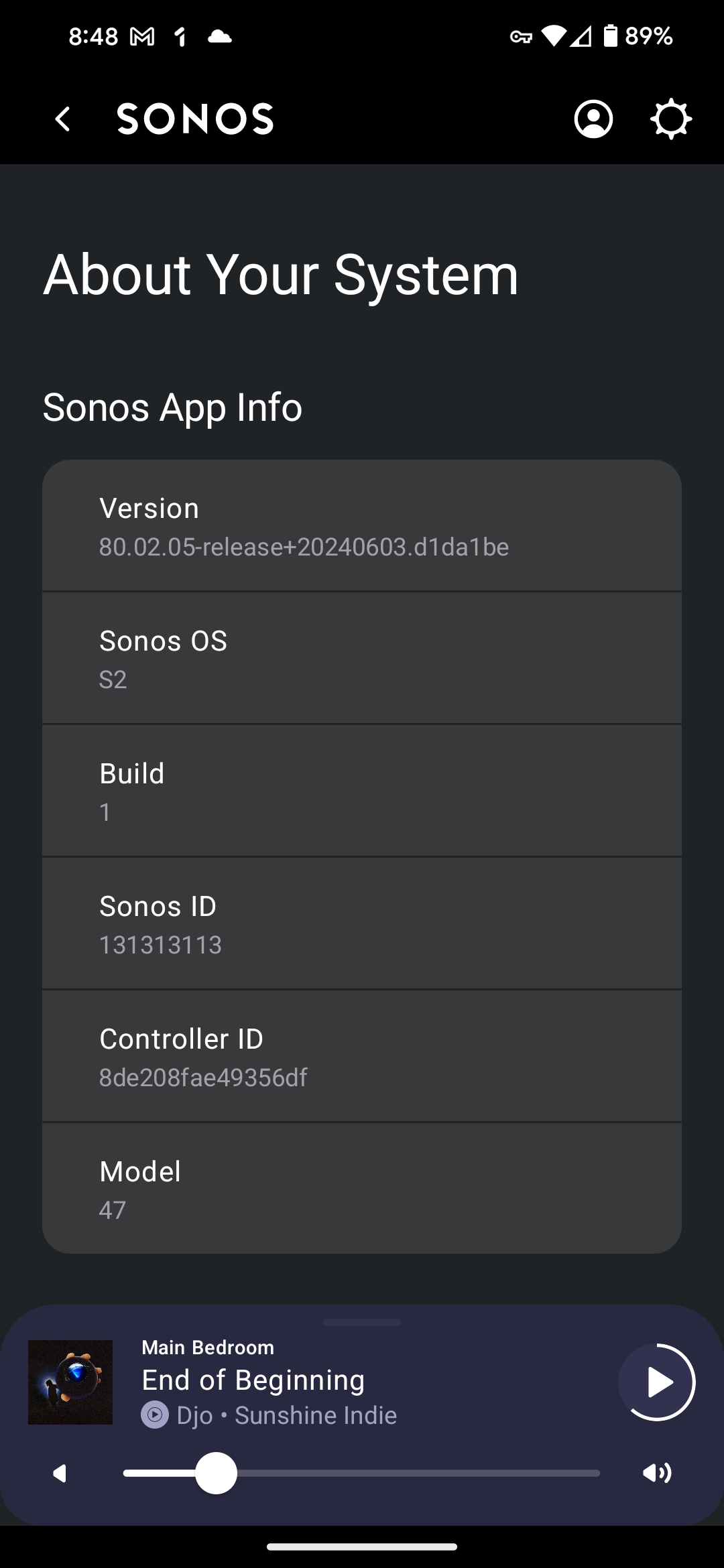
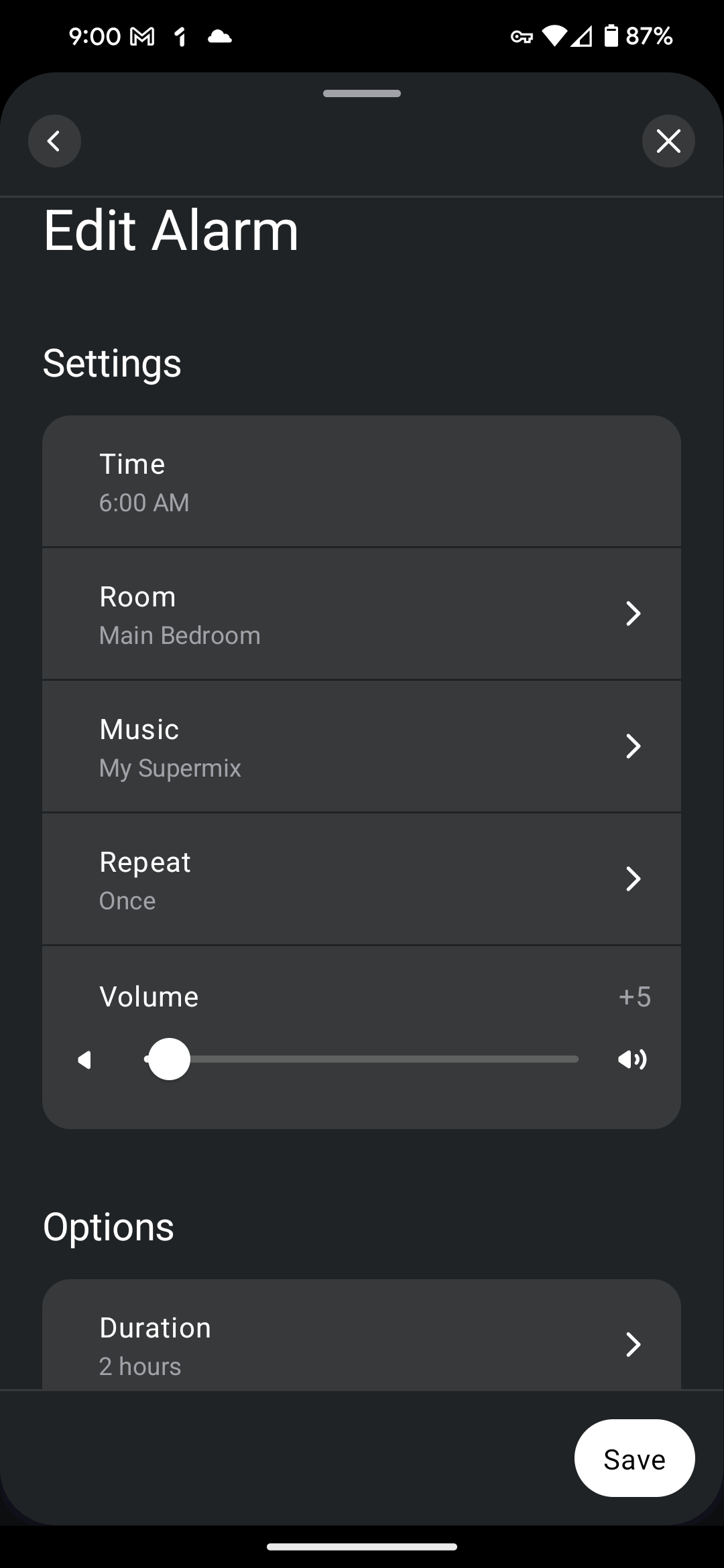
these updates.

This topic has been closed for further comments. You can use the search bar to find a similar topic, or create a new one by clicking Create Topic at the top of the page.

12 replies

Trending Lyricist II
December 11, 2024

I have the same issue with my Sonos system. Alarms will not save

Will it perhaps work if you power off your older products and just leave your newer Sonos One SL up and running - I’m just wondering if you’re perhaps running out of storage space on one of your older units - some memory might have been tagged as being defective by the OS if they units are getting old.

This doesn’t fix the issue, but even so, just because my Play 1 might be classified as “old” doesn’t mean the functionality I used to have should be taken away. It’s quite unfair if Sonos are tagging devices as “defective”, as you say, if they are older, even if they are on the latest SW updates

That wasn’t really the point I was hinting at - if a device is old and regularly used, then it’s storage can degrade over time through repeated use and the Linux OS may mark sectors as ‘bad’ and unusable - older devices have much less storage anyway than the more modern Sonos products and if the hardware is really poor, perhaps, it may be limiting the capabilities of the entire system (as a copy of the Household setup is held on each Sonos device). Removing the device might have improved the situation was my thinking, but clearly that’s not the case. I assume your alarms still did not save after the removed device dropped off your system (after 72 hours, or full system reboot). Oh well it was just a suggestion.

Thanks for your support Ken, I understand where you’re coming from and I appreciate the suggestion. Sadly though, the alarms still aren’t working

Ken_Griffiths
December 11, 2024

That wasn’t really the point I was hinting at - if a device is old and regularly used, then it’s storage can degrade over time through repeated use and the Linux OS may mark sectors as ‘bad’ and unusable - older devices have much less storage anyway than the more modern Sonos products and if the hardware is really poor, perhaps, it may be limiting the capabilities of the entire system (as a copy of the Household setup is held on each Sonos device). Removing the device might have improved the situation was my thinking, but clearly that’s not the case. I assume your alarms still did not save after the removed device dropped off your system (after 72 hours, or full system reboot). Oh well it was just a suggestion.

Thanks for your support Ken, I understand where you’re coming from and I appreciate the suggestion. Sadly though, the alarms still aren’t working

If not tried already, I’d perhaps give Sonos a call. I suspect it’s something local as alarms are working okay here - maybe something is blocking the Sonos cloud service - a router firewall, or some sort of blocking service, or something running on the controller device, VPN/Security software etc… Anyhow here’s the link to contact Sonos Customer Support:

https://support.sonos.com/s/contact