Contributor I
May 9, 2024
Question

Unable to download update, unable to login as “owner”

  • May 9, 2024
  • 85 replies
  • 7712 views


Unable to login as the system owner. I’ve had the same devices on the same internet, under the same profile, for four years.

This topic has been closed for further comments. You can use the search bar to find a similar topic, or create a new one by clicking Create Topic at the top of the page.

85 replies

Lyricist I
May 30, 2024

Terrible software update. Agree with all the posts above. I found a workaround using the “owner signin” from the company who originally installed the system. The software still asks for “owner sign-in” on the iphone app. It wont recognise my email that I;ve been using for nearly two years…   

In addition, do not like the functionality of the new software. Not as intuitive as the previous software versions.

Also, what happened to “Sleep Timer”? A function I use every day/night and it is just gone? Did Sonos do any research as to how many users use this feature? I suspect I am not alone. I hope Sonons provides not inly a better update but an apology would go a long way...

Lyricist I
May 31, 2024

Hey Sonos Developers.


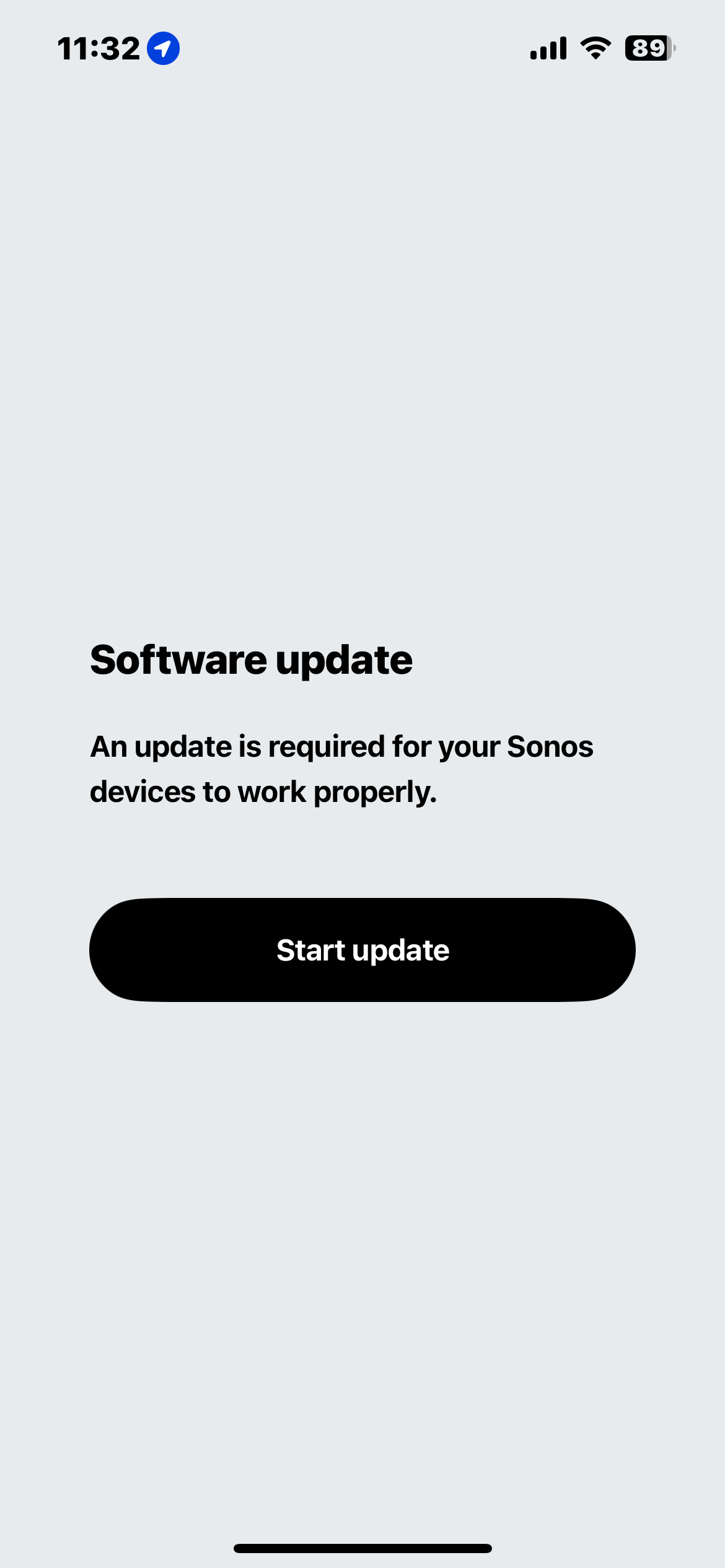
You have to fix this bug on the app! I bought a Sonos Arc, tried to add the device on the app. At the moment It asked me to update the Sonos Arc firmware, the app crashes with the but 1002. After that nothing can be done. I tried to add the Sonos Arc again and it's not possible. I do a factory reset and same happen. terrible experience. hope is temporary.

Lyricist I
June 2, 2024

FINALLY I WAS ABLE TO FIND A SOLUTION!

Steps:


  1. Install the Sonos app in your app but don't open or login the account (yet)
  2. Find a Windows machine and install the Sonos Windows app.
  3. Perform a factory reset - Sonos Arc (my case)
  4. The Sonos Arc will be reset and start the bluetooth mode
  5. Open your mobile Sonos app, start the register device and at the moment it asks you to update the Sonos Arc, do NOT go to the NEXT step. Go to your windows computer, open the Sonos app, it will recognize the app and do the registration with Sonos Website/System.
  6. Once it it's done. Close your mobile application (force it). 
  7. Open again the mobile App, the Sonos Arc will be there. Now you can upgrade it if necessary. 

     YES, those steps are very annoying but worked for me and SONOS Developers have to fix this issue! 
Contributor I
June 5, 2024

FINALLY I WAS ABLE TO FIND A SOLUTION!

Steps:


  1. Install the Sonos app in your app but don't open or login the account (yet)
  2. Find a Windows machine and install the Sonos Windows app.
  3. Perform a factory reset - Sonos Arc (my case)
  4. The Sonos Arc will be reset and start the bluetooth mode
  5. Open your mobile Sonos app, start the register device and at the moment it asks you to update the Sonos Arc, do NOT go to the NEXT step. Go to your windows computer, open the Sonos app, it will recognize the app and do the registration with Sonos Website/System.
  6. Once it it's done. Close your mobile application (force it). 
  7. Open again the mobile App, the Sonos Arc will be there. Now you can upgrade it if necessary. 

     YES, those steps are very annoying but worked for me and SONOS Developers have to fix this issue! 

I have the exact same problem and this didnt work for me, the update fails with the windows app too.

I also have a Sub gen 3 that refuses to update.
Tried everything for 2 days, brand new Suround system of Arc, 2 Era 300 and a Sub3 that I still have not managed to listen to…
What a mess!

Lyricist I
July 12, 2024

I found a solution this week after hours and hours of frustration.

I did a hard reset on all of my Sonos devices, deleted and re-downloaded the app, created a brand new Sonos account, added all of the Sonos devices to that account with zero issues, and then transferred the entire system back over to my old Sonos account.

The system is working 100% now. All products registered, recognizes me as the owner, etc.

Hopefully this works for others! Let me know.