
Avid Contributor II
June 8, 2024
Question

Trying create stereo pair & keep getting same message

  • June 8, 2024
  • 18 replies
  • 314 views

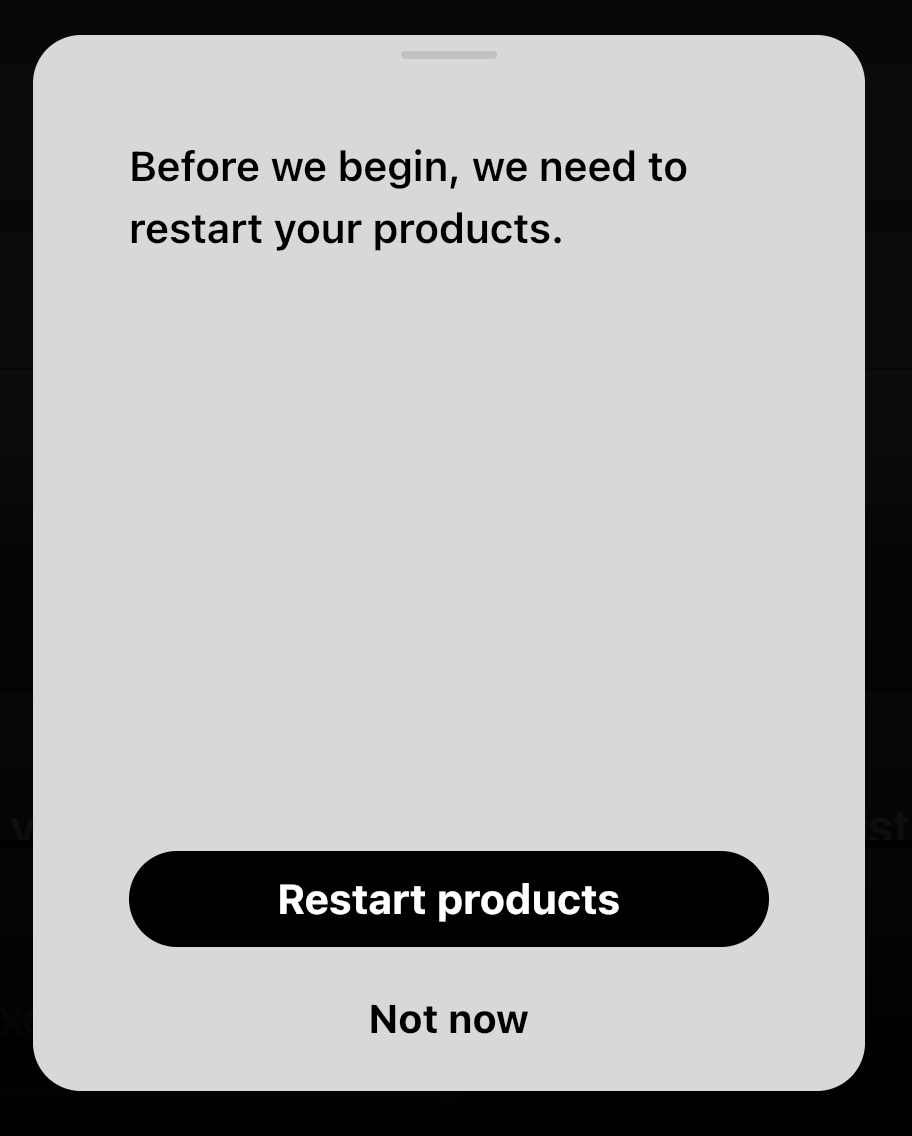
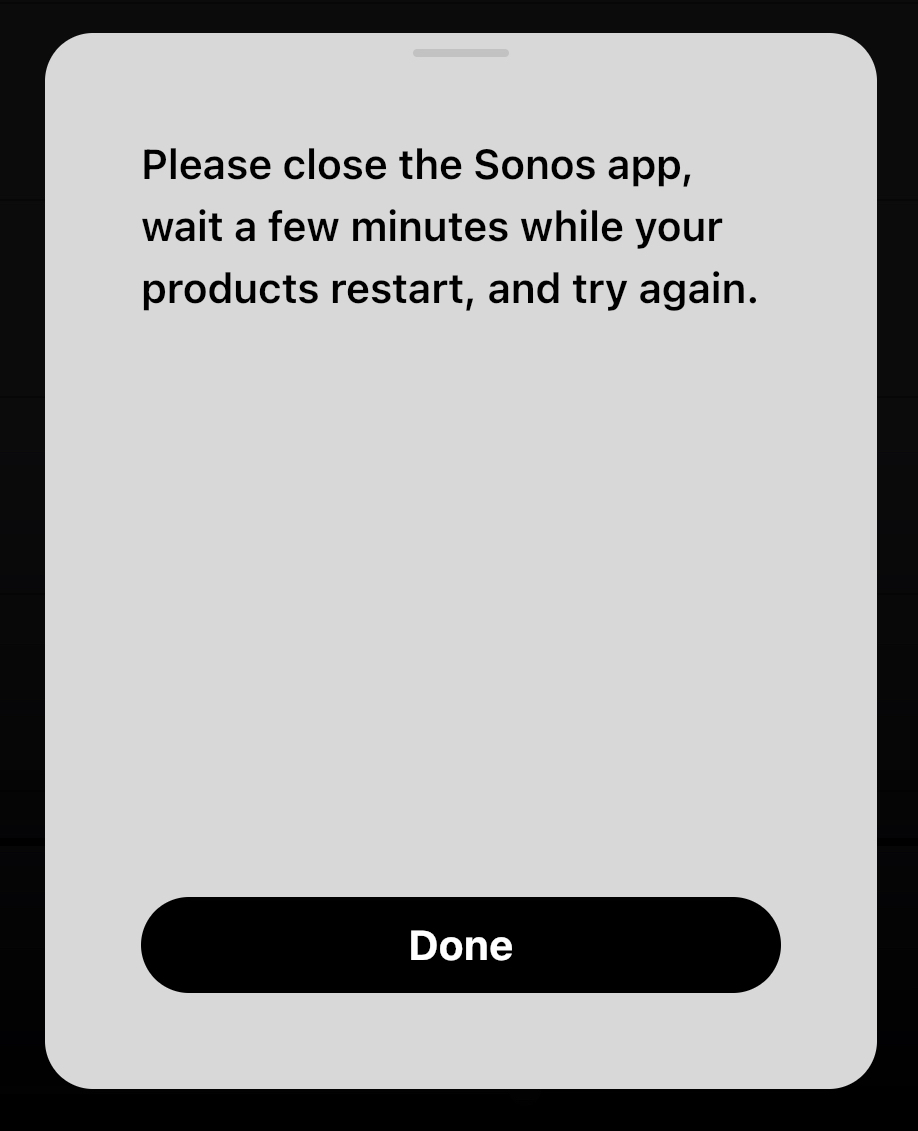
I’m trying to pair 2 Play:1s as a stereo pair. When it click on “Set up stereo pair” I then get a pop-up that says “ before we begin. We need to restart your products.” I then click “Restart products” getting another pop-up that says “ please close the Sonos app and wait a few minutes while your products restart, and try again.” No amount of closing the app, waiting, & trying again seems to work. It’s like I’m stuck in a do-loop. I’ve restarted my network to include cable modem, WiFi, firewall, & speakers…all without success.
Any ideas?

This topic has been closed for further comments. You can use the search bar to find a similar topic, or create a new one by clicking Create Topic at the top of the page.

18 replies

Corry P
Sonos Staff
June 10, 2024

Hi @User197837 

Thanks for your post!

This is most unusual - I’ve not heard of this happening before, and it sounds pretty annoying!

It sounds like you’ve tried rebooting the speakers and the router. Have you also tried rebooting the phone that you are using? If not, please do so.

If the issue persists after that, could you please submit a support diagnostic immediately after recreating the issue and reply here to let me know it has been submitted? Please don’t post the number though - I’ll find it. Thanks.

I hope this helps.


"Common sense is the collection of prejudices acquired by age eighteen." - Albert Einstein
Lyricist II
June 11, 2024

Has there been a resolution to this problem? I am having the same issue and it is highly frustrating not being able to add my new sub mini to my system.

Contributor I
June 11, 2024

I am also having the same problem for about a week.  Very frustrated.

Lyricist II
June 11, 2024

After spending about 2 hours troubleshooting this with Sonos support today, the issue couldn’t be resolved so an RMA was initiated and I will be receiving a replacement from Sonos.

Contributor I
June 11, 2024

My problem is with trying to add Era 300s to an Arc.  I can’t add a sub, add the Eras or stereo pair the Eras.  All worked fine when I had Play 1s connected.  Can’t even add them back now.  Very disappointed with Sonos and I have a fairly large collection of speakers.  Haven’t tried anything with any others because I’m afraid they’ll get screwed up too.

AlexPermit
Prodigy I
June 11, 2024

@User197837 , @Trajan78, @Allee2004 is it safe to assume these are recent purchases?  

Since @Allee2004 reports the units require RMA, perhaps @User197837 and @Trajan78 should return the items to their retailer, assuming they are still in the return windows.  Why bother waiting two hours on the phone and deal with the hassle of a Sonos RMA when you can just return the item as defective and order a new pair.

Lyricist II
June 11, 2024

My sub was brand new; purchased 2 days before the attempted install.

Contributor I
June 11, 2024

My Arc is old, my Sub is old.  The Eras were new, but I can’t even connect the old surrounds that used to work or the sub anymore.

buzz
Grand Maestro
June 11, 2024

My problem is with trying to add Era 300s to an Arc.  I can’t add a sub, add the Eras or stereo pair the Eras.  All worked fine when I had Play 1s connected.  Can’t even add them back now.  Very disappointed with Sonos and I have a fairly large collection of speakers.  Haven’t tried anything with any others because I’m afraid they’ll get screwed up too.

Don’t Factory Reset anything without further consult. Factory Reset will complicate the issues. Reboot is OK. Have you rebooted ARC and SUB? Which controller App are you using?

Contributor I
June 12, 2024

Have rebooted.  Using the latest app.