RaultTN
Prominent Collaborator I
January 25, 2023
Answered

SonosNet Greyed out

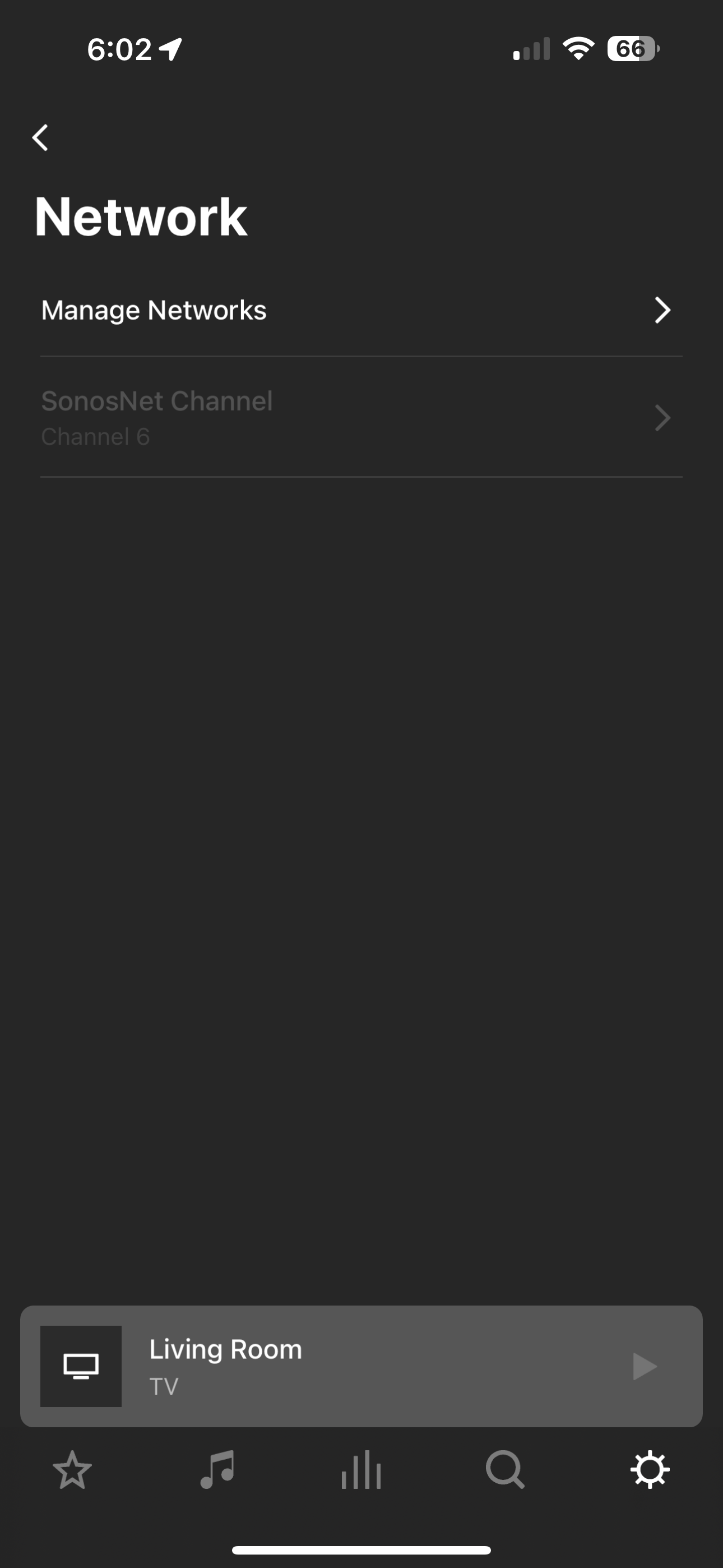
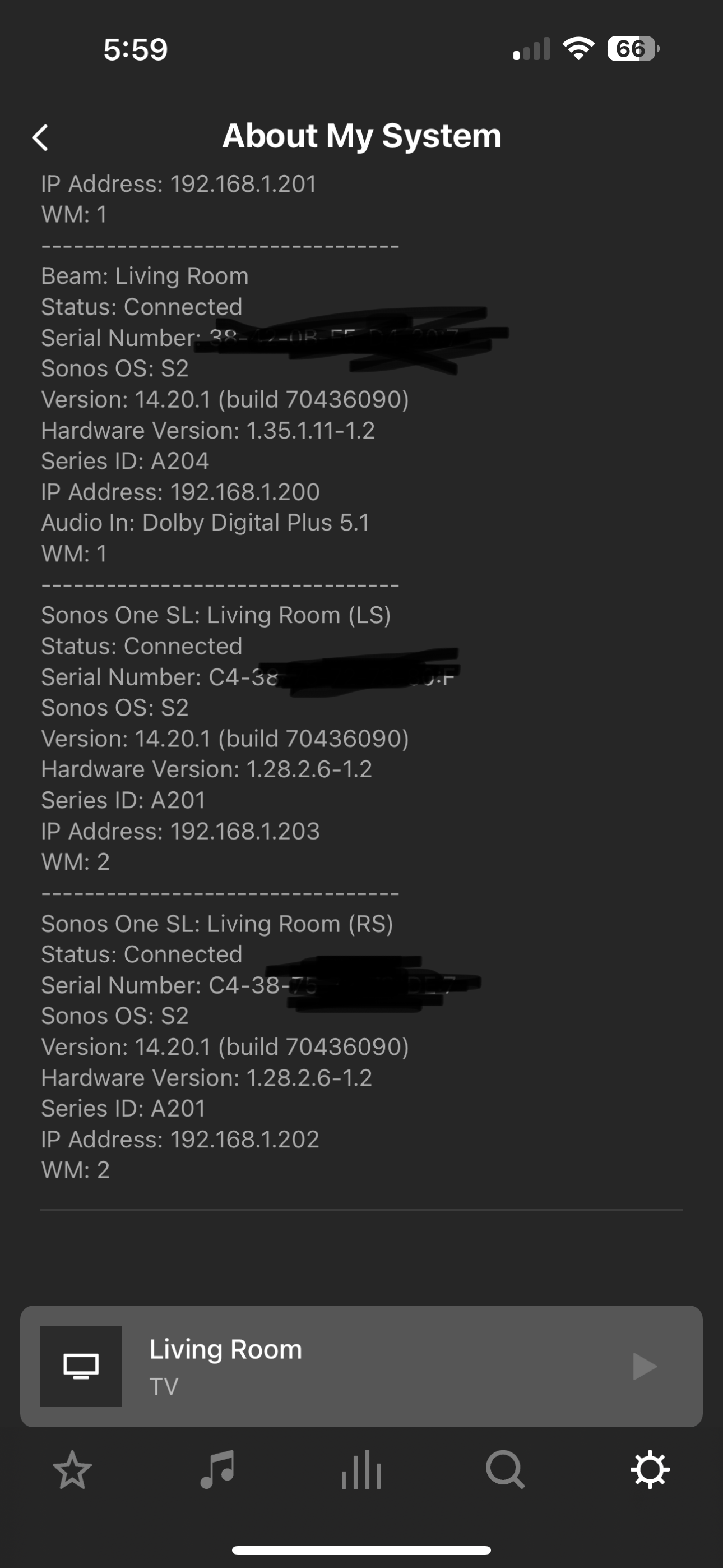
Hi all. I have my Beam (Gen 2) hardwired with 2 SonosSL as surround speakers (not hardwired). Until recently they were all connected via SonosNet showing WM:0. today SonosNet is greyed out and they are showing as copied below. Any ideas?  The only change recently made was static IP’s for all devices. 
 

Secondary question, Should I disable my Wi-Fi network that I previously used?  Maybe that will “force” SonosNet?  Or does it not work like that? 


This topic has been closed for further comments. You can use the search bar to find a similar topic, or create a new one by clicking Create Topic at the top of the page.
Stanley_4
Stanley_4Answer
Grand Maestro
January 26, 2023

Likely just loose or a bit of crud or corrosion if the unplug-plug fixed it.

You might check the locking tab to insure it is working well.

17 replies

Stanley_4
Grand Maestro
January 25, 2023

While poking about you may run across a Sonos option to disable WiFi.

DO NOT do that as what it really does is turn off the internal radio.

That would be the radio that is also used to connect to the Surrounds and Sub.

RaultTN
RaultTNAuthor
Prominent Collaborator I
January 25, 2023

@Mr. T  So I removed my Wi-Fi credentials as I had my beam hardwired and all surrounds set through SonosNet (WM:0). Today this is where I’m at.  I’ve unplugged my Beam and plugged back in but no dice.  Does the system need to still keep in touch through my Wi-Fi periodically or should it not be acting like this?


I have my Beam hardwired through a switch and internet is working fine for the two other devices on that same switch.  Not sure what is the cause?  I can even see that the Beam is hard wired through my ASUS router?


Ken_Griffiths
January 25, 2023

@RaultTN 

It certainly should not be behaving like it is - removing the WiFi credentials is the ’usual’ thing to do when running your setup on SonosNet, if you do not have any portable Sonos products (Roam/Move) as part of the system - Some things to check are:

  • Your Ethernet cable to the Beam (try a different cable).
  • Try a different port on your switch, or wire the Beam direct to the router instead.
  • Ensure the Beams WiFi adapter is not disabled.

After checking the above reboot the router and players.

Mr. T
January 25, 2023

The system should not be acting like that. Wiring the Beam should create a stable system.

Is your phone connecting to a different network? Or do you use any extenders?

Otherwise, try swapping around the connections on the switch to see if it also occurs using a different port. Is it a simple switch, not a managed one?

buzz
Grand Maestro
January 25, 2023

Consider a bad network cable to BEAM.

PING BEAM to make sure that it is connected.

RaultTN
RaultTNAuthor
Prominent Collaborator I
January 25, 2023

Thanks all. Ok so all I did was disconnect and reconnect (same port) the Ethernet cable from the beam to the switch. We’re back. Does that indicate a bad cable potentially?  I noticed the little green light in the Switch was not lit up for that port until I unplugged and plugged.   Switch is a simple switch (not managed). 

@buzz @Mr. T @Ken_Griffiths 

Stanley_4
Stanley_4Answer
Grand Maestro
January 26, 2023

Likely just loose or a bit of crud or corrosion if the unplug-plug fixed it.

You might check the locking tab to insure it is working well.