
Contributor I
May 9, 2024
Question

SONOS S2 App Update Problems

  • May 9, 2024
  • 45 replies
  • 6619 views

I just found out that SONOS had an app update and I was fine with it hoping to see connection updates or any UI improvements. When I open the app, everything was gone including services, systems, and other features. Why'd they release an app update when everything isn't even working properly? I can't even connect any services, ie. Spotify or SoundCloud. Anyone got any suggestions? Samsung S20 FE btw. I managed to connect to my Symfonisks but only through the Spotify app.
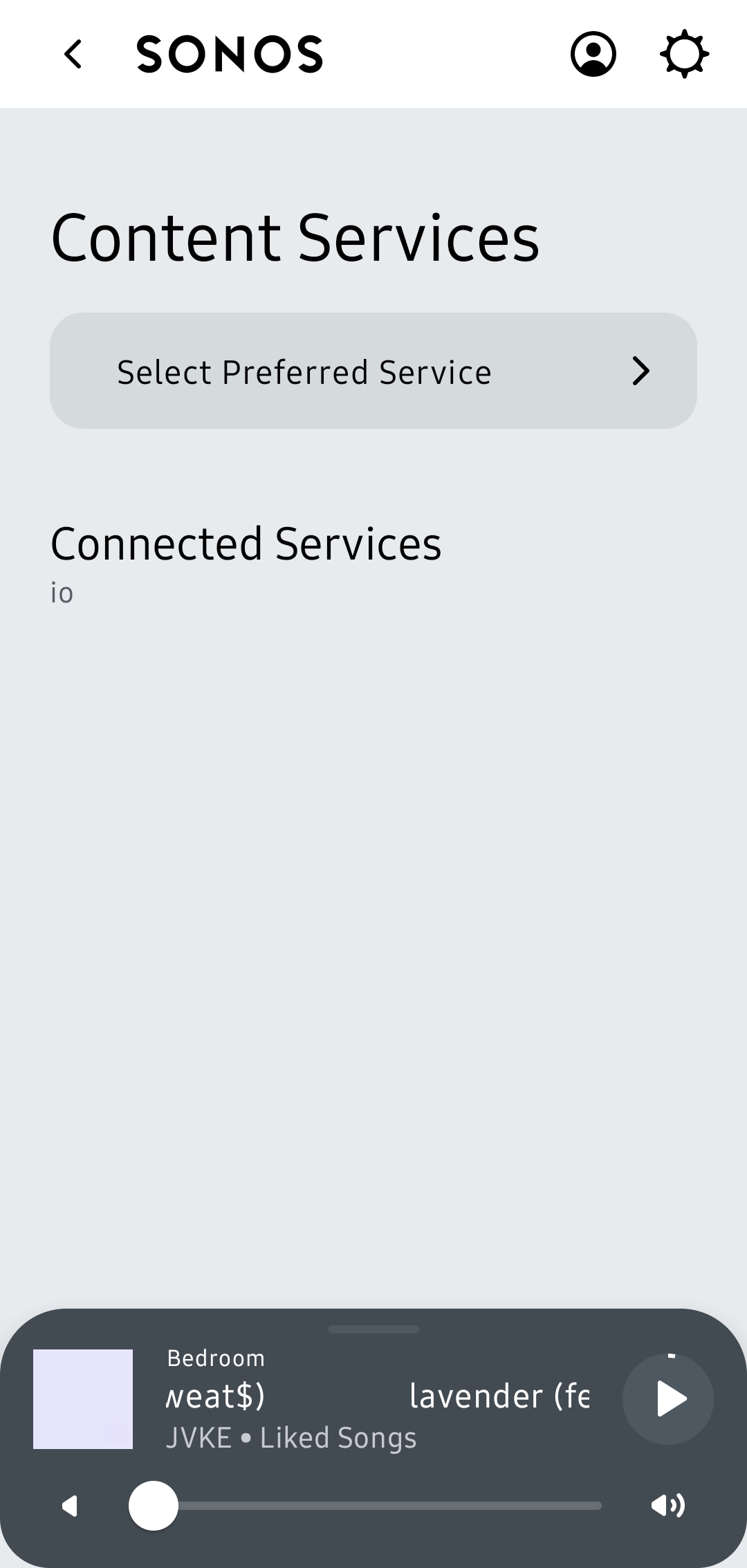
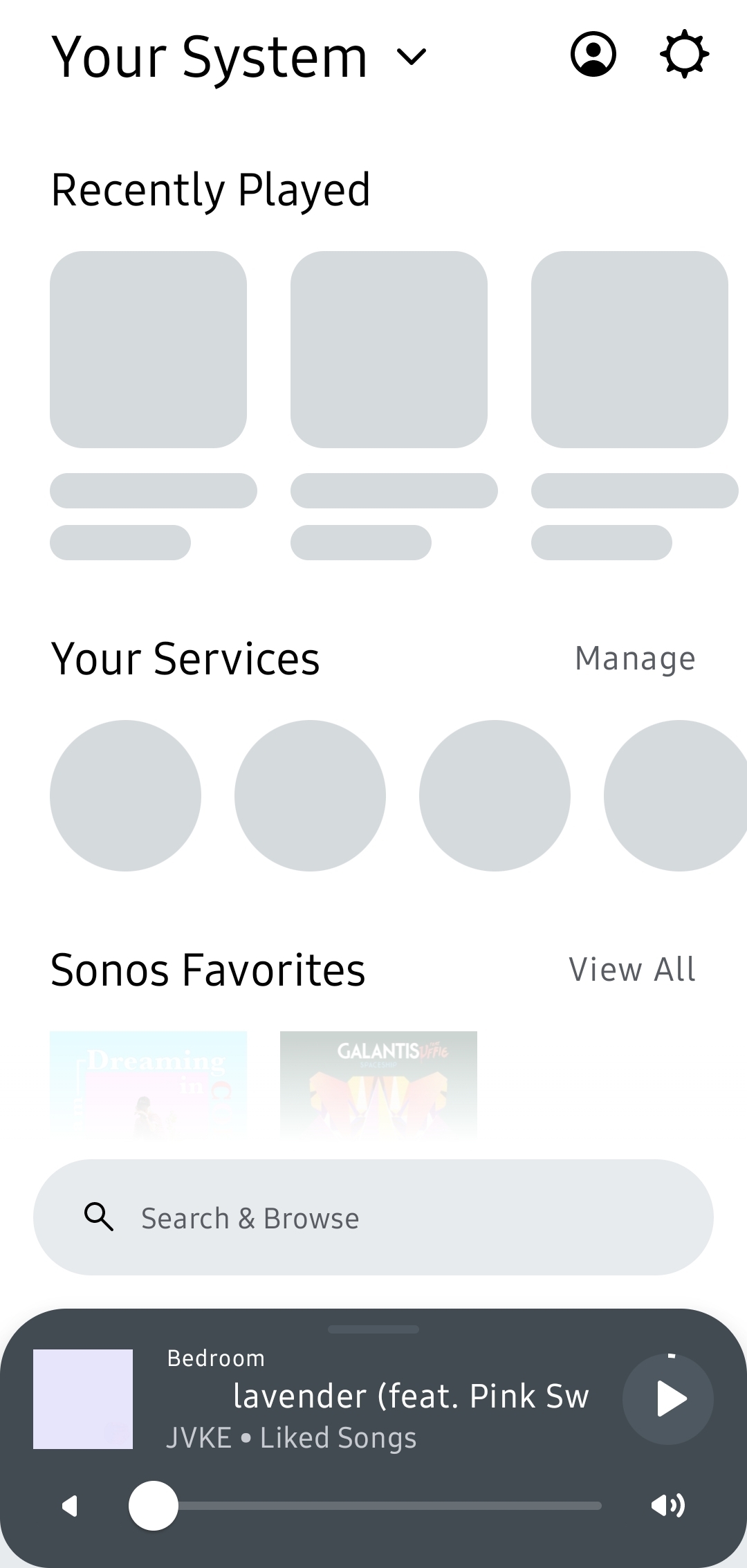


Also, the UI is very laggy and glitchy. SONOS if you see this, bring back the old S2. At least it works.

This topic has been closed for further comments. You can use the search bar to find a similar topic, or create a new one by clicking Create Topic at the top of the page.

45 replies

Contributor I
May 9, 2024

I am unable to access my Deezer account even after re authorising repeatedly, also what happened to the timer?

Lyricist III
May 9, 2024

Problems here since the update include not being able to access my Amazon Music account, also not seeing my local network device that I use for streaming music. The new UI is terrible in my opinion. Is there any way to get the old sonos app back. Fortunately I haven’t updated all my devices yet, so I still have access to the previous SONOS app, which is working fine. It also is a much better looking app.

Lyricist III
May 9, 2024

Sicne I updated the app my LINE IN doesn’t work anymore. Absolutely no sound from it. And the “Autoplay volume” setting has disappeared. Why don’t the SONOS team test their updates before releasing them?

Lyricist I
May 9, 2024

Since the update I can't access my Amazon music account or reauthorise my Apple Music, or play any of my own music, unsurprisingly the Sonos radio app works !

Lyricist I
May 9, 2024

I have just done the update.

Nothing now works has not recognised any of my Sonos system

i have a connect, two Playbars under TVs and three Play1s doted around the house.

Am I correct in thinking I have to try and reconnect the whole lot.

At the moment my phone will not fine anything.

Very frustrating. I was very happy how it was, worked fine!


Enthusiast I
May 9, 2024

I have rolled back to 16.1. If you check out my thread on how to do it for android. Hopefully that will work for you.

cheers

Enthusiast I
May 9, 2024

Roll back to 16.1:-

I uninstalled the sonos app.

Went to apkmirror.com on my phone browser, and downloaded Sonos 16.1 (arm64 v8a). Then opened the download folder and ran the install. (You may have to select the permissions on your phone to allow you to do that). Following install I turned off wi-fi and mobile data, then went to play store and selected do not automatically update apps. Then turned wi-fi and mobile data back on, then ran the app and signed in.

Lyricist I
May 10, 2024

Terrible update of the app.

Not alble to connect with my speakers or Boost...updates coming? My phone don't find any speaker or my boost...frustrating!


I hope they come with a solution quick..or i'll go back to an older version like 16.1

Avid Contributor I
May 10, 2024

Roll back to 16.1:-

I uninstalled the sonos app.

Went to apkmirror.com on my phone browser, and downloaded Sonos 16.1 (arm64 v8a).

Downloading and saving the old APK is a good idea. I have done the same. Not sure you need to disable Play Store updates because the download came from a different source. 👍

Toutatis
Contributor I
May 15, 2024

The iOS app(s) just flat out don’t work.. they literally do not find my system.

The web app,

https://play.sonos.com/

however works fine - might be worth a shot for you. At least my speakers now are functional.