
Contributor II
March 31, 2023
Answered

Sonos Mac S2 app not working aftr macOS Ventura 13.3 Update?

Not sure how this happened, but since I installed the latest macOS Ventura 13.3 Update, my desktop app no longer works, doesn’t show anything at all. Strange, since the app on my phone works, but no desktop. Here is a screenshot, you’ll notice no system (I have 7 Sonos speakers):
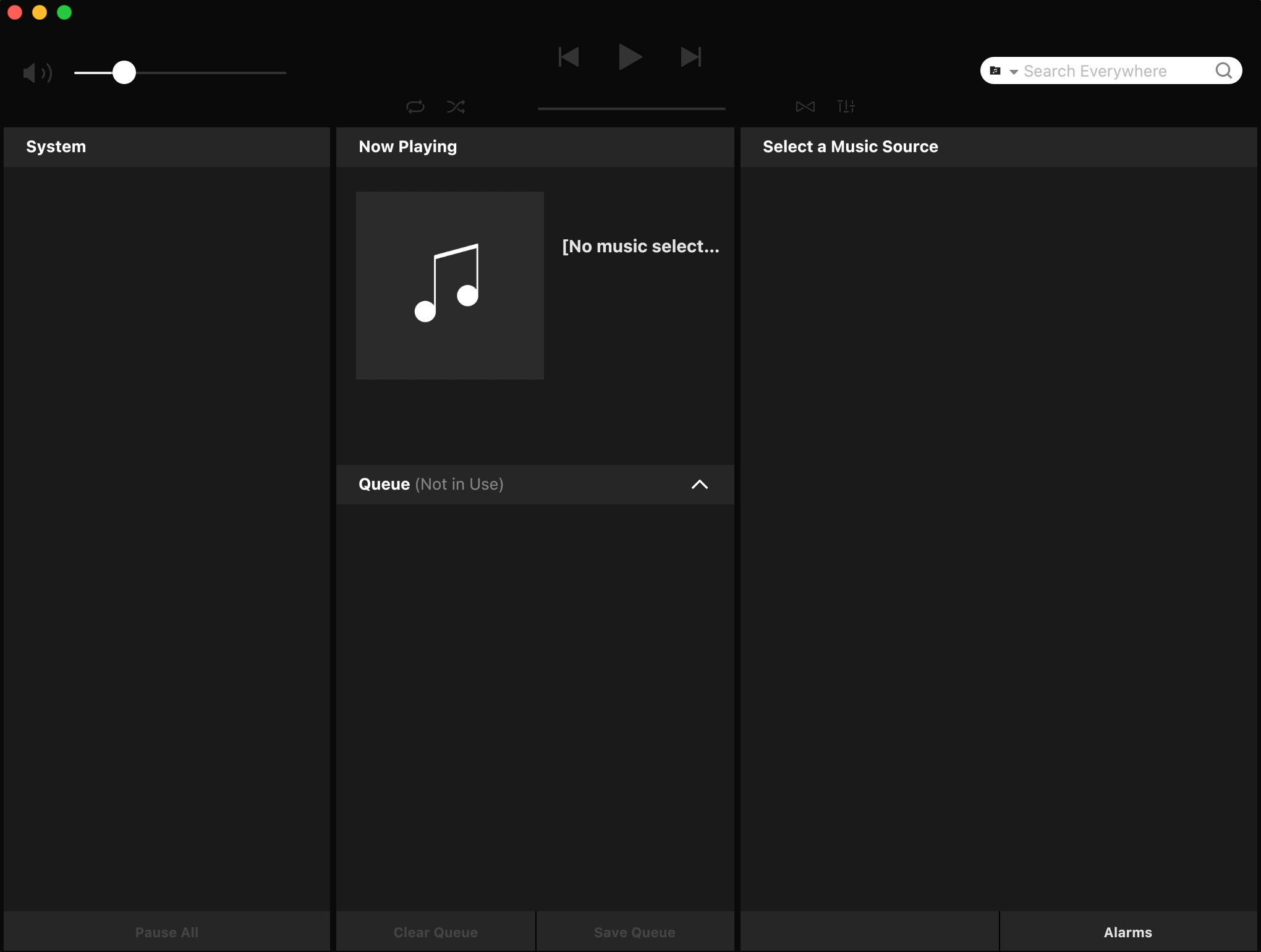
 

Super frustrating. 

This topic has been closed for further comments. You can use the search bar to find a similar topic, or create a new one by clicking Create Topic at the top of the page.
Airgetlam
AirgetlamAnswer
April 4, 2023

That’s odd, as I’m using the 15.2 S2 release on my MacBook running Ventura 13.3, without any issue at all. Not that I did anything special to it to get it to run, it just continued as before. 

To the OP, if I were to guess, there’s something blocking the Sonos from “discovering” the system out there. Could be that the computer and the speakers are not on different subnets, could be a VPN or virus protection issue, could be any of many more issues.

One thing I’d certainly suggest trying is wiring one of your Sonos devices directly to your router with a cable, at least temporarily, to see if that makes any difference. I’d probably also be calling Sonos Support directly to discuss it.

Bruce

3 replies

Lyricist I
April 3, 2023

I just finished an IM with Sonos support. They do not yet support Ventura 13.3 Mac OS. The workaround is to uninstall the Sonos app, then go to their website & download a fresh install. Cumbersome, but it works.

Airgetlam
AirgetlamAnswer
April 4, 2023

That’s odd, as I’m using the 15.2 S2 release on my MacBook running Ventura 13.3, without any issue at all. Not that I did anything special to it to get it to run, it just continued as before. 

To the OP, if I were to guess, there’s something blocking the Sonos from “discovering” the system out there. Could be that the computer and the speakers are not on different subnets, could be a VPN or virus protection issue, could be any of many more issues.

One thing I’d certainly suggest trying is wiring one of your Sonos devices directly to your router with a cable, at least temporarily, to see if that makes any difference. I’d probably also be calling Sonos Support directly to discuss it.

Bruce
Lyricist III
May 11, 2023

Uninstall the Sonos app then reinstall from this link: https://support.sonos.com/en/downloads

Note: You need to authorize the “Sonos Installer” under System Settings → Privacy & Security → App Management.