Contributor I
November 13, 2020
Answered

Sign up to Sonos Radio error

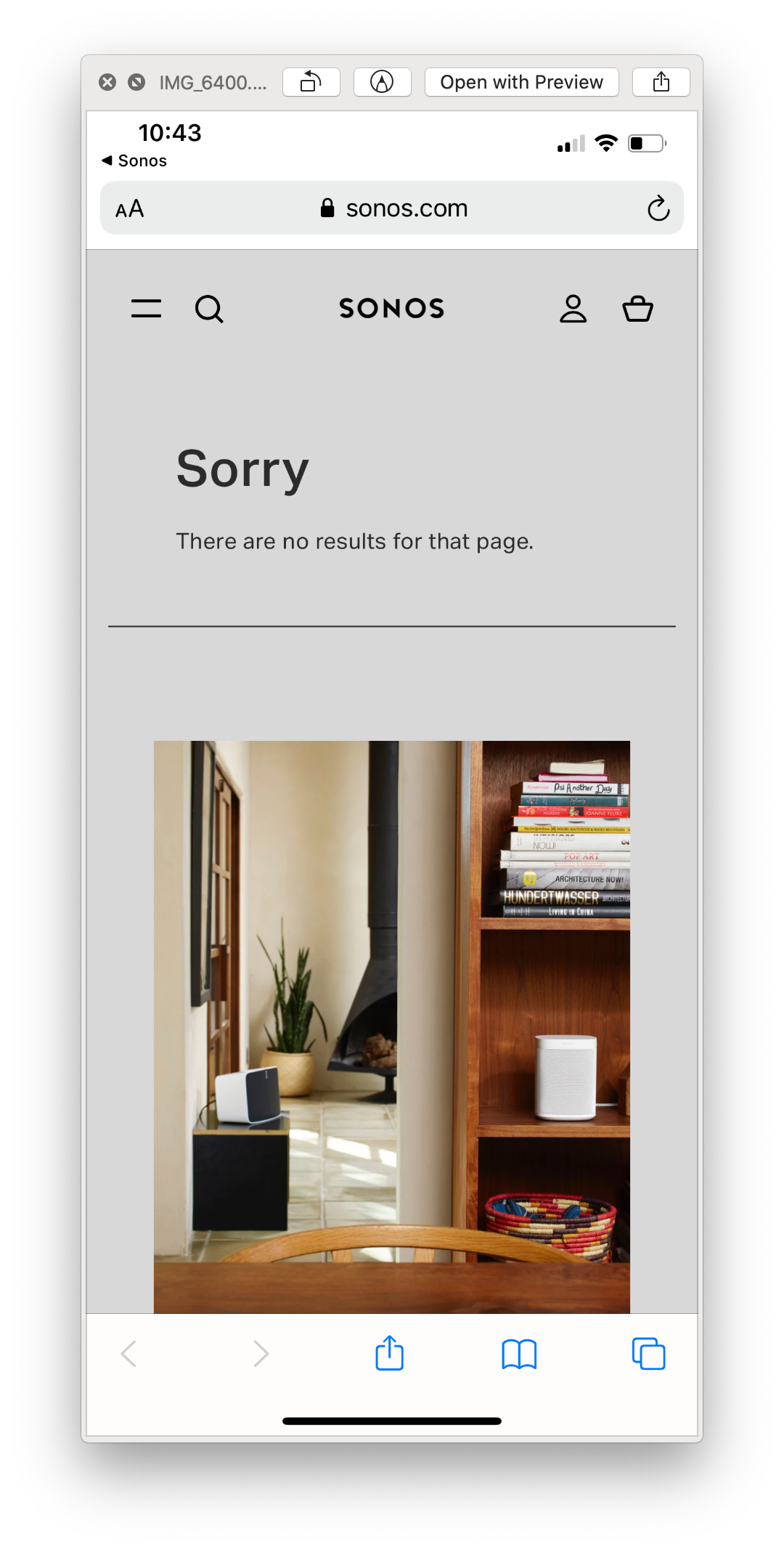
When I try and add Sonos Radio to my services it prompts me to sign up. When I follow the link it takes me to a 404 Sonos page. 

“Sorry. There are no results for that page”

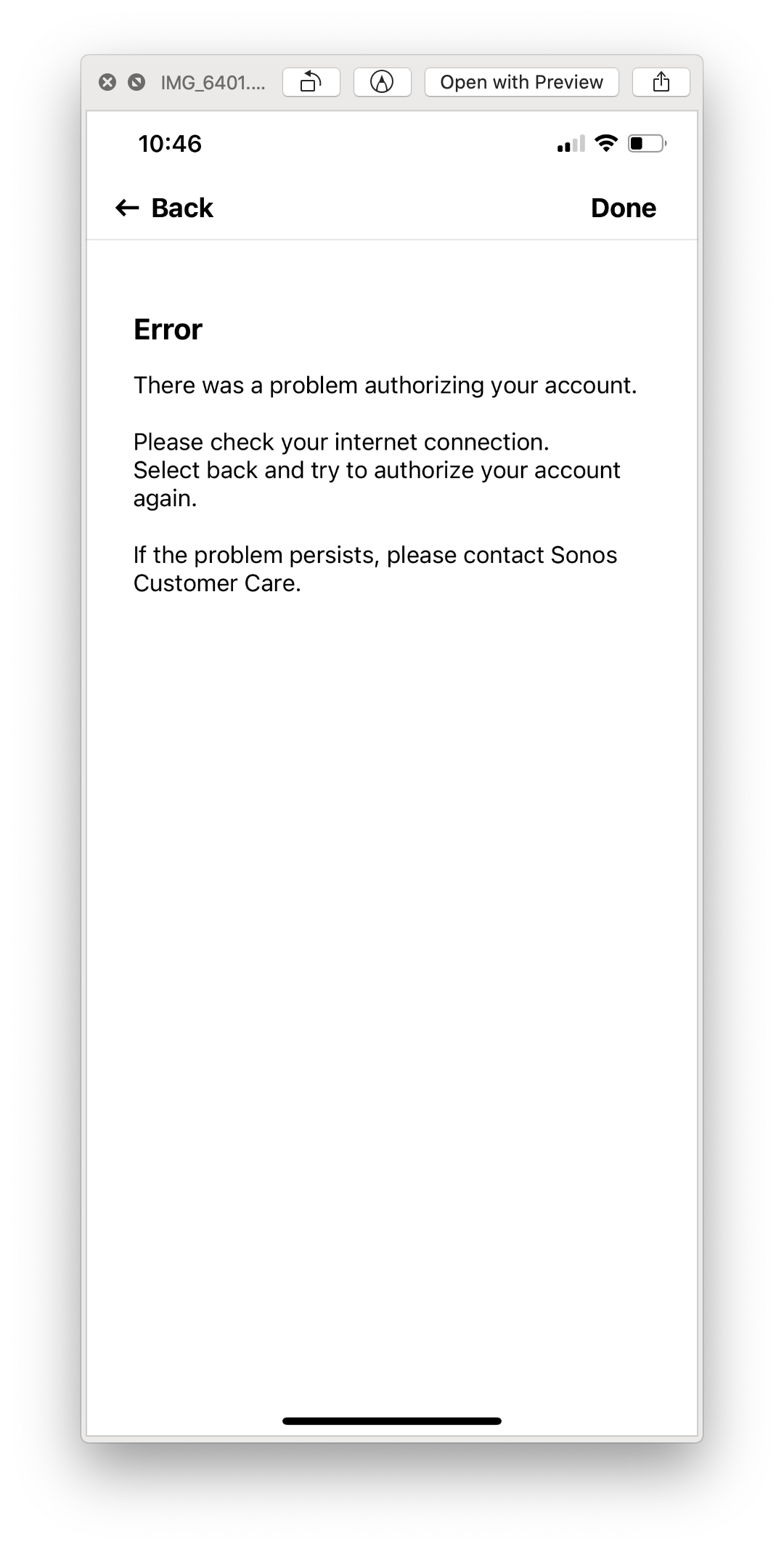
If I go back a step and select ‘Already have a Sonos Radio account’ instead an error message comes up.


This topic has been closed for further comments. You can use the search bar to find a similar topic, or create a new one by clicking Create Topic at the top of the page.
Mark P
Mark PAnswer
Retired Sonos Staff
November 16, 2020

Hi @Hugo1990.

Welcome, thank you for reaching out to Sonos Community since you already tried all troubleshooting steps let me help you further.

Just a few reminders about Sonos Radio HD.

  • Only customers in the US and UK can sign up for Sonos Radio HD from their mobile device or a computer.
  • There is no 'Try it Free' button on the In-app landing on iOS controllers.  Apple does not allow customers to start the signup process from within the iOS app.
  • iOS customers are better off signing up for Sonos Radio HD by going to sonos.com directly using a browser on their computer or their mobile device.

Let us know if it works. If you need help with any other information, please be sure to let us know.


Help others find useful content by clicking the like button and selecting the best answer to your question

4 replies

Lyricist I
November 13, 2020

I have exactly the same problem as Hugo, also if I go through the email link to sing up for Sonos radio it says I’ve entered my postcode incorrectly in the checkout, the site automatically puts the postcode in and it’s correct. Help!!!

Lyricist II
November 13, 2020

I have a similar problem. I signed up to the Radio HD trial and it gives me the same error when I try to add the service on my system. Still haven’t had a chance to listen to the new service.

Lyricist II
November 13, 2020

UPDATE: Followed suggestion on another thread to close app, power down 2 or more speakers and then power them back up. Opening the app after rebooting 2 speakers, I could see Sonos Radio HD in my list of services.

Mark P
Mark PAnswer
Retired Sonos Staff
November 16, 2020

Hi @Hugo1990.

Welcome, thank you for reaching out to Sonos Community since you already tried all troubleshooting steps let me help you further.

Just a few reminders about Sonos Radio HD.

  • Only customers in the US and UK can sign up for Sonos Radio HD from their mobile device or a computer.
  • There is no 'Try it Free' button on the In-app landing on iOS controllers.  Apple does not allow customers to start the signup process from within the iOS app.
  • iOS customers are better off signing up for Sonos Radio HD by going to sonos.com directly using a browser on their computer or their mobile device.

Let us know if it works. If you need help with any other information, please be sure to let us know.


Help others find useful content by clicking the like button and selecting the best answer to your question