Contributor II
November 1, 2024
Answered

iPhone Sonos App not connecting to my Sonos system

  • November 1, 2024
  • 27 replies
  • 7606 views

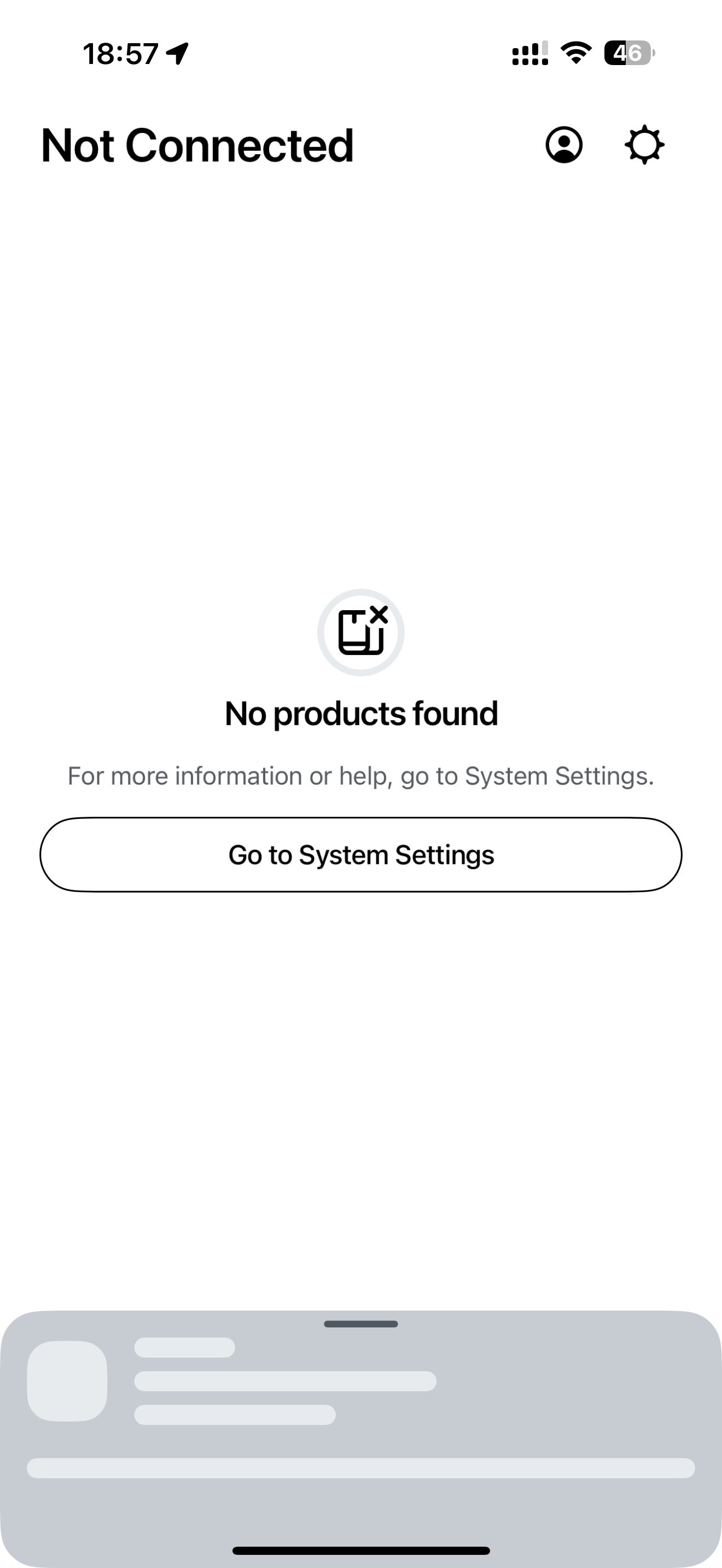
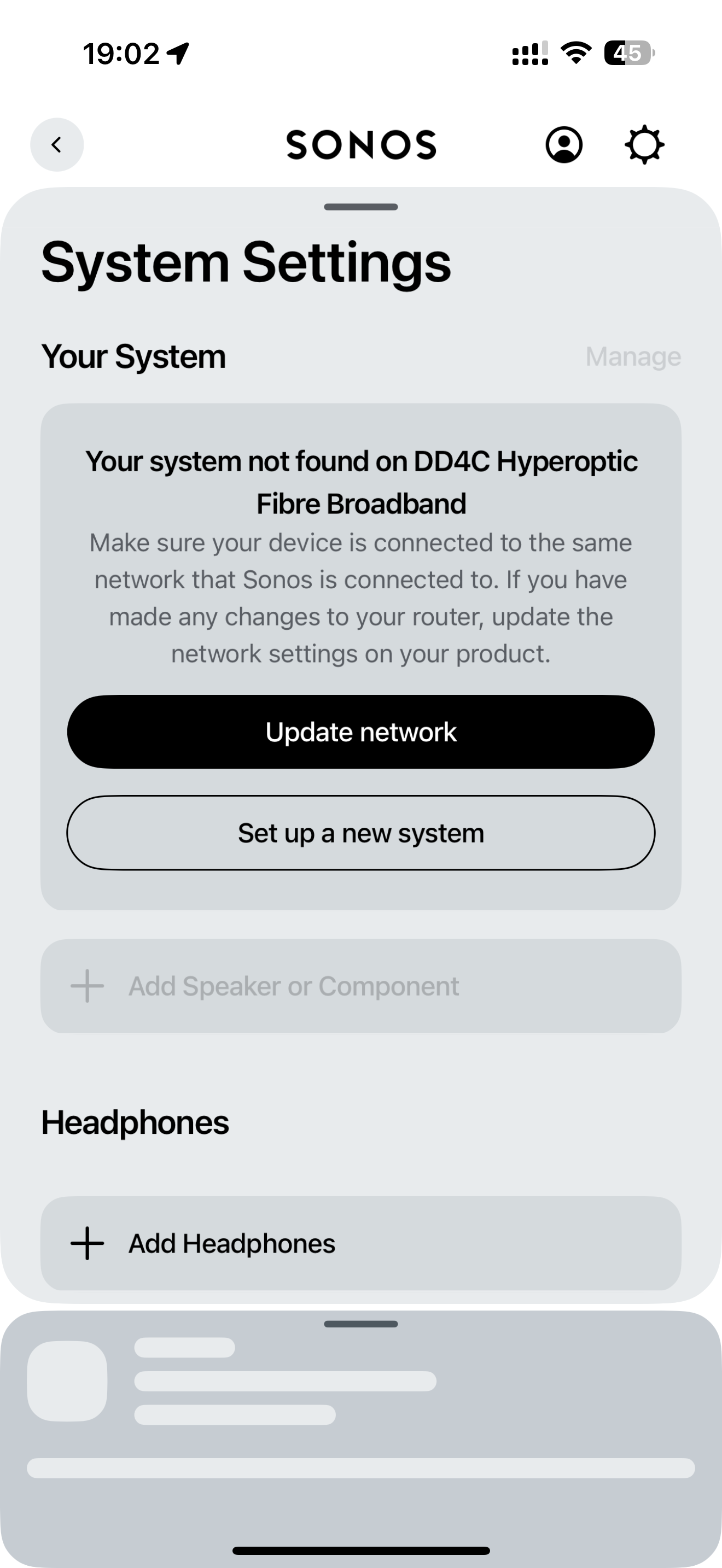
My Sonos iPhone App can no longer find my Sonos system on my home network.

I can connect to my Sonos system on my MacBook, my iPad and use the voice control to operate it but the iPhone app just won’t connect.

I did try following the in app instructions to update my Sonos system wifi settings to the wifi it is already using but when I try this the set-up fails.

My iPhone 16 Pro Max is running iOS 18.1 (22B83)

  • Yes,  have checked I have updated to the latest Sonos app version - V: 80.11.39 that updated 2 days ago.
  • Yes, “Local Network” is enabled and I am using the same internet connection on my phone as my Sonos system.
  • Yes, I turned off and on again all the speakers and my iPhone.


Any thoughts as to why the app has stopped working?


This topic has been closed for further comments. You can use the search bar to find a similar topic, or create a new one by clicking Create Topic at the top of the page.
Best answer by LM17

OMG - finally found a fix for this issue!!!  4+ hours of total aggravation and a huge dent in my hardwood (ONE SL fell off my desk & survived)… iPad with 18.1 and 80.12.03 Sonos App was working fine, but iPhone 16 Pro with the same software combo would not see the system. I factory reset my Sonos system, updated network settings, manually added everything via the iPad, but the iPhone still couldn’t see the system. I had the local network setting set, cellular off, etc, but it still wouldn’t see the system. GOTO YOUR WIFI SETTING, CLICK INTO THE “i” TO THE RIGHT OF YOUR WIFI NAME & CLICK “FORGET THIS NETWORK” AT THE TOP!! Then reconnect and enter your WIFI password again. Finally fixed!!!  Good luck!!!

27 replies

LM17Answer
Lyricist I
December 1, 2024

OMG - finally found a fix for this issue!!!  4+ hours of total aggravation and a huge dent in my hardwood (ONE SL fell off my desk & survived)… iPad with 18.1 and 80.12.03 Sonos App was working fine, but iPhone 16 Pro with the same software combo would not see the system. I factory reset my Sonos system, updated network settings, manually added everything via the iPad, but the iPhone still couldn’t see the system. I had the local network setting set, cellular off, etc, but it still wouldn’t see the system. GOTO YOUR WIFI SETTING, CLICK INTO THE “i” TO THE RIGHT OF YOUR WIFI NAME & CLICK “FORGET THIS NETWORK” AT THE TOP!! Then reconnect and enter your WIFI password again. Finally fixed!!!  Good luck!!!

Lyricist I
December 1, 2024

This worked immediately! Thank you!

Lyricist I
December 3, 2024

Similar issues here:

  • My iPhone IOS 18.1.1, Sonos 18.12.03 works fine
  • My wife’s iPhone IOS 18.1.1, Sonos 18.12.03 - cannot find any Sonos device after IOS got upgraded from IOS 17 to 18.
  • Both phones are connected to same WIFI network

I have re-installed Sonos app

I have unplugged Sonos devices

I have restarted network switch

I have done “forget this network” on iPhone

……nothing worked.


VERY FRUSTRATING!

Lyricist I
December 6, 2024

Similar issues here:

  • My iPhone IOS 18.1.1, Sonos 18.12.03 works fine
  • My wife’s iPhone IOS 18.1.1, Sonos 18.12.03 - cannot find any Sonos device after IOS got upgraded from IOS 17 to 18.
  • Both phones are connected to same WIFI network

I have re-installed Sonos app

I have unplugged Sonos devices

I have restarted network switch

I have done “forget this network” on iPhone

……nothing worked.


VERY FRUSTRATING!


Hello, 

When you unplugged and replugged, did you press the button on the back of the speaker? When I was troubleshooting, I found a tip that indicated you should press the button before you replug, and this will reset the speaker. 
 

Good luck. I know how frustrating it is to be in your shoes!!


Lyricist I
December 7, 2024

Similar issues here:

  • My iPhone IOS 18.1.1, Sonos 18.12.03 works fine
  • My wife’s iPhone IOS 18.1.1, Sonos 18.12.03 - cannot find any Sonos device after IOS got upgraded from IOS 17 to 18.
  • Both phones are connected to same WIFI network

I have re-installed Sonos app

I have unplugged Sonos devices

I have restarted network switch

I have done “forget this network” on iPhone

……nothing worked.


VERY FRUSTRATING!


Hello, 

When you unplugged and replugged, did you press the button on the back of the speaker? When I was troubleshooting, I found a tip that indicated you should press the button before you replug, and this will reset the speaker. 
 

Good luck. I know how frustrating it is to be in your shoes!!


….but do I then have to rebuild my system again…?

PS...Sonos now also stopped working on my iPhone (mine and my wife’s not working anymore). Via Windows/laptop, Sonos still works….all on same wifi….

disappointing

Contributor I
December 19, 2024

One additional fix I’ve found that after enduring these same issues for MONTHS!!!!  I use the Sonos Boost to create the mesh network, and it’s now hard-wired to my WiFi hub.  If you go to manage  Networks settings, make sure that it doesn’t have a WiFi connection still active as it seems to confuse it.  As soon as I deleted the WiFi reference everything worked swimmingly!

Lyricist III
December 24, 2024

Hey there all,  If your Sonos app on an iPhone/iPad won’t get past the ‘Update Required’ page, yesterday I found a solution that worked for me.

Unknown initially, my Sub and 2x Era300 needed updates, but for whatever knockery, these updates wouldn’t apply until I powered-down everything, then:

  1. Powered up Arc + Sub (part of same group).  Updated Sub (took 2 attempts)
  2. Power-cycled Arc + Sub, then powered-up 2x Era300 (rear surrounds for Arc)
  3. Discovered update for Arcs.  Applied this and tested.  App lags terribly.
  4. Proceeded to power-up remaining speakers (4x Play:1, 2x Play:3, 2x Play 5 & Connect Amp)
  5. Use Google Home or Sonos Web app to control.

I don’t know why but neither my iPhone nor iPad (both running IOS 18) work properly - they’ll connect to the Sonos system but there’s never anything playing, volume controls don’t work etc.  Randomly the app will show me something, but when I try to use the app it’s hopeless.  My wife’s and kid’s Android devices work fine, so no idea what the problem is.


Rather frustrating.