Contributor II
November 1, 2024
Answered

iPhone Sonos App not connecting to my Sonos system

  • November 1, 2024
  • 27 replies
  • 7606 views

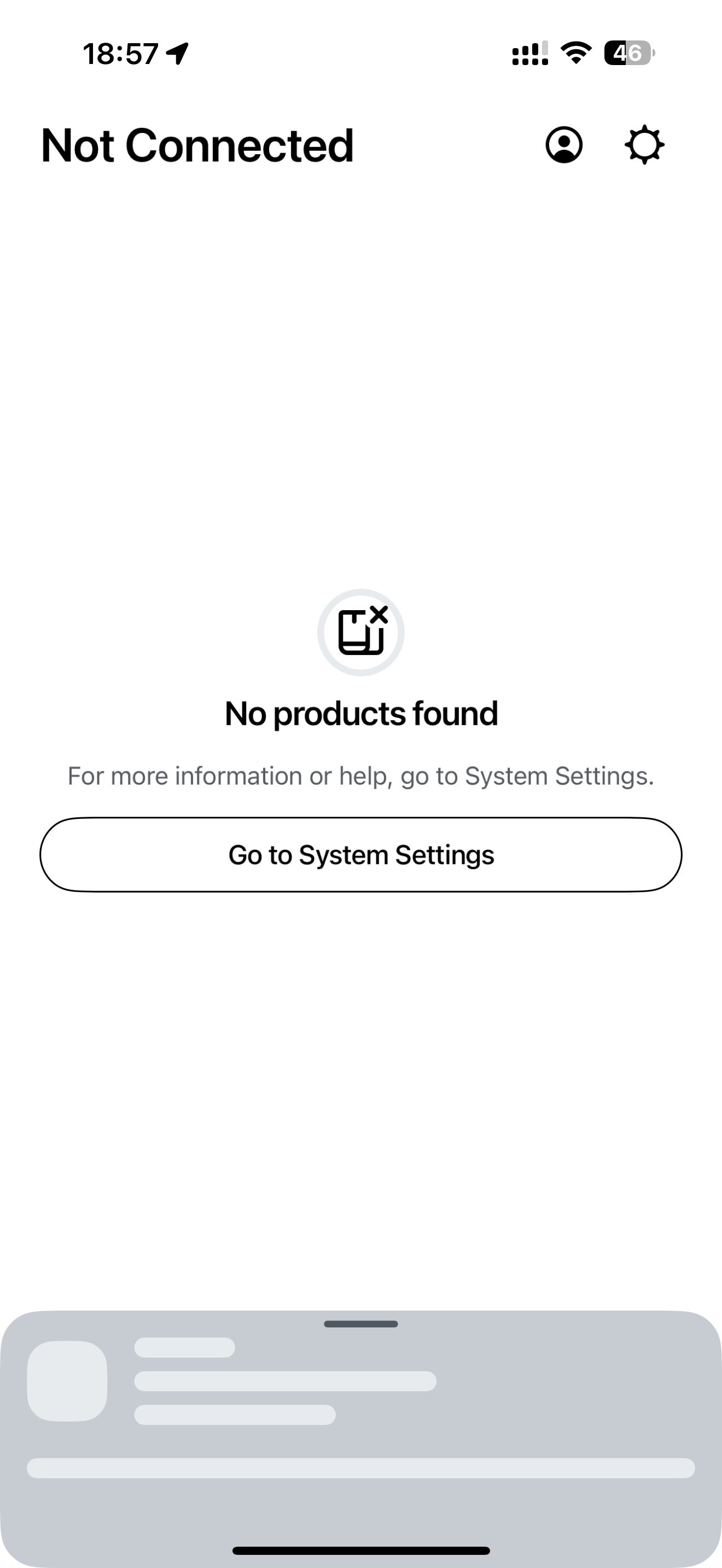
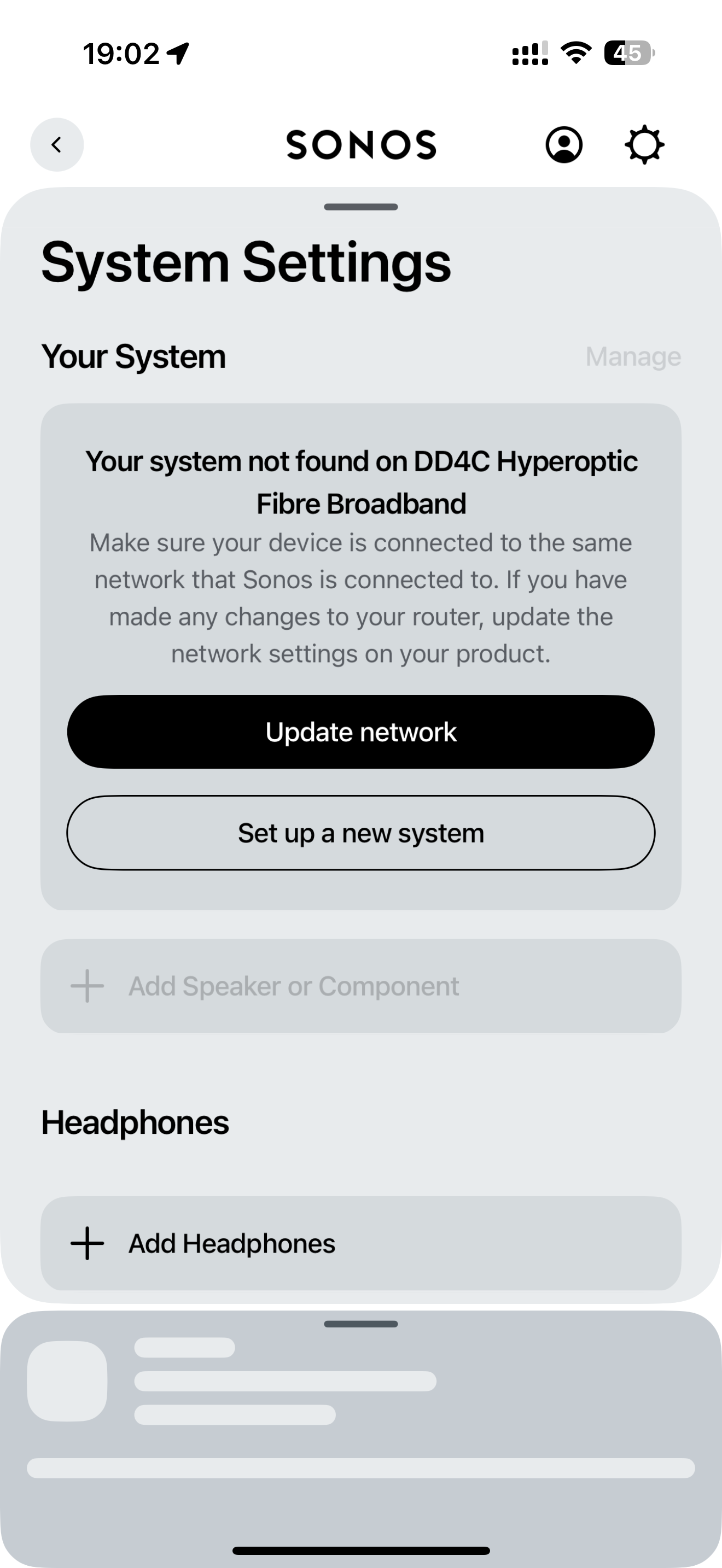
My Sonos iPhone App can no longer find my Sonos system on my home network.

I can connect to my Sonos system on my MacBook, my iPad and use the voice control to operate it but the iPhone app just won’t connect.

I did try following the in app instructions to update my Sonos system wifi settings to the wifi it is already using but when I try this the set-up fails.

My iPhone 16 Pro Max is running iOS 18.1 (22B83)

  • Yes,  have checked I have updated to the latest Sonos app version - V: 80.11.39 that updated 2 days ago.
  • Yes, “Local Network” is enabled and I am using the same internet connection on my phone as my Sonos system.
  • Yes, I turned off and on again all the speakers and my iPhone.


Any thoughts as to why the app has stopped working?


This topic has been closed for further comments. You can use the search bar to find a similar topic, or create a new one by clicking Create Topic at the top of the page.
Best answer by LM17

OMG - finally found a fix for this issue!!!  4+ hours of total aggravation and a huge dent in my hardwood (ONE SL fell off my desk & survived)… iPad with 18.1 and 80.12.03 Sonos App was working fine, but iPhone 16 Pro with the same software combo would not see the system. I factory reset my Sonos system, updated network settings, manually added everything via the iPad, but the iPhone still couldn’t see the system. I had the local network setting set, cellular off, etc, but it still wouldn’t see the system. GOTO YOUR WIFI SETTING, CLICK INTO THE “i” TO THE RIGHT OF YOUR WIFI NAME & CLICK “FORGET THIS NETWORK” AT THE TOP!! Then reconnect and enter your WIFI password again. Finally fixed!!!  Good luck!!!

27 replies

Lyricist II
November 3, 2024

I am having the same problem. My iPhone 16 pro can not see my existing existing system? please help. 

Pools-3015
Prodigy I
November 3, 2024

Have you tried resetting the app?

Uninstall and reinstall?

Restart your iPhone?

I just upgraded to the iPhone 26 Pro and it didn't find my system at first. Did a restart and it found the system.

Lyricist II
November 4, 2024

Hi I have tried deleting and re-installing the sonos S1 app, restarting my phone, unplugging all the sonos devices and plugging them back in but my phone still can not see my existing system:(

Airgetlam
November 4, 2024

Before a call to Sonos Support directly to discuss it, I’d try a network refresh, by (again) unplugging your Sonos devices from power, but before plugging them back in, rebooting your router. Give the router a couple of minutes to come back up before plugging back in your Sonos. 

Bruce
Contributor I
November 5, 2024

I have the same problem. Since iOS18.1 was installed on my 16 pro, the sonos app no longer connects to my Sonos One SL gen 2 speakers.

my wife has the same issue on her iPhone 16.

The speakers are connected to the same wifi network. I can see them in my ubiquity app, they are online and sending/receiving data.
 

Lyricist II
November 5, 2024

I got it working by unplugging all devices and plugging them back in. I updated to IOS 18.1 and it then connected to the network. 

Contributor I
November 5, 2024

I tried that already. Didn’t help.

i can control the speakers from my mac, bit not from ios. All on the same wifi network

Airgetlam
November 5, 2024

So what did Sonos Support say, when you called in?

Bruce
MoPac
Headliner III
November 5, 2024

 Just took the app version 80.11.51.  Now it shows No Products Found for around 30 seconds before the system finally shows.  This was not an issue with 80.11.39.  What happened to fast system discovery?

MoPac
Headliner III
November 5, 2024

 Found out the source of my music library, MinimServer, was in a Stopped condition.  Not sure if this would cause the Sonos app to show No Products Found for a while before finally loading everything.  Started MinimServer and now the Sonos app loads faster.