Enthusiast I
February 1, 2025

iOS app bug - SonosNet Channel changable with no hardwired products

  • February 1, 2025
  • 11 replies
  • 250 views

Just flagging what I believe is a bug, using iOS app latest version (but this has existed for many months AFAICT).

I tried hardwiring one of my Five speakers at some point last year. I ran into issues, probably caused by a smart switch in dumb mode, and quickly gave up.

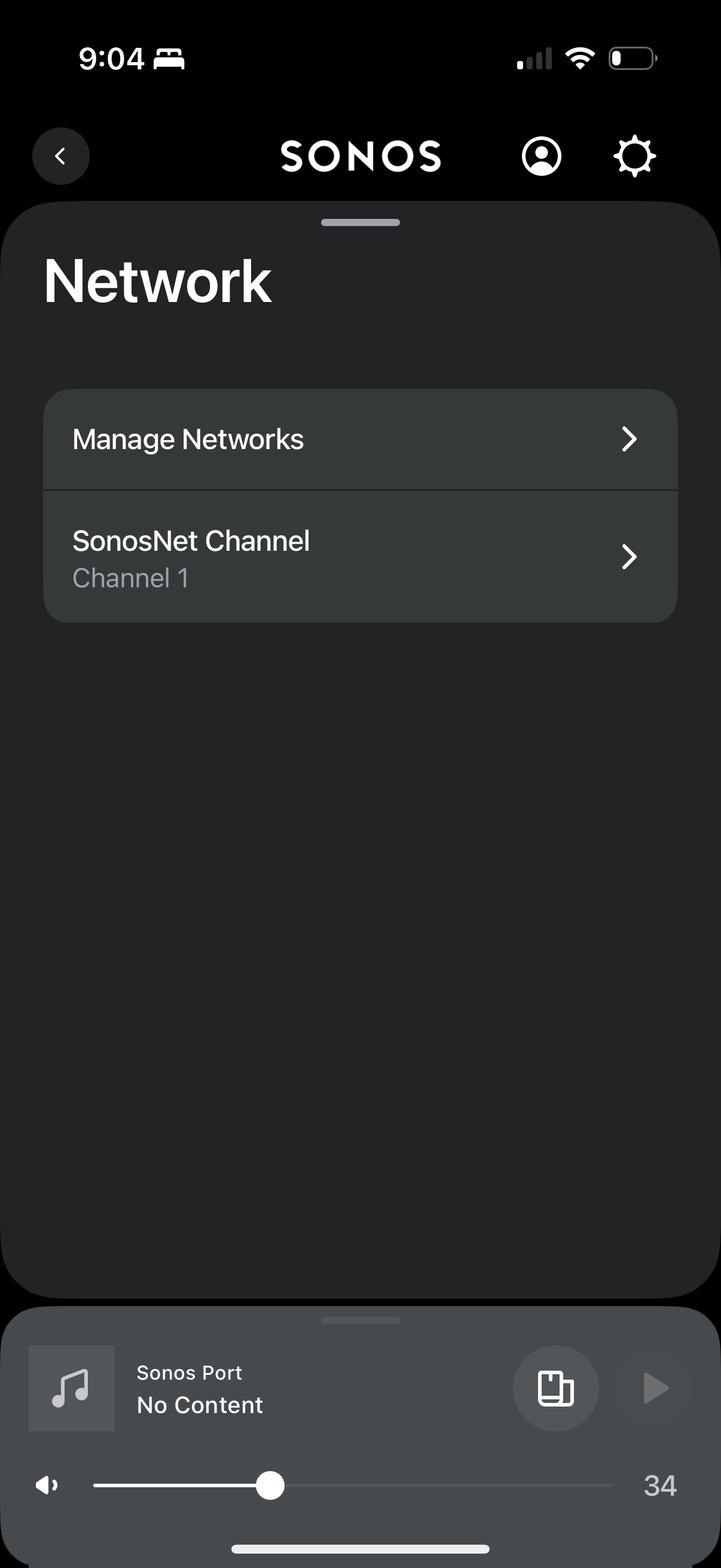
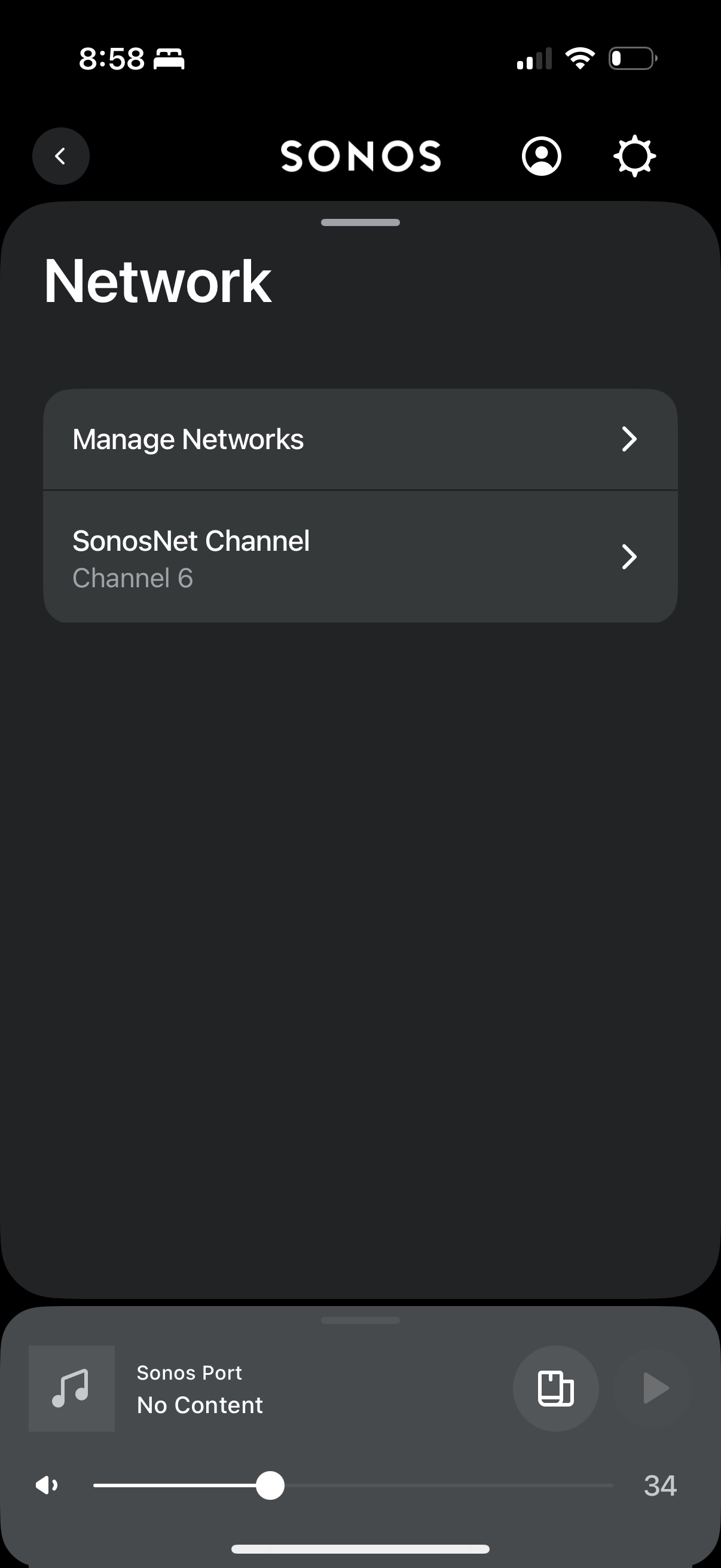
Since then, with no products hardwired, I have had the ability to edit SonosNet settings which according to the docs linked below shouldn’t be possible:

“If all your Sonos products connect to your WiFi network, the SonosNet Channel will appear grayed-out in the Sonos app and cannot be changed.”

https://support.sonos.com/en-us/article/change-your-sonos-system-s-wireless-channel

See screenshots below of persistent changes made to these settings:
This topic has been closed for further comments. You can use the search bar to find a similar topic, or create a new one by clicking Create Topic at the top of the page.

11 replies

Sotiris C.
Sonos Staff
February 4, 2025

Hello ​@m-m-i, welcome to the Sonos Community!

Thank you for bringing this in to our attention. I’ve brought it internally and we are currently investigating this issue, but have no ETA for a fix.

Could you please Submit Diagnostics and share the number on a private message with me?

I will reply on this thread when I get an update.

Thank you again and I hope this helps.

Leaving a like and marking Best Answer might make someone's day. Who knows, that someone might be you.
m-m-iAuthor
Enthusiast I
February 5, 2025

Thanks Sotiris have DMd you the diagnostics number.

m-m-iAuthor
Enthusiast I
April 23, 2025

Just bumping this. Never heard anything back.

Prodigy III
April 23, 2025

​@m-m-i 

None of my speakers are ethernet connected but I can still change the SonosNet channel number. I suspect it’s the same for everyone.

I wouldn’t say it’s a bug as it has no detrimental effect on anything as far as I can tell - I’d imagine it only comes into effect once a speaker is ethernet connected, thus triggering SonosNet, and potentially remains off at all other times despite the function to change its channel. 

Maybe the documentation you linked to just needs to be amended. Or the channel greyed out. But either way, no harm done in the meantime. (If someone can see a SonosNet signal being issued while all speakers are wifi connected then of course that’s an issue to be looked into as the system would be potentially causing its own 2.4ghz wifi interference.)

Smilja
April 23, 2025

(If someone can see a SonosNet signal being issued while all speakers are wifi connected then of course that’s an issue to be looked into as the system would be potentially causing its own 2.4ghz wifi interference.)


Why? SonosNet and WiFi mode can exist in parallel.

»And the world is like an apple whirling silently in space, Like the circles that you find in the windmills of your mind.« (›Windmills Of Your Mind‹ [1967]. Music by Michel Legrand ; English lyrics written by Alan & Marilyn Bergman)
Prodigy III
April 23, 2025

Can they..? Once a speaker is connected by ethernet, the rest jump on SonosNet and off WiFi.

Or so I thought… Maybe my thinking is outdated now!

Smilja
April 23, 2025

Can they..? Once a speaker is connected by ethernet, the rest jump on SonosNet and off WiFi.


Correct. What I meant was that SonosNet-capable and SonosNet-noncapable units can exist in parallel.


I for one favor my SonosNet setting. 😍

»And the world is like an apple whirling silently in space, Like the circles that you find in the windmills of your mind.« (›Windmills Of Your Mind‹ [1967]. Music by Michel Legrand ; English lyrics written by Alan & Marilyn Bergman)
buzz
Grand Maestro
April 23, 2025

It’s usually best to use different channels for SonosNet and WiFi. The most modern SONOS units don’t use SonosNet. Therefore, there can be both WiFi and SonosNet traffic associated with the system.

m-m-iAuthor
Enthusiast I
April 23, 2025

​@Rhonny see my original post, the documentation states:

“If all your Sonos products connect to your WiFi network, the SonosNet Channel will appear grayed-out in the Sonos app and cannot be changed.”

So I would say this is a bug as what the docs state is not what is happening.

Prodigy III
April 23, 2025

Does it matter in any meaningful way to your use of your system? I’m not being obtuse, just interested why you are so determined to press on with resolution.