Contributor I
January 7, 2024
Answered

Impossible to use YouTube music with Era100

  • January 7, 2024
  • 13 replies
  • 843 views

Hello everyone

I find impossible to make youtube music work with the Era 100

I have authorized a lot of times the app but for some reason I don't know it's not showing anything. Is it my location maybe? I'm in Argentina

Thanks i hope there is a solution.


This topic has been closed for further comments. You can use the search bar to find a similar topic, or create a new one by clicking Create Topic at the top of the page.
Best answer by Guido707

One more thing. From android i just put Google dns and still nothing even after reauthorizing the account

I know you mentioned that you checked your Country settings in your online Sonos profile earlier - did you save the settings, after changing the country? Maybe double check that.

If it all looks okay in your profile, then you are probably best going onto Sonos Support and to see if they can perhaps help you to resolve the matter.


Hi

I just found out the issue.

My original youtube music account is linked from a Google account created so many years ago that is @hotmail.com. I don't have Gmail in that account but i use Google drive and YouTube on that one

Then i have another one @gmail.com as everyone of us and i thought myself that maybe that's the issue, and it was! So i signed up for the first free month and now is linked with Sonos


So I will start using that account. The only terrible thing is to redo the Playlist omg



13 replies

Ken_Griffiths
January 7, 2024

Argentina is supported. See this link:

https://support.sonos.com/en-us/services/youtube-music

Maybe check your country settings in your online Sonos profile here:

https://www.sonos.com/en-us/myaccount/user/profile

Guido707Author
Contributor I
January 7, 2024

Argentina is supported. See this link:

https://support.sonos.com/en-us/services/youtube-music

Maybe check your country settings in your online Sonos profile here:

https://www.sonos.com/en-us/myaccount/user/profile

Hi

I did it. Then i removed the account and authorized it again but still it doesn't work :(

Ken_Griffiths
January 7, 2024

Hi

I did it. Then i removed the account and authorized it again but still it doesn't work :(

In that case, maybe try a Sonos App reset as described here…

https://support.sonos.com/en-us/article/reset-the-sonos-app

On re-launching the App, go through the opening screens and accept the T&C’s etc. and connect back to the ‘existing’ Sonos system and then try the setup again. If still no joy after that, then it maybe best after reproducing the issue to immediately submit a Sonos system diagnostic report from within the Sonos App, note it’s reference and then contact/chat with Sonos Support Staff via this LINK and see what the Staff can perhaps suggest to resolve the matter.

Guido707Author
Contributor I
January 7, 2024

Hi

I did it. Then i removed the account and authorized it again but still it doesn't work :(

In that case, maybe try a Sonos App reset as described here…

https://support.sonos.com/en-us/article/reset-the-sonos-app

On re-launching the App, go through the opening screens and accept the T&C’s etc. and connect back to the ‘existing’ Sonos system and then try the setup again. If still no joy after that, then it maybe best after reproducing the issue to immediately submit a Sonos system diagnostic report from within the Sonos App, note it’s reference and then contact/chat with Sonos Support Staff via this LINK and see what the Staff can perhaps suggest to resolve the matter.

I did it still nothing. It's so weird. I will contact support. It's surprising that it doesn't work. 

Guido707Author
Contributor I
January 8, 2024

This also doesn't work


Guido707Author
Contributor I
January 8, 2024

I just tried Spotify and it does work. It definitely a sonos problem with youtube

Ken_Griffiths
January 8, 2024

YouTube Music is working okay here for me (see attached screenshot that I just put together) - so it’s probably not Sonos. It is more likely something local to where you are. Maybe try a different DNS server on your router, or ensure there’s no VPN client, or security software, blocking things at your end.

Guido707Author
Contributor I
January 8, 2024

I haven't set up a vpn. It might be dns. I can't imagine which security software might be.

I'll have to check how to try a different dns server because i don't know how to change it.

Guido707Author
Contributor I
January 8, 2024

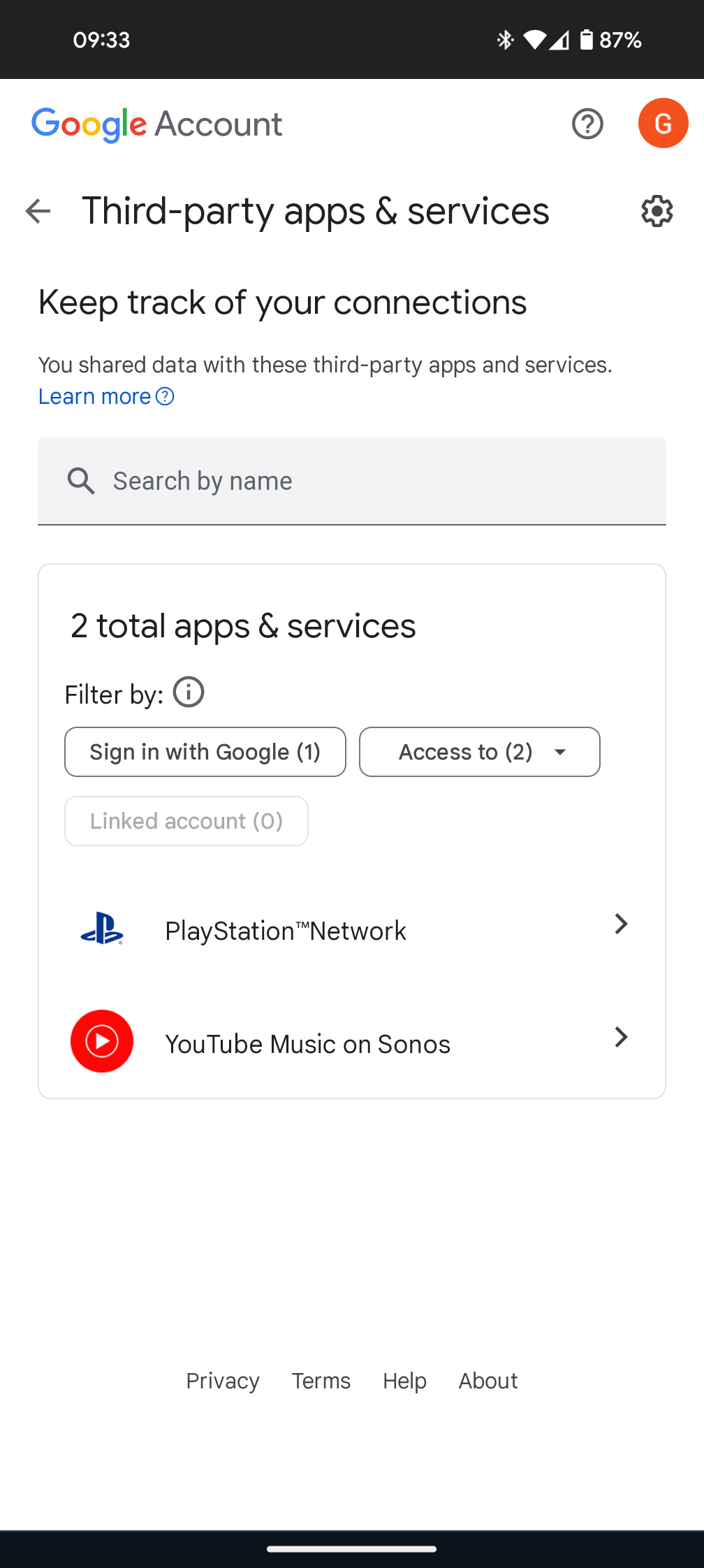
I have went through this


And works with Google


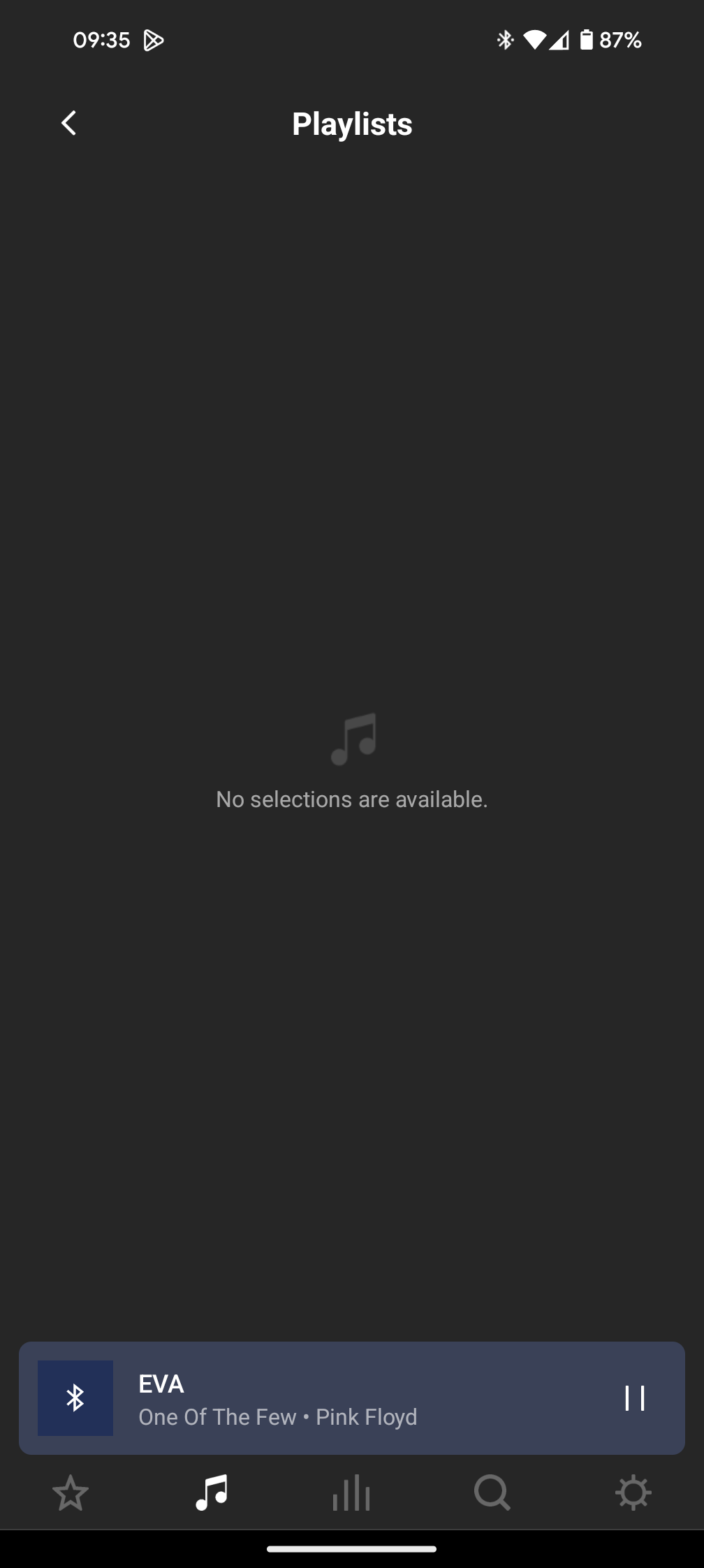
And this is showing


Guido707Author
Contributor I
January 8, 2024

One more thing. From android i just put Google dns and still nothing even after reauthorizing the account