This topic has been closed for further comments. You can use the search bar to find a similar topic, or create a new one by clicking Create Topic at the top of the page.
Ken_Griffiths
May 30, 2023

@CRELOT,

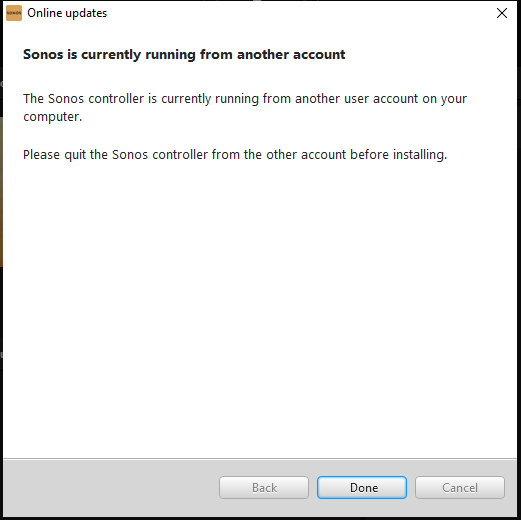
Remove (uninstall) and reinstall the Sonos App with an account that has local administrative privileges and then all should work fine. On reinstall, connect the Sonos App back to the existing Sonos system on the local ‘private’ (not ‘public’) network connection. See this link for further information too:

 https://support.sonos.com/en-us/article/configure-windows-10-network-and-security-settings

2 replies

106rallye
May 30, 2023

Did you restart your computer already?

Ken_Griffiths
May 30, 2023

@CRELOT,

Remove (uninstall) and reinstall the Sonos App with an account that has local administrative privileges and then all should work fine. On reinstall, connect the Sonos App back to the existing Sonos system on the local ‘private’ (not ‘public’) network connection. See this link for further information too:

 https://support.sonos.com/en-us/article/configure-windows-10-network-and-security-settings