
Contributor I
March 17, 2021
Answered

Having trouble searching songs in deezer through the sonos S1 app

I am having trouble searching songs using Deezer through the SONOS S1 app. This happens in either the mobile or PC apps. Other services like Spotify seem to be working fine.
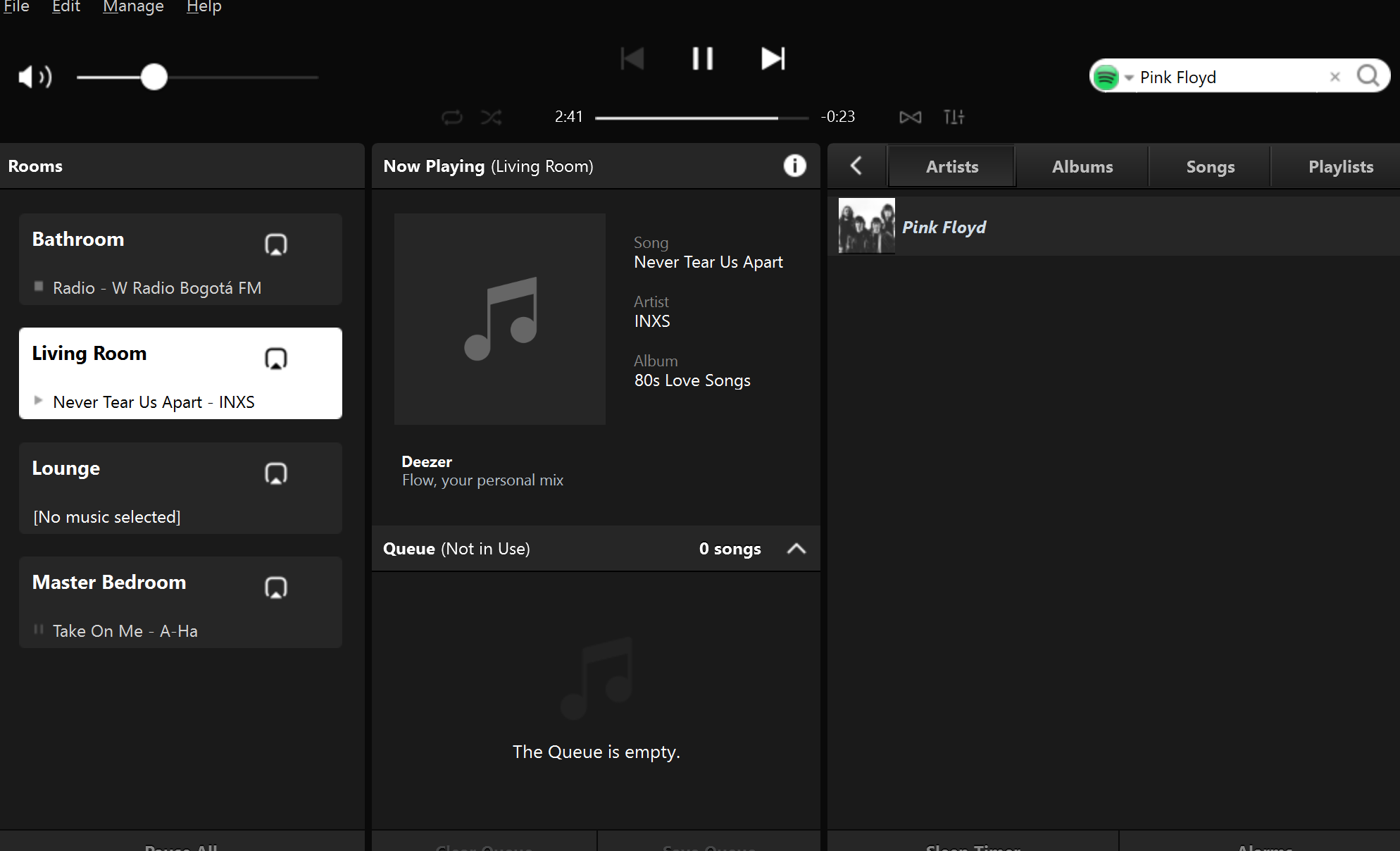
Search with other services like Spotify seems to be working fine


I installed the service, have all my playlists and can browse all my songs.
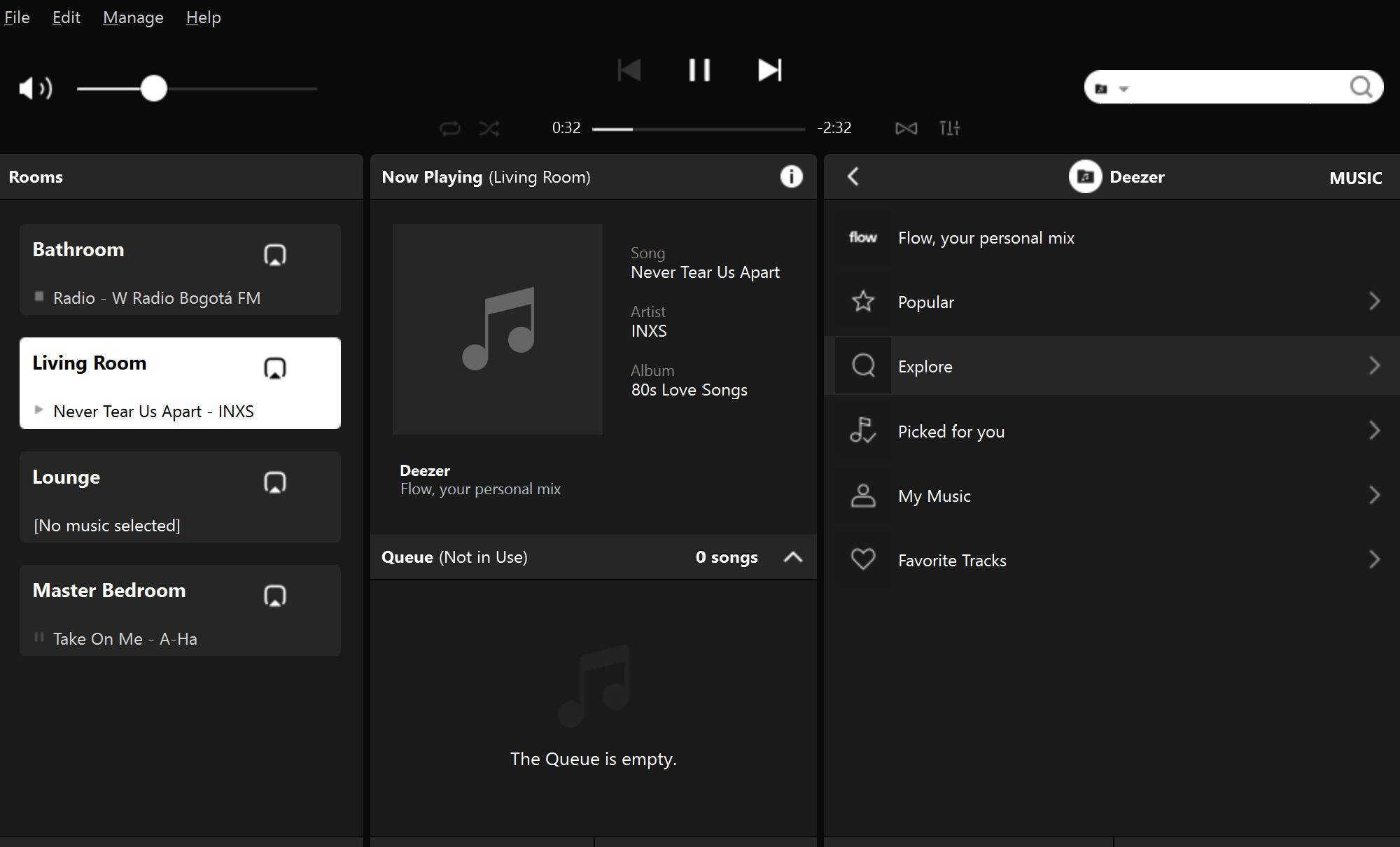
Can browse in deezer. It looks ok and works


However, when I try to search for a specific artist or song I get a message saying “there was a problem searching, please try again”
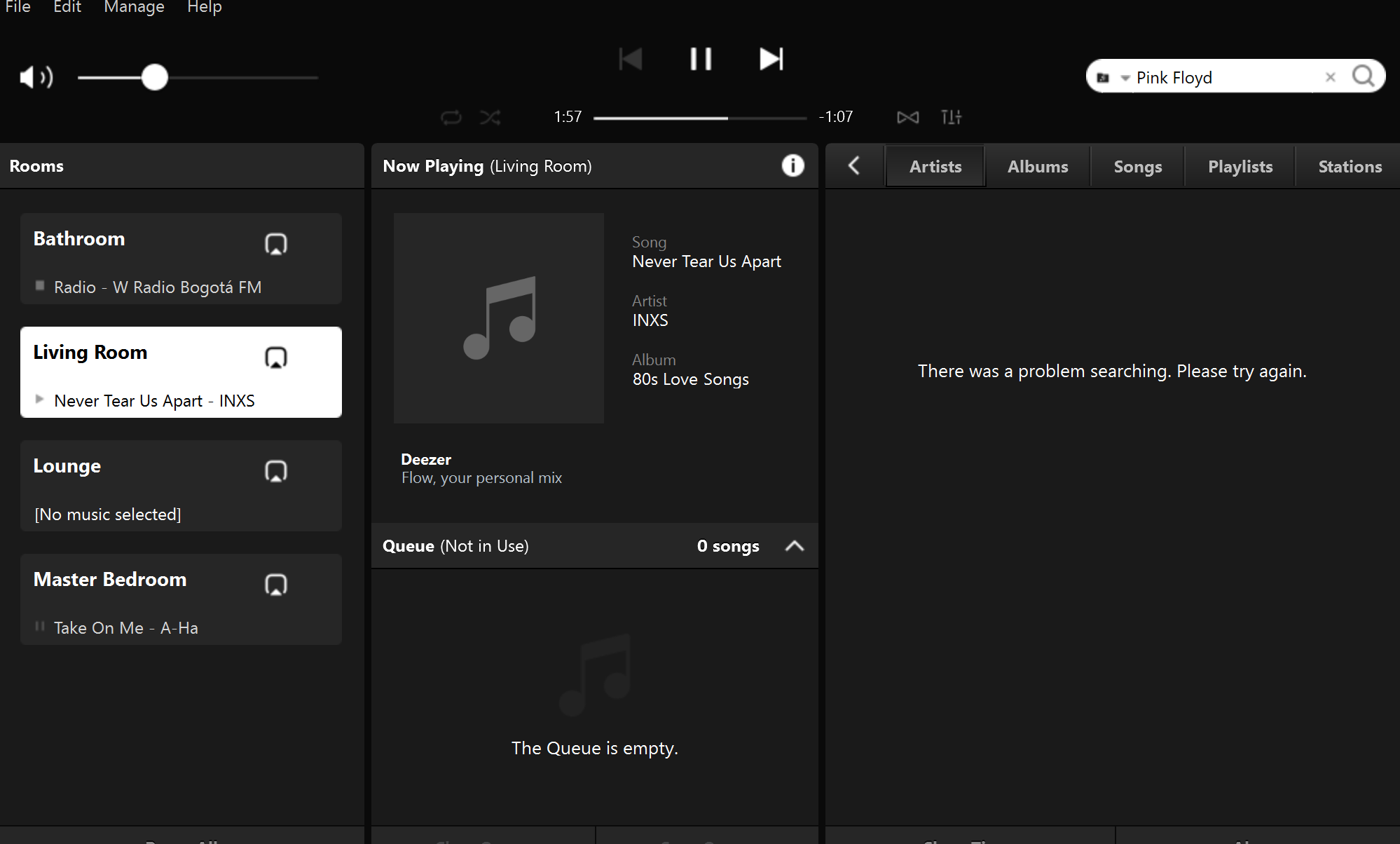
When searching in deezer I get an error message


Any one is having the same problem?

I already tried resetting the controller, changing the country in both the SONOS and deezer accounts. Sometimes after I change the country, the search service works but for a short period of time.


Thanks in advance



This topic has been closed for further comments. You can use the search bar to find a similar topic, or create a new one by clicking Create Topic at the top of the page.
Corry P
Corry PAnswer
Sonos Staff
May 7, 2021

Hi @NicoletoNCP 

I’m afraid the information just isn’t presented in that way - I can’t see any lines showing the entire query. All I can say is that when the Sonos App makes that query, it gets the link I gave you in the error response. It also seems to be happening with other non-Deezer-related queries - do you have missing music service icons in the app? They should come from our domain and they seem to be getting blocked too. Not consistently, however.

I did notice that the DNS server reported by Sonos is your router - it would normally be the address of the servers the router is configured to pass on during client DHCP IP negotiations.

Have you tried rebooting your router? If not, please switch it off for at least 30 seconds and test searches once WiFi returns.

Next, I also recommend configuring different DNS servers in your router’s DHCP settings - Google’s are 8.8.8.8 and 8.8.4.4. Reboot the router again after doing this.

If those steps don’t help, please get in touch with your Internet Provider as they may be performing some kind of DNS hijack.

I hope this helps.

"Common sense is the collection of prejudices acquired by age eighteen." - Albert Einstein

15 replies

Contributor I
May 6, 2021

Thanks @Corry P  . Your info is of great help. I'll contact my Internet service provider ASAP.

I still have a question. I tried the following command from my browser 

https://api.deezer.com/search?q=artist:%22aloe%20blacc%22

And got what appears to be a valid response from the server.


Is there any way you can send me the line that is getting the blocked connection response?

Is just to be able to replicate the problem and show it to my Internet provider.

Thanks again for your help and time.

Nick

Corry P
Corry PAnswer
Sonos Staff
May 7, 2021

Hi @NicoletoNCP 

I’m afraid the information just isn’t presented in that way - I can’t see any lines showing the entire query. All I can say is that when the Sonos App makes that query, it gets the link I gave you in the error response. It also seems to be happening with other non-Deezer-related queries - do you have missing music service icons in the app? They should come from our domain and they seem to be getting blocked too. Not consistently, however.

I did notice that the DNS server reported by Sonos is your router - it would normally be the address of the servers the router is configured to pass on during client DHCP IP negotiations.

Have you tried rebooting your router? If not, please switch it off for at least 30 seconds and test searches once WiFi returns.

Next, I also recommend configuring different DNS servers in your router’s DHCP settings - Google’s are 8.8.8.8 and 8.8.4.4. Reboot the router again after doing this.

If those steps don’t help, please get in touch with your Internet Provider as they may be performing some kind of DNS hijack.

I hope this helps.

"Common sense is the collection of prejudices acquired by age eighteen." - Albert Einstein
Contributor I
May 7, 2021

Thanks. @Corry P . I followed your suggestions and everything seems to be working for now, even the icons.


I also suspected my ISP's router was the culprit. This is an ONT not user friendly router that has ethernet ports and WiFi dual band. It is actually is being administered by the ISP, but I managed to enter the router's configuration page and added the DNS servers. However, I'll put it in bridge mode, turn off the WiFi radios and install my own router so I can perform changes to my liking.


Thanks again for yor help and time.


Nick

controlav
Lead Maestro
May 8, 2021

Thanks @Corry P  . Your info is of great help. I'll contact my Internet service provider ASAP.

I still have a question. I tried the following command from my browser 

https://api.deezer.com/search?q=artist:%22aloe%20blacc%22

And got what appears to be a valid response from the server.


Is there any way you can send me the line that is getting the blocked connection response?

Is just to be able to replicate the problem and show it to my Internet provider.

Thanks again for your help and time.

Nick

That is Deezer’s API, which Sonos do not use. They use the SMAPI endpoint provided by Deezer, which is at https://api.deezer.com/sonos (this is a SOAP endpoint so you cant simply use this from a browser).


Author of the leading independent Sonos apps for Android, MacOS, iOS, Windows and Xbox.
Corry P
Sonos Staff
May 10, 2021

Hi @NicoletoNCP 

Glad to hear you’ve sorted it out!

"Common sense is the collection of prejudices acquired by age eighteen." - Albert Einstein