
Contributor I
March 17, 2021
Answered

Having trouble searching songs in deezer through the sonos S1 app

I am having trouble searching songs using Deezer through the SONOS S1 app. This happens in either the mobile or PC apps. Other services like Spotify seem to be working fine.
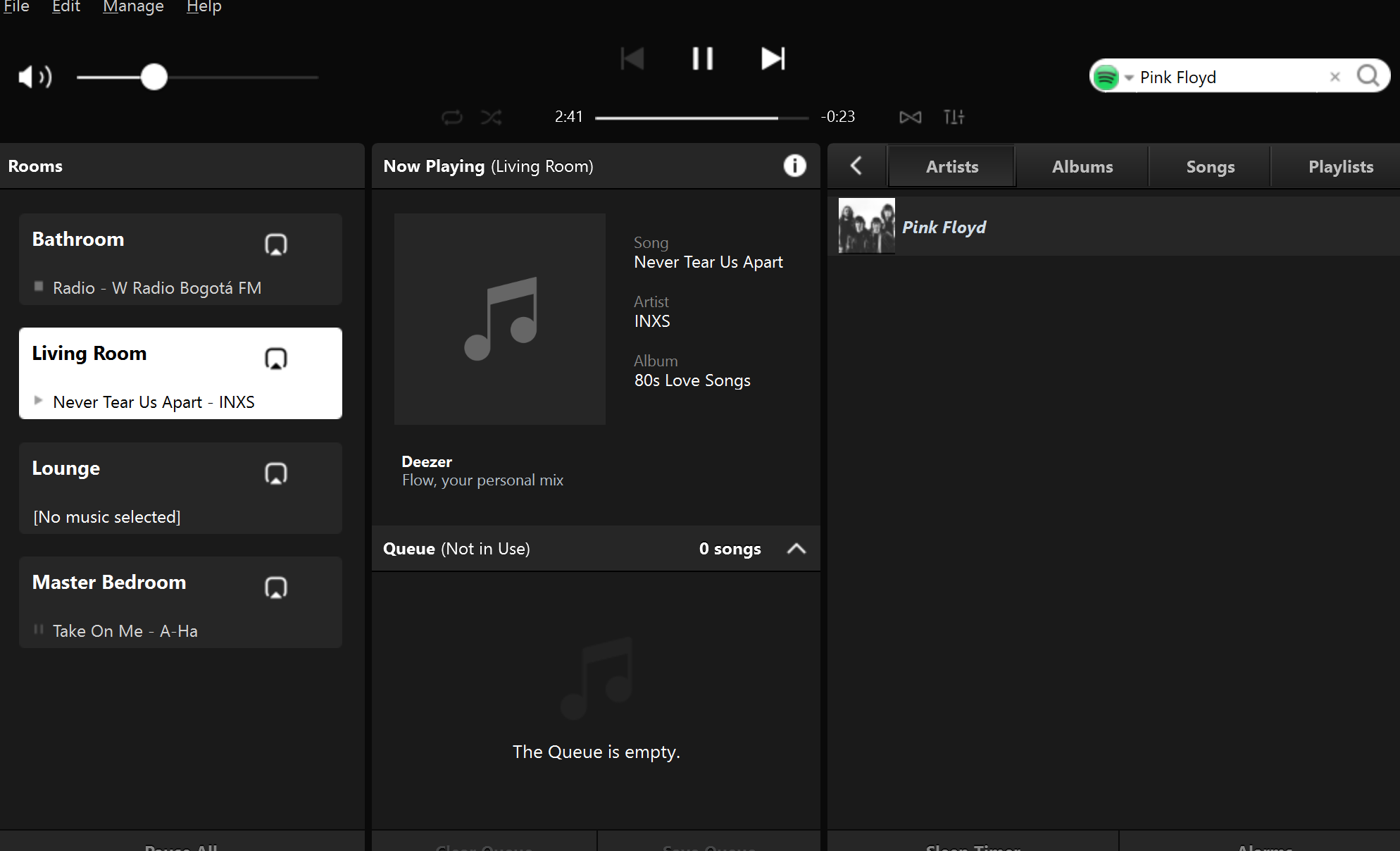
Search with other services like Spotify seems to be working fine


I installed the service, have all my playlists and can browse all my songs.
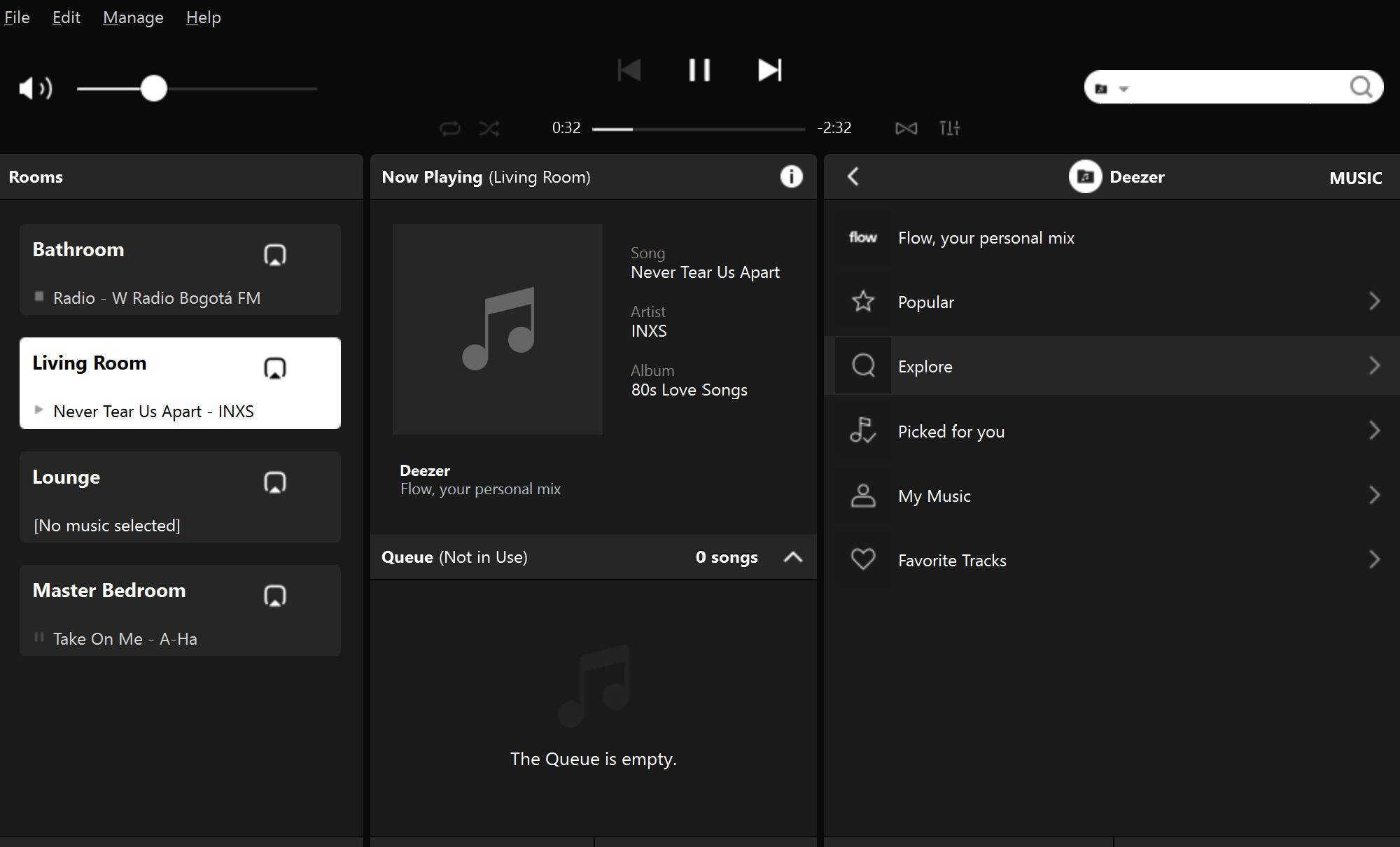
Can browse in deezer. It looks ok and works


However, when I try to search for a specific artist or song I get a message saying “there was a problem searching, please try again”
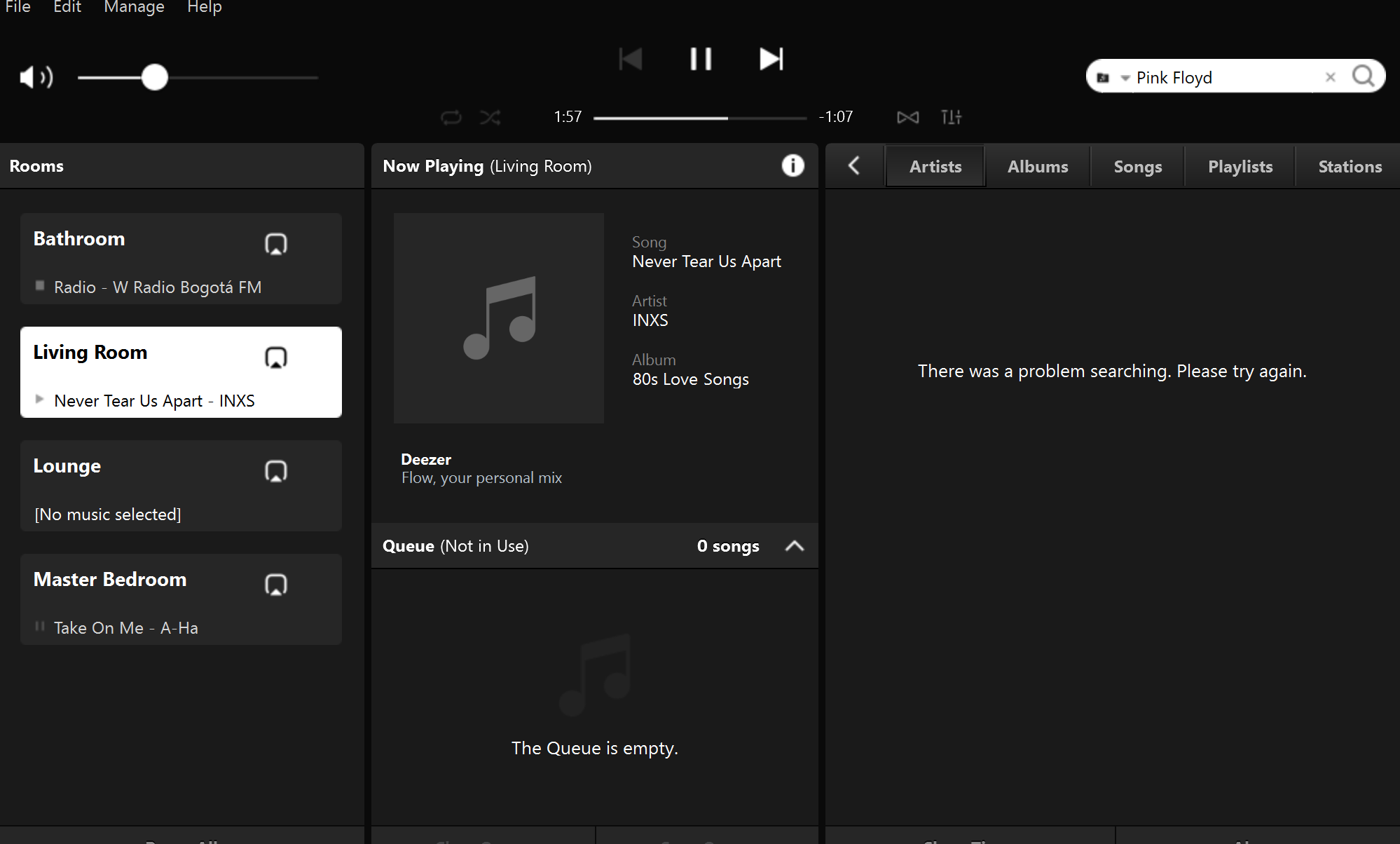
When searching in deezer I get an error message


Any one is having the same problem?

I already tried resetting the controller, changing the country in both the SONOS and deezer accounts. Sometimes after I change the country, the search service works but for a short period of time.


Thanks in advance



This topic has been closed for further comments. You can use the search bar to find a similar topic, or create a new one by clicking Create Topic at the top of the page.
Corry P
Corry PAnswer
Sonos Staff
May 7, 2021

Hi @NicoletoNCP 

I’m afraid the information just isn’t presented in that way - I can’t see any lines showing the entire query. All I can say is that when the Sonos App makes that query, it gets the link I gave you in the error response. It also seems to be happening with other non-Deezer-related queries - do you have missing music service icons in the app? They should come from our domain and they seem to be getting blocked too. Not consistently, however.

I did notice that the DNS server reported by Sonos is your router - it would normally be the address of the servers the router is configured to pass on during client DHCP IP negotiations.

Have you tried rebooting your router? If not, please switch it off for at least 30 seconds and test searches once WiFi returns.

Next, I also recommend configuring different DNS servers in your router’s DHCP settings - Google’s are 8.8.8.8 and 8.8.4.4. Reboot the router again after doing this.

If those steps don’t help, please get in touch with your Internet Provider as they may be performing some kind of DNS hijack.

I hope this helps.

"Common sense is the collection of prejudices acquired by age eighteen." - Albert Einstein

15 replies

Corry P
Sonos Staff
March 18, 2021

Hi @NicoletoNCP 

Welcome to the Sonos Community!

Deezer are currently upgrading their entire back-end, so disruption of services and functions is expected, currently. They are doing a good job of keeping things going, but occasionally something like this will pop up. I would expect this to resolve itself in time, without any action required by yourself. 

If you have an AirPlay compatible Sonos device, a good workaround for now would be to AirPlay from the Deezer app to Sonos.

"Common sense is the collection of prejudices acquired by age eighteen." - Albert Einstein
Contributor I
March 19, 2021

Corry thanks for your answer.

Corry P
Sonos Staff
March 22, 2021

Hi @NicoletoNCP 

Having said that, I have now noticed the logo (or lack thereof) in the search bar. If you don’t set this to be Deezer, you won’t be searching Deezer.

Please click the downward pointing arrow in front of Pink Floyd and select Deezer from the list, prior to searching.


"Common sense is the collection of prejudices acquired by age eighteen." - Albert Einstein
Contributor I
March 24, 2021

Yes I searched with Deezer, however the icon wont update and I'm still having the same problem. The search option seems to be intermittent, 90% of the times it will fail.


However when I choose Spotify or any other service, searching  works just fine.


Corry P
Sonos Staff
March 24, 2021

In that case, I think it’s due to Deezer’s upgrading and you shouldn’t be affected for too long. We were not able to search Deezer from the Sonos desktop app either.

"Common sense is the collection of prejudices acquired by age eighteen." - Albert Einstein
Contributor I
March 25, 2021

Thanks, Corry, for your help and prompt responses.

Corry P
Sonos Staff
March 25, 2021

You’re very welcome, and I am glad to be of help!

"Common sense is the collection of prejudices acquired by age eighteen." - Albert Einstein
Contributor I
May 6, 2021

A week ago, I suspected the problem was with my Deezer service because the one I have is a Family account that has two registered users. I thought that perhaps having an account with more than one user would generate conflicts when trying to search. I then proceeded to install the Deezer service with a single user, Premium account and the search problem went away for some time. After several days, the problem started again so I performed a complete system reboot. This did not work so as a last resort, yesterday I decided to perform a complete factory reset. This worked for some hours but today, again, the search function with Deezer is no longer working.

I submitted the diagnostic information to SONOS Support with confirmation number 1004181932.


Thanks again for your help. Any ideas or suggestions are welcome.

Prodigy III
May 6, 2021

Not much help but Deezer search is working fine for me in S1 both on android and PC which might suggest the problem is not generalised. The feedback from Sonos on your diagnostics might be the most helpful info at this stage


Corry P
Sonos Staff
May 6, 2021

Hi @NicoletoNCP 

Thanks for the diagnostic. My earlier theory was incorrect. We were able to ascertain that when your Sonos app contacts api.deezer.com/sonos for the search, your Internet Provider is blocking the connection and returning this link: https://www.coljuegos.gov.co/publicaciones/advertencia_pampatildeampiexclginas_online_ilegales_pub

I have no idea why they think Deezer is an illegal gambling site, but I recommend you get in touch with them and tell them otherwise.

It works for a while after setting up, but the speakers can’t update their Deezer authorisation tokens and so it fails again after some time has passed.

"Common sense is the collection of prejudices acquired by age eighteen." - Albert Einstein