

kevkev
Contributor I
March 16, 2025
Answered

Error 1066

  • March 16, 2025
  • 24 replies
  • 6418 views

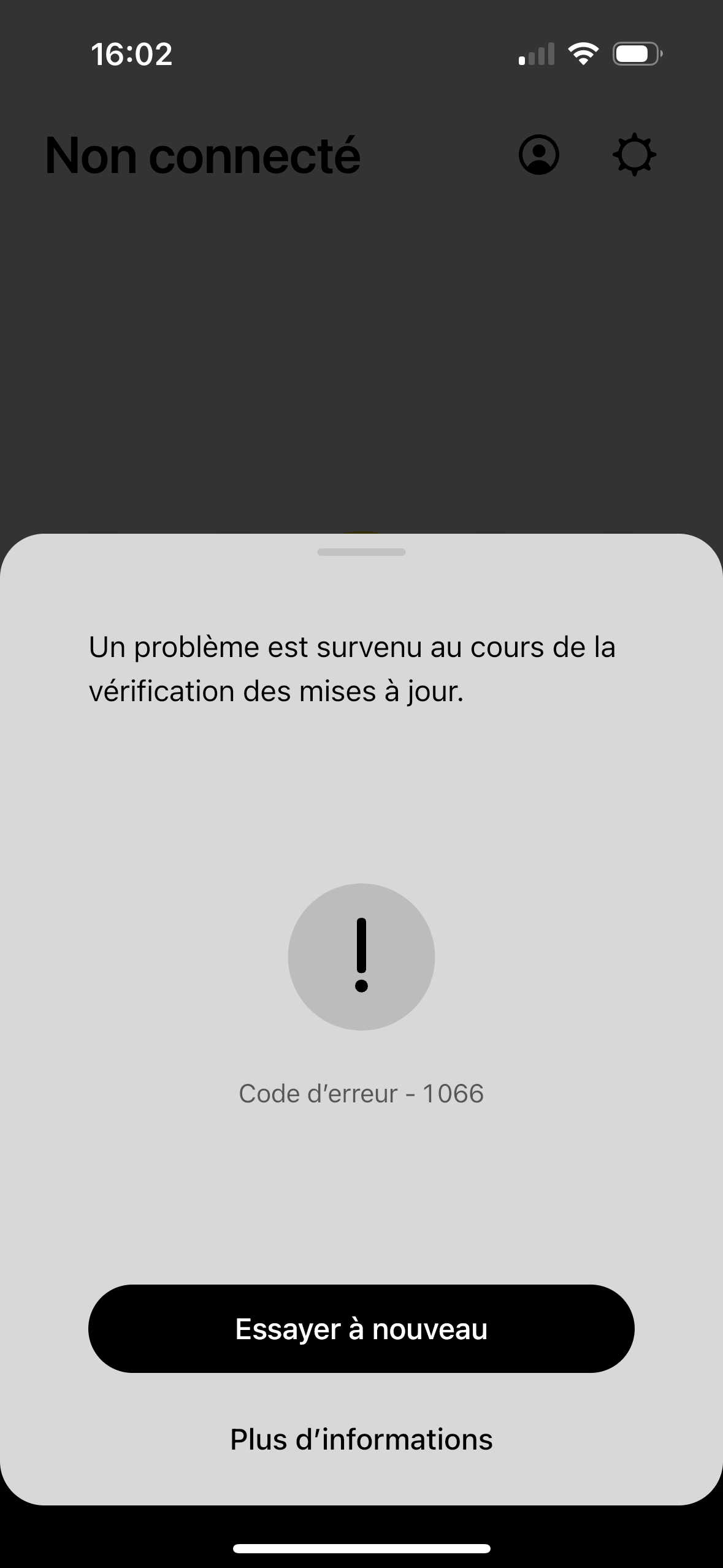
Hello, what does error 1066 mean, please ?
I reset all my speakers (system suddenly not found), and this message appears when the update check begins just before the speaker installation process is complete and I have no choice and I have to leave the configuration.

PS : I haven't changed any of my network settings. The message of my screen capture in english is : A problem occurred while checking for the update.
 

This topic has been closed for further comments. You can use the search bar to find a similar topic, or create a new one by clicking Create Topic at the top of the page.
Best answer by kevkev

Hello everyone, with the support service on the phone, I reset all my speakers again, I installed each speaker one by one and an update arrived at the end of each installation. 

Don't ask me how or why, I did nothing more than when I had the 1066 error…

I don't understand what the problem was in the end. On the plus side, the phone support service is quite friendly, thank you to them.

24 replies

Lyricist I
May 3, 2025

Hi there,

Has anybody had any luck with a solution to this error please? 

Lyricist I
May 10, 2025

I have the same issue. Had a forced update and now the system is bricked again. When will Sonos acknowledge the have no clue how to manage  software. Their greed is going to bankrupt them. And we are all going to end up with expensive bricks. 

Prodigy III
May 10, 2025

Errors starting 1xxx are usually solved by downloading the Windows or Mac app from Sonos’ website, and running the system update from there. 

Lyricist I
June 8, 2025

Solved this after understanding my internet provider added some “cyber security protection feature” (without asking and with additional cost) that probably blocked the speakers from working - after asking them to remove it, i was able to reconfigure the speakers and it all works now