
Contributor II
May 14, 2026
Answered

App says it needs to get running on the latest software, but when I update, it returns to the original screen

  • May 14, 2026
  • 3 replies
  • 63 views

This is the screen I get when I open the app on my Windows laptop:
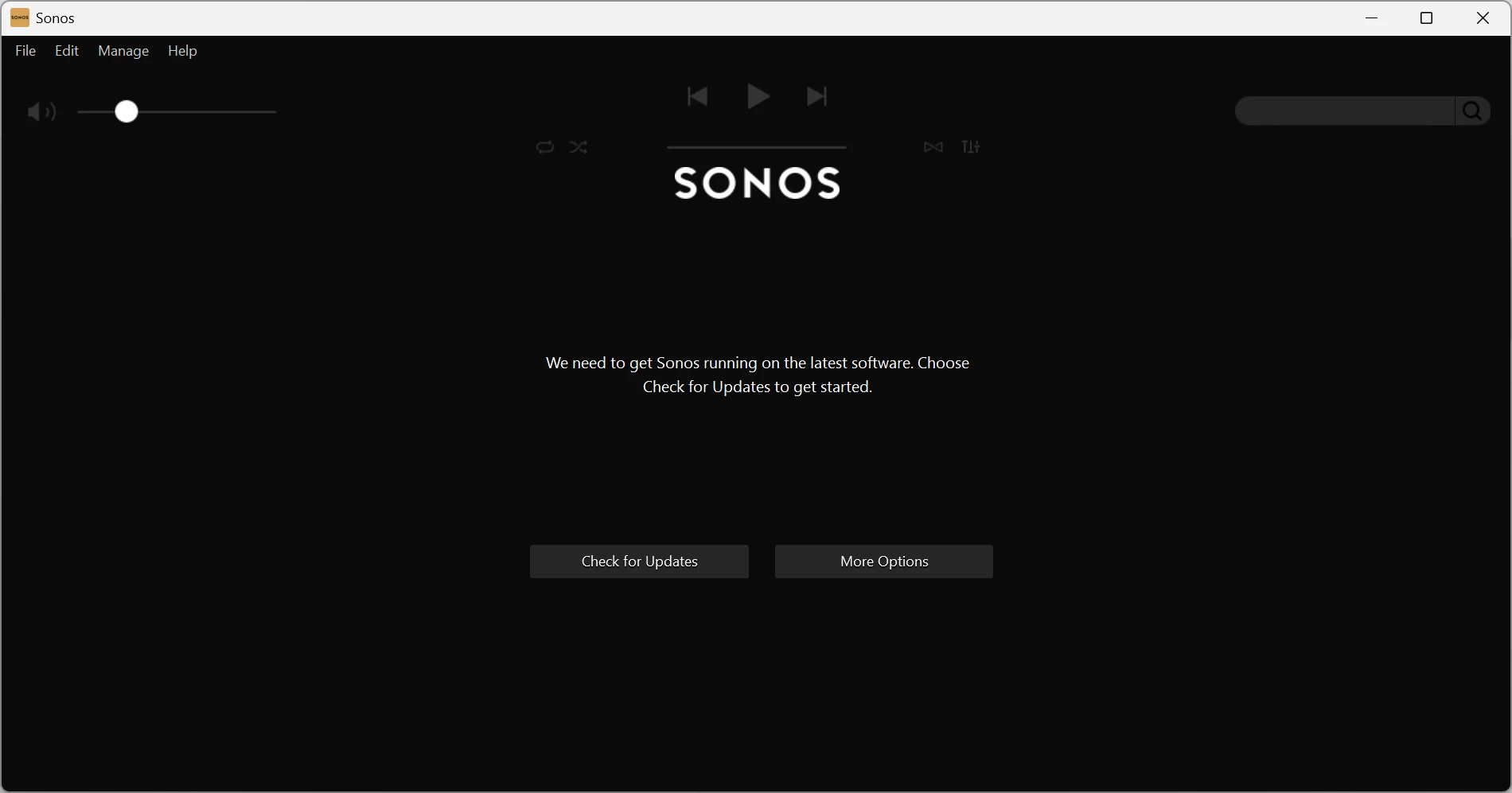
when I check for updates, it says I am up to date, then returns to the above screen

None of the “More Options” does anything to start the app working

Any one any ideas ?

I have reinstalled the software

This topic has been closed for further comments. You can use the search bar to find a similar topic, or create a new one by clicking Create Topic at the top of the page.
Best answer by stephen.harris92

HI Folks, sorted it - I had a Sonos One which I had used for a while and wanted to restart using it

I had updated the Windows app, and it had “lost” the speaker - I added the speaker back to the system using the iPhone app, and now it works fine.

Thanks for the suggestions

3 replies

Stanley_4
Grand Maestro
May 14, 2026

Do you have an Android or Apple device you could try the update from?

The latest Windows version can be downloaded and installed from here.

https://support.sonos.com/en-us/downloads


Airgetlam
May 14, 2026

What version of Windows is this on? Although I’d concur with ​@Stanley_4 ‘s solution. There should be no danger in deleting any controller, since it is only a window through which you can see what is happening on your Sonos devices. Just ensure you use ‘Connect to existing system’ when you reinstall. 

It might also be interesting to confirm what system devices are running with S1. I’m wondering if some of them can be upgraded to S2. 

Bruce
stephen.harris92AuthorAnswer
Contributor II
May 15, 2026

HI Folks, sorted it - I had a Sonos One which I had used for a while and wanted to restart using it

I had updated the Windows app, and it had “lost” the speaker - I added the speaker back to the system using the iPhone app, and now it works fine.

Thanks for the suggestions