
Contributor I
Nov 29, 2024 5:35 AM UTC
Answered

All content services removed / cannot re-add

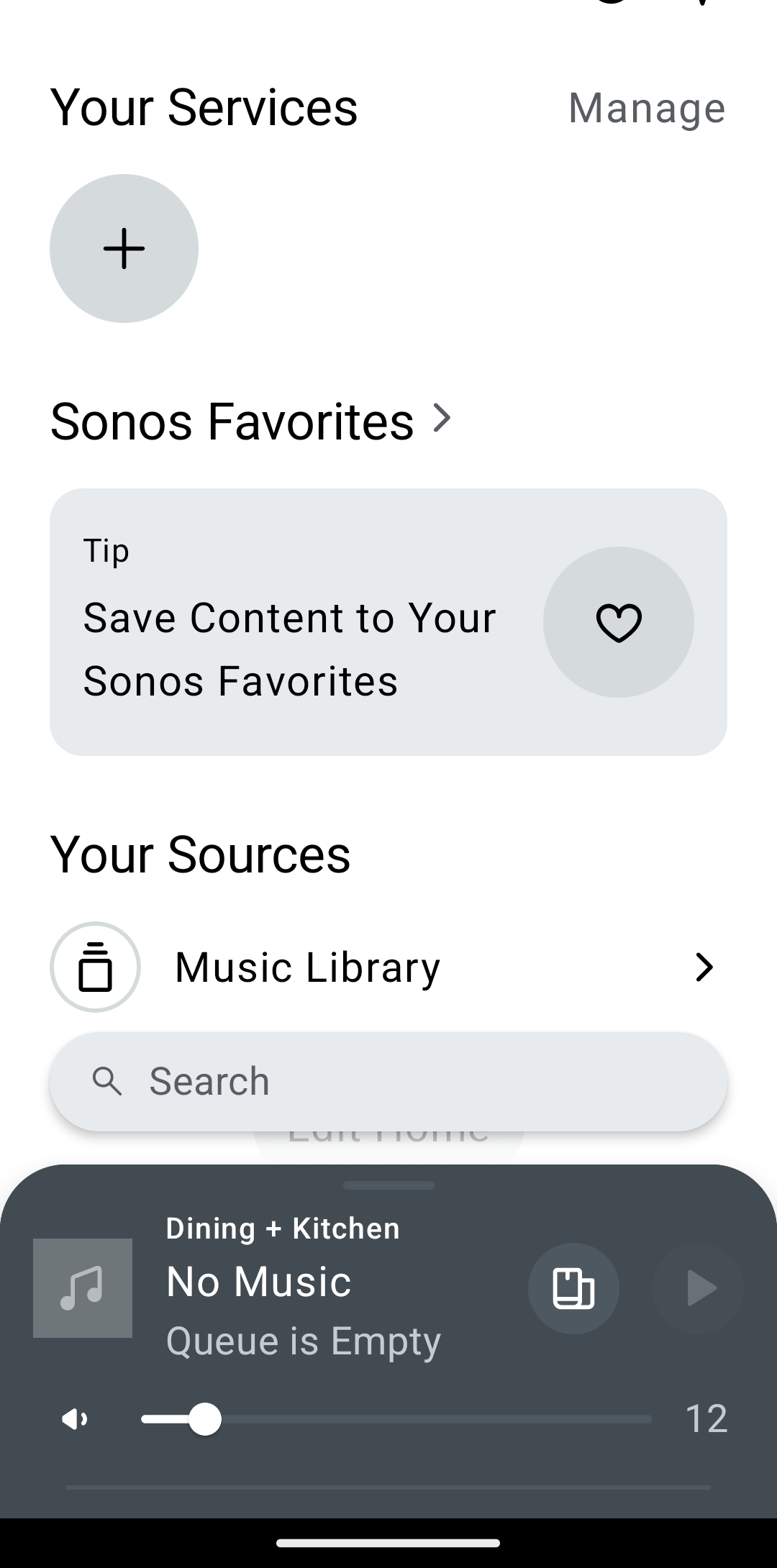
All my content services have been removed (same on multiple Android phones and tables). The system will now not let me add any content services. I’ve rebooted, as well as signed out, tried Sonos Chat support, without success.


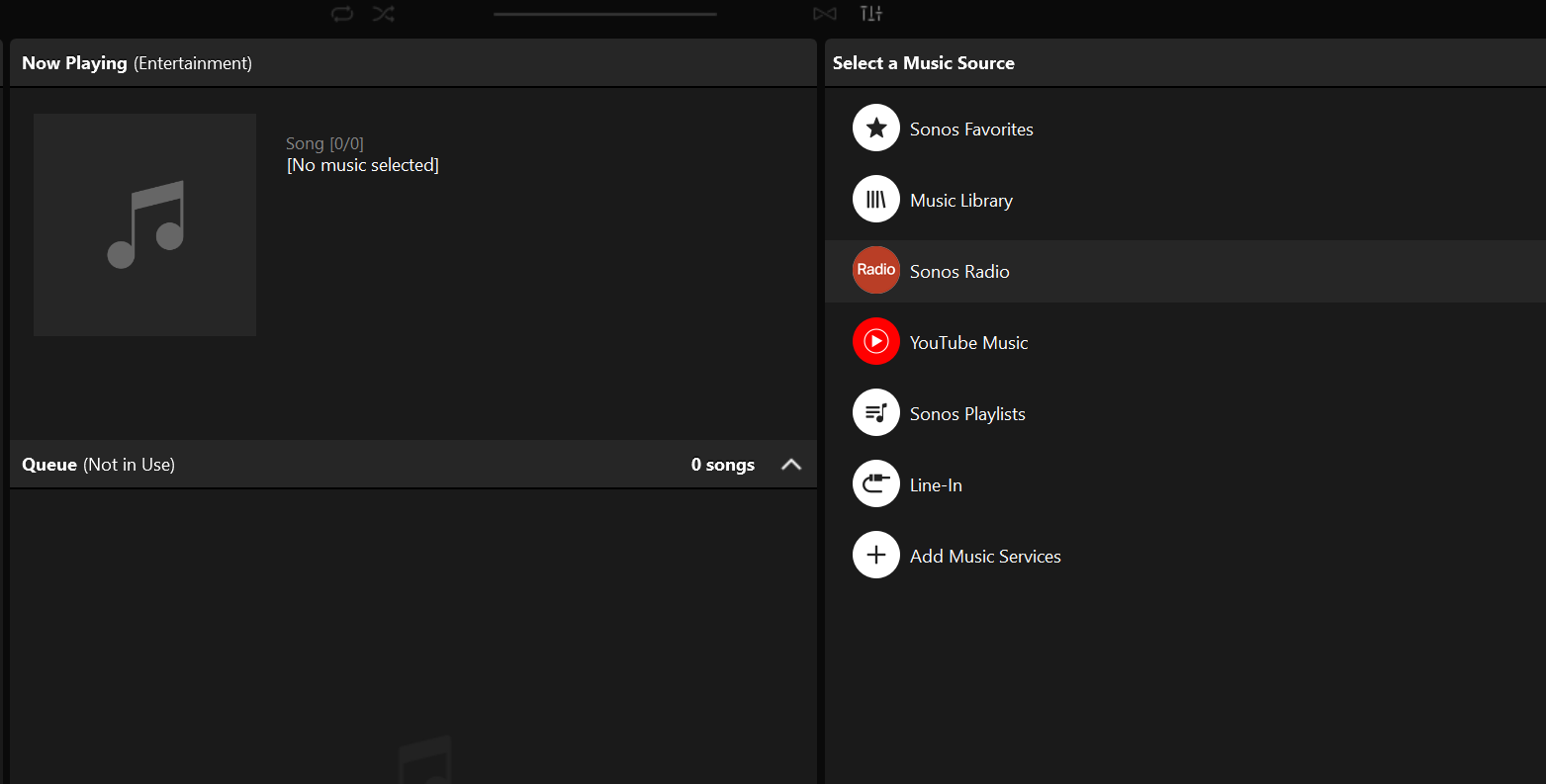
I can see and add services from the Windows app which works perfectly in all respects. But the same Content Services don’t appear on the App. I don’t even see Sonos Radio.

I do still have access to my Music Library though, and all my Devices. When I play one of the Content Services through the windows app then it displays fine in the Android App.

My Homescreen: 
But from windows app:


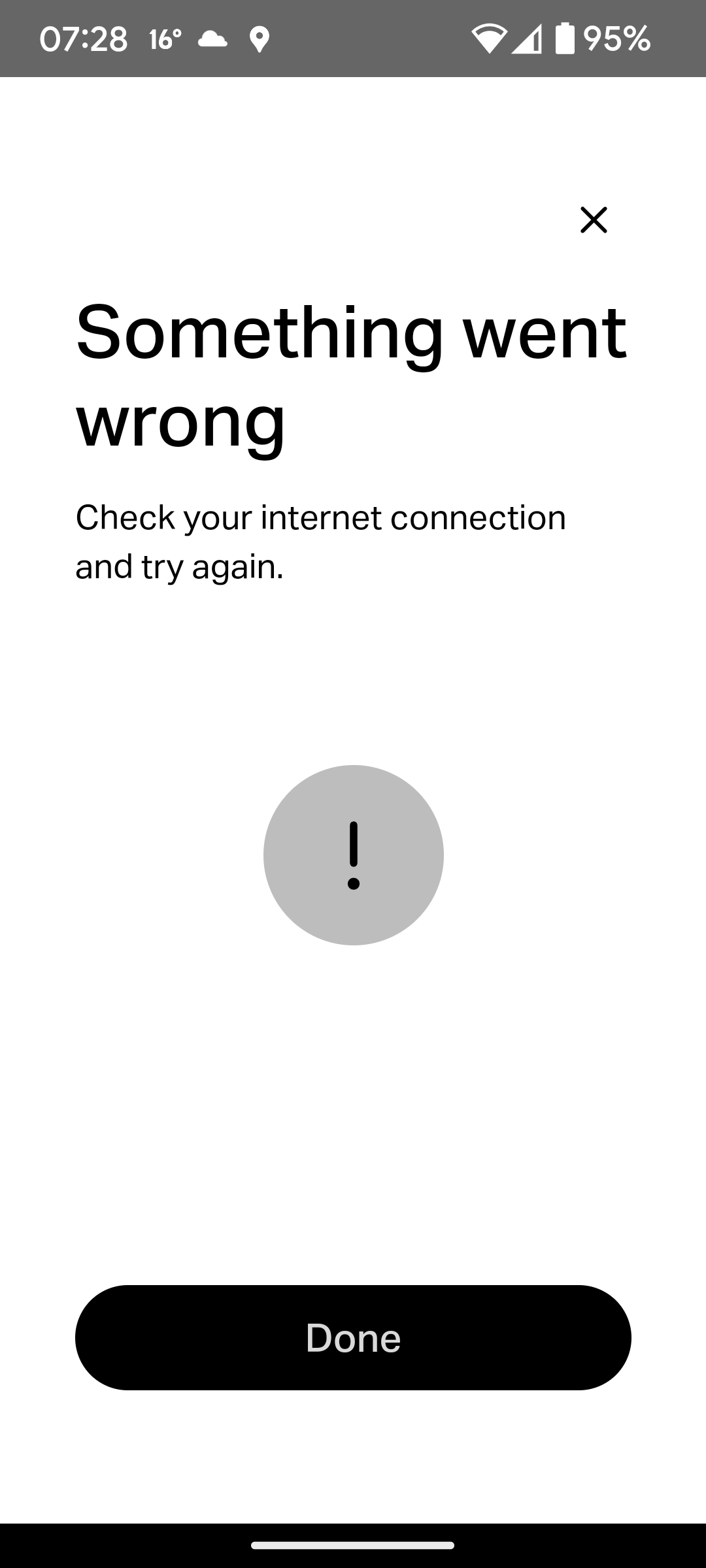
When I try add any content service: 
 

This topic has been closed for further comments. You can use the search bar to find a similar topic, or create a new one by clicking Create Topic at the top of the page.
Airgetlam
AirgetlamAnswer
Nov 29, 2024 7:31 AM UTC

That sure sounds like your speakers are not able to reach the Internet to get the services that would then show on your controller. I would call Sonos Support directly to discuss it, and not engage with the chat bot. 
 

The other thing I’d do is reboot the router, and look for VPN or other port blocking software. 

Bruce

7 replies

Airgetlam
AirgetlamAnswer
Nov 29, 2024 7:31 AM UTC

That sure sounds like your speakers are not able to reach the Internet to get the services that would then show on your controller. I would call Sonos Support directly to discuss it, and not engage with the chat bot. 
 

The other thing I’d do is reboot the router, and look for VPN or other port blocking software. 

Translate
Bruce
MichaelZAAuthor
Contributor I
Nov 29, 2024 8:27 AM UTC

Thanks for the suggestion but if that were the case then the Windows App would show the same. 

But the Windows App happily shows services and allows services To be added. 

Also, the speakers happily play the content from the content services (so speakers can see the internet) if controlled through the windows app.


Translate
106rallye
Nov 29, 2024 9:45 AM UTC

The Windows app contacts your speakers directly through your network only. The new app unfortunately needs a detour via the internet, opening up a new can of worms when this connection does not work as Sonos expects it to.

Translate
MichaelZAAuthor
Contributor I
Nov 30, 2024 3:58 PM UTC

Thanks 106, helps me understand the complexity.


So what would you suggest I do to sort this out?

Translate
Stanley_4
Grand Maestro
Nov 30, 2024 10:25 PM UTC

Stop doing whatever it is that is blocking the Sonos from connecting to the Sonos servers.

VPN, Ad-Blocker, firewall rule many possibilities.

If you can’t fix it then call support.

Translate
MichaelZAAuthor
Contributor I
Dec 5, 2024 6:41 AM UTC

Thanks guys, appreciate the help and suggestions. 

Not running VPN, Ad-blocker, complicated firewalls on my phones/tablets, so nothing to do there. 

I suspect it’s one of the bugs on the Sonos App since the content services were working and then just disappeared from the app of a day.

Translate
MichaelZAAuthor
Contributor I
Jan 8, 2025 6:56 AM UTC

Just as an closing update on this. 

Content Services came back all on their own, I didn’t make any changes to VPN, router, firewalls, etc. 

Looks like it was a Sonos / App issue that they fixed.


Translate