Avid Contributor I
November 20, 2020
Answered

Unable to play songs on computer; no way to dismiss endless complaints

  • November 20, 2020
  • 23 replies
  • 584 views

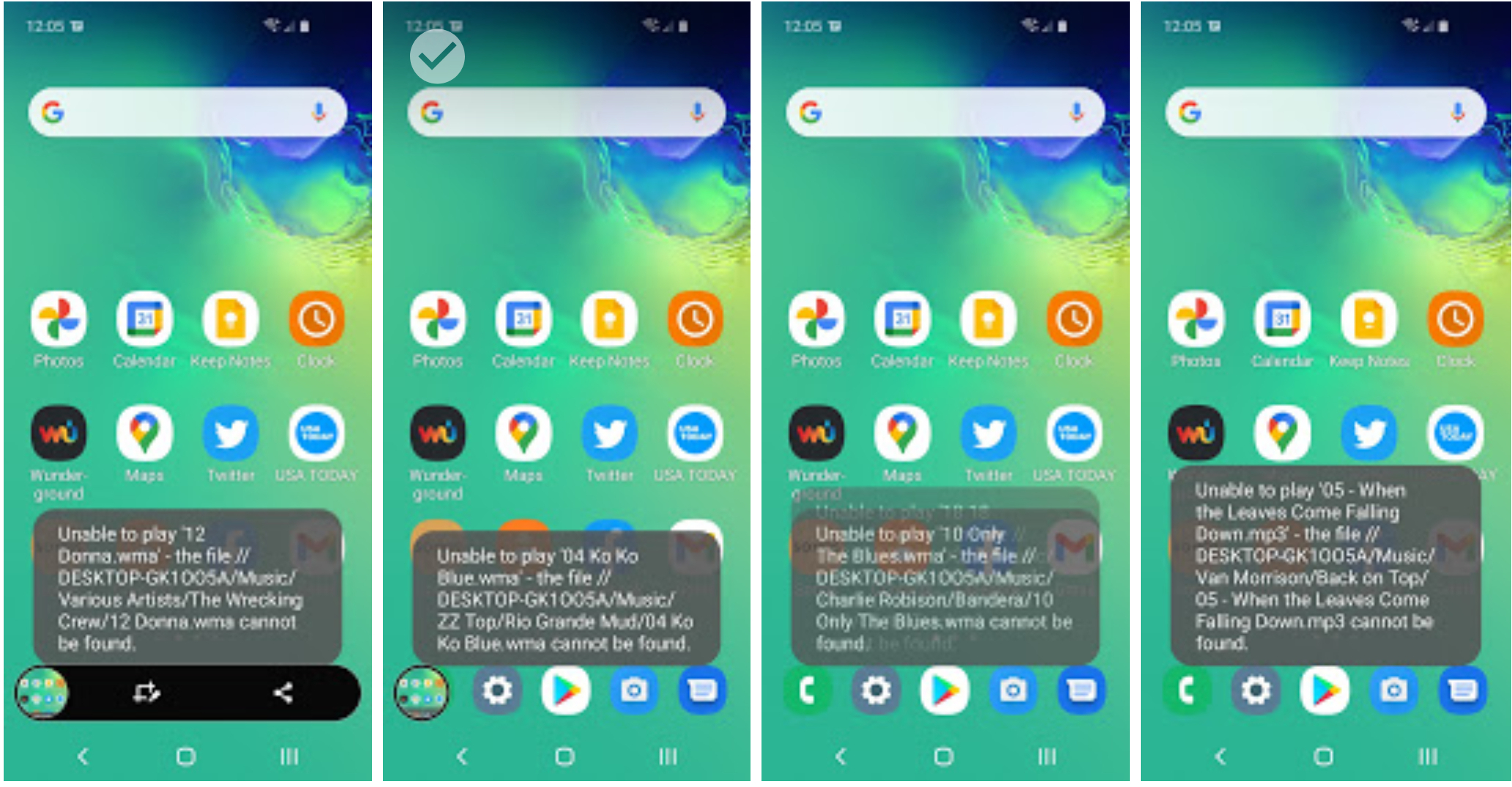
Playing songs on my computer continues to be a really weak spot with SONOS. The issue is compounded in that later -- like today, the next day -- as soon as I open SONOS on my Samsung it starts a string of “I can’t play that” that goes on and on, literally blocking my use of the phone. I wasn’t even going to play songs off the computer when I started this morning! the best I can tell it’s never the same songs .. it’s just like random.


    This topic has been closed for further comments. You can use the search bar to find a similar topic, or create a new one by clicking Create Topic at the top of the page.
    Best answer by amun
     

    However, I do use some quite large queues (currently playing over 3,000 songs) and haven’t found large queue sizes to cause a problem. What happens when you do the same thing to just one device? (i.e. not part of a group)


    Formats are mainly a mix of WMA and MP3

    Today’s experiment

    • done on PC to eliminate phone from the equation
    • again group speakers based on strength of wifi connection.
    • Clear the queue and SHUFFLE over the 2,000+ songs on the PC -- that worked w/o error
    • Now DON’T SKIP just let it play for like over an hour -- again worked without any errors at all

    So as I’ve noted before, the act of skipping songs seems to initiate the problem, i suspect because SONOS starts buffering based on initial queue construction, then when you skip (maybe several songs) you get ahead of what it has buffered and it scrambles to catch up.

    Just tried the same thing with a queue of 3.2k tracks, then skipped multiple tracks many times - worked without a hitch. Then grouped it with the other two devices and it continued to work without a hitch. It therefore seems unlikely to be a Sonos bug.

    If you’re sure that nothing is spinning down or otherwise becoming unavailable, then network issues seem to be the most likely candidate. And before you say that everything else works OK, then yes - it does - but Sonos has greater requirements of the network than most systems.

    23 replies

    rld53Author
    Avid Contributor I
    December 2, 2020

    No more had i read the previous response and my experiment crashed. The queue that started over 2,000+ songs played and played then mysteriously speakers sputtered and the queue went empty? The hiccup may have been network, but clearing the queue while it continues to play a song .. that’s not network? Well, anyway .. enough investigation. it is what it is. But like I say, I’m not sinking any more money into the system.


    rld53Author
    Avid Contributor I
    December 2, 2020

    .. and on my phone, all but one speaker (4 of 5) are off-line and SONOS has no clue about the RECENTLY PLAYED list that has been running for hours.


    December 3, 2020

    But like I say, I’m not sinking any more money into the system.

    Same here, but there’s no reason that you shouldn’t be able to get the existing system working more reliably.