
Contributor II
January 16, 2021

Sonos app not picking up Sonos

  • January 16, 2021
  • 27 replies
  • 555 views

Hi,

my app constantly loses connection to the app. It won’t log onto it meaning I can’t play music on my system, or if I’m lucky enough to be able to play music then it disconnects so I can’t change track or volume, rendering my expensive system completely useless. You will come back to me and blame my wifi I’m sure, however nothing else drops out as much as Sonos… it’s happening very often now.

please can someone help? 
 

if it is WiFi… then would a Sonos boost help?


thank you


This topic has been closed for further comments. You can use the search bar to find a similar topic, or create a new one by clicking Create Topic at the top of the page.

27 replies

Trending Lyricist I
January 18, 2021

Yup. iOS 14.3. Also, it’s not going to be the router. If the PC which is on the same /24 can see all devices then routing is fine. However to put your mind at rest, yes the firmware is up to date. 

January 18, 2021

Whatever the intention and behavior is for wifi assist and private network, the only way to know if switching off any of them helps is to try it. No guarantee to resolve the issue but I’ve seen other users doing so successfully.

Potentially there can be several causes for the app losing connection, one of them being wifi interference 

AjTrek1
January 18, 2021

@dutchie027 

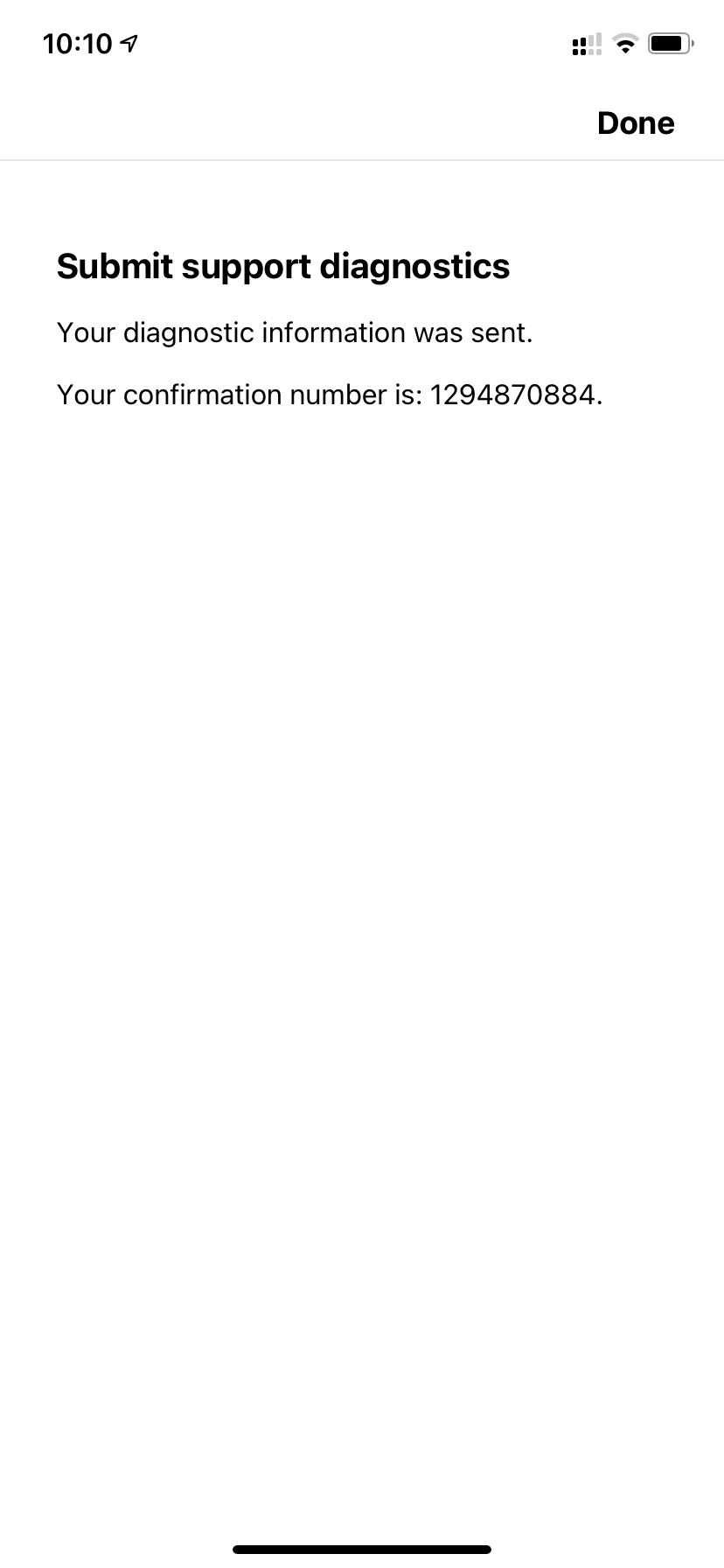
i suggest you submit a diagnostic and post the reference ID here. Sonos Tech Support can evaluate and get back to you.

Together Everyone Achieves More = T.E.A.M.
Trending Lyricist I
January 18, 2021

Both devices on the same WiFi network. One controller has 7 devices, the other two. One just had an iOS update and that’s the exact date and time when it started showing less devices. I can systematically say that because I use it every day multiple times a day and as a network and systems engineer I know how to reverse engineer and troubleshoot problems. 

Trending Lyricist I
January 18, 2021

819012150 Is the diag ID. Also FWIW I’ve uninstalled the app and reinstalled it. Rebooted the phone. Rebooted Sonos devices and done all of the suggestions above, including checking the firmware on my UDM and APs and none of the above networking suggestions do anything. 

January 18, 2021

That includes having a Sonos device wired to your router?

Trending Lyricist I
January 18, 2021

Yep. And now one iOS app shows one thing and another shows something else. That to me lead me to think it’s the way SonosNET is communicating.

January 18, 2021

The query about whether wired was just as a bit of troubleshooting info. It is unlikely to have anything to do with how SonosNet is working. It is far more likely that this is a communication glitch between router and phone app.

What channels are the router and SonosNet using?

This is so clearly a local network issue not a generic bug. Where are the hundreds of other complaints?

January 18, 2021

Ah you referred to access points. Do tell us more.

Trending Lyricist I
January 18, 2021

The other complaints are on the Google Play store if you go look. Lots of them since the last app update….Those are fairly immediate whereas iOS reviews take 3-5 days to appear.