Slow controller startup
My Sonos system suffers from the Controller being slow to start, I mostly use Android on tablets, usually three different ones, and all have the same symptom.
When waking the Sonos app from sleep or starting it if not running, it takes 20 to 30 seconds to populate the screen and before any action can be performed.
Here (diag below) I rebooted my Samsung S6 Lite and started the Sonos app. I’d left it to show the System / Rooms page where the problem is most obvious. It populates the screen with a random room, then adds the others over the next 22 seconds. They appear in what looks to be a random order and with the Room tiles initially overlapping in the display. During the population process the “active” Room bar appears on-screen but the Play button is not functional. At first appearance it isn’t even active, tapping it has no effect. If tapped a bit later it switches to show it has been tapped but still isn’t functional. Waiting a bit more it will change to Play or Pause and the selected Room will follow the command.
I see similar results from my Samsung A2 and Galaxy Tab S3.
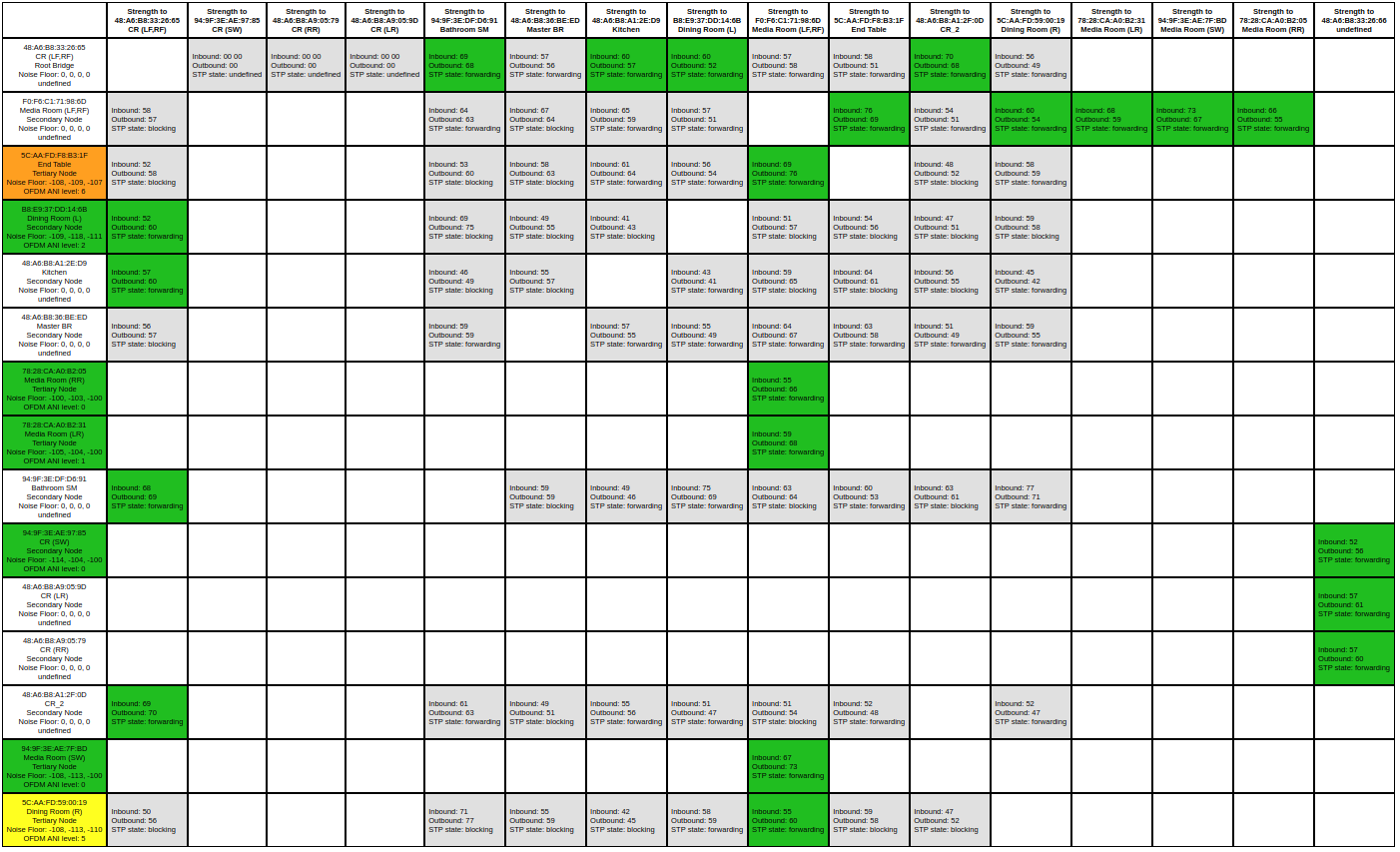
No issues playing local or remote music. Network Matrix looks good.
Diag number: 2112127438