This topic has been closed for further comments. You can use the search bar to find a similar topic, or create a new one by clicking Create Topic at the top of the page.
I believe you go to the list of playlists (not in the playlist itself, which I think where you are above), then click on the three dots at the top, which (I think) gives you the option to delete. Basically, I think you’re one menu too deep.
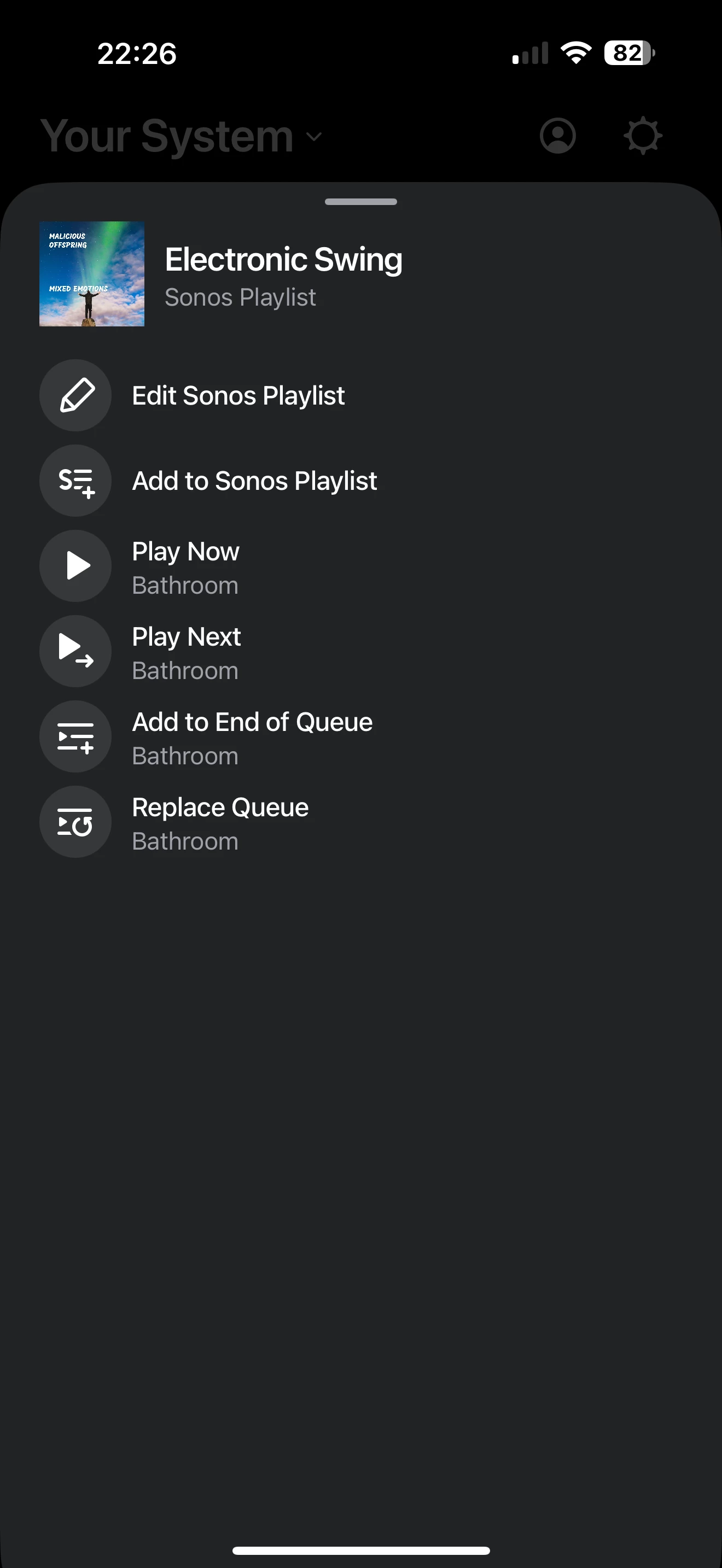
Nope, tried that. Here’s what I see from the main menu and from the favorites. Can’t see a “playlist” option. Pulled them down to better show where I am in the app. No 3 dots unless I click on the playlist. Which then brings up the first photo.
Huh. I think I’d call Sonos Support to discuss it. Near as I can see, you’ve posted the same screen grab twice. Albeit taken a minute apart. ( Well, three times, now). I don’t see that you’re up a menu, they all look like you’re still in the playlist screen.
When you speak directly to the Support staff, they have tools at their disposal that will allow them to give you advice specific to your network and Sonos system.
I’m using the iPad (iOS) controller, here’s where I see what I’m talking about:
First, I click on the arrow next to Playlists, which takes me to the second screen grab. Then I click on ‘edit’ (and not the three dots, as previously suggested), and then I can choose which playlist to delete.
Let me do a screen grab after I click on edit, and post that.