This topic has been closed for further comments. You can use the search bar to find a similar topic, or create a new one by clicking Create Topic at the top of the page.
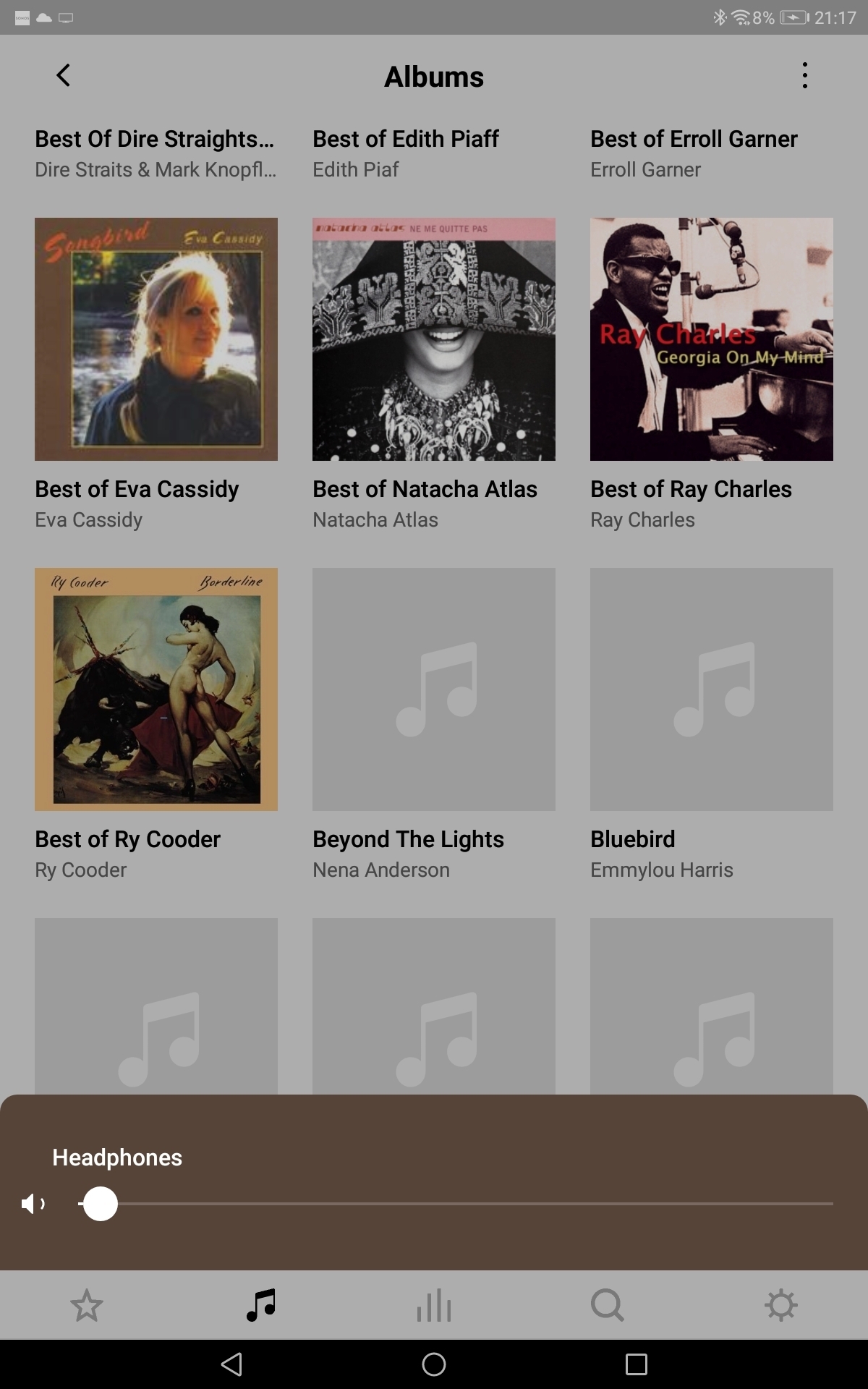
Are those albums from your personal music library? If so, the Sonos app might just be taking a while to load the album artwork files because of the size of the files and/or the size of your music library. Or there might be no album artwork associated with those music files.
"Receive with simplicity everything that happens to you." - Rashi
Library artwork is fetched via the controller’s Associated Product. With a less-than-ideal network path -- extended/weak wireless hops -- this could run into latency issues.
The controller has very limited patience for library artwork. It will display -- and cache -- a blank. Force-quit of the controller and restart will often recover the missing art.
If the local library is outside the local subnet, addressed by IP, this can sometimes cause other issues.
Look in Settings/System/About. The Associated Product is the node the controller uses to obtain information from the system, such as the library index. It also proxies requests and responses to obtain library album artwork.
If the Associated Product is a wireless node the round trip to fetch art from the router’s USB drive could require at least four hops over a not very good connection.